Best Platforms for ITSM Knowledge Base Management in 2026: 8 Platforms Compared
best platforms for itsm knowledge base management compared: ServiceNow, Jira, Freshservice and more for IT support in 2026. with prices and free plans.

- Editor's choice
 ServiceNow
Enterprise ITSM and knowledge
Starts atSee websiteVisit servicenow.comFull review - Great alternative
 Jira Service Management
ITSM for Atlassian teams
Starts atFreeVisit atlassian.comFull review - Also consider
 Freshservice
Mid-market ITSM with knowledge
Starts at$19 per agent per monthVisit freshservice.comFull review
TL;DR:
- ServiceNow leads for large enterprises that need knowledge tied to incidents, problems, changes and configuration data.
- Jira Service Management plus Confluence suits teams already on Atlassian, with a free tier for up to three agents.
- Freshservice offers the clearest mid-market path, with published per-agent pricing and a knowledge base built into ITSM.
- Measure deflection, not just article counts: track how often users solve issues from knowledge without raising a ticket.
Quick comparison
| Tool | Best for | Starts at | Free plan? | |
|---|---|---|---|---|
| ServiceNow | Enterprise ITSM and knowledge | See website | No | Visit |
| Jira Service Management | ITSM for Atlassian teams | Free | Yes | Visit |
| Freshservice | Mid-market ITSM with knowledge | $19 per agent per month | No | Visit |
 BMC Helix ITSM | Enterprise ITIL platform | See website | No | Visit |
 Confluence | Flexible knowledge and docs | Free | Yes | Visit |
 ManageEngine ServiceDesk Plus | Budget ITSM with knowledge | $13 per technician per month | Yes | Visit |
 HaloITSM | All-inclusive ITIL licensing | $49 per user per month | No | Visit |
 SysAid | AI-first ITSM for mid-market | See website | No | Visit |
The best platforms for itsm knowledge base management
We compared official feature pages, pricing pages, app listings and public reviews to shortlist these 8 options for best platforms for itsm knowledge base management. Our pick for most people is the first option in the list, but the best choice depends on your team size, budget and daily workflow, so read the trade-offs for each option before you decide.
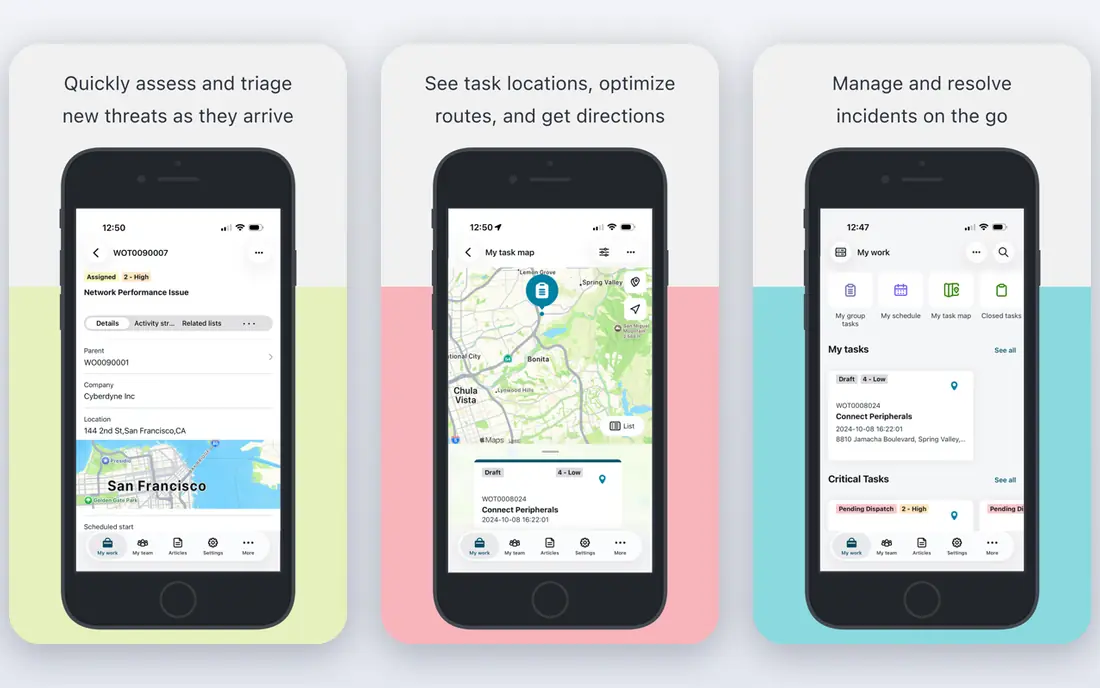
ServiceNow is the enterprise standard for ITSM knowledge because articles link directly to incidents, problems, changes and configuration items. AI search and virtual agent features help users find answers, while approval workflows keep content controlled. For global IT organisations, that integration is hard to match.
The cost is price and complexity. Pricing is quote-based and implementation needs experienced partners and internal owners. Smaller teams may find it heavy. For large enterprises with complex IT processes, ServiceNow offers the deepest knowledge and ITSM combination.
- Knowledge tied to ITSM workflows
- AI search
- Enterprise scale
- Quote-based pricing
- Implementation needs expertise

Jira Service Management suits teams already using Jira and Confluence because knowledge lives in Confluence and links to tickets, incidents and changes. Automation moves work between IT and development without extra middleware. The free tier for up to three agents lets small teams start at no cost.
The strongest ITSM features, including advanced incident and virtual agent tools, sit on Premium, which costs more per agent. Some gaps also need marketplace apps. For Atlassian teams, the integration advantage usually outweighs those costs.
- Free for up to three agents
- Confluence knowledge
- Strong automation
- Best ITSM features sit on Premium
- Marketplace apps may be needed
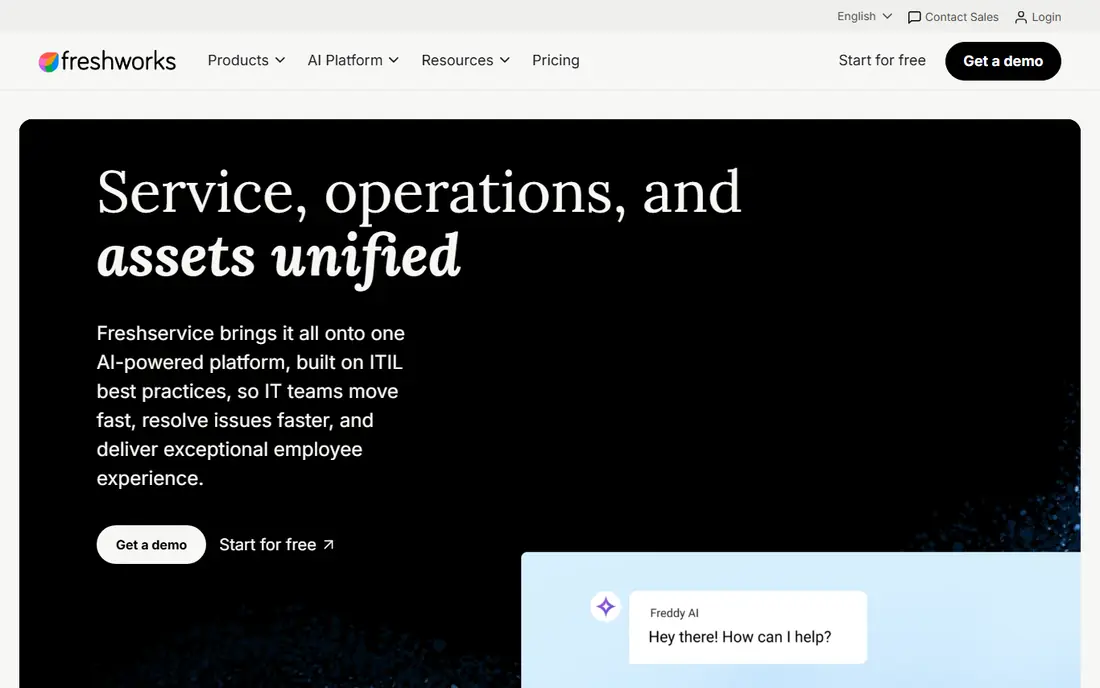
Freshservice is the clearest mid-market choice for ITSM knowledge. Its knowledge base sits inside incident, problem, change and asset workflows, with published per-agent pricing starting at a level small teams can model. Setup is faster than enterprise platforms, and the interface is easy for agents to learn.
AI features such as advanced copilot tools are add-ons or higher-tier features, and enterprise depth is less than ServiceNow. Teams with very complex global processes should test those limits. For mid-sized IT teams, Freshservice offers strong value.
- Published pricing
- Built-in knowledge base
- Fast setup
- AI features are add-ons on lower tiers
- Enterprise depth is less than ServiceNow
BMC Helix ITSM suits large, regulated enterprises that need full ITIL coverage with knowledge, AI and automation. Its knowledge management links to incidents, problems and changes, while AI features help with search and ticket handling. That depth helps finance, healthcare and government teams with strict process needs.
Pricing is quote-based and setup takes time, with a learning curve for agents and admins. Smaller teams may find it more than they need. For large regulated enterprises, BMC Helix is a proven enterprise option.
- Full ITIL coverage
- Knowledge and AI
- Regulated enterprise fit
- Quote-based pricing
- Setup and learning curve
Confluence is a strong knowledge store on its own, with easy authoring, templates, version history and collaboration features. IT teams use it for runbooks, how-to guides and service pages, and its search helps users find answers quickly. The free tier for small teams makes it easy to start.
On its own, Confluence is not a full ITSM platform. Ticket linkage, SLAs and incident workflows need Jira Service Management alongside it. For teams that already use Atlassian, pairing Confluence knowledge with Jira tickets gives a flexible and affordable ITSM knowledge setup.
- Easy authoring
- Templates
- Strong search and collaboration
- Not a full ITSM platform alone
- Needs Jira for ticket linkage
ManageEngine ServiceDesk Plus suits budget-conscious IT teams that want ITSM and knowledge without enterprise pricing. Its knowledge base covers solutions, FAQs and known errors, while incident, problem and change modules cover core ITIL work. An on-premises option helps teams with infrastructure constraints.
Some users find the interface dated compared with Freshservice or Jira, and AI features vary by edition. Teams should test the knowledge search and authoring experience in a trial. For cost-sensitive teams, it offers strong ITSM value.
- Low starting price
- Knowledge base included
- On-premises option
- Interface feels dated to some users
- AI features vary by edition
HaloITSM appeals to teams that want all-inclusive ITIL licensing without paying separately for many modules. Its knowledge base, incident, problem, change and asset features sit in one licence, which simplifies budgeting. Transparent per-user pricing helps mid-market teams plan costs.
The starting price is higher than Freshservice or ManageEngine, and its marketplace ecosystem is smaller than Atlassian or ServiceNow. Teams should check integrations for their stack. For all-inclusive ITIL value, HaloITSM is worth a demo.
- All-inclusive ITIL modules
- Knowledge base
- Transparent pricing
- Higher starting price
- Smaller ecosystem than leaders
SysAid suits mid-market IT teams that want AI-first service management with a simpler deployment than enterprise platforms. Its knowledge base, automation and AI features help deflect common requests and speed up ticket handling. That focus helps teams with limited admin resources.
Pricing is quote-based, so early budgeting needs a vendor quote. Enterprise depth is also less than ServiceNow or BMC for very complex global processes. For mid-sized teams seeking AI help without a long project, SysAid is a practical choice.
- AI service automation
- Knowledge base
- Simpler deployment
- Quote-based pricing
- Enterprise depth is less than ServiceNow
How we picked these
We started with the topic and the products that genuinely fit it, then checked official vendor pages for features, pricing and access rules. We removed products that were discontinued, that did not fit the topic, or whose official homepage could not be verified. We compared strengths and weaknesses from documentation, pricing pages and public user feedback, and we favoured products with clear safety, privacy and support practices where those mattered.
We did not claim hands-on testing we did not do. Instead, we compared what vendors publish, what reviewers report and what pricing pages show in October 2026. Where a vendor does not publish a price, we wrote See website rather than guessing a number. That approach keeps the comparison honest, even when it means less detail for quote-based enterprise tools.
Before you shortlist, note the limits of any comparison. Vendor pages show best-case features, and public reviews skew toward very happy or very unhappy users. That is why we weigh official pricing and documentation most heavily, use reviews only for recurring themes, and flag quote-based pricing instead of inventing a figure. If a feature matters to your workflow, confirm it in a trial or demo with your own data and your own team, since a checklist match does not always mean a good daily fit.
How to choose an ITSM knowledge base platform
Start with how users find help. A good knowledge base needs search that understands IT language, clear ownership for each article and feedback that flags outdated content. Link articles to tickets, incidents and known errors so agents can suggest the right article during a call, not after it. That linkage is what turns a document store into deflection.
Check authoring, approval and analytics before you buy. Look for templates, version history, expiry reminders and usage reports by article. Confirm AI search or virtual agent features, since they drive self-service for common requests such as password resets and VPN fixes. Pilot with your top twenty ticket types and measure how many users resolve issues without agent help.
Before you pay, run a short trial with real work and real users, not just a demo dataset. Set a clear success measure, such as time saved, tickets deflected, errors found or conversion improved, and review it after two to four weeks. Check onboarding help, support response times and export options, since switching later is often more costly than the first subscription. If two options look close, choose the one your team actually enjoys using, because adoption decides whether the tool delivers value.
FAQ
What is ITSM knowledge base management?
It is the creation, approval, search and upkeep of IT knowledge articles inside a service management platform. Articles cover how-to guides, known errors, workarounds and service information, and they link to tickets, incidents and changes.
How does a knowledge base reduce tickets?
When users can find a clear, trusted answer in search or through a virtual agent, they solve common issues themselves. That deflection frees agents for complex work and shortens wait times for users who still need help.
Should knowledge live in ITSM or in Confluence?
Both can work. ITSM platforms offer knowledge tied to tickets and approvals, while Confluence offers flexible collaboration. Many Atlassian teams use Confluence as the knowledge store linked to Jira Service Management tickets.
How do I keep articles up to date?
Assign an owner and review date to each article, track feedback and search failures, and retire or update articles after major changes. Analytics on views, helpful votes and ticket linkage show which articles need attention.
Do I need AI search?
Not always, but it helps for large knowledge bases. AI search understands varied phrasing, suggests articles during ticket creation and powers virtual agents. For small teams, good search, clear titles and strong ownership may be enough.