8 Best Platforms for Content Ecommerce in 2026: Sell and Publish
Compare the best platform for content ecommerce in 2026, from Shopify and WooCommerce to BigCommerce, and find a store that publishes well for your store.

- Editor's choice
 Shopify
All-round ecommerce
Starts at$29 per monthVisit shopify.comFull review - Great alternative
 WooCommerce
WordPress stores
Starts atFreeVisit woocommerce.comFull review - Also consider
 BigCommerce
Growing catalogs
Starts at$29 per monthVisit bigcommerce.comFull review
TL;DR:
- Shopify is the easiest path to a store with solid content tools, while WooCommerce gives WordPress publishers full control.
- BigCommerce suits larger catalogs and multi-channel selling without heavy app costs.
- Squarespace and Wix work best for small catalogs where design and storytelling lead.
- PrestaShop, Ecwid and OpenCart offer lower-cost or flexible routes, but they need more setup and care.
Quick comparison
| Tool | Best for | Starts at | Free plan? | |
|---|---|---|---|---|
| Shopify | All-round ecommerce | $29 per month | Free trial | Visit |
| WooCommerce | WordPress stores | Free | Yes | Visit |
| BigCommerce | Growing catalogs | $29 per month | Free trial | Visit |
 Squarespace | Design-led small stores | $25 per month | Free trial | Visit |
 Wix eCommerce | Simple small stores | $27 per month | No | Visit |
 PrestaShop | Open-source flexibility | Free | Yes | Visit |
 Ecwid | Add a store anywhere | Free | Yes | Visit |
 OpenCart | Multi-store on a budget | Free | Yes | Visit |
The best platforms for content ecommerce
Content ecommerce means a store that also publishes well. Product guides, buying advice, lookbooks and blog posts should sit beside products, not in a separate system that nobody updates. We compared official pricing, blogging tools, SEO controls, checkout quality and app ecosystems for the platforms below.

Shopify is the default recommendation for a reason. Adding products, setting up discounts, connecting payment providers and selling on social channels all work from one dashboard. Its blog tool covers the basics well, including categories, tags and SEO fields, and its app store adds reviews, email marketing and search tools when you need them.
The content limit is real. Shopify blogging lacks the depth of WordPress, with fewer formatting and layout options for long guides. Transaction fees also apply if you use a third-party payment provider instead of Shopify Payments. For a store where selling comes first and content supports sales, Shopify remains the most dependable all-round pick.
- Strong checkout and app store
- Easy product management
- Multi-channel selling
- Blogging tools are simpler than WordPress
- Transaction fees apply without Shopify Payments
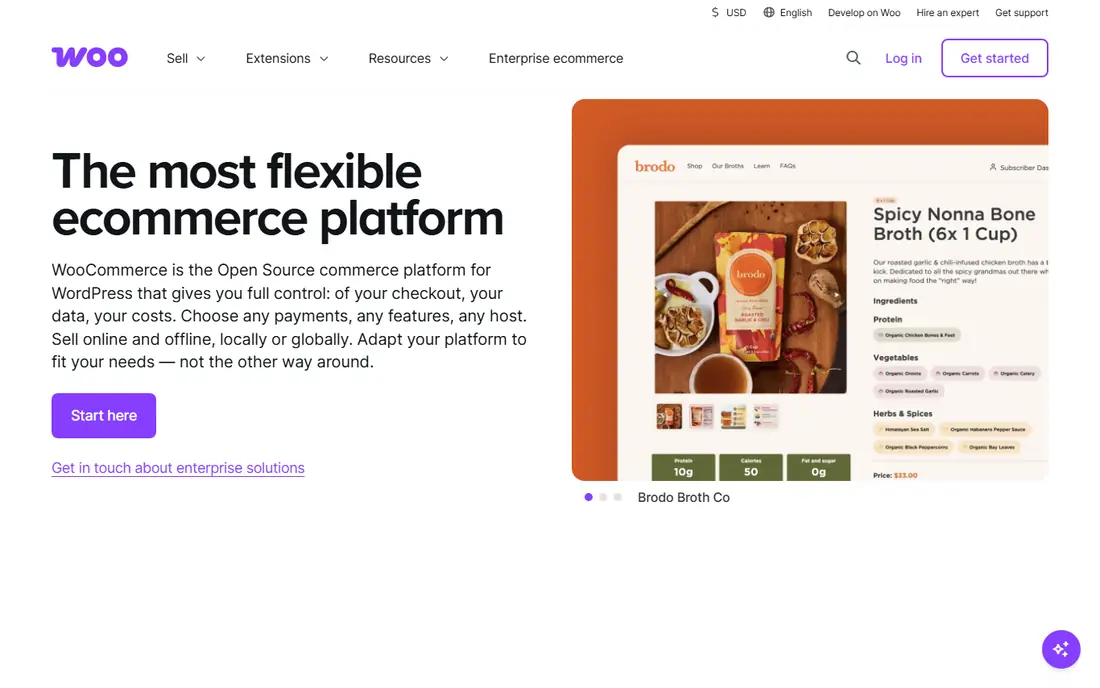
WooCommerce turns a WordPress site into a store, which makes it ideal when content is central to the business. A buying guide, a tutorial and a product page can share the same design, categories and SEO tools, and readers move from article to checkout without changing sites. The plugin itself is free, and there is no extra platform fee on sales beyond payment gateway charges.
That freedom needs care. You arrange hosting, backups, security and updates, and paid extensions for subscriptions, bookings or advanced shipping can add up. A store owner who already runs WordPress, or who plans a large content library, will get the most from WooCommerce. A complete beginner may prefer a hosted platform.
- Free plugin
- Full WordPress blogging
- Huge extension choice
- No platform transaction fee
- Hosting, security and updates are your job
- Extension costs add up

BigCommerce suits stores that have outgrown a simple builder. Many features that need paid apps elsewhere, such as advanced product options and customer groups, are built in. It charges no extra platform transaction fee, which helps margins as sales grow, and its blog and page tools cover product storytelling and guides.
The ecosystem is smaller than Shopify, so a niche integration may take more work to find. The dashboard also feels more business-like and less playful than Shopify. For a mid-size store with a large catalog and a content plan that supports it, BigCommerce offers strong value without constant app spending.
- No platform transaction fees
- Strong built-in features
- Multi-storefront options
- Theme and app choice is smaller than Shopify
- Learning curve is steeper
Squarespace works well when the brand story sells the product. A lookbook, a journal post and a product page can share the same visual style, and the editor keeps that consistency without design help. Commerce setup is simple, with inventory, discounts and basic shipping tools included, and email campaigns can promote new articles and products together.
Limits appear with scale. Payment options are fewer than on Shopify or BigCommerce, and the app ecosystem is smaller. A store with hundreds of variants or complex shipping rules may feel constrained. For a small catalog with strong visuals, Squarespace gives content and commerce a shared, attractive home.
- Beautiful templates
- Blogging and commerce together
- Simple checkout setup
- Limited payment options
- Smaller app store
- Less suited to very large catalogs
Wix eCommerce is a good first store for a small business that already likes the Wix editor. Products, blog posts and pages live in one place, and the drag-and-drop builder makes a product story page quick to assemble. Payment setup, shipping rules and discount codes cover the basics for a modest catalog.
Scaling is the weak point. Large catalogs, complex variants and advanced reporting feel less smooth than on Shopify or BigCommerce, and changing templates later can require rebuilding pages. If your store is small and your content plan is simple, Wix keeps costs and learning time low.
- Drag-and-drop store builder
- Many templates
- Blog and store in one account
- Harder to scale to a large catalog
- Template changes can mean rebuilding
PrestaShop is a long-running open-source ecommerce platform with strong catalog tools. It handles product combinations, attributes, discounts and multi-language stores well, and its module market adds blogging, SEO and marketing features. Because the software is free, costs come from hosting, themes and any paid modules you choose.
You need technical confidence or a developer for setup, updates and security. The admin area is also busier than a hosted builder. For a store owner who wants full control and does not want monthly platform fees, PrestaShop is a serious, flexible option.
- Free open-source software
- Strong product and catalog controls
- Active module market
- Hosting and maintenance are your job
- Some modules are paid
Ecwid takes a different route. Instead of rebuilding your site, you add a store widget to an existing website, blog or social page. That suits creators and publishers who already have content and an audience, and who want to sell a few products without moving platforms. The free plan covers a small catalog, and paid plans add more products and features.
Ecwid is not a replacement for a full store platform if you need a large catalog, custom checkout design or deep content tools. Its strength is speed and low disruption. If your content already lives somewhere you like, Ecwid lets you start selling from it quickly.
- Embeds into an existing site or social page
- Free plan for a small catalog
- Simple setup
- Not a full website builder
- Design control is limited inside the embed
OpenCart is a free, open-source platform that supports multiple stores from one admin area. It covers products, categories, discounts, shipping and reporting, and its extension market adds blogging and marketing tools. For a budget-conscious seller who manages more than one small store, that multi-store feature is a real advantage.
The admin design feels older than Shopify or BigCommerce, and extension quality varies, so testing matters. You also handle hosting, backups and updates yourself. OpenCart suits a technically confident seller who values low platform costs and direct control over polish.
- Free open-source software
- Multi-store support
- Many extensions available
- Dated admin design
- Hosting and security are your job
- Extension quality varies
How we picked these
We compared official pricing pages, blogging and SEO features, checkout tools, catalog limits and app or extension ecosystems in October 2026. We favored platforms that are actively maintained and can publish articles alongside products without a separate content system for basic use. We excluded platforms that only sell through a marketplace and offer no owned store or blog.
How to choose a content ecommerce platform
Put checkout and content on the same path
Check that a reader can move from a guide to a product page to checkout without confusion. Test search, category pages and mobile checkout with a real product. A beautiful blog that sends readers to a clumsy checkout will not convert well, no matter how good the articles are.
Count the total cost, not just the monthly fee
Add hosting for open-source platforms, paid apps or extensions, payment gateway fees and any platform transaction fees. A free plugin with many paid extensions can cost more than a hosted plan. A hosted plan with no transaction fees can save money as sales grow.
Plan for search from day one
Confirm you can edit product titles, descriptions, URLs and image text, and that blog posts support categories and internal links. Content ecommerce works when search brings readers to guides, and guides link naturally to products. A platform that hides SEO fields will slow that work.
FAQ
What is the best platform for content ecommerce for beginners?
Shopify is the easiest starting point for most beginners, because hosting, checkout and security are handled for you. Squarespace and Wix are also easy if your catalog is small and design matters most. WooCommerce is better if you already use WordPress and plan a large content library.
Is WooCommerce really free?
The WooCommerce plugin is free, but a store still needs hosting, a domain, SSL and often paid extensions for subscriptions, bookings or advanced shipping. Those costs vary widely by host and feature set. For a small store, total costs can still be lower than a hosted plan, but they are not zero.
Can I blog well on Shopify?
Shopify blogging covers titles, images, categories, tags and SEO fields, and it works well for product news, guides and announcements. It lacks the layout depth and plugin range of WordPress, so long-form editorial sites may feel limited. Many stores pair Shopify with a WordPress blog only when content becomes the main traffic driver.
Do I need separate tools for email and reviews?
Most platforms in this list include basic email or review features, or connect to popular tools through an app store. Shopify and BigCommerce have wide app choices, while Squarespace and Wix include more built-in tools. Check the cost of the email and review tools you actually need before you choose.
How do I move an existing store to a new platform?
Most platforms offer import tools for products and customers, and migration apps can move orders and content. Blog posts and page designs often need manual checking after import. Plan a redirect map for old URLs, test checkout thoroughly, and avoid migrating during a peak sales period.