Best PDF Creation Tool in 2026: 9 Tools Compared
Compare the best PDF creation tool in 2026, from Adobe Acrobat and PDFelement to Smallpdf, iLovePDF and PDF24, for creating, editing and sharing PDFs.

- Editor's choice
 Adobe Acrobat
Most professionals
Starts atSee websiteVisit adobe.comFull review - Great alternative
 PDFelement
Desktop editing at a lower price
Starts atSee websiteVisit pdf.wondershare.comFull review - Also consider
 Nitro PDF Pro
Business PDF editing
Starts atSee websiteVisit gonitro.comFull review
TL;DR:
- Adobe Acrobat is our pick for most professionals because it covers creation, editing, signing and sharing in one trusted tool.
- PDFelement and Foxit PDF Editor offer strong desktop editing at a lower price than Acrobat for many users.
- Smallpdf, iLovePDF, PDF24 and Sejda are best for quick browser based creation and conversion without installing software.
- Free plans handle basic creation and conversion, but editing, signing, OCR and batch work usually need a paid plan.
Quick comparison
| Tool | Best for | Starts at | Free plan? | |
|---|---|---|---|---|
| Adobe Acrobat | Most professionals | See website | Free trial (7 days) | Visit |
| PDFelement | Desktop editing at a lower price | See website | Free trial | Visit |
| Nitro PDF Pro | Business PDF editing | See website | Free trial (14 days) | Visit |
 Foxit PDF Editor | Fast desktop PDF work | See website | Free trial | Visit |
 Smallpdf | Quick browser based PDFs | See website | Yes | Visit |
 iLovePDF | Simple online PDF tools | Free | Yes | Visit |
 PDF24 Tools | Free online and desktop tools | Free | Yes | Visit |
 Sejda | Browser editing with privacy focus | See website | Yes | Visit |
 PDFescape | Free browser editing | Free | Yes | Visit |
The best PDF creation tool
A PDF creation tool should turn documents, images, scans and web pages into clean, shareable PDFs, and ideally let you edit, sign and combine them too. The nine tools below cover desktop suites, browser tools and free options, so you can choose based on how often you create PDFs and how much editing you need.
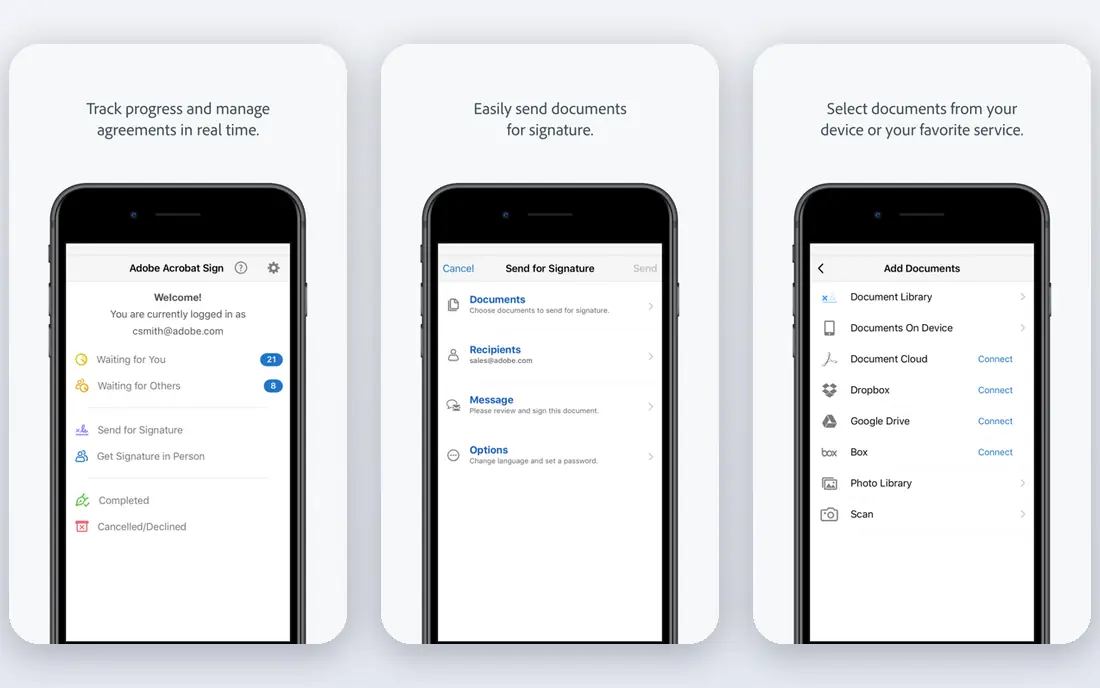
Adobe Acrobat is the standard most businesses expect when they receive a PDF. It creates PDFs from documents, images, scans and web pages, lets you edit text and images, combine files, add signatures and share for review. The mobile apps let you scan a paper document with your phone and turn it into a searchable PDF.
The subscription cost is higher than many alternatives, and occasional users may not need the full feature set. If you create, edit and sign PDFs weekly for work, Acrobat is worth the price for compatibility alone. If you only convert a file now and then, a free browser tool will be enough.
- Full creation, editing, signing and sharing
- Trusted standard for business PDFs
- Strong mobile apps
- Subscription price is higher than many rivals
- Full feature set can feel large for occasional use
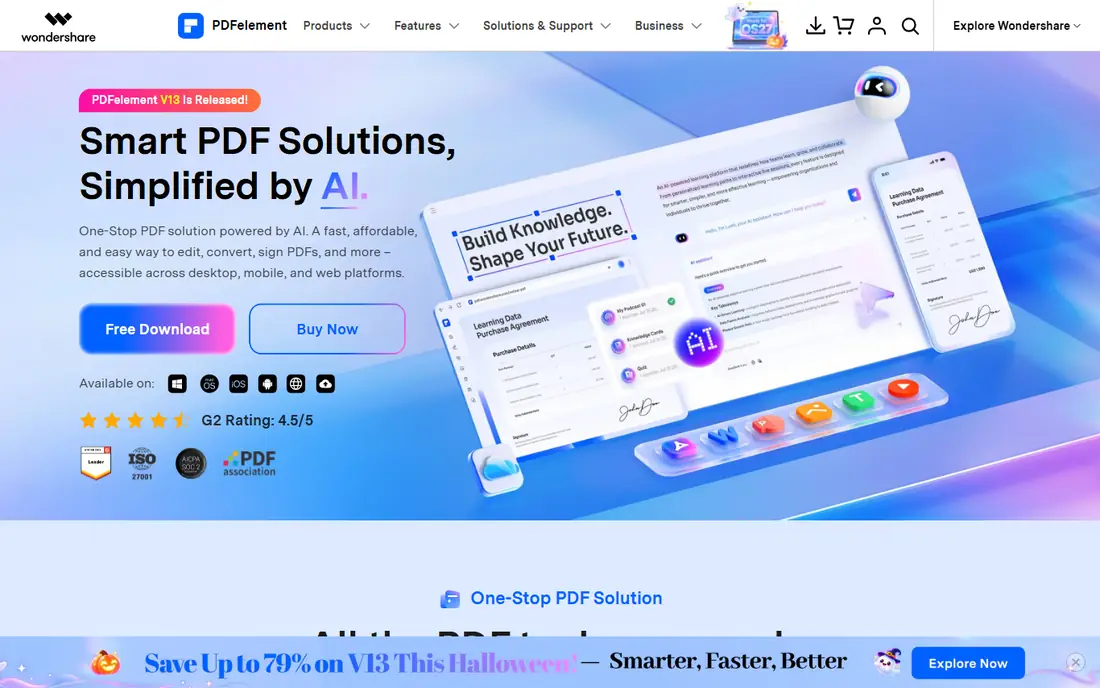
PDFelement from Wondershare is a strong desktop alternative to Acrobat. It creates PDFs from many file types, edits text and images, fills forms, adds signatures and runs OCR on scanned pages to make them searchable. The interface is cleaner than many full suites, which helps new users learn it quickly.
Some advanced tools, such as batch processing and advanced OCR, sit on the Pro plan, and pricing varies by platform. Check the current plan for Windows or Mac before you buy. For a user who wants desktop editing without Acrobat pricing, PDFelement is a solid middle ground.
- Strong editing, forms and OCR
- One time purchase options in some regions
- Clean interface
- Some advanced features need the Pro plan
- Pricing varies by platform and region
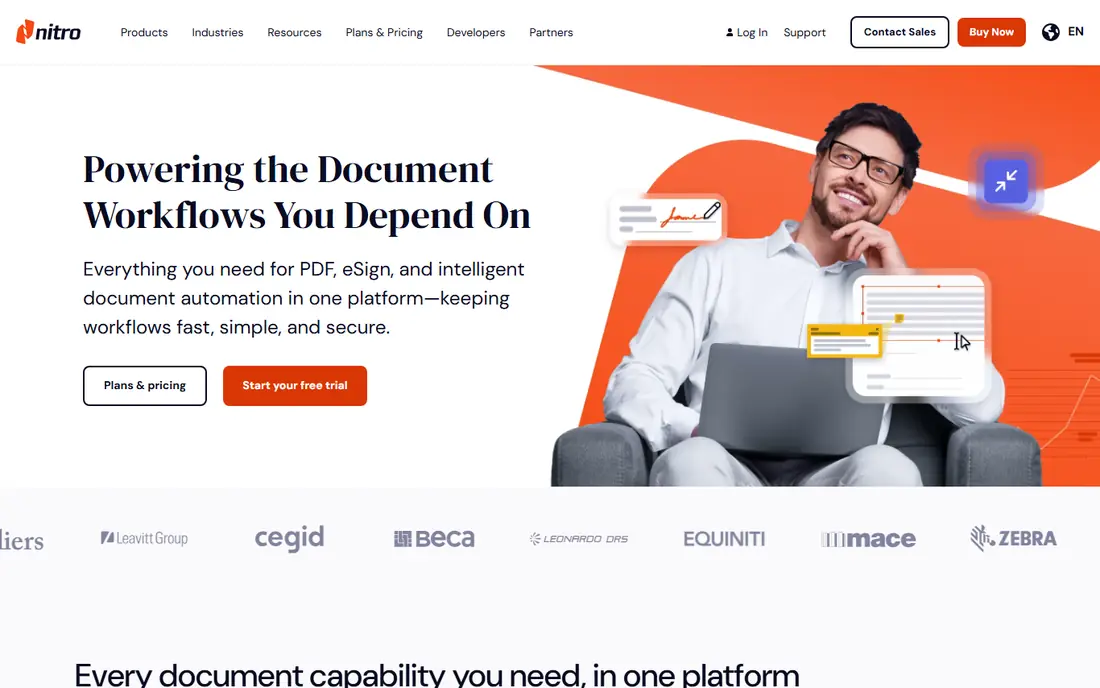
Nitro PDF Pro suits businesses that need a full desktop PDF suite for teams. It creates PDFs from Office documents and other files, edits text and images, converts PDFs back to Word or Excel, and supports digital signatures and document review. The Office style interface feels familiar to Windows users.
There is no permanent free tier, only a trial, so you need a license to keep using it. Mac users should check feature parity, because some tools have historically been stronger on Windows. For a business standardizing on one PDF tool across a team, Nitro is a credible Acrobat alternative.
- Full editing, signing and conversion
- Business deployment tools
- Familiar Office style interface
- No permanent free tier
- Mac and Windows feature parity varies
Foxit PDF Editor is known for speed, especially with large documents. It creates PDFs, edits text and images, fills forms, signs documents and supports shared review, all in a relatively light desktop app. That speed matters if you open long reports, manuals or contracts every day.
Plan names and pricing vary by region and by whether you buy for an individual or a team, so check the current offer on the vendor site. Some collaboration and security features need higher tiers. For a fast, full featured desktop editor, Foxit is a strong choice.
- Fast performance
- Strong editing and collaboration tools
- Good for large documents
- Pricing and plan names vary
- Some features need higher tiers
Smallpdf is best for quick jobs in a browser. You can create a PDF from a document or image, convert between PDF and Word, Excel, PowerPoint or JPG, compress a file for email, and sign a document, all without installing software. The interface is clean and each tool does one job well.
The free plan limits how many tasks you can run per day, and editing is lighter than in Acrobat or PDFelement. If you create PDFs a few times a week and want speed over depth, Smallpdf is ideal. If you edit PDFs daily, a desktop tool will save time.
- Simple browser tools for creation and conversion
- Clean interface
- Mobile apps for scanning
- Free plan limits tasks per day
- Editing depth is less than a desktop suite
iLovePDF offers a wide set of online PDF tools in one place: merge, split, compress, convert, protect and sign. The free plan covers many everyday jobs, and the site is easy to use without a tutorial. That breadth makes it a good bookmark for occasional PDF work.
Free limits apply to file size and number of tasks, and deeper editing such as full text editing needs a desktop tool or a Premium plan. For a student, freelancer or small business owner who mainly merges, splits and converts, iLovePDF is a practical free starting point.
- Wide range of free online tools
- Merge, split, compress and convert
- Simple to use
- Free plan has file size and task limits
- Advanced editing needs Premium
PDF24 Tools stands out because so much is free. The online tools cover creation, conversion, merging, splitting, compression and signing, and a desktop Creator app for Windows adds offline creation and printing to PDF. Most online tools work without an account, which is convenient for a quick job.
The interface is functional rather than polished, and some desktop features are Windows focused. If you want a free toolset without a subscription and you do not mind a plain design, PDF24 is one of the best free options in this list.
- Many tools free online
- Desktop creator app for Windows
- No account needed for most tools
- Interface is functional rather than polished
- Some tools are Windows focused
Sejda lets you edit a PDF in a browser without installing software. You can change text, add images, fill forms, merge files, compress and sign, and the vendor states that uploaded files are deleted after processing. A desktop app is also available for offline work.
The free plan limits the number of pages and tasks per hour, so large documents or batch jobs need a paid plan. For editing a short PDF quickly, Sejda is one of the most capable browser editors, and its privacy approach is a plus for sensitive documents. Always check the current deletion policy before uploading a confidential file.
- Edit text, images and forms in a browser
- Files are deleted after processing on stated policy
- Desktop app available
- Free plan limits pages and tasks per hour
- Large documents need a paid plan
PDFescape is a free browser editor that covers forms, annotations, text additions and page management without an install. It suits students and office workers who need to fill a form, add a note or combine pages quickly. A desktop version is available for larger or offline jobs.
The free online version limits file size and page count, and text editing is lighter than in a full desktop suite. For quick form filling and annotation, PDFescape is a useful free tool. For heavy editing, OCR or batch conversion, pair it with a desktop suite or a paid browser plan.
- Free browser editor for forms and annotations
- No install needed
- Desktop app for larger jobs
- Free online version has file size limits
- Editing is lighter than Acrobat
How we picked these
We compared official feature pages, pricing pages, free plan limits and public reviews, and we favored tools that are actively maintained in October 2026 and that truly create PDFs, not just view them. We included desktop suites, browser tools and free options, and we noted where editing, OCR, signing and batch work need a paid plan. Our comparison rests on vendor pages and reviewer findings, not on hands-on lab testing.
What to check before you pay
Start with frequency and file type. If you create PDFs daily from Office documents, a desktop suite will save time. If you create PDFs a few times a month, a free browser tool is enough. Also check source types: scans need OCR to become searchable, images need compression for email, and forms need fill and sign tools.
Next, check privacy for browser tools. Read how long files are kept, whether they are deleted after processing, and whether a desktop app avoids upload altogether for sensitive documents. For contracts and personal data, a desktop tool or a vendor with a clear deletion policy is safer.
Finally, test with a real file. Create a PDF from your most common source, edit one page, sign it and send it to a colleague. Check that fonts, images and layout survive, and that the file opens cleanly on phone and desktop. That test reveals more than a feature list.
FAQ
What is the best PDF creation tool?
Adobe Acrobat is best for most professionals because it covers creation, editing, signing and sharing in one tool. PDFelement and Foxit are strong desktop alternatives at a lower price, while Smallpdf and iLovePDF are best for quick browser based creation.
What is the best free PDF creation tool?
PDF24 Tools and iLovePDF offer the widest free online toolsets, and PDFescape offers free browser editing for forms and annotations. Free plans usually limit file size, pages or daily tasks, so check limits for your file size before you rely on them.
Can I create a PDF from Word or Excel for free?
Yes. Most tools in this list, including Smallpdf, iLovePDF, PDF24 and Sejda, convert Word, Excel and PowerPoint files to PDF in a browser. Microsoft Office and Google Docs also offer built in export to PDF without extra software.
How do I edit a PDF after creating it?
Use a desktop editor such as Acrobat, PDFelement, Nitro or Foxit for full text and image editing, or a browser editor such as Sejda or PDFescape for short edits. For scanned PDFs, you need OCR first to make the text editable and searchable.
Is it safe to use an online PDF tool for sensitive documents?
It can be, if the vendor states a clear deletion policy and uses encrypted upload, but a desktop app avoids upload altogether. For contracts, medical forms or financial documents, prefer a desktop tool or check the vendor deletion policy before uploading.