Best Payroll Software in 2026: 8 Platforms Compared
Compare the best payroll software for 2026, with tax filing, benefits, direct deposit, and honest limits for small businesses of every size and stage.
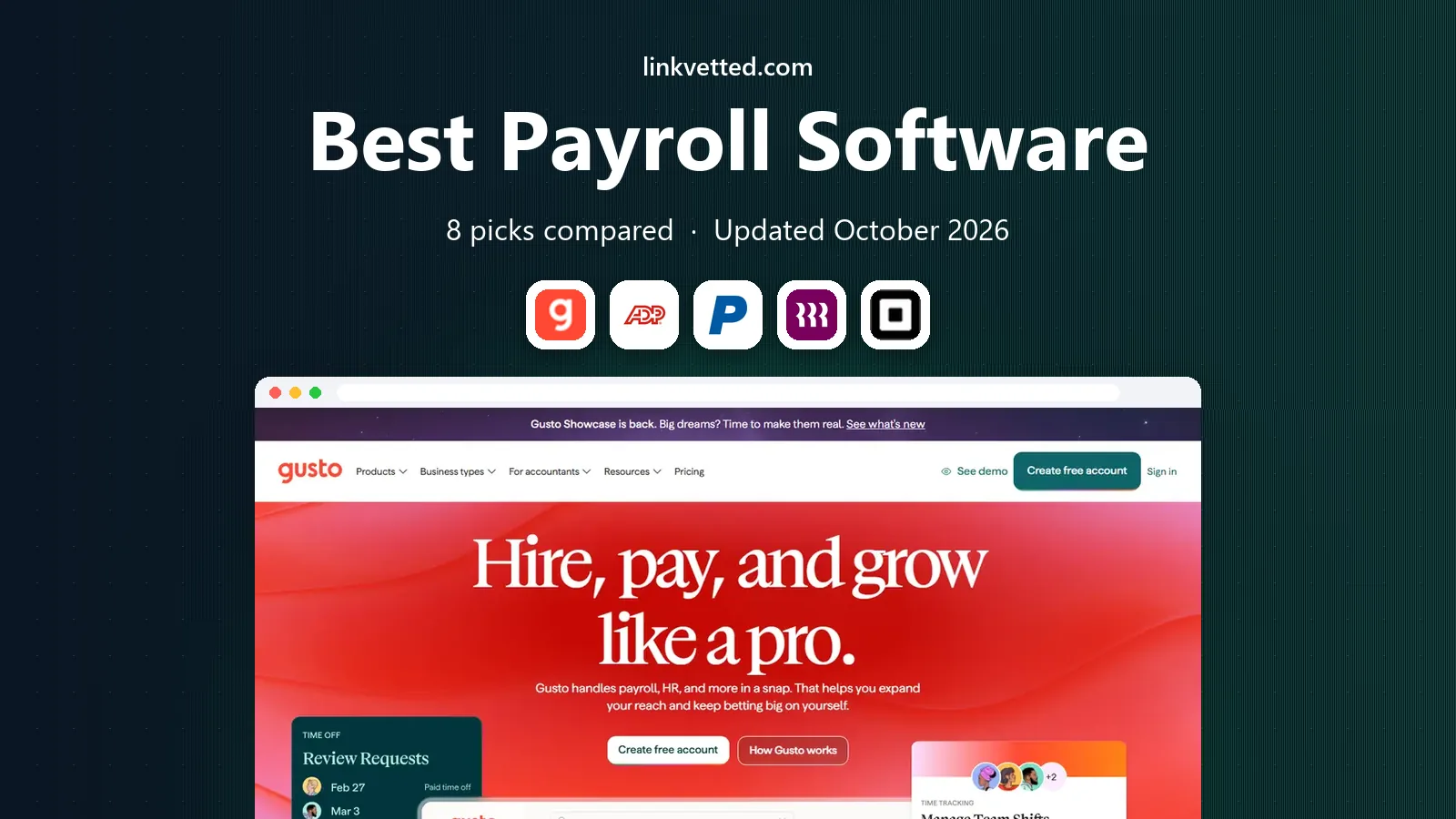
- Editor's choice
 Gusto
Most small businesses running payroll in the US
Starts atSee websiteVisit gusto.comFull review - Great alternative
 ADP Run
Growing businesses that expect to scale
Starts atSee websiteVisit adp.comFull review - Also consider
 Paychex Flex
Businesses that want payroll plus HR in one place
Starts atSee websiteVisit paychex.comFull review
TL;DR:
- The best payroll software for most small businesses is Gusto, thanks to its clear pricing, automatic tax filings, and benefits options.
- Most platforms on this list price per month plus a per-person fee, so compare the total for your actual headcount, not just the base price.
- Automatic tax filing, direct deposit, and employee self-service are now standard expectations, so treat their absence as a red flag.
- Businesses with complex needs, such as multi-state payroll or global contractors, should look at Rippling or ADP Run before choosing a simpler tool.
- Always run a parallel payroll or a careful trial with a real pay period before switching, because payroll errors affect real people.
Quick comparison
| Tool | Best for | Starts at | Free plan? | |
|---|---|---|---|---|
| Gusto | Most small businesses running payroll in the US | See website | Free trial | Visit |
| ADP Run | Growing businesses that expect to scale | See website | No | Visit |
| Paychex Flex | Businesses that want payroll plus HR in one place | See website | No | Visit |
 Rippling | Multi-state teams and businesses with contractors abroad | See website | No | Visit |
 Square Payroll | Small teams already using Square for sales | See website | Free trial | Visit |
 OnPay | Small businesses that want clear, simple payroll | See website | Free trial | Visit |
 Patriot Payroll | Very small businesses on a tight budget | See website | Free trial | Visit |
 QuickBooks Payroll | Businesses already using QuickBooks for accounting | See website | Free trial | Visit |
The best payroll software
Payroll software should pay people correctly, file taxes on time, and save you from manual calculations. We compared official pricing pages, feature pages, and plan structures to build this list.

Gusto is our pick for most small businesses because it handles the full payroll job without making it feel complex. It calculates pay, handles direct deposit, files payroll taxes, and gives employees a portal for pay stubs, tax forms, and time off. Onboarding is straightforward, and benefits such as health insurance and retirement plans can be managed in the same system on higher tiers.
The cost model is per month plus per person, so a growing team will see the bill rise, and some advanced HR features require higher plans. For a business with a handful to a few dozen employees, though, Gusto offers the best balance of ease, completeness, and support. It is the default trial we suggest for most small employers.
- Automatic tax filings
- Employee self-service
- Benefits and onboarding tools
- Pricing rises with headcount
- Some advanced HR features need higher tiers

ADP Run is the small-business product from ADP, one of the largest payroll providers in the United States. It offers payroll, tax filing, time tracking, benefits, and HR tools in a platform that can grow with a business from a few employees to hundreds. Its compliance support is a real strength, especially for businesses operating in multiple states or dealing with complex tax rules.
Pricing is quote-based, which makes quick comparison harder, and the platform can feel larger than a very small business needs. For a business that expects to grow, hire across states, or add HR complexity, ADP Run is a safe long-term choice. For a five-person business that wants the simplest possible payroll, Gusto or OnPay may feel easier.
- Scalable platform
- Strong compliance tools
- Large support network
- Quote-based pricing
- Interface can feel complex for very small teams
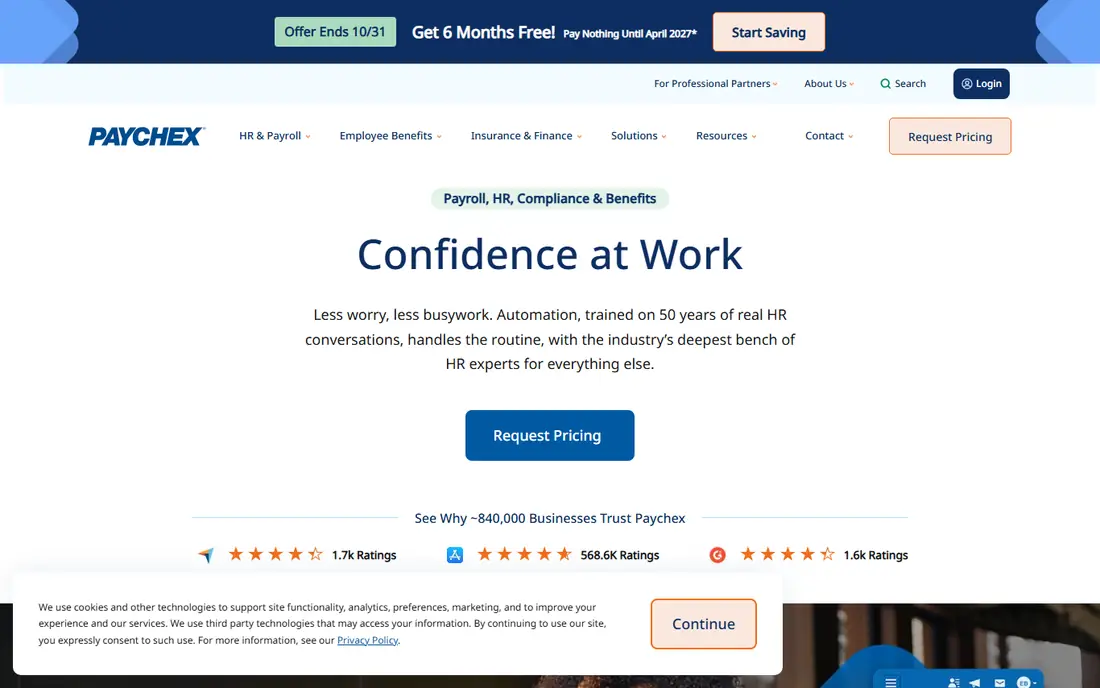
Paychex Flex combines payroll with HR, benefits, time tracking, and retirement services, which suits businesses that want one vendor for the whole employee lifecycle. Payroll taxes are filed automatically, employees can access pay and benefits information online, and managers get reporting tools for labor costs and compliance. Paychex has a long history serving small and mid-size businesses.
As with ADP, pricing is quote-based, and implementation can take longer than a self-serve signup. Paychex Flex is best for businesses that already know they need HR tools alongside payroll, or that want a dedicated support relationship. A business that only needs simple payroll may find a lighter platform faster and cheaper.
- Combined payroll and HR
- Benefits administration
- Time and attendance tools
- Quote-based pricing
- Setup can take time
Rippling stands out for businesses with distributed teams. It handles US payroll across states, contractor payments, and global employment options, alongside HR, IT device management, and benefits. Its automation features, such as onboarding workflows that set up payroll, apps, and devices together, save time for teams that hire often or operate remotely.
That breadth comes with quote-based pricing and a platform that can feel large for a small local business. Rippling is best for startups and growing companies with remote or international workers, or for businesses that want HR and IT managed together. A single-location business with ten employees will likely do fine with a simpler tool.
- Global payroll options
- IT and HR in one system
- Strong automation
- Quote-based pricing
- More platform than a tiny team needs
Square Payroll is a natural fit for cafes, shops, salons, and other small businesses that already use Square to take payments. Hours worked can flow from Square time tracking into payroll, which reduces manual entry, and the payroll run itself is simple. It handles tax filings, direct deposit, and contractor payments, which covers the core needs of a small team.
HR and benefits features are thinner than Gusto or Paychex, and benefits availability varies by state. Square Payroll is best when simplicity and Square integration matter most, and when your team is small. If you need full benefits administration or advanced HR, compare Gusto first.
- Integrates with Square point of sale
- Simple payroll runs
- Contractor payments
- Fewer HR features than Gusto
- Benefits options are limited in some states
OnPay is a straightforward payroll platform that appeals to small businesses tired of quote-based pricing and complex tiers. It offers a single plan structure with a base fee plus a per-person fee, covering payroll, tax filings, direct deposit, and employee self-service. Its support team is frequently praised, which matters when a payroll question arises close to payday.
The platform has fewer integrations and less HR depth than Gusto or Rippling, and benefits administration is more basic. For a business that wants reliable payroll without extra HR complexity, OnPay is an excellent value choice. It is especially worth a trial for businesses with straightforward pay structures.
- Clear per-person pricing model
- Tax filings included
- Good support reputation
- Fewer integrations than larger platforms
- Benefits tools are basic
Patriot Payroll offers two levels: a basic payroll option where you handle tax filings yourself, and a full-service option where Patriot files them for you. That choice helps very small businesses control cost, since the basic plan is cheaper for owners comfortable with filing. Both options cover direct deposit, pay stubs, and standard payroll calculations.
The interface is functional rather than modern, and advanced features such as benefits administration are thinner than on larger platforms. Patriot is best for a micro-business with a few employees and a simple pay setup, where low cost matters more than a polished dashboard. Most businesses should choose the full-service option unless they are confident about tax filings.
- Low-cost plans
- Basic and full-service options
- US-based support
- Interface is functional rather than polished
- Fewer advanced features
QuickBooks Payroll
Best for: Businesses already using QuickBooks for accounting
QuickBooks Payroll makes most sense for businesses already running their books in QuickBooks Online. Payroll entries flow into accounting automatically, which saves reconciliation time and reduces errors at tax time. It handles tax filings, direct deposit, benefits on higher tiers, and worker classification for employees and contractors.
The main limit is that it works best inside the QuickBooks ecosystem. A business using different accounting software may find Gusto or OnPay simpler. Pricing also rises as you add features and employees. For a QuickBooks user, though, the integration alone often justifies choosing QuickBooks Payroll over a standalone tool.
- Tight QuickBooks accounting integration
- Automatic tax filings
- Same-day direct deposit options
- Works best inside QuickBooks
- Pricing rises with features and headcount
How we picked these
We compared official pricing pages, feature pages, and plan structures for payroll software available to US small businesses in October 2026. We kept only platforms with automatic or full-service tax filing options, direct deposit, and employee access to pay records. We left out platforms with no US payroll offering, platforms with no verifiable homepage, and accounting tools without a payroll product.
How to choose the right payroll software
Start with your headcount, pay frequency, and states where employees work. A business with five employees in one state has different needs from a business with 50 employees across ten states. List your must-haves, such as contractor payments, benefits, time tracking, or multi-state tax filing, and use that list to narrow the field before you compare prices.
Compare total cost for your team size
Most platforms charge a monthly base fee plus a per-person fee, so a low base price can still become expensive with a larger team. Calculate the total for your current headcount and for your expected headcount in a year, and ask about fees for tax filings, year-end forms, and direct deposit speed. A trial that covers a real pay period will reveal whether the workflow fits your business.
Check tax filing and support carefully
Confirm which federal, state, and local tax filings are included, and whether the vendor files them automatically or leaves filing to you. Also check support hours and response times, since payroll problems are time-sensitive. Keep a record of each pay run, and run one pay period in parallel with your old system when you switch, to catch setup errors before they affect employees.
FAQ
What does payroll software do?
It calculates gross pay, deductions, and net pay, handles direct deposit, generates pay stubs, and files payroll taxes. Many platforms also manage employee onboarding, time tracking, benefits, and year-end tax forms, which reduces manual work and filing errors.
How much does payroll software cost?
Most platforms charge a monthly base fee plus a fee per employee or contractor, so the total depends on headcount. Quote-based platforms such as ADP Run and Paychex Flex require a sales quote for an exact figure. Always calculate the total for your team size, not just the base price.
Does payroll software file taxes for me?
Full-service plans generally do, covering federal and state payroll tax filings and year-end forms. Basic plans, such as Patriot Basic Payroll, may leave filing to you. Confirm exactly which filings are included before you buy, since missing a filing can lead to penalties.
Can I pay contractors as well as employees?
Yes, most platforms on this list support contractor payments, and some handle year-end contractor forms as well. Contractor pay is treated differently from employee pay for tax purposes, so make sure worker classification is set correctly in the system.
How hard is it to switch payroll providers?
Switching takes planning, but it is manageable. Gather employee details, pay rates, tax information, and year-to-date totals, then set up the new system before your next pay date. Running one pay period in parallel with the old system helps catch errors, and mid-year switches require careful handling of year-to-date figures.