Best Payroll Software With Time Tracking in 2026: 8 Tools Compared
Compare the best payroll software with time tracking for small teams, with prices, timecard features, tax filing and mobile clock-in options. (2026 guide)

- Editor's choice
 Gusto
Small business payroll plus HR
Starts at$49 per monthVisit gusto.comFull review - Great alternative
 Rippling
Payroll inside a full people platform
Starts at$8 per user per monthVisit rippling.comFull review - Also consider
 OnPay
Simple affordable payroll
Starts at$40 per monthVisit onpay.comFull review
TL;DR:
- Gusto Plus is our pick for most small businesses because it pairs full-service payroll with time tracking, benefits and clear published pricing.
- The best time tracking software for payroll is the one staff actually use, so mobile clock-in, overtime rules and approval flows matter more than extra reports.
- Patriot and OnPay are the budget picks, while Rippling and ADP suit larger or more complex teams that need HR and IT in the same system.
- Check whether time tracking is included in the base plan or sold as an add-on, because that single detail changes the monthly total by a large amount.
Quick comparison
| Tool | Best for | Starts at | Free plan? | |
|---|---|---|---|---|
| Gusto | Small business payroll plus HR | $49 per month | No | Visit |
| Rippling | Payroll inside a full people platform | $8 per user per month | No | Visit |
| OnPay | Simple affordable payroll | $40 per month | No | Visit |
 Patriot Software | Budget payroll | $17 per month | Free trial | Visit |
 Square Payroll | Square point-of-sale teams | $35 per month | No | Visit |
 QuickBooks Payroll | QuickBooks accounting users | $45 per month | No | Visit |
 Paychex Flex | Compliance-heavy employers | See website | No | Visit |
 ADP Run | Growing businesses | See website | No | Visit |
The best payroll software with time tracking
Payroll goes wrong when hours are wrong, so time tracking should feed pay runs directly, not through a spreadsheet. The tools below all handle US payroll and time tracking, but they differ in price, depth and who they suit best.
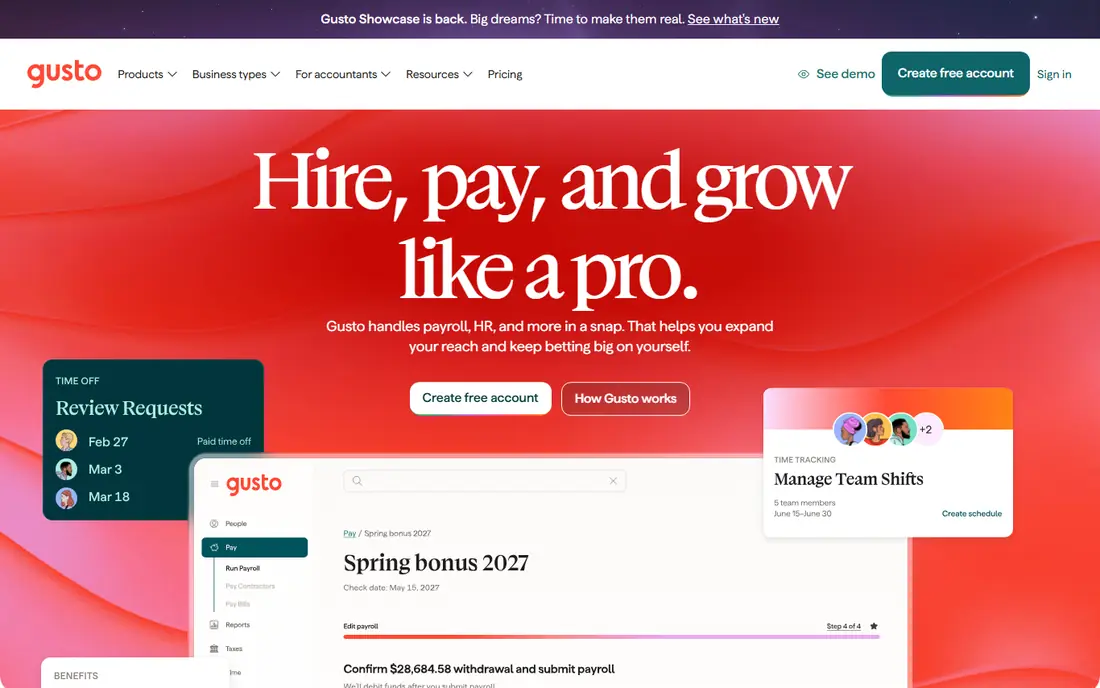
Gusto is the easiest recommendation for a typical US small business. The Simple plan starts at $49 per month plus $6 per person, and the Plus plan at $80 per month plus $12 per person adds time tracking, multi-state payroll and team management. Hours flow into pay runs, overtime is calculated from your rules, and employees can check pay stubs and benefits in one portal.
The catch is tiering. A very small team that only needs time tracking may find the Plus jump hard to justify, and Gusto is US-focused for employees, so global teams will need another solution. For domestic teams of about five to one hundred people, the mix of payroll accuracy, time tracking and benefits is hard to beat, and published pricing makes budgeting simple.
- Full-service tax filing
- Time tracking on Plus
- Clear published pricing
- Strong onboarding
- Time tracking needs the Plus plan
- International payroll is limited to contractors

Rippling suits fast-growing companies that want payroll, HR, device management and global employment in one system. Time tracking connects to attendance approvals and payroll, and onboarding can provision apps and hardware at the same time as pay setup. That single employee record saves a lot of manual work as headcount grows.
The drawback is cost and complexity. Published starting figures begin at $8 per user per month, but the real bill depends on modules and a base fee, so you need a quote. A ten-person firm that only needs payroll and timecards may find Rippling heavy. For a company scaling across states or countries, the integration is worth the price conversation.
- Payroll, HR and IT on one record
- Time and attendance approvals
- Global payroll options
- Quote-based total cost
- More platform than a small team may need

OnPay is a good fit for owners who want payroll done correctly without a large HR suite. Pricing starts at $40 per month plus $6 per person, and the service covers federal and state tax filing, direct deposit and contractor payments. Time tracking can be handled through its tools and integrations, with hours feeding into pay runs rather than being retyped.
OnPay does not match Gusto on benefits depth or Rippling on IT automation, and its design is more functional than polished. That is a fair trade for many small employers, especially in trades, restaurants and clinics where payroll accuracy and low cost matter most. If you want one plan and one price, OnPay is easy to compare.
- Single clear plan
- Full-service tax filing
- Time tracking integrations and tools
- Fewer HR extras than Gusto or Rippling
- Interface is more plain
Patriot is the budget pick for very small teams. Basic payroll starts at $17 per month plus $4 per worker, and the full-service tier adds tax filing. Time tracking is available as part of its broader payroll and HR tools, so hours can move into pay runs without a separate system. A 30-day trial helps owners test the workflow before committing.
The trade-off is depth. Patriot is simpler than Gusto or Paychex, and firms with complex shift rules, multi-state compliance needs or large benefits programs may outgrow it. For a small team with straightforward hourly pay, though, the savings are real, and the plain interface is easy for a non-specialist owner to run.
- Lowest starting price here
- 30-day trial
- Full-service option with tax filing
- Time tracking and tax filing depend on plan
- Support is lighter than large rivals
Square Payroll is the natural choice for cafes, salons, shops and restaurants already running Square. Staff can clock in through Square tools, timecards feed payroll, and pricing starts at $35 per month plus $6 per person paid. Unlimited pay runs help businesses with weekly or biweekly schedules and frequent staff changes.
Outside the Square ecosystem, the case is weaker. Square Payroll does not offer the same HR depth as Gusto or Rippling, and firms that do not use Square POS lose the main integration benefit. For a Square business, though, the timecard-to-payroll link removes a common source of errors and saves hours each pay period.
- Timecards linked to Square POS
- Unlimited pay runs
- Simple per-person pricing
- Best value only if you already use Square
- HR features are lighter
QuickBooks Payroll suits firms that already run their books in QuickBooks Online. Payroll, time tracking through QuickBooks Time, and accounting stay in one system, so labor costs flow to the right accounts without manual journals. Starting figures are around $45 per month plus $6 per employee for payroll plans, though bundles with accounting change the total.
The catch is bundling. If you do not use QuickBooks for accounting, you are paying for an ecosystem you may not need, and promo pricing can hide the long-term cost. For a QuickBooks firm, however, the integration is a strong reason to choose it, because payroll errors often show up first as accounting errors.
- Payroll inside QuickBooks Online
- Time tracking through QuickBooks Time
- Tax filing included
- Sold bundled with accounting
- Cost rises with accounting tier
Paychex Flex is built for employers in regulated or complex industries, where labor rules, benefits and reporting need expert backing. Its time and attendance tools support scheduling, overtime and approvals, and payroll connects to HR, benefits and compliance services. Larger teams and multi-location firms benefit most from that depth.
Small firms may find Paychex Flex heavy and opaque on price, since plans are quoted. Implementation also takes more time than a self-serve signup. If your business faces complex compliance, frequent audits or rapid multi-state growth, that support is worth paying for. If you run a simple ten-person payroll, a cheaper published-price tool will be easier.
- Deep compliance and HR support
- Time and attendance tools
- Scalable for larger teams
- Quote-based pricing
- Setup can feel heavy for very small firms
ADP Run is a safe choice for businesses that expect to grow from small to mid-size without switching payroll providers. It covers payroll, tax filing, time tracking and HR tools, with a large support and compliance organization behind it. That scale helps when you add states, employee types or benefits programs.
The drawback is pricing transparency. ADP Run is quote-based, so comparing it with Gusto or Patriot takes a sales call and a careful check of what is included. Smaller firms may also find the platform more than they need at first. For a company that wants a provider it can stay with for years, ADP Run offers a stable path.
- Well-known payroll provider
- Time tracking and HR tools
- Strong compliance resources
- Quote-based pricing
- Some features need higher tiers or add-ons
How we picked these
We compared official pricing pages, feature pages and time tracking descriptions for US payroll providers, and checked that each one supports time tracking either built in or through a tightly linked tool. We favored providers with live US payroll and tax filing in October 2026, published or quotable pricing, and a clear timecard workflow. We used published plan prices where vendors list them, and See website where pricing is quoted.
We did not run live payroll for each vendor. Our comparisons rest on vendor pages, pricing, app store listings and public reviews, which is the right basis for a shortlist. Before you switch, run a parallel pay period with your top choice, and confirm overtime rules, state tax filing and year-end forms for your exact workforce.
How to choose payroll software with time tracking
Start by listing how your team actually works. Hourly staff need mobile clock-in, shift edits and overtime rules. Salaried staff need simple PTO tracking. Contractors need separate payment handling. A tool that fits your mix will save more time than one with the longest feature list.
Check the time-to-pay workflow
Test the full loop: clock in, manager approval, edit a missed punch, run payroll, and check a pay stub. Look for automatic overtime, break rules and pay rate changes, because manual fixes are where errors creep in. Confirm that time data, tax filing and direct deposit are in one flow, and ask what happens when an employee forgets to clock out.
Price the real monthly total
Add the base fee, per-person fee and any time tracking add-on, then multiply by your headcount. A $17 base plan can cost more than a $49 plan if time tracking is an extra charge. Also check fees for off-cycle runs, contractor payments and year-end forms, and confirm whether you can change plans month to month.
FAQ
What is the best payroll software with time tracking for small businesses?
Gusto Plus is the best pick for most small businesses because it combines full-service payroll, time tracking and benefits with published pricing. OnPay and Patriot are strong budget alternatives if you need a lower monthly total.
What is the best time tracking software for payroll?
The best time tracking software for payroll is the one built into, or tightly linked to, your payroll system, so hours flow to pay runs without retyping. Gusto, Square Payroll and QuickBooks Time all do this well, while Rippling adds approval workflows for larger teams.
Does Gusto include time tracking?
Yes, time tracking is included on the Gusto Plus plan and above, not on the Simple plan. If you need time tracking on a tight budget, check Patriot, OnPay or Square Payroll, and confirm exactly which plan includes it before you buy.
How much does payroll software with time tracking cost?
For a small team, expect a base fee plus a per-person fee each month. Gusto starts at $49 per month plus $6 per person, OnPay at $40 plus $6, Square at $35 plus $6, and Patriot at $17 plus $4, with time tracking tiers and add-ons changing some totals.
Can hourly staff clock in from a phone?
Yes, most tools here offer mobile clock-in, including Gusto, Rippling, Square Payroll and QuickBooks Time. Check GPS or location settings, offline handling and manager approval options, because those details matter for field and multi-site teams.