Best Payroll Software for Multi-State Companies in 2026: 9 Options Compared
Best payroll software for multi-state companies compared, with tax filing, state registrations, benefits and pricing for teams working across US states today.
- Editor's choice
 Gusto
Small multi-state teams
Starts at$40 per month plus $6 per personVisit gusto.comFull review - Great alternative
 Rippling
Growing teams that want HR and payroll together
Starts atSee websiteVisit rippling.comFull review - Also consider
 ADP Run
Larger companies needing deep compliance
Starts atSee websiteVisit adp.comFull review
TL;DR:
- Multi-state payroll is mostly about tax filing and registrations, not just running pay, so full-service filing in all 50 states matters more than a low base price.
- Gusto and OnPay suit smaller multi-state teams that want clear published pricing, while ADP and Paychex suit larger companies with deeper compliance needs.
- Deel is the pick when part of the team sits outside the United States, since most US-only payroll tools do not cover foreign employment.
- Always add up the per-person fee across your whole headcount, because a cheap monthly base can still turn costly at 50 or 100 staff.
Quick comparison
| Tool | Best for | Starts at | Free plan? | |
|---|---|---|---|---|
| Gusto | Small multi-state teams | $40 per month plus $6 per person | Free trial | Visit |
| Rippling | Growing teams that want HR and payroll together | See website | No | Visit |
| ADP Run | Larger companies needing deep compliance | See website | No | Visit |
 Paychex Flex | Companies wanting a named payroll specialist | See website | No | Visit |
 Deel | Teams with workers abroad | $49 per contractor per month | No | Visit |
 Justworks | Small companies wanting PEO benefits | See website | No | Visit |
 OnPay | Budget-minded multi-state payroll | $49 per month plus $6 per person | Free trial | Visit |
 Paylocity | Mid-size companies needing a full HR suite | See website | No | Visit |
 Patriot Software | Cost-conscious small employers | $37 per month plus $5 per person | Free trial | Visit |
The best payroll software for multi-state companies
We compared official pricing pages, tax filing claims, benefits options and integrations, with a focus on how each tool handles employees in more than one state.
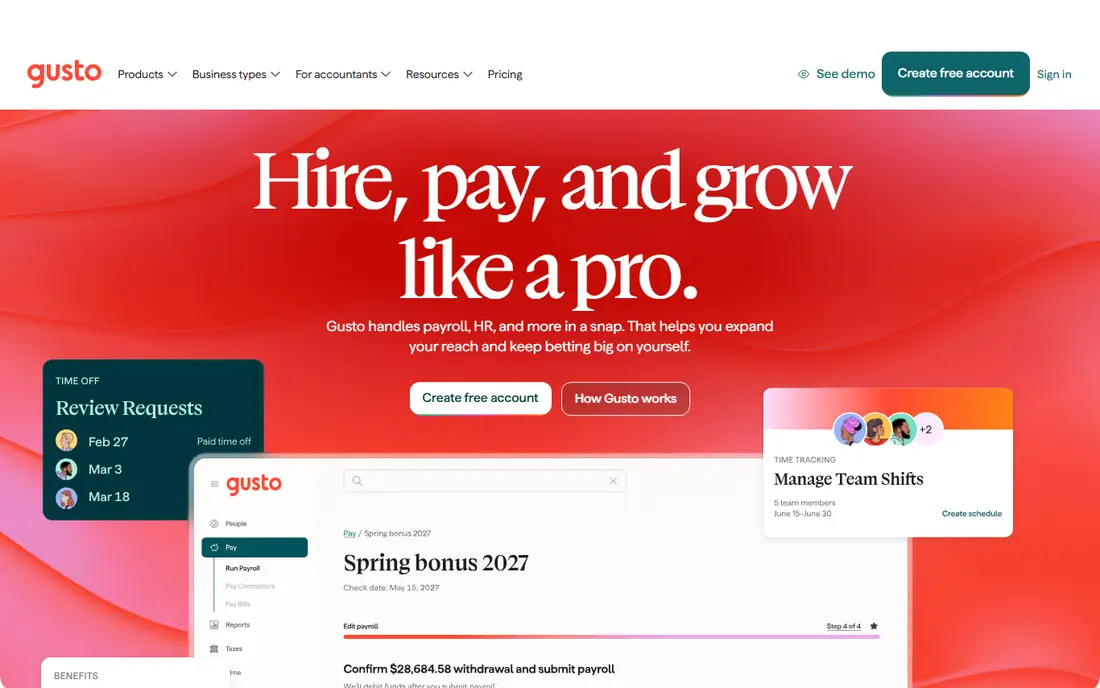
Gusto is our pick for most small companies with staff spread across states. It calculates, files and pays federal, state and local payroll taxes, and it generates W-2 and 1099 forms at year end. That full-service approach removes the most error-prone part of multi-state payroll, which is keeping track of different state rules and deadlines. The interface is also plain and friendly, so a founder or office manager can run payroll without an accounting background.
The catch is scale and scope. Per-person pricing adds up as headcount grows, and companies with employees abroad will need a separate global tool for those workers. Benefits administration is a real strength here, with health insurance and retirement options handled in the same system. For a US team under about 100 people, that balance of simplicity and coverage is hard to beat.
- Full-service tax filing in all 50 states
- Clear published pricing
- Strong benefits administration
- US focused, with only contractor support abroad
- Advanced HR features sit on higher tiers
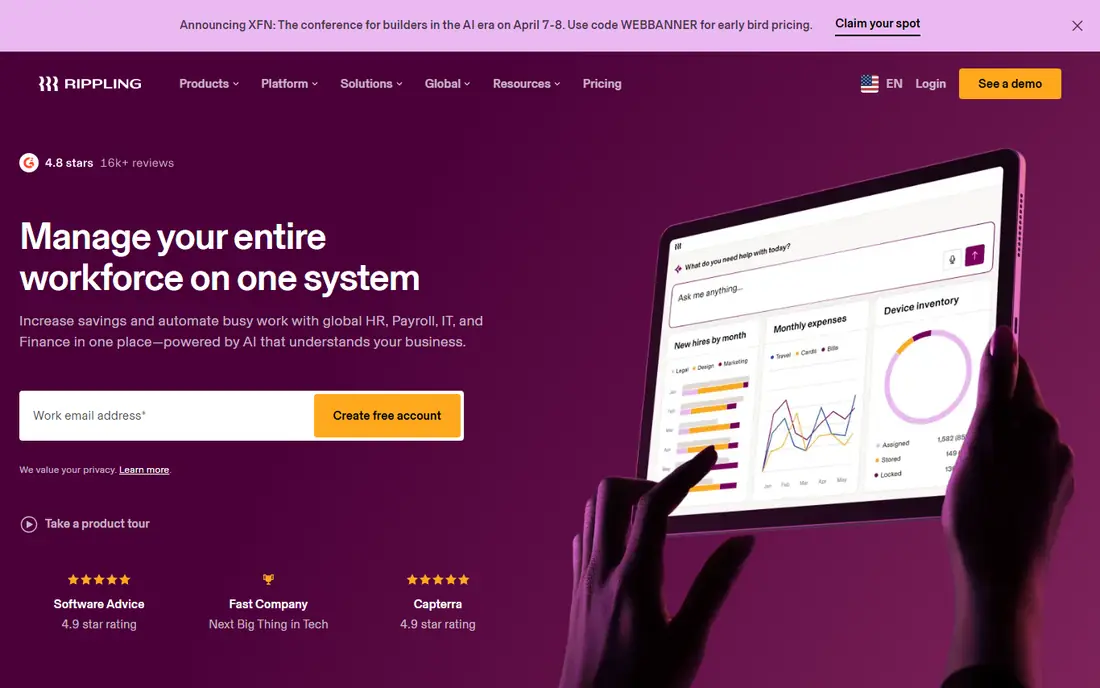
Rippling suits companies that are hiring fast in several states and want one system for the whole employee lifecycle. When a new hire is added, payroll, benefits, device access and app accounts can be set up from the same record. That reduces the manual work that usually grows with each new state, since local tax and compliance details are handled inside the platform rather than in separate spreadsheets.
The trade-off is complexity and cost clarity. Rippling prices its modules separately, so the total depends on which parts you turn on, and you will need a sales conversation to get a firm number. Smaller teams may find that more than they need. For a tech-led company that expects to double headcount and add remote staff, the unified approach can still save time and cut errors.
- Payroll, HR and IT in one system
- Automated onboarding
- Global payroll options
- Pricing is modular and needs a quote
- Setup can feel large for very small teams
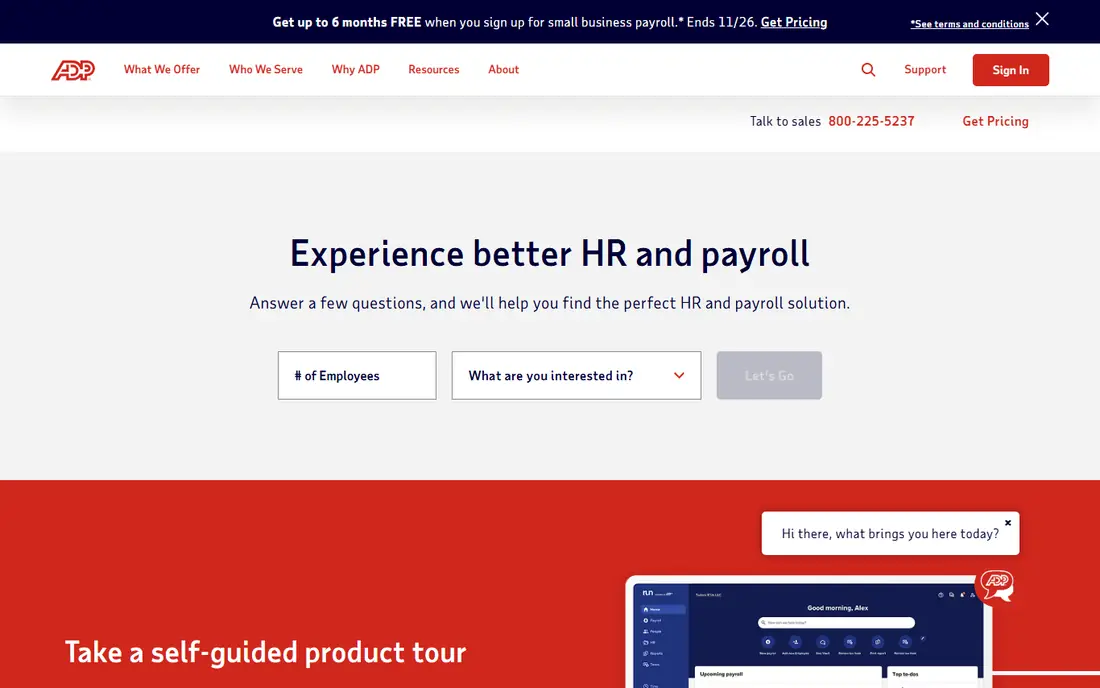
ADP Run is the safe, established choice for companies that cannot afford payroll mistakes. It files taxes across all 50 states, supports new hire reporting and offers workers compensation options that adjust with payroll. For regulated industries or companies with staff in many states, that depth of compliance experience counts for a lot, and the company backs some filings with a guarantee that covers penalties from its own errors.
The downside is the buying experience. Pricing is quote based, so budgeting takes a sales call, and the software can feel dated next to Gusto or Rippling. Integration depth is strong, though, and larger companies often value a known vendor with support teams used to complex cases. If reliability matters more than a slick interface, ADP Run belongs on the shortlist.
- Long track record in US payroll compliance
- Tax filing guarantee on some plans
- Wide integration range
- Pricing requires a quote
- Interface feels less modern than newer rivals
Paychex Flex appeals to owners who want a person to call when a state rule changes or a filing looks odd. The platform handles payroll tax filing across states, offers benefits administration and time tracking, and gives many customers a named specialist rather than a general support queue. That human backup is useful when you open an office in a new state or hire your first employee somewhere with unusual local taxes.
Pricing is the weak point, since it is quote based and varies with headcount and services. The platform also bundles a lot, so smaller companies may pay for HR tools they do not use yet. For a company that wants full-service payroll plus a steady adviser, Paychex Flex is a solid, low-drama option.
- Dedicated payroll specialist on many plans
- Full-service tax filing
- Broad HR and benefits options
- Quote based pricing
- Some features require higher tiers
Deel earns its place here for companies whose multi-state problem has grown into a multi-country problem. It pays contractors in more than 150 countries, handles local contracts and tax documents, and can act as employer of record where you do not have a local entity. That lets a US company hire abroad without setting up foreign subsidiaries for one or two roles.
For a purely US team, Deel is less compelling than Gusto or OnPay, since its core strength is global hiring. Employer of record fees are also far higher than contractor fees, so check that price before you assume a foreign hire costs the same as a contractor. When the team spans both US states and other countries, pairing Deel with a US payroll tool, or using Deel for the foreign side, often makes sense.
- Contractor payroll in many countries
- Employer of record for foreign employees
- Local compliance handled by Deel
- US payroll is not its main strength alone
- Employer of record pricing is much higher than contractor pricing
Justworks works as a professional employer organization, which means it co-employs your staff for payroll, benefits and compliance purposes. For a small multi-state company, that model can open up health plans and benefits that would be hard to get alone, while Justworks handles tax filings across states. Onboarding is kept simple, and employees get one portal for pay, benefits and time off.
The PEO model is not for everyone. Pricing is quote based, and some employers prefer to keep full control over benefits carriers and policies rather than using the PEO arrangement. If your main goal is better benefits for a small team spread across states, and you are comfortable with the co-employment setup, Justworks is worth a close look.
- PEO model gives access to large-group benefits
- Payroll tax filing included
- Simple employee onboarding
- Quote based PEO pricing
- Less control than a standalone payroll tool for some employers
OnPay is a strong value pick for multi-state payroll because it does not gate state tax filing behind a premium tier. One plan covers full-service filing, unlimited pay runs and standard HR basics, which keeps the decision simple for a small business owner. It also integrates with common accounting tools, so payroll data flows into your books without manual re-entry.
The honest limit is depth. If you need advanced HR workflows, performance tools or global payroll, OnPay will feel thin. For a company whose main need is accurate, affordable payroll across states, with benefits and time tracking as extras, that simplicity is a plus rather than a flaw. We like it for teams that want to pay a predictable price and move on.
- Full-service tax filing in all states on one plan
- Clear pricing
- No tier needed for multi-state filing
- HR features are more basic than Rippling or Paylocity
- No global employee payroll
Paylocity suits mid-size companies that have outgrown a simple payroll tool but do not want several separate systems. Payroll sits next to time tracking, benefits, talent tools and reporting, so managers can see labor costs and headcount by state in one place. The employee app covers pay, time off and benefits, which helps remote staff in different states stay self-sufficient.
Pricing requires a quote, and setup is more involved than with Gusto or OnPay, so expect an implementation period rather than a same-day switch. Companies that need that breadth, and have someone to own the rollout, will get more from Paylocity than a small team would. For a growing multi-state employer, it is a credible step up.
- Broad HR, payroll and workforce tools in one suite
- Strong reporting
- Employee self-service app
- Quote based pricing
- Implementation can take time for larger teams
Patriot Software is built for small employers who want full-service payroll without a large monthly bill. Its full-service plan handles tax filings, direct deposit and year-end forms, and the basic plan is cheaper for owners willing to handle filings themselves. Setup is straightforward, and support is US based, which small teams tend to appreciate.
The limits show up as you grow. Integrations are fewer than with Gusto or Rippling, and HR features stay basic. A company with complex benefits or staff abroad will outgrow it. For a small business with staff in a handful of states and a tight budget, Patriot gives you the core job done well at a fair price.
- Low starting price
- Full-service payroll option
- Simple setup for small teams
- Fewer integrations than larger rivals
- Advanced HR tools are limited
How we picked these
We compared official pricing and feature pages, tax filing coverage, benefits and HR depth, and how each vendor handles state registrations and local taxes. We favored tools that file taxes in all 50 states, publish clear pricing where possible, and serve a distinct company size or need, from a five-person shop to a mid-size employer. We left out tools that only calculate pay without filing taxes, since that leaves the hardest multi-state work with the employer.
What to check before you switch payroll providers
Start with your state list and your worker types. Write down every state where you have employees, plus any contractors and foreign workers, then ask each vendor to confirm filing coverage for those exact states. Some vendors register you in new states for a fee, while others expect you to handle registration yourself, so get that answer in writing before you sign.
Next, price the whole year, not just the monthly base. Add per-person fees, year-end form fees, benefits administration fees and any charges for new state setup. Ask about payroll schedules, pay methods, time tracking and how the tool handles local taxes in cities with their own rules. Finally, run a parallel pay cycle if you can, and check that direct deposit, tax filings and employee access all work before you cut over fully.
FAQ
What is the best payroll software for multi-state companies?
There is no single winner for every company. Gusto and OnPay suit small US teams that want clear pricing and full-service filing, while ADP Run and Paychex Flex suit larger companies with deeper compliance needs. Deel suits teams with workers abroad. Pick by headcount, states and whether you need HR or benefits in the same system.
Does payroll software register my company in a new state?
Some vendors help with state tax registrations and some do not, and fees vary. Ask directly whether registration help is included, how long it takes, and what it costs per state. Do not assume that filing in a state means the vendor handled the initial registration for you.
What is the best payroll software for large companies with many states?
Large companies often pick ADP Run, Paychex Flex or Paylocity, because those platforms handle complex compliance, reporting and benefits at scale. A large team should also check support response times, implementation help and whether the vendor assigns a dedicated contact.
Is multi-state payroll more expensive?
Usually yes, because per-person fees apply across the whole team and some vendors charge for new state setup. The base monthly price can hide those costs, so total the per-person fee, filing fees and benefits fees for your exact headcount before comparing quotes.
Can I use one payroll tool for US and foreign workers?
Most US payroll tools cover US staff only, with contractor payments abroad as an add-on. For foreign employees, you usually need a global payroll provider or an employer of record such as Deel. Check which worker types each tool truly employs and pays, not just which ones it can send money to.