Best Payroll Software for Midsize Business in 2026: 9 Tools Compared
Compare the best payroll software for midsize business in 2026, with tax filing, benefits and HR tools for growing US teams of 50 to 500 staff in detail.
- Editor's choice
 Gusto
Clear pricing, payroll plus HR
Starts at$49 per month plus $6 per personVisit gusto.comFull review - Great alternative
 Rippling
Payroll plus HR and IT in one
Starts at$8 per employee per monthVisit rippling.comFull review - Also consider
 ADP RUN
Established compliance and scale
Starts atSee websiteVisit adp.comFull review
TL;DR:
- Gusto and OnPay offer the clearest published pricing, while Rippling, Paylocity, and Paycor suit larger midsize teams that need deeper HR suites.
- ADP RUN and Paychex Flex suit firms that want established compliance support and a path to scale, but both price by quote.
- For midsize teams, multi state tax filing, benefits administration, and time tracking matter more than a low base fee alone.
- Always compare total cost per employee per month, including benefits admin, time tracking, and implementation fees, not just the payroll module.
Quick comparison
| Tool | Best for | Starts at | Free plan? | |
|---|---|---|---|---|
| Gusto | Clear pricing, payroll plus HR | $49 per month plus $6 per person | Free trial | Visit |
| Rippling | Payroll plus HR and IT in one | $8 per employee per month | No | Visit |
| ADP RUN | Established compliance and scale | See website | No | Visit |
 Paychex Flex | Hands on support and HR add ons | See website | No | Visit |
 Paylocity | Mid sized HR suites, 100 plus staff | See website | No | Visit |
 Paycor | Full HCM with industry depth | See website | No | Visit |
 OnPay | Simple flat pricing, multi state | $49 per month plus $6 per worker | Free trial | Visit |
 QuickBooks Payroll | QuickBooks accounting users | $50 per month plus $6.50 per worker | Free trial | Visit |
 Namely | Midsize companies outgrowing basics | See website | No | Visit |
The best payroll software for midsize business
Payroll software for midsize businesses, also called the best payroll software for midsize businesses, must handle multi state taxes, benefits, time tracking, and reporting for teams that have outgrown basic payroll. We compared official pricing pages, feature documentation, and public reviews, and we focused on US payroll tools that are still sold and supported in 2026.
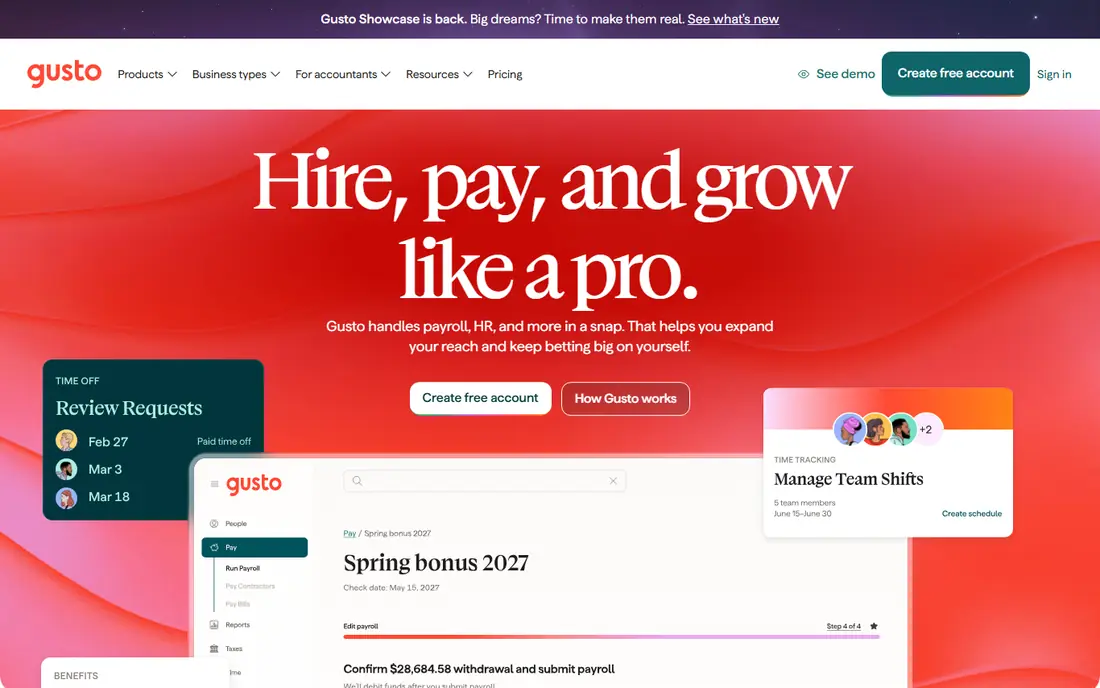
Gusto is the easiest payroll tool to price and to start, with Simple at $49 per month plus $6 per person and Plus at $80 per month plus $12 per person in recent published pricing. It handles full service payroll, tax filing, benefits administration, and HR basics, with an AutoPilot feature that can run recurring payroll without manual steps. Employees onboard themselves, which saves HR time during hiring surges.
The catch for midsize firms is state coverage and scale. The entry plan covers one state, so a multi state team needs a higher tier, and Gusto is best suited to teams under about 200 staff. For a growing US business that wants transparent pricing and a clean interface, Gusto is our pick for most people at the smaller end of midsize.
- Published pricing with month to month terms
- Full service tax filing in all states
- Easy employee onboarding
- Entry plan covers one state
- Global payroll needs add ons or partners
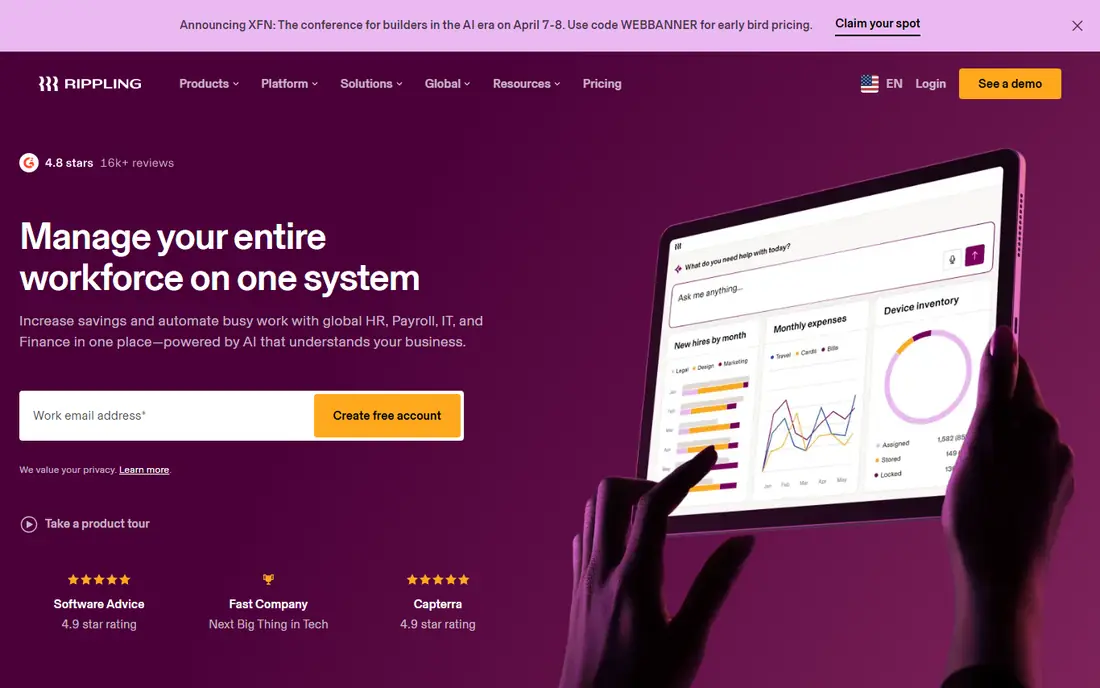
Rippling unifies HR, payroll, IT, and finance, so a new hire gets payroll, benefits, apps, and device access from one workflow. That single system saves time for fast growing teams hiring across states or countries, and its published starting rate is $8 per employee per month plus a base fee, with modules priced separately. It offers more than 500 integrations in vendor claims, which helps finance and IT teams sync data.
The downside is total cost. The starting rate is not the full price, and each module adds to the bill, so a written quote for your exact module mix is essential. For a midsize team that wants one platform for people, payroll, and IT, and that is willing to pay for depth, Rippling is a strong choice.
- HR, payroll, IT, and finance in one system
- Strong automation
- Global payroll and contractor support
- Mostly quote based beyond the starting rate
- Modules add cost quickly
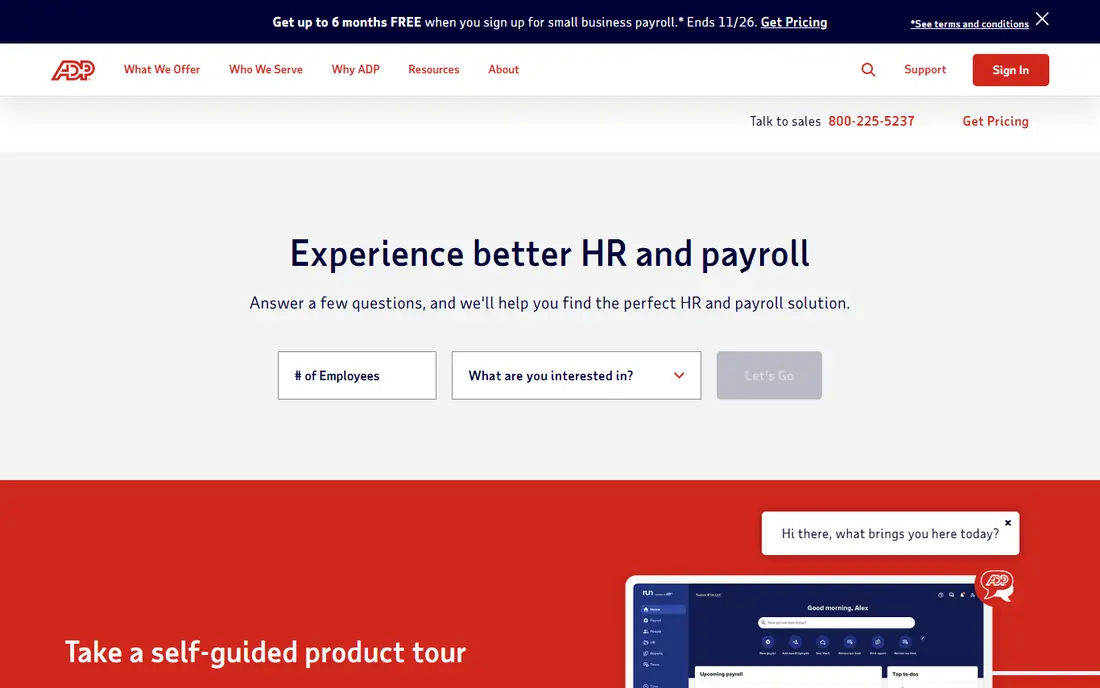
ADP RUN is the small business payroll platform from ADP, designed for teams of 1 to 49 that expect to grow past 50 and move to ADP Workforce Now. It offers full service payroll, multi state tax filing, benefits, and HR tools, with a reputation for tax reliability that larger firms value. Its size and compliance resources make it a safe choice for regulated industries.
The weakness is transparency. ADP RUN prices by quote, with four bundles plus add ons, so buyers cannot compare a price online before a sales call. For a midsize firm that values an established vendor and a scale path over online pricing, ADP RUN is worth a quote alongside Paychex and Paylocity.
- Deep multi state compliance
- Penalty guarantee claims on tax filing
- Clear upgrade path to larger ADP platforms
- No published pricing
- Sales led buying process
Paychex Flex is a payroll and HR platform for mid sized businesses, with bundles from Basic to Complete and add ons for benefits, time, and HR services. Its strength is support: many plans include live, hands on help, which matters when a payroll deadline or a tax question cannot wait for an email reply. It suits regulated industries and multi location teams that want a named support route.
Pricing is quote based, so two firms can pay different amounts for similar bundles. Ask for a written quote that lists every included service and add on, and compare it line by line with ADP RUN. For teams that want a human to call when payroll goes wrong, Paychex Flex is a reassuring option.
- Dedicated support options
- Broad HR and benefits add ons
- Suits teams of 20 to 1,000 staff
- Quote based pricing
- Bundles can be hard to compare side by side
Paylocity is a full HCM suite aimed at mid sized companies, with tiers by company size and strong features for payroll, HR, talent, time, and reporting. It suits firms with 100 or more staff that have outgrown simple payroll and need workforce planning, performance, and compliance tools in one system. Its reporting helps HR and finance leaders track labour cost and headcount trends.
The catch is price and rollout. Paylocity prices by quote, and implementation for a larger team needs careful data migration and training. For a firm in the 100 to 500 range that wants a complete HR suite rather than payroll alone, Paylocity is one of the strongest options here.
- Tiers for 100 to 499 and 500 plus staff
- Strong HR, talent, and reporting depth
- Good for growing midsize firms
- Quote based pricing
- Implementation takes planning for larger teams
Paycor offers payroll plus a full HCM suite, with recruiting, onboarding, HR, time, benefits, and analytics in one platform. It has industry depth for healthcare, manufacturing, retail, and other sectors, which helps firms with sector specific compliance and scheduling needs. Its reporting and compliance tools suit midsize firms that need to prove payroll accuracy to auditors and managers.
Pricing is quote based, and Paycor makes most sense for larger midsize teams that will use the full HCM suite. A smaller firm that only needs payroll will find Gusto or OnPay cheaper and simpler. For a midsize firm that wants payroll plus deep HR in one vendor, Paycor deserves a quote.
- Deep HCM features
- Industry specific workflows
- Strong compliance and reporting tools
- Quote based pricing
- Best value for larger midsize teams
OnPay stands out for simplicity: one plan at $49 per month plus $6 per worker, with multi state payroll, tax filing, W-2s, and 1099s included. That flat model makes budgeting easy for a midsize firm with staff in several states, because there is no tier jump when you add a second state. The vendor also claims no implementation fees, which removes a common surprise cost.
The trade off is HR depth. OnPay covers payroll and basic HR well, but it does not match Paylocity or Paycor for talent, performance, and workforce planning. For a team that wants payroll done well at a clear price, without paying for an HCM suite it will not use, OnPay is excellent value.
- One plan with multi state filing included
- W-2s and 1099s included
- No implementation fees in vendor claims
- HR features are lighter than full HCM suites
- Less suited to very large teams
QuickBooks Payroll, from Intuit, is the natural payroll choice for firms already running QuickBooks Online for accounting, because payroll journals, taxes, and labour costs flow into the books without manual entry. Recent published pricing puts entry plans from around $50 per month plus $6.50 per worker, with higher tiers adding benefits, time tracking, and HR support. Full service plans handle tax filing and payments.
The limit is ecosystem. If your firm does not use QuickBooks, the main advantage disappears, and a standalone tool such as Gusto or OnPay may be simpler. For a QuickBooks shop that wants payroll and accounting in sync, QuickBooks Payroll is the obvious pick.
- Payroll syncs directly to QuickBooks accounts
- Full service tax filing
- Familiar to accounting teams
- Best value only for QuickBooks users
- Benefits and HR depth varies by tier
Namely is an HR and payroll platform for midsize companies, combining payroll, benefits administration, time, and HR reporting in one system. It suits firms that have outgrown a basic payroll tool and need a more complete people platform, without moving to a large enterprise HCM suite. Its benefits and compliance tools help HR teams manage open enrollment and reporting.
The drawback is pricing transparency and scale. Namely prices by quote, and it does not have the same market scale as ADP or Paychex, so reference checks matter. For a midsize firm in the 50 to 500 range that wants a balanced HR plus payroll platform, Namely is a solid contender to include in a shortlist.
- HR plus payroll for midsize teams
- Benefits and compliance tools
- Good for firms moving beyond basic payroll
- Quote based pricing
- Smaller scale than ADP or Paychex
How we picked these
We compared official pricing pages, feature documentation, and public reviews, and we kept US payroll tools with full service tax filing, benefits options, and HR features relevant to midsize teams. Where pricing is published, we used the vendor figure or a recent published report. Where pricing is quote based, we said so rather than inventing a number. We did not claim hands on testing, and we did not present PEO services as pure software without noting the difference where relevant.
How to choose payroll software for a midsize business
Start with headcount, states, and worker types. Count employees, contractors, and multi state staff, then confirm each tool files taxes in every state where you have workers, and handles contractor payments and year end forms. Next, check benefits administration, time tracking, and accounting integrations, because those three features decide whether payroll saves time or creates new reconciliation work. Finally, run a parallel payroll with your current system for at least one cycle before switching fully.
Total cost and compliance checks
Ask each vendor for a total monthly cost per employee, including payroll, benefits admin, time tracking, and any implementation or year end fees. Check tax filing guarantees, penalty policies, and support hours, especially around quarter end and year end. Confirm data security, access controls, and how employee data is handled if you leave. A cheap base fee with expensive add ons is not a bargain for a midsize team.
FAQ
What is the best payroll software for midsize businesses?
Gusto and OnPay are best for clear pricing and simple payroll, while Rippling, Paylocity, and Paycor suit larger midsize teams that need full HR suites. ADP RUN and Paychex Flex suit firms that want established compliance support. The right pick depends on headcount, states, and whether you need HR depth beyond payroll.
How much does payroll software for a midsize business cost?
Published starting prices include Gusto at $49 per month plus $6 per person, OnPay at $49 plus $6 per worker, Rippling from $8 per employee per month plus a base fee, and QuickBooks Payroll from around $50 plus $6.50 per worker. ADP, Paychex, Paylocity, Paycor, and Namely price by quote, so get written quotes for your headcount and module mix.
Does payroll software file taxes for a midsize business?
Yes, full service payroll tools calculate, file, and deposit federal, state, and local payroll taxes, and produce W-2s and 1099s. Confirm multi state coverage, local tax handling, and any penalty guarantee in writing, since coverage and guarantees vary by vendor and plan.
Can payroll software handle benefits and time tracking?
Most midsize payroll tools offer benefits administration and time tracking, either included or as add ons. Gusto, Rippling, Paychex, Paylocity, and Paycor all offer benefits tools, while time tracking may sit on a higher tier. Check which features are included in your quoted plan, not just in the product brochure.
When should a midsize business switch payroll providers?
Switch when multi state filing, benefits, or reporting takes more manual work than the software saves, or when headcount growth pushes you into a higher tier that costs more than a full HR suite. Plan the switch around a quarter end, run a parallel payroll for one cycle, and confirm year end forms and tax history migrate cleanly.