The 6 Best Party Planning Software for Caterers in 2026, Ranked
Best party planning software for caterers in 2026: 6 tools with starting prices, free plans and limits. Honest caveats for every entry. Numbers first.
- Editor's choicePerfect Venue
Inquiries, proposals and payments
Starts at$199 per month per locationVisit perfectvenue.comFull review - Great alternative
 Planning Pod
Venue operations in one system
Starts atSee websiteVisit planningpod.comFull review - Also consider
 Tripleseat
All-in-one venue and event booking
Starts atSee websiteVisit tripleseat.comFull review
Direct answer
For Inquiries, proposals and payments, Perfect Venue is where this list starts. Listed starting prices: Perfect Venue from $199 per month per location, Caterease from $99 a month billed yearly and Social Tables from $49 a month. Alternatives: Planning Pod for Venue operations in one product, and Tripleseat for all-in-one venue and event booking. The full list of 6 tools follows, with prices and free plan facts.
TL;DR:
- Perfect Venue sits first on this list: Inquiries, proposals and payments.
- HoneyBook is the one to check for client relationships for small caterers.
- Only Social Tables offers a free plan among these 6 tools.
- A fair warning about Tripleseat: wide venue focus may feel broad for small caterers.
Last checked November 2026. Prices and plan details were read from the vendors' own pages in November 2026; vendors change plans often, so confirm the current price on the vendor site before you buy.
Quick comparison
| Tool | Best for | Starts at | Free plan? | |
|---|---|---|---|---|
| Perfect Venue | Inquiries, proposals and payments | $199 per month per location | Free trial | Visit |
| Planning Pod | Venue operations in one system | See website | Not stated | Visit |
| Tripleseat | All-in-one venue and event booking | See website | Not stated | Visit |
 Caterease | Catering-specific event management | $99 a month billed yearly | No | Visit |
| Social Tables | Collaborative floor plans and layouts | $49 a month | Yes | Visit |
 HoneyBook | Client relationships for small caterers | See website | Not stated | Visit |
Party Planning Software for Caterers compared in detail
LinkVetted compared 6 party planning software for caterers. The goal is a practical shortlist: published prices, free plan facts, best-fit use cases and honest limits for every entry.
Perfect Venue
Best for: Inquiries, proposals and payments
Where Perfect Venue fits: Inquiries, proposals and payments. For caterers whose bottleneck is the front end of the process, from first inquiry to signed proposal and payment, this keeps the client journey tidy. Its stated focus is inquiries, proposals and payments, so caterers needing in-depth kitchen, staffing or inventory features should confirm coverage.
What to check first: Deep catering operations need confirmation.
Larger operations with complex multi-room events may outgrow a focused tool. Also, choose it when the priority is a smooth inquiry-to-payment flow. Perfect Venue cost at the entry level: $199 per month per location. As for free access: Free trial.
- Manages inquiries
- Event management in one place
- Narrower scope than full venue products
Planning Pod was built for Venue operations in one system. Planning Pod presents itself as venue management software venues actually run on, replacing patchwork apps with venue-built tools for leads, BEOs, floor plans, payments, reporting and more.
Points against: Venue-first framing may not suit pure caterers.
The venue-first framing means a caterer without a managed space may pay for capabilities they do not use. Beyond that, caterers who also handle a space, or who want BEOs and floor plans under one roof, get a wide operational set. Planning Pod shows no starting price here, so confirm the cost on the vendor site. Free options: Not stated.
Highlights: Spans leads.
- Comes with payments and reporting
- Replaces patchwork apps with venue tools
- Breadth can mean a ramp-up time
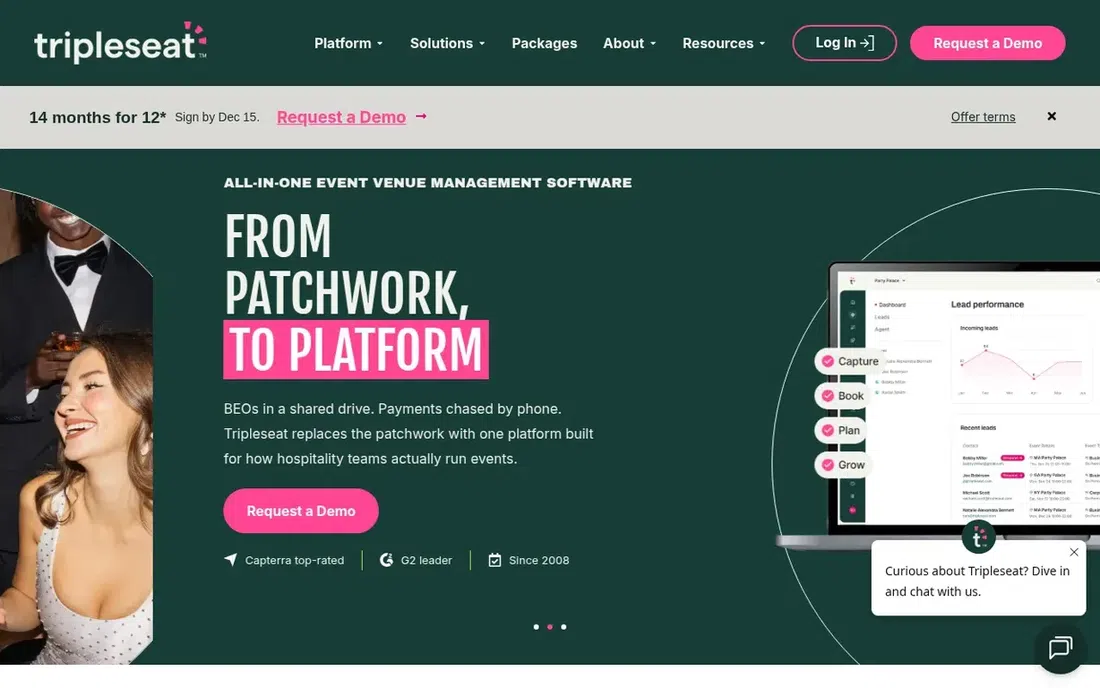
Tripleseat works best for all-in-one venue and event booking. Consider a more straightforward client CRM instead if your work is largely proposals and invoices with little venue coordination. In daily use, for caterers who manage a steady flow of inquiries and need bookings, event details and client communication in one place, it suits well as a central operations hub instead of a collection of separate spreadsheets.
The main drawbacks: Wide venue focus may feel broad for small caterers.
More specifically, smaller operations with occasional events may find the structure heavier than needed. Tripleseat is an all-in-one event venue management system pitched at restaurants, hotels, caterers and unique venues. Its core promise is simplifying bookings, expanding revenue and simplifying event management in a single online system. Pricing for Tripleseat is not stated here, so ask the vendor for current figures. Free options: Not stated.
- Hotels and caterers
- Simplifies bookings and event management
- Setup effort relies on your event volume
Caterease is designed for catering-specific event management. Since it is built around catering instead of venues usually, it speaks the language of menus, events and catering workflows.
Also, choose Caterease when catering operations are the core of the business and you want a tool built for them. What you pay to start with Caterease: $99 per month billed annually. Caterease does not include a free plan.
Limits to weigh: Customization needs setup time.
- Configurable tools
- Capable
- Catering focus may be more than straightforward planners need
HoneyBook is a good fit for client relationships for small caterers. For a small catering business that needs a clean client pipeline and professional documents, it handles the essentials without catering jargon.
What works well: contracts and invoices.
The main drawbacks: Event logistics features are restricted. Also, pick HoneyBook when client communication and paperwork are the primary pain points. HoneyBook does not show a starting price in this comparison, so check the vendor site for current pricing. On free options: Not stated.
- Handles proposals
- AI-powered client relationship product
- General small-business CRM, not catering-specific
Our selection method
The comparison looks at four things: starting price, free access, how well the feature set matches party planning software for caterers, and the main limit of each tool. Plan names, prices and limits change often. Treat the figures here as a starting point and verify them with the vendor. Order on the page follows fit for the typical buyer first, then price transparency and free access. Your own requirements should decide the final pick.
What to check before you buy
- Get a written quote from Planning Pod, Tripleseat and HoneyBook; the list shows no starting price for them.
- Test the free plan from Social Tables against your real workload before relying on it.
- Run a trial of Perfect Venue with real work before paying for a year; your own workflow is the best test.
- Read the limits listed for Perfect Venue first: narrower scope than full venue products.
- Before you load data into Perfect Venue, check what an export looks like and who can run it.
- Check the integration list for Tripleseat against the tools you run today, and note which ones need a higher plan.
FAQ
Do these tools publish their prices?
Not all of them. Planning Pod, Tripleseat and HoneyBook publish no starting price, so expect a quote request for those. The rest, Perfect Venue included, show a starting price, though seats and billing terms still change the final cost.
What is the cheapest option for party planning software for caterers in this list?
On published monthly entry prices, Social Tables is the lowest here at $49 per month. Entry price is only part of the cost, because seats, add-ons and billing terms can change the total. Prices, free plan details and limits for all 6 tools in this party planning software for Caterers roundup sit on the individual cards above.
Which options for party planning software for caterers have a free plan?
Social Tables is the only tool in this list with a free plan. Free plans usually cap users, projects or features, so check the limits on the vendor page. One other tool offers a trial instead. Each of the 6 options in this party planning software for Caterers guide has its own card above with the price, free plan and limits.
Can I try these tools before paying?
Often, yes. Social Tables has a free plan and Perfect Venue offers a free trial. Use your own data and a real task during the test, and check what the free tier or trial limits before you rely on it. All 6 picks in this party planning software for Caterers comparison list a starting price, free plan details and the main limits on their cards above.
What should a caterer look for in party planning software?
Then check catering-specific needs for example menus, BEOs and layouts. A tool that includes your busiest steps without additional complexity is typically the better choice.
Sources
- https://www.perfectvenue.com
- https://www.planningpod.com
- https://tripleseat.com
- https://www.caterease.com
- https://www.socialtables.com
- https://www.honeybook.com
Social Tables
Best for: Collaborative floor plans and layouts
Social Tables is a good fit for collaborative floor plans and layouts. Caterers who require to display clients how a room, buffet or seating arrangement will look can use it to manage event space more easily.
Drawbacks to consider: not full catering operations.
It is a diagramming product first, so it does not replace catering operations for example proposals, contracts and payments. From a buyer's view, pick it when layout collaboration is the pressing gap and you already have booking software. The starting price for Social Tables: $49 per month. Social Tables has a free plan.