Best Omnichannel Customer Service Platforms in 2026: 9 Tools Compared
Best omnichannel customer service platforms compared, with email, chat, phone, social and messaging in one inbox, plus pricing and AI options for teams.

- Editor's choice
 Zendesk
Large teams with complex routing
Starts at$55 per agent per monthVisit zendesk.comFull review - Great alternative
 Freshdesk
Growing teams wanting value
Starts at$29 per agent per monthVisit freshworks.comFull review - Also consider
 Intercom
Chat-first SaaS support
Starts at$29 per seat per monthVisit intercom.comFull review
TL;DR:
- Omnichannel means one customer view across email, chat, phone, social and messaging, not just many separate inboxes.
- Zendesk suits large teams with complex routing, while Freshdesk and Zoho Desk suit growing teams that want strong features for less.
- Intercom suits chat-first SaaS teams, while HubSpot Service Hub suits teams already using HubSpot CRM.
- AI costs now matter as much as seat prices, so check AI resolution fees, session charges and usage limits before comparing totals.
Quick comparison
| Tool | Best for | Starts at | Free plan? | |
|---|---|---|---|---|
| Zendesk | Large teams with complex routing | $55 per agent per month | Free trial | Visit |
| Freshdesk | Growing teams wanting value | $29 per agent per month | Yes | Visit |
| Intercom | Chat-first SaaS support | $29 per seat per month | Free trial | Visit |
 HubSpot Service Hub | Teams already on HubSpot | See website | Yes | Visit |
 Salesforce Service Cloud | Enterprise teams on Salesforce | $25 per user per month | Free trial | Visit |
 Zoho Desk | Budget teams in the Zoho ecosystem | $14 per user per month | Yes | Visit |
 Help Scout | Small teams wanting simplicity | $25 per user per month | Yes | Visit |
 Front | Collaborative shared inbox teams | See website | Free trial | Visit |
 Genesys Cloud CX | Enterprise contact centers | See website | No | Visit |
The best omnichannel customer service platforms
We compared channels covered, ticket routing, automation, AI options, integrations and pricing, with a focus on how each platform keeps context when a customer switches channels.
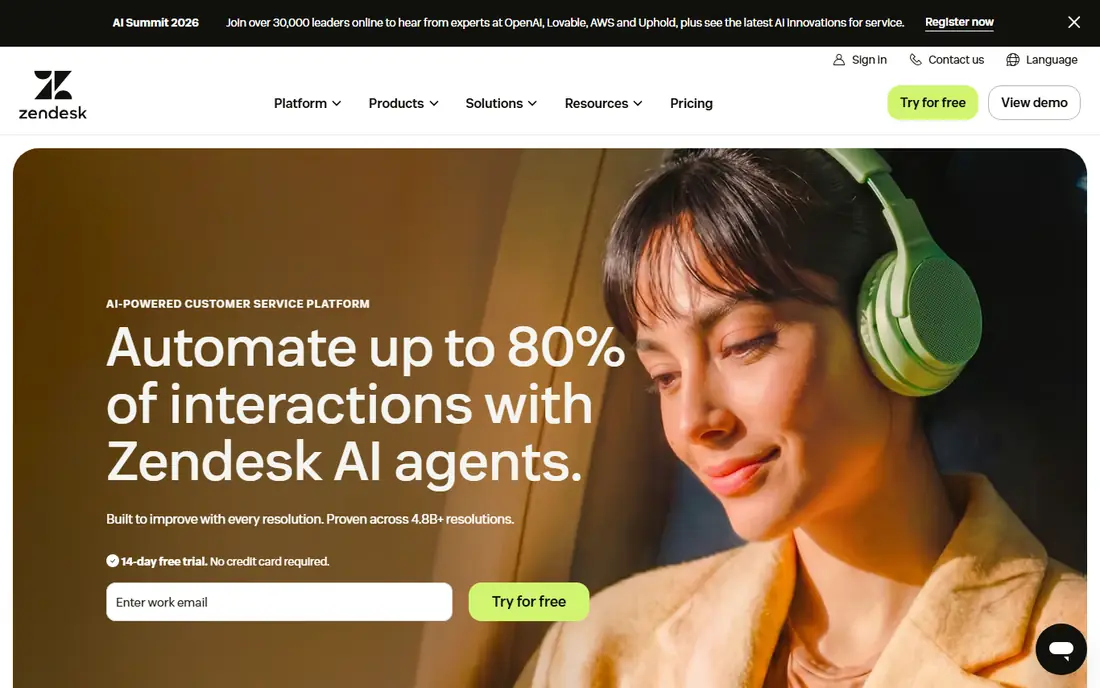
Zendesk is the standard for large support teams that need email, chat, phone, social and messaging in one workspace with skill-based routing. Its Suite Team plan brings those channels together, with automation, macros and reporting that help managers handle high volumes without losing context. The app marketplace also adds integrations for CRM, ecommerce and phone systems.
The cost and setup are the drawbacks. Full omnichannel features sit on higher tiers, and a complex setup can take weeks, often with an admin. Smaller teams may find Zendesk more than they need. For a large team with complex queues and reporting needs, Zendesk remains the benchmark.
- Deep ticketing, routing and automation
- Wide channel and app integrations
- Strong reporting
- Higher price for full omnichannel suite
- Setup can take weeks for complex teams

Freshdesk, from Freshworks, offers a balanced omnichannel option for growing teams. Its Omni plans bring email, chat, phone and social into one ticket view, with automation and a help center for self-service. A free tier covers basic ticketing for very small teams, which makes it easy to start and upgrade as volume grows.
Advanced routing and some AI features sit on higher tiers, and AI session pricing needs checking at high volumes. Setup is faster than Zendesk for most teams, which is a real advantage for a growing company. For value plus breadth, Freshdesk is our pick for mid-size teams.
- Omnichannel workspace on mid-tier plans
- Free tier for basic ticketing
- Freddy AI options
- Advanced routing needs higher tiers
- AI session costs add up at scale
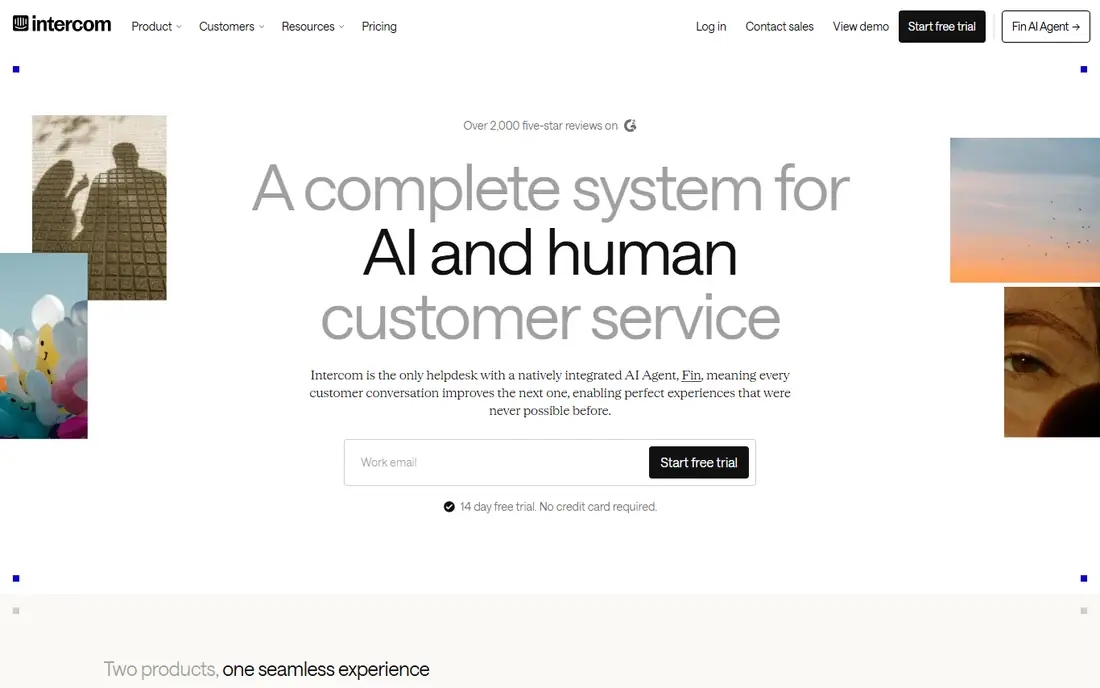
Intercom suits SaaS teams that support users inside their product, with live chat, in-app messages, email and phone in a conversational inbox. Its Fin AI agent can resolve many common questions automatically, charging per successful resolution on many plans, which helps small teams handle volume without hiring fast. Product tours and proactive messages also help onboarding and retention.
The pricing model needs care. Seat prices plus AI resolution fees can rise quickly if chat volume is high, so model costs on your actual conversation count. Teams that work mainly by email tickets may also prefer a ticket-first tool. For chat-first SaaS support, Intercom is a leader.
- Excellent live chat and in-app messaging
- Fin AI agent for automated resolution
- Strong SaaS integrations
- AI resolution fees add cost
- Ticket-centric teams may prefer Zendesk or Freshdesk
HubSpot Service Hub makes sense when support, sales and marketing already live in HubSpot. Tickets connect to the full customer record, so agents see past purchases, deals and conversations without switching systems. Shared inbox, live chat, knowledge base and feedback tools cover the main channels for many small and mid-size teams.
Paid tiers add automation, routing and reporting, and some professional plans carry onboarding fees, so check total cost. Teams outside HubSpot may find a standalone desk cheaper. For a HubSpot-centered company, Service Hub keeps support close to the customer record.
- CRM-connected tickets and customer history
- Shared inbox, chat and knowledge base
- Free tools to start
- Advanced omnichannel features need paid tiers
- Onboarding fees on some professional plans
Salesforce Service Cloud suits enterprise teams already on Salesforce, where service cases need to connect to sales, accounts and custom objects. Omnichannel routing sends cases, chats and calls to the right agent, while AI and knowledge tools help with common questions. Reporting across service and sales gives managers a full customer view.
Setup is the main cost beyond price. Service Cloud needs admin time and often a partner for complex routing, and higher tiers cost far more than the starter price. For a large Salesforce shop, that depth is worth it. For a small team, a simpler desk will be faster to run.
- Deep CRM integration and case management
- Omnichannel routing and AI options
- Huge ecosystem
- Complexity and setup time
- Higher tiers rise sharply in price
Zoho Desk offers strong value for budget teams, especially those already using Zoho CRM, Books or other Zoho apps. Standard plans cover multichannel tickets, automation and a knowledge base, while higher tiers add telephony integrations and AI assistance. A free plan for up to three agents helps very small teams start without cost.
The interface is functional rather than refined, and some phone features need higher tiers or third-party telephony. For a team that wants low cost and Zoho integration, Zoho Desk is one of the best value omnichannel desks available.
- Low starting price
- Free plan for small teams
- Email, chat, phone, social and messaging channels
- Interface feels less polished than Zendesk
- Telephony needs higher tiers or integrations
Help Scout suits small to mid-size teams that want support to feel personal and simple. Its shared inbox, live chat, docs and customer profiles cover the main channels without a steep learning curve, and agents can collaborate on conversations with notes and assignments. That simplicity helps small teams reply fast and keep tone consistent.
Larger contact centers needing complex voice routing, workforce tools or deep automation will outgrow Help Scout. For a team that mainly handles email and chat, and wants a tool staff will actually enjoy using, Help Scout is a refreshing choice.
- Simple shared inbox and docs
- Email, chat, SMS and social channels
- Easy for small teams to learn
- Less depth for large contact centers
- Advanced automation needs higher tiers
Front turns shared inboxes into a team workspace, where email, SMS, social and other messages can be assigned, commented on and tracked together. That collaborative model suits teams that manage support plus sales or operations inboxes, and need to see who owns each conversation. Integrations with CRM and other tools help keep context in one place.
Pricing is less transparent than with Freshdesk or Zoho, and some channels appear only on higher tiers, so get a full quote for your channel mix. For a team whose main problem is inbox chaos rather than phone queues, Front is a strong fit.
- Shared inboxes for email, SMS and social
- Strong collaboration and assignments
- Good for teams handling many inboxes
- Pricing needs a quote for full features
- Chat and some channels need higher tiers
Genesys Cloud CX is built for enterprise contact centers that handle high volumes across voice and digital channels. It offers advanced routing, workforce management, AI and analytics in one cloud platform, which helps large teams meet service levels across many queues. Its scale suits banks, telecoms, retailers and other high-volume operations.
Pricing and implementation are enterprise in scope, so small and mid-size teams should look at Zendesk, Freshdesk or Intercom first. For a large contact center that needs voice plus digital, workforce tools and deep reporting, Genesys is a leading choice.
- Full contact center with voice, digital and workforce tools
- Strong routing and AI
- Built for high volumes
- Enterprise pricing and implementation
- Too large for small teams
How we picked these
We compared official pricing and feature pages, channels covered, routing and automation, AI pricing, CRM integrations and team size fit. We favored platforms that truly unify channels into one customer view, rather than only offering separate chat and email tools. We left out single-channel tools and inbox-only apps with no ticket or routing depth.
How to choose an omnichannel platform without overpaying
Start with your channel mix. List the channels customers actually use, by volume, and check that each platform covers those channels on the tier you would buy, not just on its top plan. Voice, WhatsApp and social messaging often sit on higher tiers, so confirm them early.
Next, model total cost for a year. Add seat prices, AI fees, phone minutes, SMS charges and implementation costs, then test with a trial using real tickets. Check routing, automation, knowledge base and reporting in that trial, and ask how context carries over when a customer moves from chat to email to phone. The platform that keeps that history intact will save your agents the most time.
FAQ
What is the best omnichannel customer service platform?
Zendesk suits large teams with complex routing, Freshdesk suits growing teams wanting value, and Intercom suits chat-first SaaS teams. HubSpot Service Hub suits HubSpot users, while Zoho Desk suits budget teams. Pick by channel mix, team size and whether you need voice and contact center depth.
What does omnichannel mean in customer service?
Omnichannel means a customer can start on one channel, such as chat, and continue on another, such as email or phone, without repeating their story. The platform keeps one customer history across channels, so agents see past conversations, orders and tickets in one view.
Is Zendesk or Freshdesk better for small teams?
Freshdesk is usually better for small and growing teams, thanks to its free tier, lower omnichannel starting price and faster setup. Zendesk suits larger teams that need deeper routing, reporting and customization, and are willing to pay and invest in setup for that depth.
How much do omnichannel platforms cost?
Seat prices range from free tiers at Freshdesk, HubSpot and Zoho Desk to around 14 dollars per user at Zoho Desk, 25 to 29 dollars at Help Scout, Freshdesk and Intercom, and 55 dollars at Zendesk Suite Team. AI fees, phone costs and add-ons can raise totals, so model a full year before buying.
Do I need a phone system with an omnichannel platform?
It depends on volume. Many platforms include voice or integrate with phone providers, while others need a separate telephony add-on. If phone is a main channel, check voice features, call routing and minute costs on the exact tier you plan to buy.
Sources
- https://www.zendesk.com/pricing
- https://www.freshworks.com/freshdesk/pricing/
- https://www.intercom.com/pricing
- https://www.hubspot.com/pricing/service
- https://www.salesforce.com/service-cloud/pricing/
- https://www.zoho.com/desk/pricing.html
- https://www.helpscout.com/pricing/
- https://front.com/pricing
- https://www.genesys.com/pricing