Best Office Hoteling Software in 2026: 8 Tools Compared
Compare the best office hoteling software in 2026 for desk booking, rooms, visitor check-in and hybrid schedules, with 8 tools, pricing notes and trade-offs.
- Editor's choice
 Skedda
Simple desk and room booking
Starts atSee websiteVisit skedda.comFull review - Great alternative
 Robin
Hybrid workplace analytics
Starts atSee websiteVisit robinpowered.comFull review - Also consider
 Envoy
Visitors plus desk booking
Starts atSee websiteVisit envoy.comFull review
TL;DR:
- Skedda and deskbird are the simplest starts for small and mid-sized teams, while Robin and Envoy suit larger hybrid workplaces.
- Floor plans, booking rules and check-in matter more than extra analytics for most offices.
- Microsoft 365 and Google Workspace integration can decide adoption, so test calendar booking early.
- Start with desks and rooms in one building, then add visitors, parking and analytics as use grows.
Quick comparison
| Tool | Best for | Starts at | Free plan? | |
|---|---|---|---|---|
| Skedda | Simple desk and room booking | See website | No | Visit |
| Robin | Hybrid workplace analytics | See website | No | Visit |
| Envoy | Visitors plus desk booking | See website | No | Visit |
 OfficeSpace Software | Multi-site space management | See website | No | Visit |
 Condeco | Enterprise desk and room booking | See website | No | Visit |
 deskbird | Small and mid-sized hybrid teams | See website | Yes | Visit |
 YAROOMS | Microsoft 365 offices | See website | No | Visit |
 Kadence | Teams-native hybrid booking | See website | No | Visit |
The best office hoteling software
The best office hoteling software lets staff book a desk or room in seconds, see who is in the office, and helps managers use space well. Hoteling means desks are shared, not assigned, so clear rules, easy check-in and reliable calendars matter more than fancy dashboards.
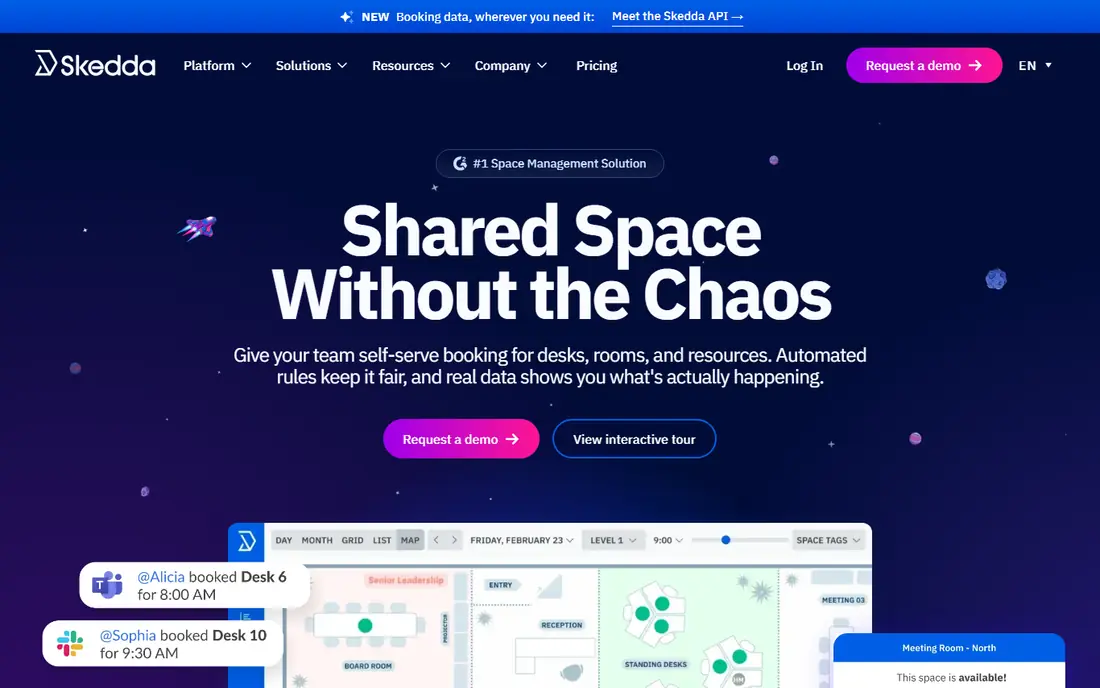
Skedda is our pick for most teams starting with hoteling because it is clear and fast to set up. Staff can book desks, rooms and shared resources from a calendar view, and admins can set rules for booking limits, approvals and recurring bookings. That simplicity helps adoption, which is the main risk in any desk booking rollout.
The honest catch is depth. Skedda covers booking well, but large firms that need deep workplace analytics, sensor data or complex move management may want a larger suite. For a single office or a small multi-site team, that trade is usually worth it. Trial it with your real floor plan and booking rules, not a demo layout.
- Clear booking rules and calendars
- Desks, rooms and assets in one place
- Quick setup
- Analytics are lighter than enterprise suites
- Pricing varies by spaces
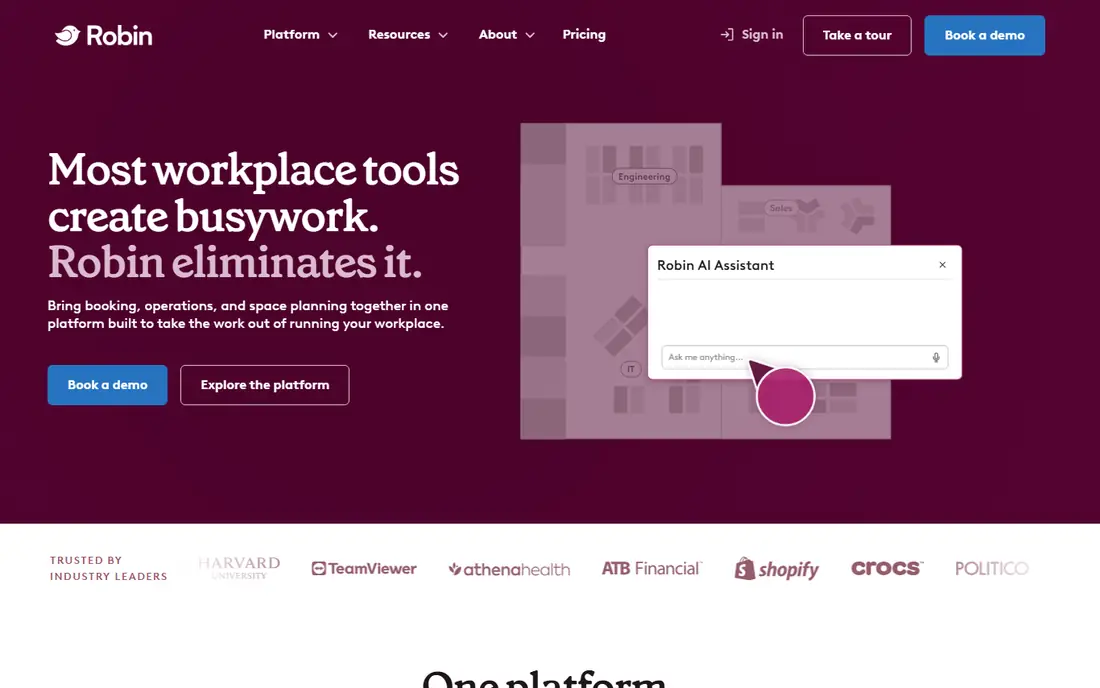
Robin suits hybrid workplaces that need to understand how space is actually used. Staff book desks and rooms from maps or calendars, check in on arrival, and managers see occupancy and booking patterns. That data helps decide whether to keep, shrink or redesign office space, which is a large cost decision.
The downside is price and scope. Robin is an enterprise-leaning platform, so a ten-person office may pay for features it rarely uses. It fits best when you have several hundred staff, hybrid schedules and a real need for occupancy data. Ask for a scoped quote for your headcount and sites, and compare it with simpler tools.
- Desk and room booking plus maps
- Usage analytics
- Strong calendar integrations
- Quote-based pricing
- More than a very small office needs
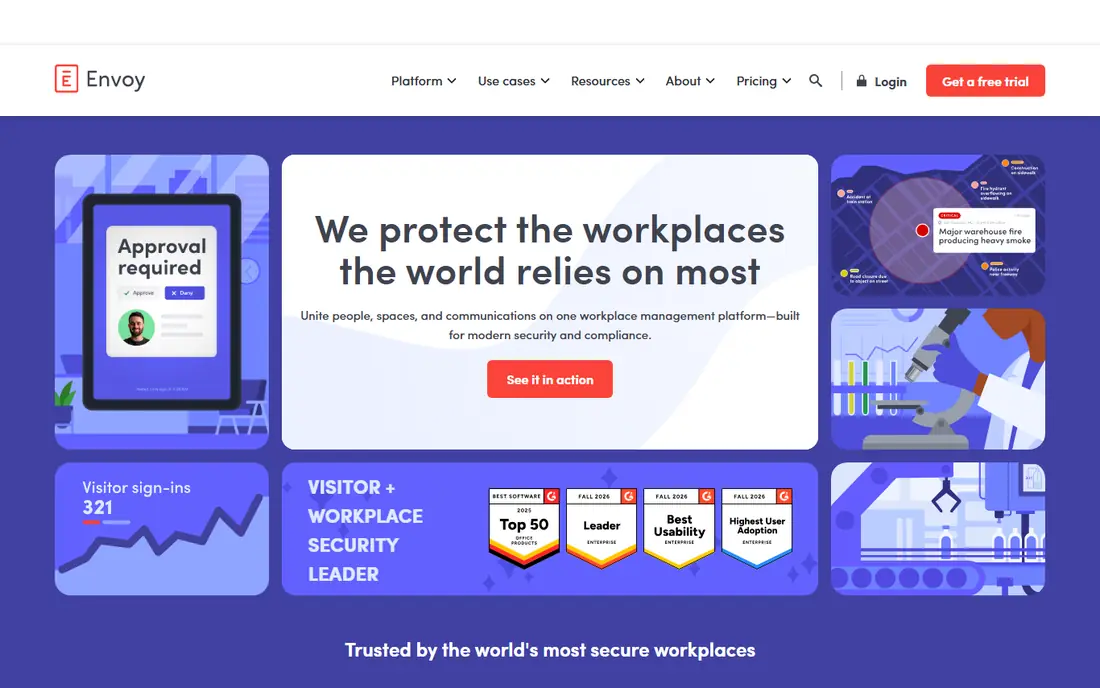
Envoy started with visitor management, and that remains its strongest edge. Guests can check in, sign forms and get host alerts, while staff book desks and rooms in the same workplace system. For offices with heavy guest traffic, that combination keeps the front desk calm and records clear.
The trade-off is focus. Desk booking in Envoy is good, but teams that only need desks may find a desk-first tool simpler and cheaper. If visitors, deliveries and guest security are daily work for you, Envoy is a strong choice. Trial the visitor flow with a real guest, including badge printing and host alerts, before deciding.
- Strong visitor management
- Desk and room booking
- Workplace analytics
- Desk booking can feel secondary to visitors
- Pricing is by resource
OfficeSpace Software suits firms with several offices that need consistent booking rules and space data. Visual floor plans make it easy for staff to find a desk near their team, while managers can track occupancy, plan moves and report on space use across sites. That consistency is hard to keep with separate tools per office.
The catch is setup. Floor plans, user groups and booking rules need care to get right, and a rushed rollout can confuse staff. Give the project time for plan uploads and testing, and start with one site. For multi-site firms, the control is worth the effort.
- Visual floor plans and move management
- Desk and room booking
- Occupancy reporting
- Setup takes planning
- Pricing is quoted
Condeco, now part of Eptura, is a mature enterprise choice for desk hoteling, room booking and visitor management. It supports large, global offices with booking rules, calendar integration and reporting that facilities teams rely on. Firms with strict security or compliance needs often value that maturity.
The downside is cost and formality. Small teams may find Condeco heavy and its interface less friendly than newer rivals. It fits best when you manage many sites, need enterprise controls, and have a facilities team to run it. Smaller offices should trial Skedda or deskbird first.
- Mature desk, room and visitor booking
- Enterprise security and integrations
- Global support
- Enterprise pricing and setup
- Interface can feel formal
deskbird is a friendly option for small and mid-sized hybrid teams. Staff can see who is in the office, book desks and rooms, and plan team days from a clear app. The interface is modern and quick to learn, which helps when not everyone is in the office every day.
The honest catch is scale. deskbird covers core hoteling well, but very large firms may need deeper facilities, sensor or move tools. For teams up to a few hundred people, it is a strong balance of price and ease. Check the free tier limits and the paid features you need, such as analytics or admin controls, before rollout.
- Clean booking app
- Team scheduling and office planning
- Free tier for small teams
- Advanced enterprise features are limited
- Some features are paid
YAROOMS suits offices that already run on Microsoft 365. Desk and room booking can sit beside Outlook and Teams, so staff do not need to learn a separate calendar habit. Room displays and signage help visitors and staff find free rooms without asking at reception.
The trade-off is brand scale and quoted pricing. YAROOMS is well regarded in hybrid work, but it is smaller than the largest suites, so check support coverage for your region. If Microsoft 365 is your core system, the integration benefit is real, and a trial with Outlook booking will show it quickly.
- Desk and room booking
- Microsoft 365 and Teams links
- Digital signage options
- Pricing is quoted
- Smaller brand than Robin or Envoy
Kadence is built for hybrid coordination inside Microsoft Teams. Staff can book desks and rooms, see team plans, and coordinate office days without leaving Teams. Visual floor plans help new staff find the right area, and managers get a clear view of planned attendance.
The catch is ecosystem fit. Kadence shines most for Teams-centered firms, so Google Workspace offices may get less benefit. Pricing is also quoted, so compare it with deskbird and Skedda on total cost. If Teams is where your staff already plans work, Kadence can lift adoption a lot.
- Visual floor plans
- Teams-native booking
- Coordination and analytics tools
- Quote-based pricing
- Best value in Microsoft Teams settings
How we picked these
We compared official feature pages, pricing pages and public reviews for hoteling and desk booking tools used in hybrid offices. We favored tools with real desk and room booking, check-in, booking rules and calendar integration, and we kept a mix of simple tools and enterprise suites. Where a vendor does not publish a starting price, we list See website rather than guessing.
What to check before you buy hoteling software
Start with your booking rules, not your floor plan. Decide how far ahead staff can book, how long a desk can be held, what happens on a no-show, and which teams get priority areas. Then test those rules in a trial, because a tool that cannot enforce your rules will create arguments at the front desk.
Next, check calendar integration and check-in. Staff should book from Outlook or Google Calendar if that is where they already work, and check-in should take seconds on a phone or kiosk. Also test accessibility, guest handling and reporting for your facilities team. Finally, plan the rollout. Name desk neighborhoods, label desks clearly, and give staff a short guide on day one, so the first week builds trust instead of confusion.
FAQ
What is the best office hoteling software?
The best office hoteling software depends on office size and systems. Skedda suits simple booking, deskbird suits small and mid-sized hybrid teams, and Robin or Envoy suit larger workplaces with analytics or visitor needs. Trial two tools with your real floor plan and booking rules.
What is the top office hoteling software for Microsoft Teams users?
Kadence and YAROOMS both work well in Microsoft settings, with Teams and Outlook links that keep booking inside tools staff already use. Test calendar booking, room displays and check-in in your own tenant before you choose, since tenant setup can affect the experience.
How does office hoteling software handle no-shows?
Most tools release a desk after a check-in window passes, and some send reminders before the booking starts. Set a clear no-show rule, such as release after 30 minutes, and tell staff what happens. Without a rule, popular desks stay blocked while empty.
Do we need sensors for desk booking?
No, sensors are optional. Booking and check-in give a good view of planned use, while sensors add proof of actual use. Start with booking data, and add sensors only if you need to decide on lease, redesign or space cuts with hard occupancy evidence.
Can hoteling software manage parking and visitors too?
Some tools, including Envoy and Skedda, cover visitors, parking or shared assets alongside desks and rooms. If you need those features, check them in the same trial, since add-on modules can change the price and the admin workload.
How much does office hoteling software cost?
Pricing varies from a free deskbird tier for small teams to quoted enterprise pricing for Robin, Envoy and Condeco. Ask for a quote based on your user count, sites and modules, and include implementation, displays and support in the year-one total.