Best Notification Software for Developers in 2026: 8 Tools Compared
Compare the best notification software for developers in 2026. We review 8 APIs and platforms for push, email, SMS and in app messages for app teams today.
- Editor's choice
 OneSignal
App teams starting fast
Starts atFreeVisit onesignal.comFull review - Great alternative
 Firebase Cloud Messaging
Free push delivery
Starts atFreeVisit firebase.google.comFull review - Also consider
 Courier
Cross channel product messages
Starts atFreeVisit courier.comFull review
TL;DR:
- OneSignal is the easiest start for most app teams, with a free tier, SDKs for major platforms, and push, email, in app, and SMS in one place.
- Firebase Cloud Messaging is the free delivery layer for teams that want to build their own notification logic and keep full control.
- Courier, Knock, and Novu suit product teams that need to send the same message across email, push, SMS, and in app from one workflow.
- Pusher Beams and Pushwoosh fit teams that want a focused push API without a full marketing suite.
- Price by monthly active users, subscribers, or messages, not just the headline plan, because those models diverge fast as you grow.
Quick comparison
| Tool | Best for | Starts at | Free plan? | |
|---|---|---|---|---|
| OneSignal | App teams starting fast | Free | Yes | Visit |
| Firebase Cloud Messaging | Free push delivery | Free | Yes | Visit |
| Courier | Cross channel product messages | Free | Yes | Visit |
 Knock | Product notifications with preferences | See website | Free trial | Visit |
 Novu | Open source notification workflows | See website | Yes | Visit |
 Pusher Beams | Focused push API | $29 per month | Free trial | Visit |
 Pushwoosh | Mobile push with segmentation | Free | Yes | Visit |
 SuprSend | Multi channel routing and templates | $99 per month | Free trial | Visit |
The best notification software for developers
Developers do not just need to send a push. They need token handling, retries, preferences, templates, and delivery reports, without building all of it from scratch. The tools below cover that work, from a free delivery layer to a full notification platform.
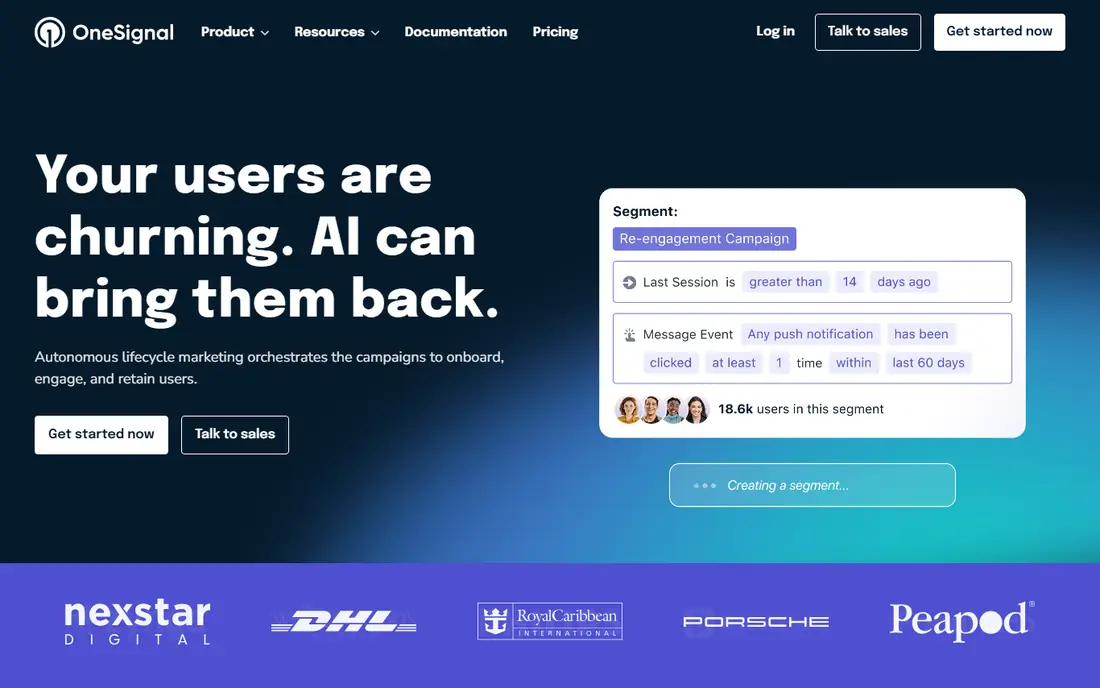
OneSignal is the default pick for a reason. A small team can add an SDK, send its first push in an afternoon, and let product staff build segments and journeys in the dashboard without asking engineering for every campaign. That split between developer setup and team use is valuable.
The free tier covers up to 1,000 monthly active users in recent published pricing, which is enough to launch and learn. As you grow, costs scale with users, so model the price at 10,000 and 100,000 users before you commit, not just at launch size.
- SDKs for iOS, Android, web, Flutter, React Native, and Unity
- Push, email, in app, and SMS from one audience
- Generous free tier for small apps
- Pricing scales with monthly active users
- Advanced analytics and export sit on higher plans
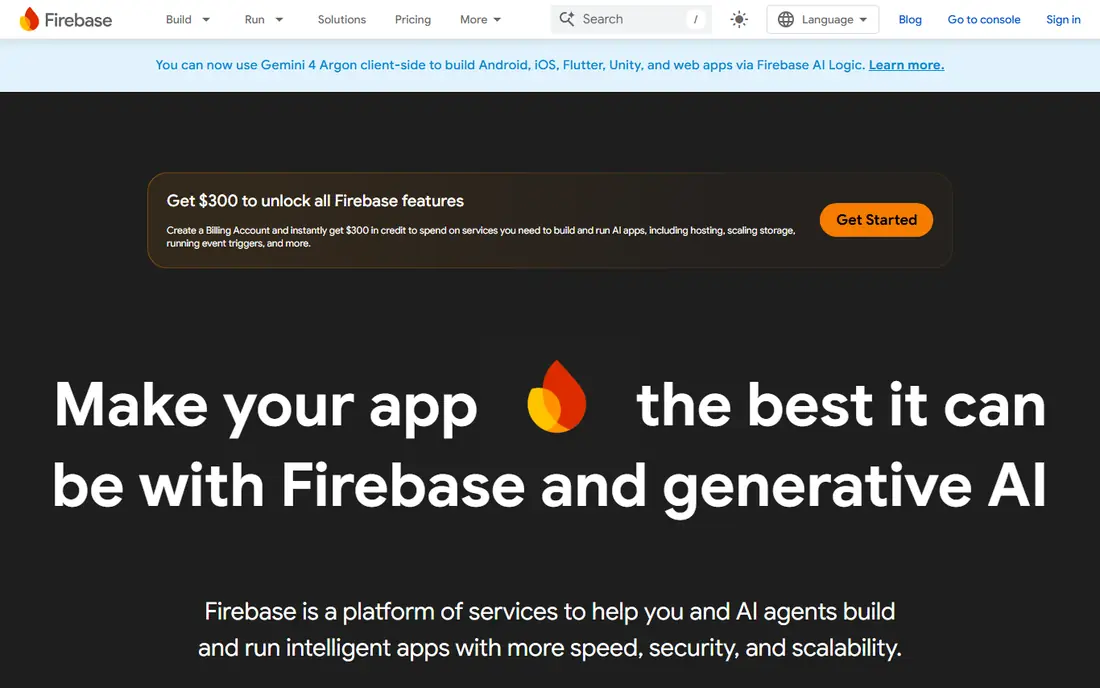
Firebase Cloud Messaging, often called FCM, is the delivery layer underneath many other tools. If you want full control and you are willing to build the surrounding logic, it costs nothing for push delivery and scales with Google infrastructure. That is hard to beat on price.
The trade is work. Token cleanup, scheduling, fan out, retries, and user preferences become your code, and that code needs care at scale. Teams that want a managed layer usually add OneSignal, Courier, or Knock on top, or build a thin service of their own.
- Free delivery for Android, iOS, and web push
- Deep integration with Google and Firebase services
- No per message fee for push delivery
- You build segmentation, templates, preferences, and retries yourself
- No built in multi channel orchestration
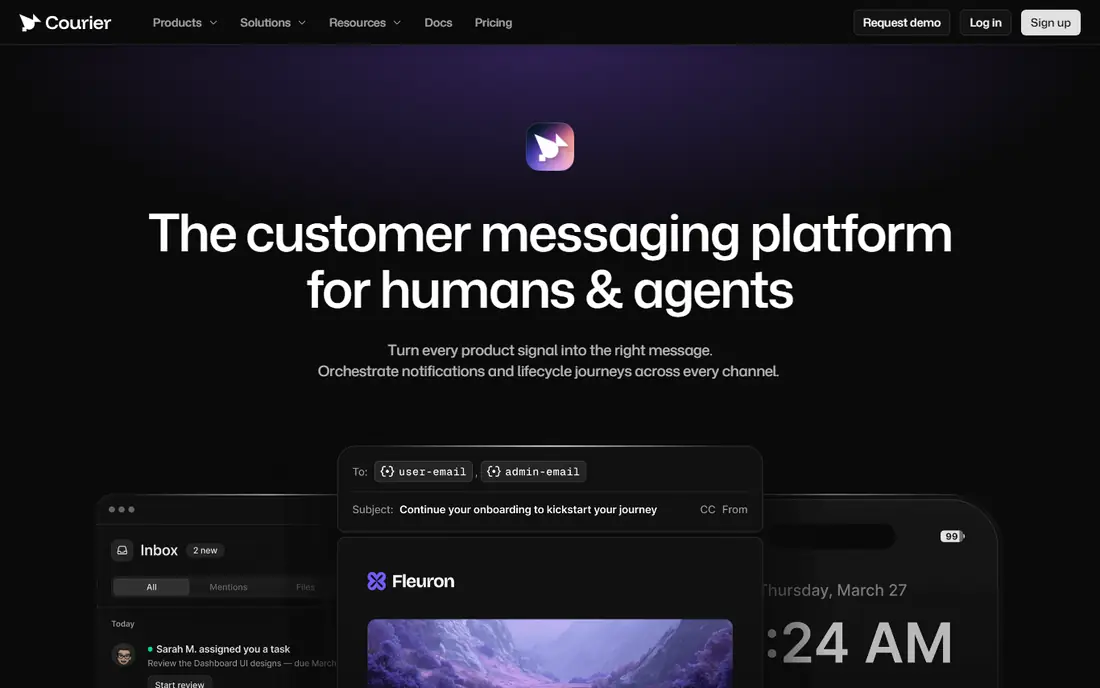
Courier suits product teams that send transactional and product messages across channels. Instead of wiring each provider separately, you send one request to Courier, and it routes to the right channel with the right template. Product and design staff can edit templates without a code deploy.
The model to watch is per message pricing. At low to mid volume it is simple and fair, but at very high volume a per user or flat plan may be cheaper. Check your monthly message count across all channels before you compare.
- One API for email, SMS, push, in app, Slack, and Teams
- Template management that product teams can edit
- Free tier with 10,000 messages per month in published pricing
- Per message pricing adds up at high volume
- Marketing campaign depth is lighter than a full marketing suite
Knock is built for in product notifications done well. Users get a feed, preference controls, and digests, while developers define workflows in code and let Knock handle delivery, batching, and channel routing. That focus matters for apps where notification overload drives users away.
Knock is less suited to large marketing campaigns. If your main need is promotional blasts to a huge list, a marketing platform may fit better. If your main need is order updates, mentions, alerts, and digests inside a product, Knock is a strong candidate.
- Notification workflows, preferences, and in app feed in one system
- Batching and digest controls
- Strong developer docs and APIs
- Pricing is not published as a simple tier list
- It is product focused, not a marketing blast tool
Novu appeals to teams that want open source flexibility. You can run the core yourself, add channels as you need them, and build a notification inbox into your app with a component. Workflow automation, preferences, and snooze controls are part of the design, not an afterthought.
The honest cost is operations. Self hosting means you run, update, and monitor the system, and managed pricing needs a direct check. For teams that value code access and control over a closed platform, that trade is often worth it.
- Open source core with in app, email, SMS, push, and chat channels
- User preferences and digest workflows
- Self hosting option for teams that need it
- Self hosting adds operations work
- Pricing for managed plans should be confirmed on the vendor site
Pusher Beams is for teams that want push and only push, done cleanly. The API is straightforward, the SDKs cover major platforms, and the free tier covers a small subscriber base for testing. If you already use Pusher for realtime features, the shared tooling is a bonus.
The limit is scope. Beams will not run your email, SMS, or in app feed, so a multi channel product will need a second tool or a broader platform. For a focused push need, that simplicity is a strength, not a gap.
- Simple push API with SDKs
- Reliable delivery for transactional push
- Good fit for teams already using Pusher realtime tools
- Push only, so email and SMS need another tool
- Pricing scales with subscribers
Pushwoosh suits mobile first teams that want segmentation and automated journeys without a large enterprise contract. You can build behavior triggered flows, segment by user traits, and send across push, email, and in app from one system. The free tier helps small apps start.
Pricing is modular, so get a quote for your subscriber count and the channels you will actually use. A plan that looks cheap for push alone may cost more once email and in app are added, so price the full channel mix.
- Mobile and web push with segmentation and journey builder
- Free tier for small audiences
- Omnichannel options including email and in app
- Pricing is modular and can be hard to compare
- Enterprise features are quote based
SuprSend is built for teams tired of provider lock in. You define a notification once, and SuprSend routes it across providers and channels, with fallbacks and retries when a provider fails. Product teams can edit templates centrally, which cuts the back and forth between product and engineering.
The starting price puts it above free tier tools, so it fits teams with real multi channel volume or complex routing needs. If you send only push to a small app, start with OneSignal or FCM. If you send across many channels and providers, SuprSend can simplify a messy setup.
- Single trigger across many channels and providers
- Visual template editors that reduce code changes
- Smart routing, retries, and fallbacks
- Starting price is higher than free tier tools
- Smaller teams may not need full routing depth
How we picked these
We compared official docs, pricing pages, and public reviews for notification tools used by developers in October 2026. We kept only tools with a current API or SDK, clear channel support, and a working product today, and we favored tools with docs that let a developer judge setup time quickly. We did not claim hands on testing. Prices shown come from vendor pages and recent published pricing summaries, and quote based tools are marked as See website.
What to check before you buy
Count users, subscribers, and messages separately
OneSignal prices by monthly active users, Pusher Beams by subscribers, and Courier by messages. Those are different units, so convert each quote to your expected monthly users, subscribers, and messages before you compare. A cheap plan on one unit can be costly on another.
Test token handling and delivery reports
Send to a test device, revoke a token, and check how the tool handles the failure. Look at delivery reports, bounce handling, and retry behavior in the dashboard. Push that silently fails is worse than push that errors loudly.
Check preference and unsubscribe handling
Confirm how users set channel preferences, mute a type of message, or opt out, and how those choices flow across channels. Good preference handling protects your sender reputation and keeps users from turning all notifications off.
Review template ownership
Ask who can edit a template, how changes are reviewed, and whether a template change needs a code deploy. Tools that let product staff edit safely save engineering time, but they also need version control and review.
FAQ
What is notification software for developers?
It is software that helps an app send push, email, SMS, and in app messages through APIs and SDKs, with handling for delivery, templates, preferences, and reporting. It replaces hand built code for each channel with a shared workflow.
Is Firebase Cloud Messaging enough on its own?
For push delivery, yes, and it is free. For segmentation, templates, preferences, digests, and multi channel routing, you will need to build that layer yourself or add a tool such as OneSignal, Courier, Knock, or Novu.
How does OneSignal pricing work?
OneSignal offers a free tier for small apps and paid plans that scale with monthly active users. Check the current free tier limit and the paid plan price at your expected user count, because costs rise as your audience grows.
What is the difference between Courier and Knock?
Courier is a broad cross channel API for product messages across email, SMS, push, and chat tools. Knock is more focused on in product notification feeds, preferences, and workflows inside an app. Many teams could use either, so pick by whether the feed and preference model matters most.
Should small apps pay for notification software?
Not at first. Start with a free tier such as OneSignal, Firebase Cloud Messaging, or Novu, and pay when your user count, message volume, or channel needs outgrow the free limits. That keeps costs tied to real growth.