Best Meal Planning App in 2026: 8 Apps Compared
Find the best meal planning app for 2026, from Paprika and Plan to Eat to Eat This Much and Samsung Food, with plans, prices, and honest trade-offs today.
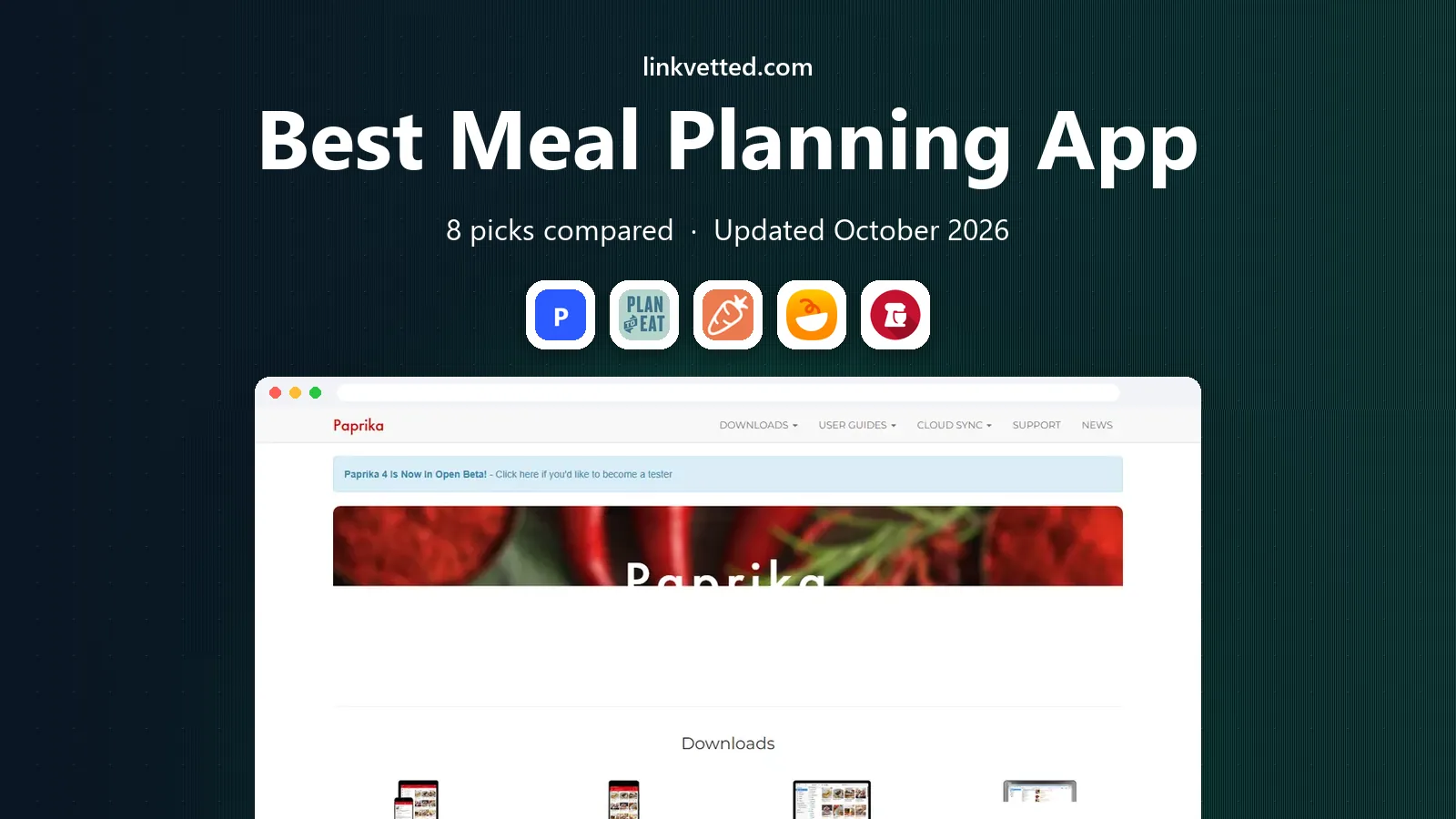
- Editor's choice
 Paprika
Recipe collectors
Starts at$4.99 one-timeVisit paprikaapp.comFull review - Great alternative
 Plan to Eat
Planning from your own recipes
Starts at$5.95 per monthVisit plantoeat.comFull review - Also consider
 Eat This Much
Calorie and macro targets
Starts atSee websiteVisit eatthismuch.comFull review
TL;DR:
- Paprika is the best value for recipe collectors, since it is a one-time purchase rather than a subscription.
- Eat This Much suits calorie and macro targets, while Plan to Eat suits people who already have favorite recipes.
- Samsung Food and Yummly are strong free starting points for recipe discovery and simple weekly plans.
- A shared grocery list matters more than fancy features for most households, so test that first.
- Meal planning apps are not medical advice, and anyone with a medical condition or strict dietary need should check with a clinician or dietitian.
Quick comparison
| Tool | Best for | Starts at | Free plan? | |
|---|---|---|---|---|
| Paprika | Recipe collectors | $4.99 one-time | No | Visit |
| Plan to Eat | Planning from your own recipes | $5.95 per month | Free trial | Visit |
| Eat This Much | Calorie and macro targets | See website | Yes | Visit |
 Samsung Food | Free planning and recipe saving | Free | Yes | Visit |
 Yummly | Recipe discovery | Free | Yes | Visit |
 eMeals | Ready-made weekly menus | See website | Free trial | Visit |
 AnyList | Shared lists and family planning | Free | Yes | Visit |
 Prepear | Creator recipes and meal boards | Free | Yes | Visit |
The best meal planning apps
We compared official feature pages, pricing pages, app store listings, and public reviews, and we focused on how each app handles recipes, weekly planning, grocery lists, and dietary filters.

Paprika stands out because you pay once and keep it, which is rare in a category full of monthly subscriptions. You can save recipes from websites with its browser tool, adjust servings, and build a weekly plan from recipes you actually like. The pantry tracker and grocery list round out a practical, no-nonsense toolkit.
The catch is that Paprika does not generate a plan for you. If you want an app to decide what to cook based on a calorie target or a diet, you will need to do that choosing yourself. For cooks who already know what they like and just want order, that control is a strength, not a weakness.
- One-time purchase per platform, no subscription
- Strong recipe import from websites
- Built-in pantry and grocery lists
- No automatic meal generation
- Syncing across platforms means buying each version separately

Plan to Eat is built around a simple idea: your recipes, arranged on a calendar, turned into a shopping list. The drag-and-drop planner makes it easy to move meals between days, and the list updates automatically from the plan. Families like the shared access, since everyone can see what is planned for the week.
What it lacks is inspiration. Plan to Eat does not offer a large library of ready-made plans, so it works best if you already collect recipes from blogs, books, or family. If your recipe folder is already full, this app turns that collection into a workable week with little fuss.
- Drag-and-drop calendar planner
- Good recipe import and shopping list
- Works well on desktop and mobile
- No built-in recipe discovery to speak of
- Monthly cost adds up compared with one-time apps

Eat This Much takes a different approach from most apps on this list. You set a calorie target, macro split, diet, and number of meals, and it builds a day or a week to fit those numbers. That makes it popular with people tracking weight loss or training goals, since the math is done for you.
The trade-off is taste and variety. Because the generator prioritizes numbers, some combinations feel functional rather than enjoyable, and you may need to swap meals to keep things interesting. Still, if hitting a target matters more than browsing recipes, Eat This Much is one of the most direct tools available.
- Automatic plans matched to calorie and macro goals
- Grocery list generated from the plan
- Flexible diet filters
- Some generated meals feel repetitive or plain
- Full-week planning needs the paid plan
Samsung Food, formerly known as Whisk, is a strong free starting point. You can save recipes from across the web, plan meals on a calendar, and generate a shopping list without paying. The recipe library is large, and scaling servings is simple, which helps when cooking for different household sizes.
The honest catch is that the most polished experience favors Samsung kitchen devices, and some users find the app busier than a simpler planner. Even so, for a free app that covers saving, planning, and shopping in one place, Samsung Food is hard to fault as a first try.
- Free recipe saving, planning, and lists
- Large recipe library
- Optional paid upgrade for extra features
- Some features are tied to Samsung devices
- Paid upgrade adds cost for features others include free
Yummly is best when the hardest part of the week is deciding what to cook. Its recommendation engine learns from your tastes, diets, and disliked ingredients, and it surfaces recipes that fit. Guided cooking mode walks through steps with timers, which helps less confident cooks.
The free version covers browsing and basic planning, but some premium features sit behind a subscription. Yummly also leans on shopping integrations more than a plain planner does. If discovery matters more than strict planning, though, Yummly is a pleasant place to start.
- Personalized recipe recommendations
- Guided cooking with step-by-step instructions
- Diet and allergy filters
- Full features need a paid plan
- Some recipes push partner products or shopping links
eMeals removes decision fatigue by handing you a complete weekly menu. You pick a plan style, such as low carb, budget friendly, or family meals, and the app builds the menu and the shopping list. Lists can be sent to grocery pickup services, which saves a separate trip or order step.
That convenience comes with less control. Cooks who like to plan around their own recipes may find eMeals too preset, and the subscription only makes sense if you actually follow the menus most weeks. For busy households that want dinner decided for them, eMeals does that job well.
- Ready-made weekly menus by diet and store
- Lists can go to major grocery pickup services
- Family-friendly plan styles
- Less flexible for cooks who want to use their own recipes
- Subscription cost for a largely preset service
AnyList is the app we recommend when the real problem is coordination, not recipes. Its shared lists update instantly across household members, so anyone can add milk while standing in the kitchen. The meal calendar is simple, and recipes can be imported and added to the plan.
Planning itself is lighter here than in Paprika or Plan to Eat, with fewer diet tools and no automatic generation. If your household mainly needs one shared list and a visible weekly plan, AnyList covers that with less clutter than a full planner. The paid Complete plan adds more list and recipe features for a modest yearly cost.
- Excellent shared grocery lists
- Simple meal calendar
- Recipe import and list sharing across household members
- Meal planning features are lighter than dedicated planners
- Full features need the Complete plan
Prepear combines meal planning with a visual, board-style layout and a large catalog of recipes from food creators. You can collect recipes into boards, plan the week, and turn the plan into a grocery list. That visual approach suits people who browse recipes the way they browse social feeds.
The paid tier is more expensive than several rivals, so check what Gold adds before upgrading, since the free tier already covers basic planning and lists. If you enjoy discovering recipes from creators and want a visual plan, Prepear is a good fit. If you just need a list and a calendar, a cheaper app will do.
- Large catalog of creator and blogger recipes
- Visual meal boards
- Grocery list from the plan
- Paid Gold plan is pricey compared with rivals
- Some content leans on creator promotions
How we picked these
We compared official feature pages, pricing pages, app store listings, privacy policies, and public reviews, and we excluded apps that have shut down or announced a shutdown, even if older lists still recommend them. We favored apps that are available in the US in October 2026, handle recipes, planning, and grocery lists, and offer a free tier or a clear one-time price. We did not claim hands-on testing, and we treated nutrition features as planning help, not medical guidance.
How to choose a meal planning app
Start with your planning style
If you already have recipes, pick a collector such as Paprika or Plan to Eat. If you want the app to decide, pick a generator such as Eat This Much or a ready-made menu service such as eMeals. Matching the app to your style matters more than the feature count.
Check the grocery list and sharing
Test the list on a real shop before committing. Check whether it combines duplicate ingredients, scales servings, and shares with everyone who cooks or shops. A plan that does not survive the grocery store will not survive the week.
Watch the subscription cost
Add up the yearly cost, not just the monthly figure, and check whether a free tier covers your needs. One-time apps can save a lot over three years, while subscriptions only pay off if you use the planning features every week.
FAQ
What is the best free meal planning app?
Samsung Food and Yummly both offer useful free tiers for saving recipes, planning, and lists. AnyList also has a free tier that is strong for shared lists. Paid features add convenience, but many households manage well on the free versions.
What is the best meal planning app for weight loss?
Eat This Much is the most direct choice, since it builds plans around calorie and macro targets. Meal planning apps are not medical advice, though, and anyone with a health condition should speak with a clinician or dietitian before following a strict calorie plan.
Can meal planning apps handle dietary restrictions?
Most apps on this list offer filters for diets such as vegetarian, gluten-free, or low carb, and Yummly and Eat This Much handle allergy and diet filters well. Always double-check ingredients yourself, especially for severe allergies, since app data can contain errors.
Do meal planning apps save money on groceries?
They can, mainly by reducing impulse buys and food waste through a single consolidated list. The saving depends on whether you follow the plan and shop from the list, rather than on the app alone.
Is Paprika still worth buying in 2026?
Yes, for recipe collectors. The one-time purchase, recipe import, pantry tracking, and grocery list make it good value, as long as you are happy choosing meals yourself rather than having the app generate a plan.
What happened to PlateJoy?
PlateJoy discontinued its service in 2025, so we did not include it here, even though older guides still list it. Samsung Food, Plan to Eat, and eMeals are practical alternatives depending on whether you want free planning, your own recipes, or ready-made menus.