Best Marketing Tools for Small Businesses Budget in 2026: 8 Tools Compared
Find the best marketing tools for small businesses budget in 2026, with 8 affordable tools for email, social, design, and CRM, plus free plans and prices.
- Editor's choice
 Mailchimp
Email marketing
Starts at$13 per monthVisit mailchimp.comFull review - Great alternative
 Brevo
Low-cost email and SMS
Starts at$9 per monthVisit brevo.comFull review - Also consider
 Buffer
Social scheduling
Starts at$5 per channel per monthVisit buffer.comFull review
TL;DR:
- A small business can run solid marketing on free and low-cost tools, starting with Google Business Profile, Analytics, and Search Console.
- Email usually pays first, so pick an email tool that fits your contact count, since prices rise with your list.
- One tool per job beats one expensive suite at the start, because you only pay for the channels you actually use.
- Watch contact and seat limits, since those are the costs that creep up as a small business grows.
Quick comparison
| Tool | Best for | Starts at | Free plan? | |
|---|---|---|---|---|
| Mailchimp | Email marketing | $13 per month | Yes | Visit |
| Brevo | Low-cost email and SMS | $9 per month | Yes | Visit |
| Buffer | Social scheduling | $5 per channel per month | Yes | Visit |
 Canva | Design without a designer | Free | Yes | Visit |
 HubSpot | Free CRM and marketing | Free | Yes | Visit |
 Zoho CRM | Affordable CRM | $14 per user per month | Yes | Visit |
 Google Analytics | Free website measurement | Free | Yes | Visit |
 Ubersuggest | Budget SEO research | See website | Yes | Visit |
The best marketing tools for small businesses budget
Marketing on a small budget is about picking tools that cover one job well and cost little until you grow. We focused on tools with a genuine free tier or a low entry price, and we note where costs rise so you can plan ahead.
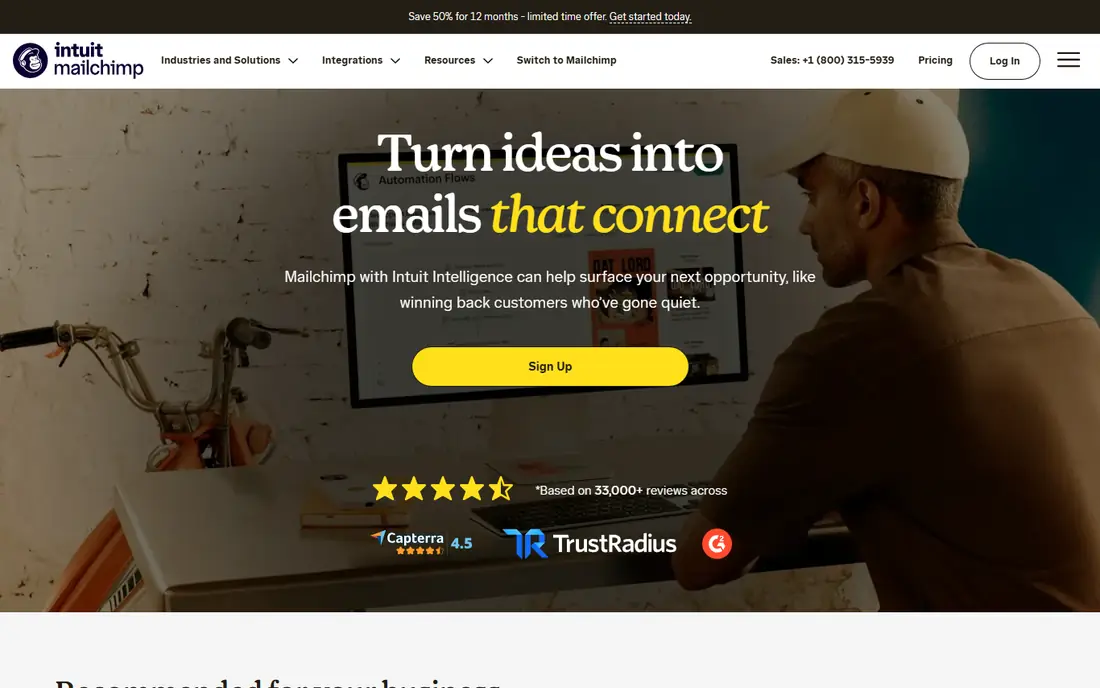
Mailchimp remains the default email tool for many small businesses, and the reason is ease of use. You can build a campaign with drag-and-drop blocks, set up a welcome series, and segment your list by purchase or interest without learning a complex system. Recent pricing lists Essentials at $13 per month for 500 contacts, with a free plan for up to 250 contacts and 500 sends a month.
The free plan is a place to learn, not a place to operate a growing list, and costs climb as contacts grow. Mailchimp fits best when email is your main channel and you want a polished tool that a non-specialist can run. If your list is large but your sends are simple, a cheaper email rival may save money.
- Easy email builder
- Automation and segmentation
- Large template library
- Free plan covers only 250 contacts
- Price rises with list size
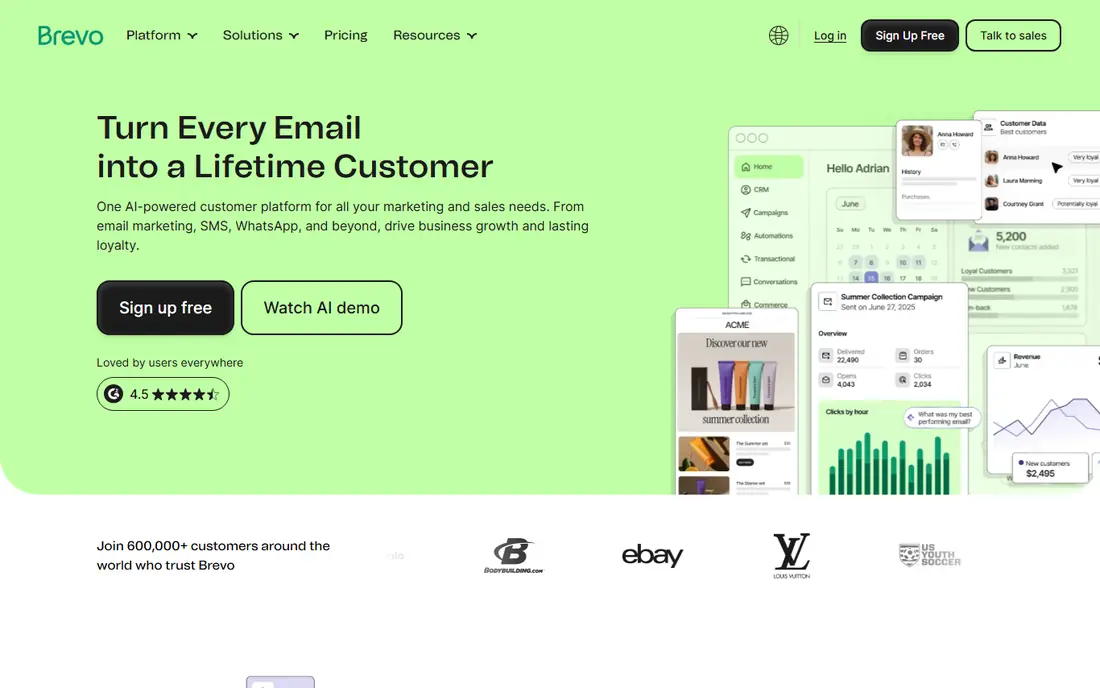
Brevo, formerly Sendinblue, is attractive because it charges by emails sent rather than by contacts stored, which suits businesses with a large list but modest sending volume. Its Starter plan lists $9 per month for 5,000 emails a month, and its free plan allows 300 emails a day. It also handles SMS, so a local business can reach customers by text as well as email.
The design and automation tools are less polished than Mailchimp at entry level, and the interface takes a little learning. Brevo is the better pick when your list is big, your sends are regular but not huge, and you want email and SMS in one low-cost account.
- Low entry price
- Email plus SMS
- Pricing based on sends, not contacts
- Design tools are simpler than Mailchimp
- Advanced automation sits in higher tiers
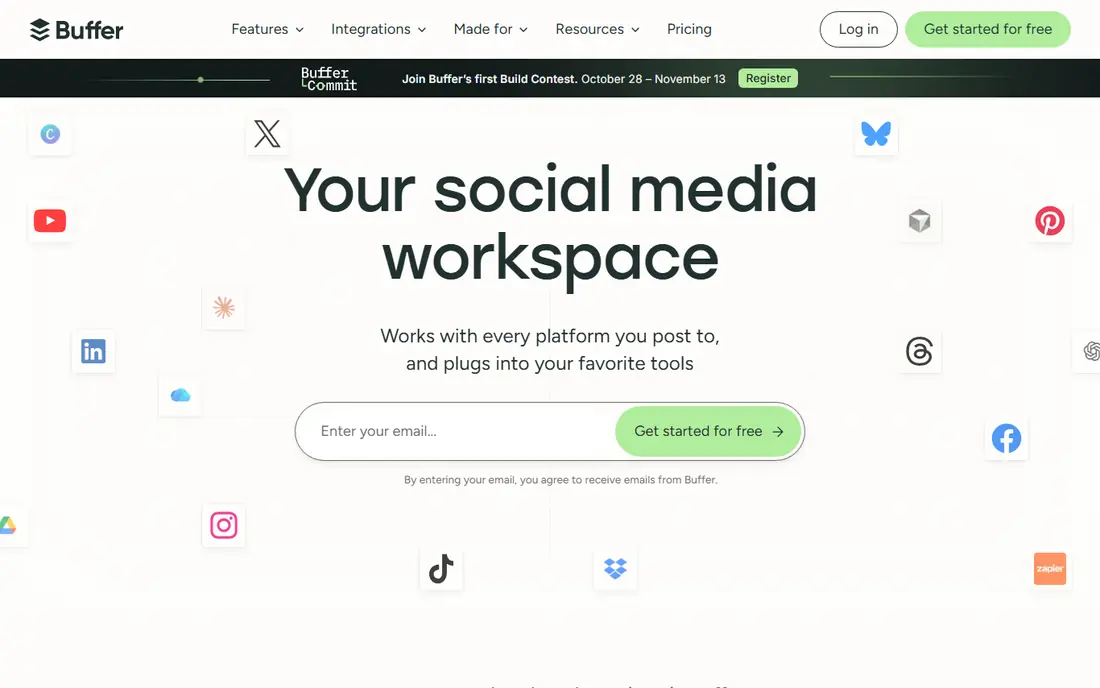
Buffer keeps social media manageable for a small team. You connect your channels, queue posts, and check basic analytics, without the complexity of an enterprise social suite. Its free plan covers three channels with ten scheduled posts each, and paid plans start at $5 per channel per month billed yearly, which is easy to budget.
It does not offer deep social listening, a full inbox, or advanced team workflows, so larger teams will outgrow it. Buffer fits best when one person handles social, posts a few times a week, and needs a simple queue rather than a full command center.
- Simple scheduling
- Low per-channel price
- Clear analytics for small teams
- No deep listening or inbox tools
- Costs add up with many channels
Canva lets a small business make social graphics, flyers, presentations, and short videos without hiring a designer. The free plan includes templates, stock elements, and 5GB of storage, which covers a lot of everyday design work. Pro, listed at $144 per year for one person, adds a brand kit, background removal, and more storage and scheduling features.
The risk is sameness. Unchanged templates are recognizable, so adapt colors, fonts, and photos to your brand. Canva is the best budget design tool for most small businesses, and it pairs well with Buffer for social posting and Mailchimp for email design.
- Huge template library
- Easy drag-and-drop design
- Brand kit and scheduling in Pro
- Pro costs $144 per year for one person
- Templates can look generic if used unchanged
HubSpot gives small businesses a free CRM that tracks contacts, deals, and conversations, plus free marketing tools for forms, landing pages, and email. That free core is genuinely useful, and it means you can organize leads before you spend anything. Paid Starter plans have been listed around $20 per seat per month, with promos that change often, so check the current price before you budget.
The paid tiers can get expensive as seats and features grow, and HubSpot rewards teams that invest time in setup. It fits best when you want one system for contacts, sales, and marketing, and when you plan to grow into its paid tools over time rather than all at once.
- Free CRM for up to two users
- Contact and deal tracking
- Marketing tools that grow with you
- Paid tiers get expensive
- Starter pricing and promos change often
- Setup takes time
Zoho CRM offers a free plan for up to three users and a Standard plan at $14 per user per month billed yearly, which makes it one of the cheapest credible CRMs. It tracks contacts, deals, tasks, and pipelines, and it connects to other Zoho apps for email, accounting, and support. For a small team that needs structure without HubSpot pricing, that is a strong deal.
The interface packs in many options, and the best value appears when you adopt more of the Zoho ecosystem. Zoho CRM fits best when you want an affordable, capable CRM and you are comfortable learning a system that grows with your business.
- Free plan for up to three users
- Standard plan is affordable
- Wide Zoho app ecosystem
- Interface can feel busy
- Best value comes when you use other Zoho apps
Google Analytics, in its GA4 form, is the free measurement tool every small business website should run. It shows where visitors come from, which pages they view, and which actions they take, and it links to Search Console for search data. That evidence tells you whether email, social, or search is actually driving enquiries, rather than guessing from likes or opens.
GA4 reports can confuse beginners, and privacy settings deserve attention, especially for businesses in regulated fields. Start with a few key reports, such as traffic sources, top pages, and conversions, and add complexity only when those reports guide a decision.
- Free
- Detailed traffic and conversion data
- Links to Search Console and ads
- Learning curve for reports
- Privacy setup needs care
- Data can overwhelm beginners
Ubersuggest is a budget SEO tool that covers keyword ideas, content suggestions, site audits, and basic rank tracking in a beginner-friendly package. Its free tier allows limited searches, and paid plans have been listed from around $12 to $29 per month in various comparisons, so check the current price on the vendor site. For a small business that cannot justify a full SEO suite, it gives enough data to choose topics and track progress.
The keyword database is smaller than Semrush or Ahrefs, so niche terms may show less data. Ubersuggest fits best when you handle your own SEO, need simple keyword and audit guidance, and want to keep the monthly cost low.
- Affordable keyword research
- Site audit and rank tracking basics
- Easy for beginners
- Database is smaller than Semrush or Ahrefs
- Free searches are limited
- Paid pricing varies
How we picked these
We compared vendor pricing pages and published small business marketing comparisons checked in October 2026, favoring tools with a free tier or a low entry price, clear limits, and a job a small team can run without specialist staff. We left out enterprise suites and tools without published budget pricing, and we note where a free plan is limited so readers do not mistake a trial for a long-term plan.
Building a budget marketing stack
Start with the free core: Google Business Profile for local visibility, Analytics and Search Console for measurement, and a free CRM tier for contacts. Add one paid tool for your main channel, such as email or social scheduling, and only add a second paid tool when the first one is actually driving enquiries. That order keeps costs low while you learn what works.
When to spend more
Spend more when a limit blocks growth, such as an email list that outgrows the free tier, a social queue that needs more channels, or a CRM that needs more seats. Before you upgrade, check whether a cheaper rival covers the same need, since switching early is easier than switching after a year of data. Review the stack every quarter, cancel tools you have not used in a month, and keep the total monthly cost visible to the whole team.
FAQ
What is the cheapest way to start marketing a small business?
Start free with Google Business Profile, Analytics, Search Console, and the free tiers of Canva, Buffer, and a CRM such as HubSpot or Zoho. Add a paid email plan only when your list grows past the free limit or you need automation.
Is Mailchimp or Brevo cheaper for a small business?
It depends on your list and sending volume. Brevo charges by sends, so it is often cheaper for a large list with modest sends, while Mailchimp charges by contacts and suits smaller lists that send often. Compare both on your real numbers, not on headline prices.
Do I need a CRM as a small business?
You need some way to track leads and customers, even if it starts as a free CRM tier or a simple spreadsheet. A CRM pays off when enquiries come from several channels and follow-up starts to slip through the cracks.
How much should a small business spend on marketing tools?
Many small businesses run well on $0 to $50 per month at the start, using free tiers and one low-cost tool. Spend should rise only when a tool clearly drives enquiries or saves hours each week, not because a feature list looks impressive.
Can free tools really compete with paid suites?
For basic email, social scheduling, design, and measurement, yes, free tiers cover a large share of small business needs. Paid suites earn their price when you need automation, large lists, many seats, or deep reporting that free tools do not offer.