Best Marketing CRM Software in 2026: 9 Tools Compared
Compare the best marketing crm software for 2026, with pricing, automation, email tools, pipelines, and honest pros and cons for growing marketing teams.

- Editor's choice
 HubSpot
All-in-one marketing and CRM
Starts atFreeVisit hubspot.comFull review - Great alternative
 Salesforce
Scaling enterprise teams
Starts at$25 per user per monthVisit salesforce.comFull review - Also consider
 Zoho CRM
Budget teams wanting depth
Starts at$14 per user per monthVisit zoho.comFull review
TL;DR:
- HubSpot is the easiest all-in-one start, while Zoho CRM and Freshsales give small teams similar depth for less money.
- Salesforce suits larger teams planning to scale, but its cost and setup time make it overkill for most small businesses.
- Marketing CRM pricing often depends on contacts and seats together, so check both limits before you choose a plan.
- The best CRM marketing tools are the ones your team will actually update daily, so favor a simple pipeline over a long feature list.
Quick comparison
| Tool | Best for | Starts at | Free plan? | |
|---|---|---|---|---|
| HubSpot | All-in-one marketing and CRM | Free | Yes | Visit |
| Salesforce | Scaling enterprise teams | $25 per user per month | Free trial | Visit |
| Zoho CRM | Budget teams wanting depth | $14 per user per month | Yes | Visit |
 Pipedrive | Visual sales pipelines | $14 per user per month | Free trial | Visit |
 ActiveCampaign | Email automation | $15 per month | Free trial | Visit |
 Keap | Small business automation | $299 per month | Free trial | Visit |
 monday CRM | Flexible boards and pipelines | $12 per user per month | Free trial | Visit |
 Freshsales | Low-cost CRM with phone | $9 per user per month | Yes | Visit |
 Insightly | Simple CRM with projects | $29 per user per month | Free trial | Visit |
The best marketing CRM software
These tools combine contact records, marketing campaigns, and sales pipelines so marketing and sales work from the same customer view.

HubSpot is the easiest place to start for a marketing-led team. The free CRM covers contacts, deals, email tracking, live chat, and meeting scheduling, with up to two users on the free plan. Paid Starter plans add branding removal, bulk email, and basic automation, while Professional adds full workflows, lead scoring, A/B testing, and custom reporting.
The catch is the price jump. Sales Hub Professional starts at about $90 per seat per month when billed annually, plus a $1,500 onboarding fee, and Marketing Hub Professional starts at about $890 per month. Plan for that jump before your team depends on Professional features. For teams that want one platform for marketing and sales, HubSpot still sets the standard for ease of use.
- Genuine free CRM
- Strong marketing, sales, and service tools in one place
- Large integration library
- Professional tiers jump sharply in price
- Onboarding fees on higher tiers
- Contact limits matter
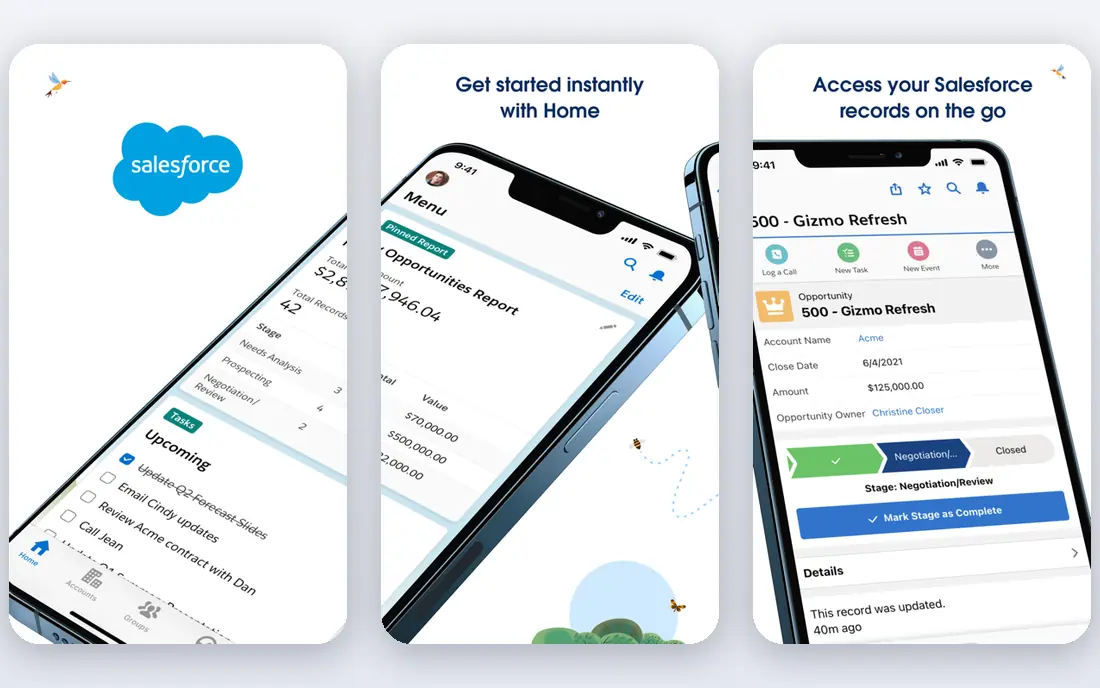
Salesforce remains the default choice for larger teams that need deep customization and a vast ecosystem of apps. Starter starts at about $25 per user per month, while Pro Suite starts at about $100 per user per month. Campaigns, leads, opportunities, and customer journeys can be modeled in detail, and integrations cover almost every marketing tool a team might use.
That power comes with complexity. Small teams often need a consultant or admin to set Salesforce up well, and per-seat costs add up fast as the team grows. If you are a small business with simple needs, a lighter CRM will get you live faster. If you plan to scale across regions, products, and channels, Salesforce gives you room to grow without switching platforms later.
- Deep customization
- Huge app ecosystem
- Strong reporting and automation
- Setup takes time and expertise
- Costs rise quickly
- Interface can feel complex

Zoho CRM gives small and midsize teams a lot of CRM for the money. Standard starts at $14 per user per month when billed annually, with Professional at $23 and Enterprise at $40. It covers leads, deals, campaigns, workflows, and email, and it connects to the wider Zoho suite for accounting, support, and marketing tools. A free plan supports up to three users with basic features.
The interface is less polished than HubSpot, and the sheer number of settings can slow down a first setup. Teams that invest a day in setup and training usually find it a strong long-term value. If budget matters and you want depth without enterprise pricing, Zoho CRM is hard to beat.
- Low price for the depth
- Free plan for up to 3 users
- Wide Zoho app suite
- Interface takes time to learn
- Some features need higher tiers
- Support tiers vary
Pipedrive is built around a visual deal pipeline that sales and marketing teams can read at a glance. Deals move across stages, activities and reminders keep follow-ups from slipping, and email sync keeps conversations attached to the right deal. Entry pricing starts at about $14 per user per month when billed annually, with a 14-day free trial.
Marketing features are lighter than a full marketing platform, so teams that need complex email journeys may pair Pipedrive with a dedicated email tool. For teams whose main job is moving leads through a pipeline and closing them, the clarity is the point. Pipedrive stays out of the way and keeps the pipeline honest.
- Clear visual pipeline
- Easy activity reminders
- Good email integration
- Marketing automation is lighter than HubSpot
- No permanent free plan
ActiveCampaign is a marketing automation platform with CRM features, and email is where it shines. The Starter plan starts at $15 per month for 1,000 contacts, and the automation builder handles welcome series, lead scoring, conditional content, and behavior-based follow-ups. Segmentation by tags, site activity, and purchase history helps teams send relevant messages instead of blasting the whole list.
Pricing scales with contact count, so a growing list raises the bill even if the team stays the same size. There is a 14-day free trial but no permanent free plan. For teams where email drives most revenue, ActiveCampaign's automation depth justifies the cost. For teams that mainly need a contact database, a simpler CRM may be enough.
- Strong email and automation builder
- Good segmentation
- CRM included
- Pricing scales with contacts
- No permanent free plan
- Learning curve for complex automations
Keap, formerly Infusionsoft, combines CRM, marketing automation, and payments for small service businesses. It suits coaches, consultants, agencies, and local services that need lead capture, follow-up sequences, appointment booking, and invoicing without stitching together five tools. Pricing starts at about $299 per month, with two users included and extra users at about $39 each.
That starting price is high for a solo business, and the platform takes time to set up well. Teams that use the automation and payment features together get the most value. Teams that only need a contact list should look at cheaper options on this list first.
- CRM plus automation and payments in one place
- Good for service businesses
- Helpful onboarding
- High starting price for very small teams
- Pricing is per account, not per seat in the same way
monday CRM builds on monday.com boards, so teams can shape pipelines, lead lists, and project tracking to match how they actually work. Basic CRM pricing starts at about $12 per user per month when billed annually, with a three-seat minimum on standard plans. Email, activities, and automations keep deals moving, and boards make it easy for marketing and sales to share the same view.
It is more flexible than it is deep as a traditional CRM, so teams with complex sales processes should test reporting and automation limits on a trial. For teams that already like monday.com for projects, adding CRM keeps work in one place. For teams that want a classic CRM with strict sales controls, Zoho or Salesforce may fit better.
- Flexible boards for pipelines and projects
- Visual and easy to customize
- Good collaboration
- Three-seat minimum on some plans
- Costs rise with team size
- CRM depth varies by plan
Freshsales, from Freshworks, offers a low-cost entry into CRM with a built-in phone system and email tools. Growth starts at $9 per user per month when billed annually, and a free plan supports up to three users. Lead scoring, pipelines, and basic automation cover the daily needs of a small sales and marketing team without a large bill.
Advanced automation, forecasting, and customization sit on higher tiers, and the integration ecosystem is smaller than HubSpot or Salesforce. For small teams that want a working CRM and phone in one place for the lowest price, Freshsales is a strong starting point. Growing teams should check the cost of the next tier before they build complex workflows on the entry plan.
- Low entry price
- Built-in phone and email
- Free plan for up to 3 users
- Higher tiers needed for advanced automation
- Smaller ecosystem than HubSpot
Insightly combines CRM with project management, which suits service businesses that sell a project and then deliver it. Contacts, leads, and opportunities link directly to projects, tasks, and milestones, so handoffs from sales to delivery stay in one record. Pricing starts at about $29 per user per month, with a free trial.
Marketing automation is more basic than ActiveCampaign or HubSpot, so teams that need complex email journeys will need a separate tool. For teams that value the sales-to-delivery link, Insightly removes the gap where project details get lost after a deal closes. That practical benefit often matters more than a longer feature list.
- CRM plus project management
- Clean interface
- Good for service teams
- Higher entry price than Zoho or Freshsales
- Marketing automation is basic
How we picked these
We compared official pricing pages, feature lists, and public reviews for CRMs with real marketing features, including campaigns, email, automation, and lead management. We favored tools that are actively sold in 2026 and that cover both marketing and sales work, rather than pure sales databases. Prices are starting prices and can change with seats, contacts, and billing terms.
What to check before you buy a marketing CRM
Start with the journey you actually run. Map how a lead finds you, what emails or calls follow, and how a deal moves to close. Then check whether the CRM handles each step without a workaround. A tool that forces your team into spreadsheets for one key step will lose adoption fast.
Contacts, seats, and automation
Count both contacts and seats, since many vendors charge for one or both. Check automation limits, email sending limits, and whether lead scoring, A/B testing, and custom reporting sit on your chosen tier or the next one up. Run a trial with real leads and a real campaign, not just sample data, and watch how long it takes a new team member to log a call, send a follow-up, and find a deal.
FAQ
What is the best CRM marketing tool for a small business?
HubSpot's free CRM is the easiest start, while Zoho CRM and Freshsales offer more depth at a low price. Choose HubSpot if you want marketing and sales in one simple system, and Zoho if budget and customization matter more.
How much does marketing CRM software cost?
Free plans exist, and paid entry plans range from about $9 to $29 per user per month. Larger platforms such as Salesforce and HubSpot Professional cost far more, especially with onboarding fees, so check the full tier you will actually need.
Do I need a CRM if I already use email marketing software?
A CRM adds a shared record of every lead, deal, and conversation, while email tools mainly send campaigns. Teams that track deals, follow-ups, and customer history across people need a CRM, even if they keep a separate email tool for sending.
Can a CRM help with lead generation?
Yes, through forms, landing pages, lead scoring, and campaign tracking, but it will not create demand on its own. The CRM helps you capture, follow up, and measure leads from ads, content, and referrals, which is where most small teams lose revenue.
Is Salesforce too much for a small business?
Often, yes, at least at first. Salesforce suits teams planning to scale with complex processes and dedicated admin help. Small teams usually move faster with HubSpot, Zoho, or Pipedrive, and can migrate later if growth demands it.