Which Marketing Calendar Software Fits You? 7 Tools Compared
Weighing the best marketing calendar software? We lined up 7 products by cost, free access and fit. The weak spots sit next to the strengths. Read the profiles.

- Editor's choice
 StoryChief
Content teams that plan from brief to multichannel publish
Starts atSee websiteVisit storychief.ioFull review - Great alternative
 Asana
Launch-driven teams that plan campaigns as projects with dependencies
Starts atSee websiteVisit asana.comFull review - Also consider
 Monday.com
Marketing teams that think in boards and want the calendar
Starts atSee websiteVisit monday.comFull review
Direct answer
For content teams that plan from brief to multichannel publish, StoryChief is where this list starts. For a different need, Asana covers launch-driven teams that plan campaigns as projects with dependencies and Monday.com covers marketing teams that think in boards and want the calendar as a view. All 7 tools are compared below on price, free plan and limits.
TL;DR:
- StoryChief is the opening pick, best for content teams that plan from brief to multichannel publish.
- Airtable suits content operations that require database power behind the calendar.
- What to know about ClickUp first: no published pricing found on the vendor homepage during research.
- Only 5 of the 7 tools have a free plan (Asana, Monday.com, ClickUp, Trello, Airtable), so check the caps.
- Starting prices begin at $29/month billed annually with CoSchedule.
Quick comparison
| Tool | Best for | Starts at | Free plan? | |
|---|---|---|---|---|
| StoryChief | Content teams that plan from brief to multichannel publish | See website | Free trial | Visit |
| Asana | Launch-driven teams that plan campaigns as projects with dependencies | See website | Yes | Visit |
| Monday.com | Marketing teams that think in boards and want the calendar | See website | Yes | Visit |
 ClickUp | Teams that want tasks | See website | Yes | Visit |
 CoSchedule | Social-led marketing teams that want a calendar aimed at publishing | $29/month billed annually ($39 per month) for Starter; Professional $49/month billed yearly ($59 per month); Suite custom | Free trial | Visit |
 Trello | Small teams that want the simplest shared marketing calendar | See website | Yes | Visit |
 Airtable | Content operations that require database power behind the calendar | See website | Yes | Visit |
Every option for marketing calendar software explained
LinkVetted compared 7 tools for marketing calendar software. The goal is a practical shortlist: published prices, free plan facts, best-fit use cases and honest limits for every entry.
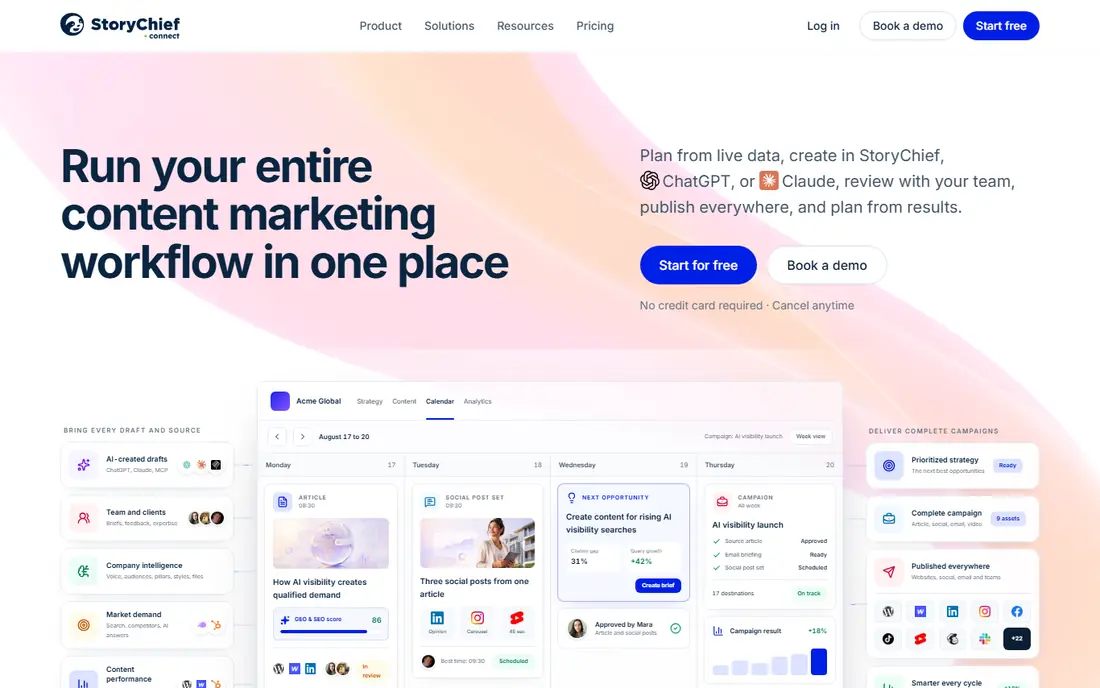
Think of StoryChief for content teams that plan from brief to multichannel publish. StoryChief treats content marketing as one connected workflow rather than scattered tools.
Watch-outs: The full product exceeds what a social-only team needs.
Where StoryChief stands out: review and multichannel publishing. In daily use, the employee advocacy add-on is a genuine differentiator for B2B teams that can mobilize staff sharing. A team that only needs social scheduling will find lighter tools less expensive and more straightforward. StoryChief shows no starting price here, so confirm the cost on the vendor site. Free access: Free trial.
- AI-assisted drafting with human review before anything publishes
- One workflow from planning and briefing through drafting
- Pricing is not published on the vendor site
Asana
Best for: Launch-driven teams that plan campaigns as projects with dependencies

Asana is a good fit for launch-driven teams that plan campaigns as projects with dependencies. Like Monday, it plans the work but does not publish the posts; social teams still need a scheduling layer. In practice, campaigns become projects with sections, milestones, dependencies and owners, and the calendar and timeline views present the sequence at a glance.
As for the details, buy this when the calendar's job is coordinating launches, not posting to Instagram. Also, portfolios group every campaign for leadership visibility. Asana shows no starting price here, so confirm the cost on the vendor site. You can start on Asana without paying.
The main drawbacks: Social scheduling is not native and needs integrations.
- Capable template ecosystem and AI teammates that work inside real workflows
- Timeline and calendar views present campaign plans with dependencies and milestones
- No published pricing on the vendor homepage during research
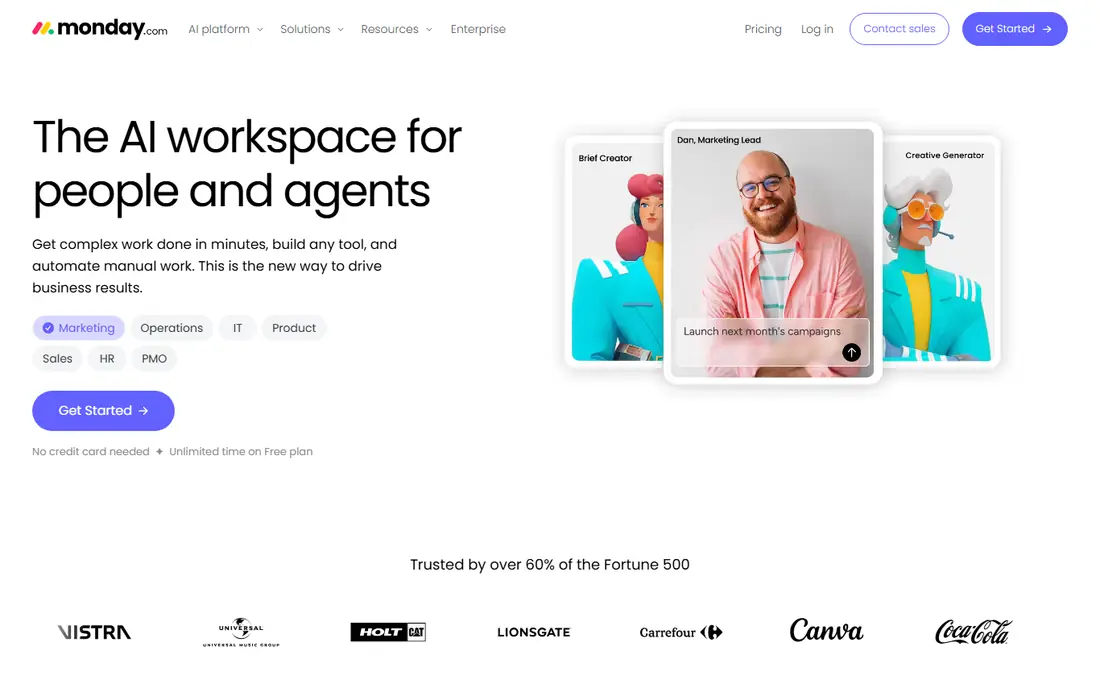
Monday.com works best for marketing teams that think in boards and want the calendar as a view. Monday.com is a work operating system that marketing teams often adopt as their calendar. From a buyer's view, social scheduling and publishing are not native; teams pair it with a social tool or integrations.
What users get: Huge template library and 20-plus column types for content metadata.
The main drawbacks: No published pricing found on the vendor homepage during research, so budgeting needs a quote.
The strength is adaptability: content pillars, channels, formats and funnel stages become columns, and automations move items through review stages without manual chasing. As for the details, campaigns live as boards with owners, dates, statuses and assets. The calendar view renders the entire plan at once. Monday.com shows no starting price here, so confirm the cost on the vendor site. A free plan is available with Monday.com.
- Automations and integrations connect the calendar to Slack
- Calendar view turns any campaign board into a shared schedule
- Deep marketing features need the higher levels
ClickUp makes the most sense for teams that want tasks, docs, chat and calendar in one workspace. ClickUp's pitch is consolidation: the marketing calendar, the docs behind it, the team chat about it and the AI that summarizes it all live in one workspace. In daily use, the AI layer (Brain, Super Agents) is the current differentiator, searching tasks, docs and conversations together.
The main drawbacks: The everything-in-one-workspace approach can feel cluttered.
As for the details, buy this when the team wants fewer tools, not just a better calendar. Worth adding: doing everything means the interface carries everything, and teams that want a straightforward calendar can find the workspace heavy. No starting price is listed for ClickUp here; confirm pricing on the vendor site. ClickUp includes a free tier.
- Docs
- Ample free-forever level makes it the cheapest real calendar on this list
- No published pricing found on the vendor homepage during research
CoSchedule
Best for: Social-led marketing teams that want a calendar aimed at publishing
CoSchedule is aimed squarely at social-led marketing teams that want a calendar aimed at publishing. A team with multiple networks and a handful of teammates lands well above the sticker price. Beyond that, the calendar sits at the center: social posts, campaigns and content projects share one drag-and-drop view, with color labels, saved filtered calendars and read-only sharing for stakeholders.
What to check first: X/Twitter profiles cost $16 each a month on top of base plans; Pricing scales with users and profiles (Starter permits 1 user and 3 profiles.
Beyond that, buy this when the calendar's job is publishing social content on schedule, not managing a product launch. In daily use, starter includes 1 user and 3 profiles, Professional spans 2 users (max 3) and 5 profiles. Every additional profile is $5 per month whereas X/Twitter profiles are $16 each a month. In daily use, the honest catch is the metering. Suite is custom-quoted for larger teams. On cost, CoSchedule starts like this: $29/month billed annually. Free access: Free trial.
- Unlimited scheduled messages on premium plans, with AI campaign drafting and social analytics built in
- ReQueue automatically reshares evergreen posts to fill gaps
- Additional profiles $5/month each
In short, Trello is for small teams that want the simplest shared marketing calendar. Trello is the calendar for teams that hate software. For everyday use, setup takes minutes, and the free plan takes care of small teams without complaint.
Honest limits: Thin on marketing-specific features (no native social publishing, approvals or analytics).
On top of that, the honest catch is the ceiling. For everyday use, a board per campaign or content stream, lists for stages, cards for pieces. A calendar view that displays the month. Pricing for Trello is not stated here, so ask the vendor for current figures. You can start on Trello without paying.
- The simplest mental model on this list: cards on lists, with a calendar view on top
- The fastest onboarding of any tool here
- Pricing is not published on the vendor homepage during research
Airtable
Best for: Content operations that require database power behind the calendar
Think of Airtable for content operations that require database power behind the calendar. Airtable is the spreadsheet person's marketing calendar: content lives as structured records with fields for channel, format, owner, status, publish date and URL, and the calendar view renders the plan.
The honest catch is setup effort. Pricing for Airtable is not stated here, so ask the vendor for current figures. Free access exists with Airtable.
The main drawbacks: Building the calendar is a small project; No published pricing on the vendor homepage during research.
- Scales from a solo creator's editorial calendar to enterprise content operations
- Interfaces and automations turn the base into a light content system
- Not a template click
Notes on marketing calendar software
The job of marketing calendar software is three things at once: a single view of everything scheduled, a workflow that moves each item from idea to published, and accountability for who owns what. On top of that, project calendars (Monday, Asana, ClickUp, Airtable, Trello) are designed for campaigns as work, with the calendar as one view of the plan.
What went into this list
LinkVetted looked at what each vendor publishes: pricing, plan limits, feature coverage for marketing calendar software and stated drawbacks. No hands-on testing is claimed. Figures are shown as the vendors publish them. Billing terms, seat minimums and add-ons can change the real cost. Position on the page reflects fit for a typical buyer first, with price clarity and free access breaking ties. Treat it as a guide, not a ruling.
Questions to settle before buying
- Ask StoryChief, Asana, Monday.com and others for a written quote, since no starting price is shown.
- Look at free plan limits closely: Asana, Monday.com, ClickUp and others have one, and the caps decide whether it is usable for real work.
- Take the trial from StoryChief and CoSchedule and push a live task through it before you pay.
- Read the limits listed for StoryChief first: pricing is not published on the vendor site.
- Ask the daily users to test Asana on a live task before you roll it out to everyone.
- Check the support hours and onboarding help StoryChief offers; smaller vendors vary a lot here.
FAQ
What is the cheapest option for marketing calendar software in this list?
On published monthly entry prices, CoSchedule is the lowest here at $29/month billed annually. Entry price is only part of the cost, because seats, add-ons and billing terms can change the total.
Which marketing calendar is a good match for agencies?
Start with StoryChief if you need content teams that plan from brief to multichannel publish. Asana is the better match for launch-driven teams that plan campaigns as projects with dependencies, and Monday.com for marketing teams that think in boards and want the calendar as a view. The best choice depends on budget, team size and workflow.
Is StoryChief the right pick for everyone comparing marketing calendar software?
No single tool suits every team. StoryChief comes first because it fits content teams that plan from brief to multichannel publish, while Asana suits launch-driven teams that plan campaigns as projects with dependencies and Monday.com suits marketing teams that think in boards and want the calendar as a view. Match the tool to your own size, budget and workflow before deciding.
Is there a free marketing calendar?
ClickUp's free-forever level and Trello's free plan are the most capable free choices. Free levels include planning and calendar views; social publishing at scale is where premium plans start.
Do these tools publish their prices?
Not all of them. StoryChief, Asana, Monday.com and others publish no starting price, so expect a quote request for those. The rest, CoSchedule included, show a starting price, though seats and billing terms still change the final cost.
Which options for marketing calendar software have a free plan?
On this list, Asana, Monday.com, ClickUp, Trello and Airtable include a free plan. Caps on seats, usage or features are common, so test the free plan against your real workload. Several others offer a trial instead.