Best Landscaping Payroll Apps in 2026: 8 Apps Compared
We compared the best landscaping payroll apps for seasonal crews, time tracking and tax filing, checking prices and free options so firms can pay crews on time.
- Editor's choice
 Gusto
Seasonal crews and simple full-service payroll
Starts at$49 per monthVisit gusto.comFull review - Great alternative
 QuickBooks Payroll
Firms already on QuickBooks accounting
Starts atSee websiteVisit quickbooks.intuit.comFull review - Also consider
 OnPay
Flat-price full-service payroll
Starts at$49 per monthVisit onpay.comFull review
TL;DR:
- Gusto leads for seasonal landscaping crews, with time tools and tax filing built for field teams.
- QuickBooks Payroll leads for firms already on QuickBooks, thanks to clean accounting sync.
- OnPay and Patriot Software suit small firms that want clear or low pricing, with different feature scopes.
- Homebase helps with scheduling and time clocks, but full payroll needs a paid plan or a linked provider.
Quick comparison
| Tool | Best for | Starts at | Free plan? | |
|---|---|---|---|---|
| Gusto | Seasonal crews and simple full-service payroll | $49 per month | No | Visit |
| QuickBooks Payroll | Firms already on QuickBooks accounting | See website | Free trial | Visit |
| OnPay | Flat-price full-service payroll | $49 per month | Free trial | Visit |
 ADP RUN | Growing firms that need scale and compliance | See website | No | Visit |
 Paychex Flex | Firms that want payroll plus HR in one system | See website | Free trial | Visit |
 Square Payroll | Small firms that also use Square for sales | $35 per month | Free trial | Visit |
 Patriot Software | Budget payroll for micro firms | $17 per month | Free trial | Visit |
 Homebase | Shift scheduling plus time clocks and payroll links | Free | Yes | Visit |
The best landscaping payroll apps
We compared the options below on current features, pricing pages and public reviews, and we kept only services that work in October 2026. Start with the pick that matches your main job, then check its limits before you sign up.
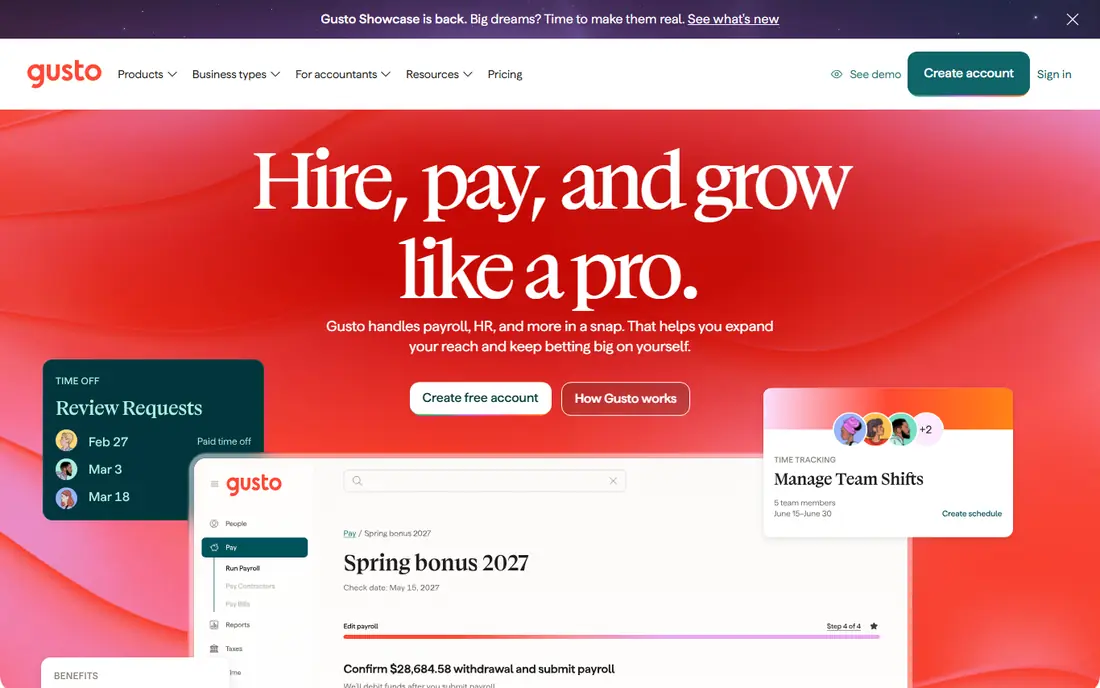
For landscaping firms with seasonal crews, Gusto is a strong place to start. Gusto offers a landscaping-focused payroll page, with mobile time tools, geofenced clock-ins and tax filing that suit crews across job sites. Seasonal hiring and rehiring tools help firms bring crews back each spring without a pile of paperwork. We liked its seasonal crew tools, which fit landscaping hiring patterns, and firms with many employees should model the per-person total, not just the base price
The catch is No free plan; per-employee fees add up Starting price is $49 per month. Check that trade-off against your budget and your patience for setup before you commit, and test the free option first when one is offered.
- Landscaping payroll page
- Time tools
- Tax filing
- No free plan
- Per-employee fees add up
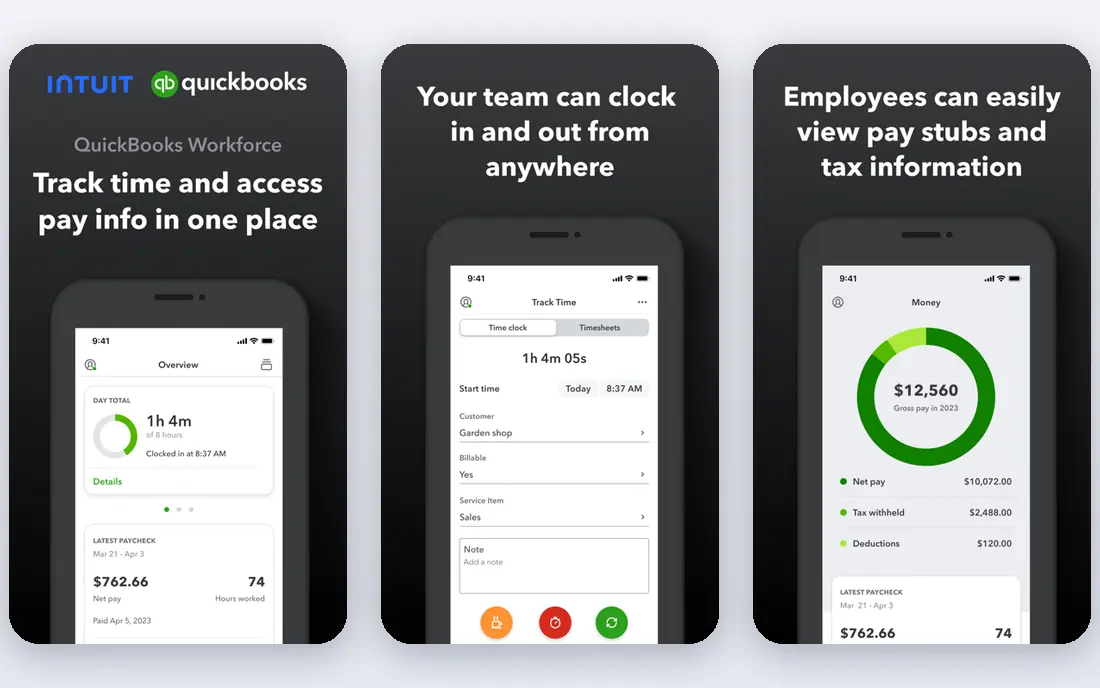
QuickBooks Payroll is built for firms that run books in QuickBooks, and that focus shows in daily use. QuickBooks Payroll syncs pay runs, taxes and time data with QuickBooks accounting, which reduces double entry at month end. That link suits firms that already invoice and track job costs in QuickBooks and want payroll to post cleanly beside those records. We liked its accounting sync, which saves reconciliation time, and firms not on QuickBooks may prefer a standalone payroll tool
The catch is Best value needs QuickBooks; pricing varies by plan Starting price is See website. Check that trade-off against your budget and your patience for setup before you commit, and test the free option first when one is offered.
- Tight QuickBooks sync
- Tax filing
- Time tracking links
- Best value needs QuickBooks
- Pricing varies by plan
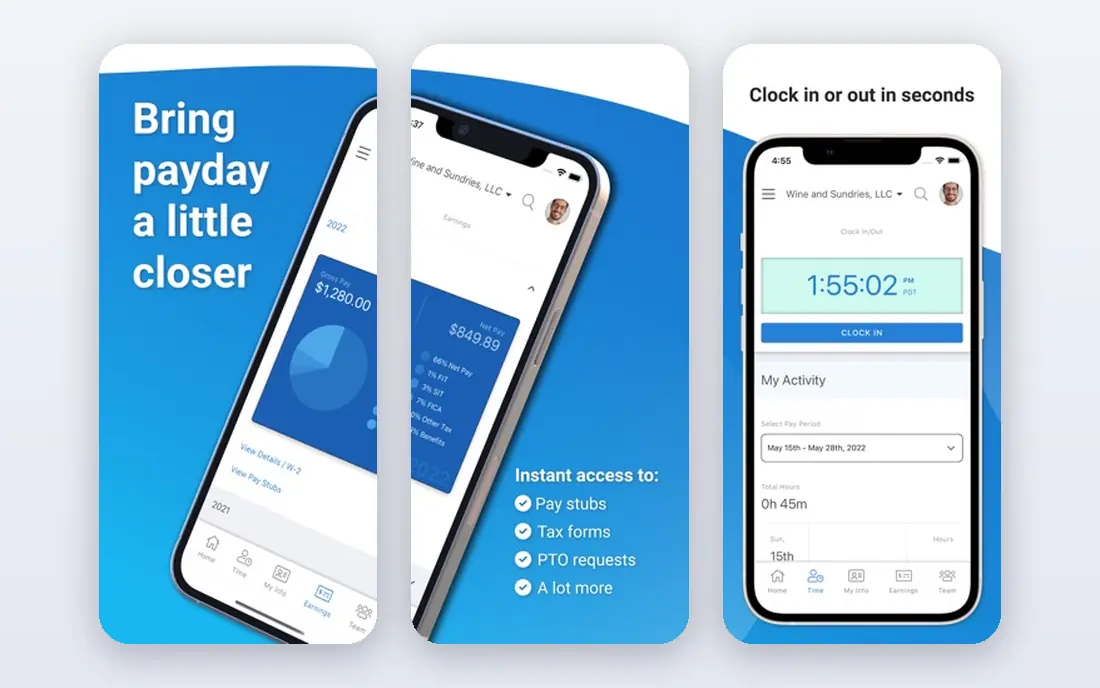
If you are in the group of small firms that want one clear price, OnPay deserves a close look. OnPay offers full-service payroll at a single monthly base price plus a per-person fee, with tax filing, contractor pay and benefits admin in one system. That clarity helps small firms budget without tracking add-on prices for core payroll jobs. We liked its clear pricing, which makes budgeting easier, and larger firms with complex benefits should check state coverage first
The catch is No free plan; benefits options vary by state Starting price is $49 per month. Check that trade-off against your budget and your patience for setup before you commit, and test the free option first when one is offered.
- Single price includes most features
- Tax filing
- Contractor pay
- No free plan
- Benefits options vary by state
ADP RUN fits growing firms that expect multi-state hiring. ADP RUN covers payroll, tax filing, HR and compliance for growing firms, with mobile tools for managers and employees. Its scale suits firms that hire across states or plan rapid growth, though quote-based pricing means a sales conversation is needed to compare totals. We liked its compliance depth at scale, and very small firms may find simpler tools faster to set up
The catch is Quote-based pricing; setup can feel heavy for tiny firms Starting price is See website. Check that trade-off against your budget and your patience for setup before you commit, and test the free option first when one is offered.
- Payroll and tax compliance
- HR tools
- Mobile app
- Quote-based pricing
- Setup can feel heavy for tiny firms
For firms that want HR and payroll together, Paychex Flex is a strong place to start. Paychex Flex combines payroll, HR, benefits, time and reporting in one system, which suits firms that want employee records, onboarding and pay in the same place. Its support and scale help firms that are moving beyond spreadsheets and separate tools. We liked its combined HR and payroll scope, and buyers should ask for the full module price, not just the payroll base
The catch is Pricing is quote-based; modules can raise the total Starting price is See website. Check that trade-off against your budget and your patience for setup before you commit, and test the free option first when one is offered.
- Payroll, HR and benefits
- Time and attendance
- Reporting
- Pricing is quote-based
- Modules can raise the total
Square Payroll is built for small firms that want simple payroll beside Square, and that focus shows in daily use. Square Payroll offers simple full-service payroll with tax filing and timecard tools, which suits small firms that already use Square for payments. Its straightforward setup helps owners run pay without a long onboarding project. We liked its simplicity, which suits owners who run payroll themselves, and firms needing deep HR or multi-state benefits may outgrow it
The catch is Per-employee fees apply; HR depth is lighter than larger systems Starting price is $35 per month. Check that trade-off against your budget and your patience for setup before you commit, and test the free option first when one is offered.
- Simple payroll
- Tax filing
- Timecard links
- Per-employee fees apply
- HR depth is lighter than larger systems
If you are in the group of micro firms that want the lowest entry price, Patriot Software deserves a close look. Patriot Software offers a low starting price for full-service payroll, with tax filing and US-based support that small firms praise. It suits micro firms that need reliable pay runs without paying for HR suites they will not use. We liked its low price, which helps firms with tight margins, and firms that later need HR, benefits and scheduling will need extra tools
The catch is Payroll-only focus; HR features are basic Starting price is $17 per month. Check that trade-off against your budget and your patience for setup before you commit, and test the free option first when one is offered.
- Low starting price
- Full-service tax filing
- US support
- Payroll-only focus
- HR features are basic
Homebase fits firms that schedule shifts and track time closely. Homebase starts with free scheduling and time clocks, then links time data to payroll providers, which suits landscaping firms that manage crews by shift and site. Team messaging and hiring tools add value for firms that hire seasonally and need to fill shifts fast. We liked its scheduling and time clock, which feed payroll accurately, and payroll itself is not fully free, so check paid plan totals before relying on it
The catch is Full payroll features need paid plans; free plan limits apply Starting price is Free. Check that trade-off against your budget and your patience for setup before you commit, and test the free option first when one is offered.
- Free scheduling and time clock
- Payroll integrations
- Team messaging
- Full payroll features need paid plans
- Free plan limits apply
How we picked these
We compared official pricing, payroll and industry pages, plus public reviews, and we weighted landscaping needs: seasonal hiring, multiple pay rates, field time tracking, overtime and tax filing. We favoured tools that show those features on their own pages, and we noted where payroll is a linked service rather than a built-in engine. Prices are listed as shown by vendors, or as See website where pricing is quote-based, and per-employee fees are noted where they affect the total.
How to choose payroll for a landscaping crew
Start with how you track time. If crews work across sites with varied rates, you need mobile clock-ins, geofencing or site-based time entry that feeds payroll without manual retyping. Check tax filing coverage for every state where you hire, and ask how seasonal rehiring, overtime and contractor pay are handled. Model the total cost for your actual headcount, including base and per-person fees, rather than comparing base prices alone. Run one parallel pay cycle if possible, and confirm that pay data posts cleanly to your accounting system before you switch fully.
FAQ
Do these apps handle seasonal workers?
Gusto and Homebase handle seasonal hiring well, with rehiring tools and shift scheduling. Check how each tool handles offboarding, tax forms and rehiring, since those steps differ by vendor.
What does payroll usually cost?
Most tools charge a monthly base plus a per-employee fee, so the total depends on headcount. Patriot Software starts lowest in this group, while Gusto, OnPay and Square Payroll sit in a similar mid-range before per-person fees.
Can I track crew time in the field?
Yes, with mobile time tools, geofenced clock-ins or site-based entry in Gusto, QuickBooks Payroll links and Homebase. Test time entry on a real job site, since outdoor coverage and phone battery affect accuracy.
Do I still need an accountant?
Payroll software handles pay and tax filing, but an accountant still helps with year-end, multi-state issues and job costing. Use the software for weekly runs and an adviser for complex tax or classification questions.
What about paying contractors?
Most tools in this group pay contractors as well as employees, but tax forms and payment timing differ. Confirm contractor pay and 1099 handling on the vendor page before you rely on it.