Best IT Inventory Management Software in 2026: 9 Tools Compared
Compare the best IT inventory management software in 2026, with discovery, asset tracking, licensing, pricing, and which tool fits your own IT team size best.

- Editor's choice
 Lansweeper
Automatic network discovery
Starts atFreeVisit lansweeper.comFull review - Great alternative
 Snipe-IT
Low cost self hosted tracking
Starts atFreeVisit snipeitapp.comFull review - Also consider
 ManageEngine AssetExplorer
Free edition with real features
Starts atSee websiteVisit manageengine.comFull review
TL;DR:
- Lansweeper is our pick for most IT teams because it discovers devices automatically and offers a free tier for up to 100 assets.
- Snipe-IT suits teams that want low cost, self hosted asset tracking, while Freshservice suits teams that want ticketing and assets together.
- Discovery tools and manual asset trackers solve different problems, so decide whether you need automatic network discovery first.
- Price by asset count and agent count at your real estate size, since per asset and per agent models diverge quickly.
Quick comparison
| Tool | Best for | Starts at | Free plan? | |
|---|---|---|---|---|
| Lansweeper | Automatic network discovery | Free | Yes | Visit |
| Snipe-IT | Low cost self hosted tracking | Free | Yes | Visit |
| ManageEngine AssetExplorer | Free edition with real features | See website | Yes | Visit |
 Freshservice | Service desk plus asset tracking | $19 per agent per month | Yes | Visit |
 InvGate Asset Management | Discovery with CMDB depth | See website | No | Visit |
 Asset Panda | Mobile barcode and QR tracking | See website | No | Visit |
 SolarWinds Service Desk | Service desk with asset discovery | $39 per technician per month | No | Visit |
 Device42 | Discovery plus dependency mapping | See website | No | Visit |
 GLPI | Open source IT asset management | See website | Yes | Visit |
The best IT inventory management software
IT inventory software should answer three questions fast: what do we own, where is it, and what software and licenses are on it. These tools differ in discovery, licensing, and how much service desk work they include.
Lansweeper scans your network and builds an inventory of computers, servers, network gear, and software without requiring an agent on every device, though agents are available for remote machines. That automatic discovery is its main advantage, since manual spreadsheets go out of date quickly. Recent comparisons list a free tier for up to 100 assets, with paid Starter tiers for larger estates.
For a small or mid sized IT team, Lansweeper gives a clear, current picture of the estate and helps with audits, license checks, and lifecycle planning. If you also need full ticketing, change management, and a CMDB at enterprise depth, you may pair it with a service desk or choose a broader platform.
- Agentless discovery of network devices
- Free tier for up to 100 assets
- Detailed hardware and software inventory
- Paid tiers are asset based and can grow with estate size
- Advanced ITSM features are limited compared with full service desks
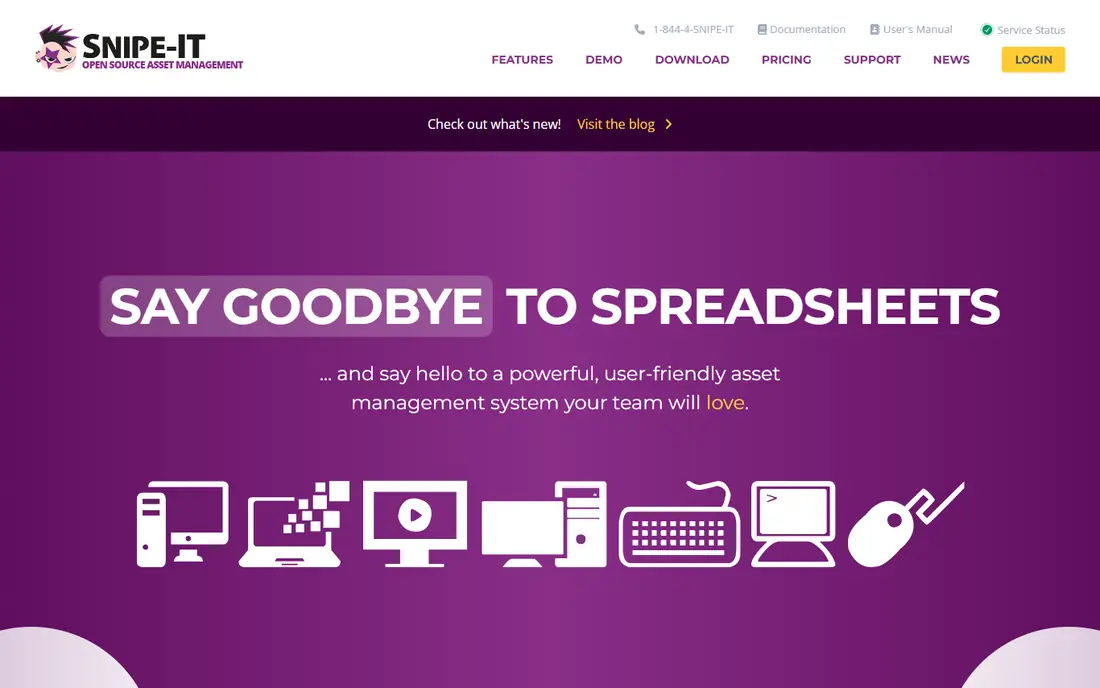
Snipe-IT is an open source asset tracker for hardware, software licenses, accessories, and consumables, with check in and check out, user assignments, and audit tools. The self hosted version is free, and hosted plans start at 39.99 dollars per month in recent comparisons, which makes it one of the lowest cost ways to run a proper asset register. It suits teams that are comfortable running their own server or paying a modest hosting fee.
Snipe-IT does not discover devices on your network automatically, so you enter assets manually or import them from another tool. That is fine for a controlled estate with good intake processes, but less ideal if you need to find unknown devices. Pair it with a discovery tool if that gap matters to you.
- Open source and self hosted
- Strong asset, license, and user tracking
- Low cost hosted option
- No automatic network discovery
- Setup and maintenance are your responsibility when self hosting
ManageEngine AssetExplorer combines discovery, inventory, software license tracking, and purchase management in one ITAM platform. Its free edition covers a limited number of nodes and never expires in some listings, which lets small teams start with real features rather than a time limited trial. Cloud pricing from around 115 dollars per month for 250 assets appears in recent comparisons, with on premises options also available.
AssetExplorer suits SMB teams that want a dedicated ITAM tool without enterprise cost. The interface has many sections, so plan a short setup period to configure discovery, groups, and license rules. For larger estates, get a node based quote before you commit.
- Free edition available
- Discovery plus license tracking
- Cloud and on premises options
- Paid pricing is node based and needs a quote for larger estates
- Interface can feel busy
Freshservice is a service desk platform with asset management, so tickets, assets, and users live in one system. That helps when a user reports a problem and you need to see their device, software, and warranty in the same view. Starter pricing is listed at 19 dollars per agent per month billed annually, with a free plan for up to three agents in some listings.
Full ITAM depth, including advanced asset discovery and lifecycle features, sits on higher tiers, so check which tier your asset needs require. If your main need is ticketing with solid asset context, Freshservice is a strong pick. If your main need is deep discovery, Lansweeper may fit better.
- Ticketing and asset management in one subscription
- Easy onboarding
- Automation for common tasks
- Full ITAM features need higher tiers
- Pricing is per agent plus asset units in some plans
InvGate Asset Management offers discovery through agents, network scanning, and integrations, plus a CMDB that links assets, users, and services. Recent comparisons list pricing from 1,499 dollars per year, with a 30 day trial, though exact pricing depends on device count and deployment. It suits organizations that need compliance reporting and a clear service model, not just a list of devices.
InvGate is more involved to set up than a simple tracker, so budget time for discovery rules, CMDB design, and data cleanup. For mid sized and larger teams that need that depth, it is a strong alternative to enterprise platforms with higher entry costs.
- Agent and network discovery
- CMDB and compliance features
- Cloud and on premises options
- Quote based pricing
- Implementation needs planning for large estates
Asset Panda is built for tracking physical assets with mobile scanning, custom fields, and check in and check out workflows. Field teams can scan a QR or barcode, update location and condition, and attach photos, which suits equipment, tools, and facilities assets as well as IT hardware. A 14 day trial is commonly listed, with pricing by quote.
Asset Panda is less focused on automatic network discovery and software license tracking than ITAM specific tools, so it works best when your main problem is physical tracking and accountability. If you need both physical tracking and network discovery, pair it with a discovery tool or choose a broader ITAM platform.
- Strong mobile barcode and QR scanning
- Flexible custom fields
- Good for physical assets
- Quote based pricing
- Less automatic IT discovery than Lansweeper
SolarWinds Service Desk combines incident management, service requests, and asset management, with network discovery available from its Advanced tier in recent comparisons. Pricing from 39 dollars per technician per month gives a clear starting point for small support teams, with a 30 day trial listed in several comparisons.
The service desk focus means asset features are tied to the support workflow, which is useful if tickets drive most asset updates. If you need standalone ITAM depth without a service desk, a dedicated tool may be simpler. Check which tier includes the discovery and asset features you need before you buy.
- Service desk plus asset discovery from higher tiers
- Automation and reporting
- Employee portal
- Asset discovery is tier dependent
- Per technician pricing adds up for large support teams
Device42 discovers servers, network devices, cloud resources, and applications, and maps dependencies between them, which helps with change planning, migrations, and outage impact analysis. It suits hybrid estates where a server move or network change can affect many services, and where a simple asset list is not enough. Trials are available by arrangement in recent listings.
Device42 is an enterprise leaning tool, with quote based pricing and a setup phase for discovery and mapping rules. For a small estate, it may be more than you need. For a complex hybrid estate, dependency mapping can prevent costly mistakes during changes.
- Agent and agentless discovery
- Dependency mapping for hybrid estates
- Detailed device and software data
- Quote based pricing
- Setup and mapping take time in complex environments
GLPI is a free open source IT asset management and service desk platform, with inventory, ticketing, license tracking, and plugins for discovery and additional features. It suits teams that want an open source alternative to commercial ITAM tools and are comfortable hosting and maintaining it. Community support and plugins extend its core features without license fees.
GLPI needs more setup and care than a hosted SaaS tool, and its interface reflects its open source roots. If your team has the skills to run it, GLPI can cover a wide range of ITAM and ITSM needs at low software cost. If you want a managed service with vendor support, a hosted tool may fit better.
- Free open source platform
- Asset, ticket, and license management
- Plugin ecosystem
- Self hosting and maintenance needed
- Interface and setup need IT comfort
How we picked these
We compared official product pages and 2026 ITAM comparisons, and we favored tools that clearly offer inventory, discovery, or asset tracking, with documented pricing, free tiers, or trials. We mixed discovery first tools, manual trackers, and service desk platforms because IT teams buy for different combinations of those needs.
How to choose for your estate size
Count your devices, servers, network gear, and software licenses, then check whether pricing is per asset, per agent, or per technician at that count. A per agent tool can be cheaper for a large estate with a small support team, while a per asset tool can be cheaper for a small estate with many agents.
Run a discovery pilot before you commit
Run discovery on one subnet or department first, and check how many unknown devices appear, how accurate software data is, and how much cleanup is needed. A pilot reveals data quality problems early, and it gives you a realistic asset count for pricing and for your first audit.
FAQ
What is IT inventory management software?
It is software that tracks IT assets such as computers, servers, network devices, and software licenses, including location, owner, status, and lifecycle. Some tools discover assets automatically on the network, while others rely on manual entry, imports, and mobile scanning.
Is Lansweeper or Snipe-IT better?
Lansweeper is better if you need automatic network discovery and a current inventory without manual entry. Snipe-IT is better if you want a low cost, self hosted asset register and you already have a reliable intake process for new assets.
Do I need a service desk with asset management?
Not always. A service desk helps when tickets and assets need to stay linked, such as when support staff need device details during a ticket. If your main need is inventory and audits, a dedicated ITAM tool is simpler and often cheaper.
How does asset pricing usually work?
Pricing is usually per asset, per agent, per technician, or by node count, depending on the vendor. Always price at your real asset and staff counts, and ask whether discovery, license tracking, and CMDB features are included in the tier you are quoted.
Can open source ITAM tools handle a large estate?
Yes, with the right hosting and maintenance. Snipe-IT and GLPI can handle large asset registers, but you need server capacity, backups, and staff time for updates and data cleanup. Hosted commercial tools shift that work to the vendor at a higher fee.
What should I check during a trial?
Check discovery accuracy, import quality, license tracking, reporting, and export options. Also test check in and check out, audit workflows, and how tickets link to assets if you use a service desk, since those daily tasks matter more than a demo dashboard.