Best Invoicing Software for Small Business in 2026: 9 Tools Compared
Compare the best invoicing software for small business, with free plans, payment processing, estimates, expenses and pricing covered in one complete guide.
- Editor's choice
 FreshBooks
Service businesses and freelancers
Starts at$19 per monthVisit freshbooks.comFull review - Great alternative
 Wave
Free invoicing for small firms
Starts atFreeVisit waveapps.comFull review - Also consider
 Zoho Invoice
Free invoicing for low volume
Starts atFreeVisit zoho.comFull review
TL;DR:
- FreshBooks and Xero suit service businesses that invoice often and want time tracking and expenses in the same place.
- Wave and Zoho Invoice are the best free starting points, with Wave offering free invoicing and Zoho Invoice free for small volumes.
- QuickBooks Online is best if your accountant already uses it, because sharing books and tax prep becomes simpler.
- Square Invoices suits businesses that already take card payments in person, because invoicing and payments stay together.
Quick comparison
| Tool | Best for | Starts at | Free plan? | |
|---|---|---|---|---|
| FreshBooks | Service businesses and freelancers | $19 per month | Free trial | Visit |
| Wave | Free invoicing for small firms | Free | Yes | Visit |
| Zoho Invoice | Free invoicing for low volume | Free | Yes | Visit |
 QuickBooks Online | Accountant friendly bookkeeping | $35 per month | Free trial | Visit |
 Xero | Growing firms and multi currency | $15 per month | Free trial | Visit |
 Square Invoices | Card payments and in person sales | Free | Yes | Visit |
 Invoice2go | Mobile invoicing on the go | See website | Free trial | Visit |
 HoneyBook | Creative and client based work | See website | Free trial | Visit |
 Billdu | Simple mobile invoicing | See website | Free trial | Visit |
The best invoicing software for small business
We compared official pricing pages, feature documentation and public user reviews to find invoicing tools that help small businesses send professional invoices, get paid faster and keep records tidy in October 2026.
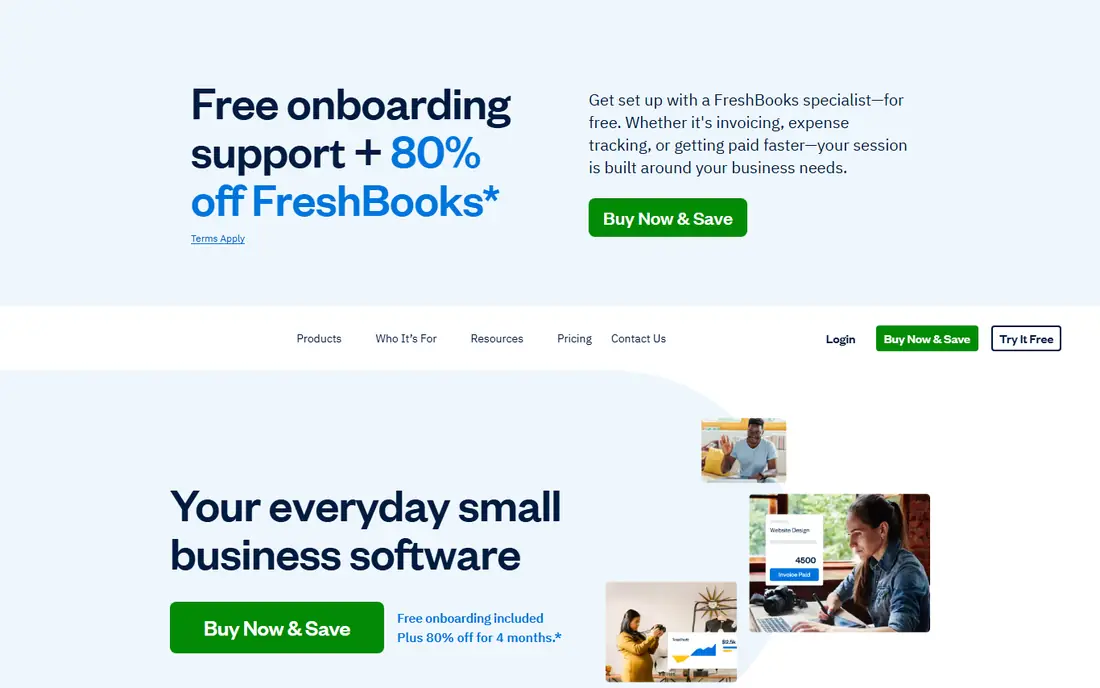
FreshBooks is our pick for many service businesses, because invoicing feels fast and professional from the first invoice. Templates look clean, estimates convert to invoices in a few clicks, and clients can pay online and see their payment history in a portal. Time tracking and expense capture sit in the same app, which helps consultants and agencies bill accurately.
The accounting side is lighter than QuickBooks Online, so a larger firm with complex inventory or payroll may outgrow it. For a freelancer, agency or trades business that invoices regularly and wants to get paid without chasing paperwork, FreshBooks hits a good balance between simplicity and depth, and the trial lets you test it with real clients.
- Clean invoicing and estimates
- Time tracking and expenses
- Good client portal
- Higher plans needed for advanced features
- Accounting is lighter than QuickBooks
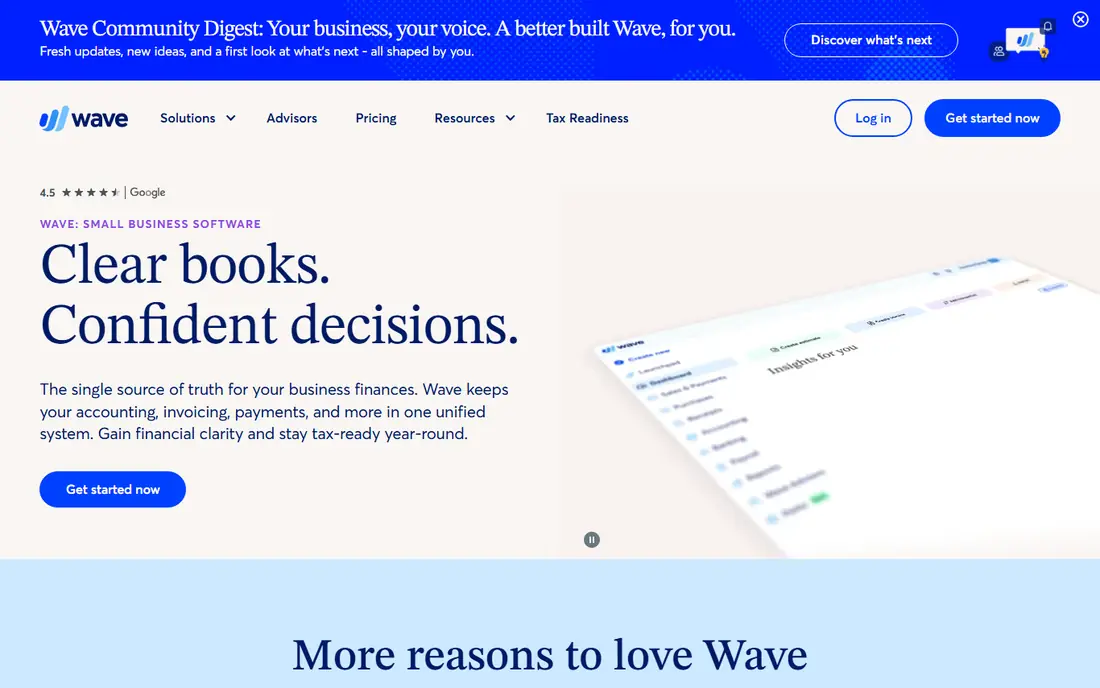
Wave is the best free invoicing option for a very small business. Invoicing, accounting and receipt tools are free, with no limit on the number of invoices you send, and you only pay payment processing fees when clients pay by card or bank transfer through Wave. That model makes it easy to start without a monthly subscription.
Support is mainly online, and advanced features such as payroll are paid add ons where available. Wave suits sole traders, freelancers and micro businesses that need professional invoices and basic books, not a full enterprise system. If you invoice a handful of clients a month, Wave can save you a real amount over a year.
- Free invoicing and accounting
- Unlimited invoices
- Receipt scanning on paid add on
- Payment processing fees apply
- Support is mainly online
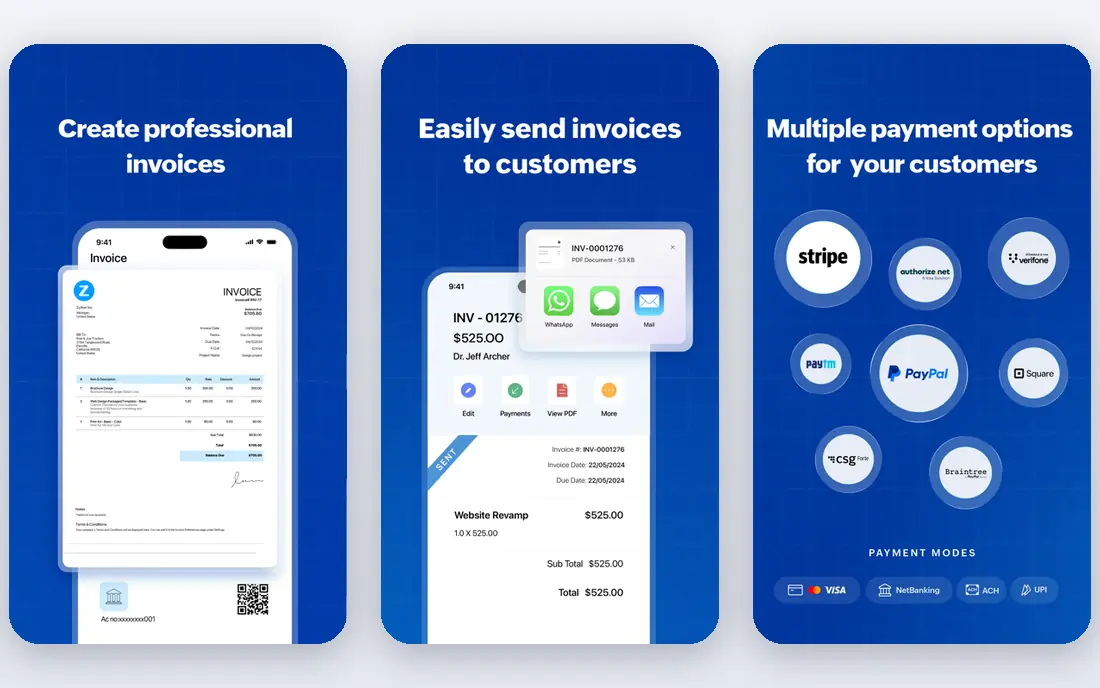
Zoho Invoice is free for small businesses up to a set number of customers, with professional templates, estimates, recurring invoices and online payments. The interface is clean, and it integrates well with other Zoho apps such as CRM and Books, which helps if your business already uses Zoho.
The free plan limit is the main catch. Once you pass it, you need to move to Zoho Books, which is paid. For a startup or freelancer with a modest client list, Zoho Invoice is a polished free tool that looks more expensive than it is, and the upgrade path is clear when you grow.
- Free for up to a set number of customers
- Professional templates
- Good Zoho integration
- Free plan has customer limits
- Advanced automation needs paid Zoho Books
QuickBooks Online is the safe choice if your accountant already uses it. Invoicing, expenses, bank reconciliation, sales tax and reports sit in one system, and sharing access with an accountant is straightforward. Bank feeds reduce manual entry, and the reports help at tax time and when applying for a loan.
Pricing starts higher than FreshBooks or Wave, and the interface can feel busy for a business that only needs invoicing. If you only send a few invoices a month, a free tool may be enough. If you need full books, payroll add ons and accountant collaboration, QuickBooks Online is the most widely supported option in the US.
- Widely used by accountants
- Full bookkeeping and reports
- Strong bank connections
- Price rises with higher plans
- Interface can feel busy
Xero suits growing firms that want clean bookkeeping without QuickBooks complexity. Invoicing is quick, bank reconciliation is strong, and the app marketplace adds payroll, inventory and payment tools as you need them. Multi currency support on higher plans helps businesses that invoice clients abroad.
The entry plan has limits on invoices and bills, so a busy firm will need a higher plan. Payroll availability also varies, so check it for your state before committing. For a service business that is growing and wants a modern, accountant friendly system, Xero is a strong alternative to QuickBooks.
- Clean interface
- Multi currency on higher plans
- Large app marketplace
- Payroll is limited in some regions
- Entry plan has invoice limits
Square Invoices is best for businesses that already use Square for card payments. You can send an invoice from the same account you use at a market stall, salon or shop, and clients pay by card online. The free plan covers basic invoicing, which is enough for many small sellers.
It is not a full accounting system, so a business with complex books will still need QuickBooks, Xero or Wave for accounting. For a tradesperson, photographer or retailer who takes payments in person and by invoice, Square keeps money in one place and reduces the number of tools you juggle.
- Free invoicing
- Fast card payments
- Works with Square point of sale
- Full accounting needs another tool
- Processing fees apply
Invoice2go is built for people who invoice from a job site. The mobile app lets you create an estimate, turn it into an invoice, collect a signature and take payment without going back to a desk. Appointment and client tools add value for trades, cleaning and field services.
Accounting depth is basic compared with QuickBooks or Xero, and pricing details on the site can be harder to compare. For a mobile business that values speed on site over full bookkeeping, Invoice2go is a practical, phone first choice, and the trial lets you test it on real jobs.
- Strong mobile app
- Estimates and invoices from site
- Appointment tools
- Pricing is less transparent
- Accounting features are basic
HoneyBook suits creative and client based businesses such as photographers, planners, designers and coaches. Inquiries, proposals, contracts, invoices and payments flow through one client pipeline, so a lead does not get lost between email and invoicing. Templates look polished, which matters when your work is visual.
If you only need simple invoicing, HoneyBook is more tool than you need, and pricing requires checking current plans on the site. For a business where winning the client and getting paid are part of the same process, HoneyBook saves time and reduces the chance of a missed follow up.
- Client pipeline plus invoicing
- Contracts and payments together
- Good templates
- Quote based pricing on the site
- More than a pure invoicing tool
Billdu is a simple, affordable option for freelancers and small firms that want clean invoices without learning a full accounting system. Estimates, invoices, recurring billing and expense tracking are straightforward, and the mobile app works well for sending an invoice right after a job.
The ecosystem is smaller than QuickBooks or Xero, and advanced accounting features are limited. For a one person business or a small team that mainly needs to invoice and track who has paid, Billdu is an easy, low friction choice, and the trial makes it simple to compare with Wave or Zoho Invoice.
- Simple invoice and estimate creation
- Mobile and web apps
- Expense tracking
- Smaller ecosystem than QuickBooks
- Advanced accounting is limited
How we picked these
We compared official pricing pages, feature documentation and public user reviews, and we kept only tools still sold and supported in October 2026. We looked at invoice templates, payment options, recurring billing, estimates, expenses and whether full accounting was included. We favoured tools with free plans or trials, and we noted where pricing is quote based instead of guessing.
How to choose invoicing software for a small business
Start with how you get paid. If clients pay by card, pick a tool with built in payments such as Square, FreshBooks or QuickBooks. If you invoice a few clients by bank transfer, a free tool such as Wave or Zoho Invoice may be enough. Then check whether you need full accounting, or just invoicing, because paying for a full system you do not use wastes money every month.
Test with a real invoice, not a demo. Send it to yourself, pay it, and see how the receipt, reminder and report look. Check payment processing fees, late fee options, recurring invoice support and whether your accountant can access the books. A tool that makes getting paid easy will pay for itself in faster payments and fewer chases.
FAQ
What is the best free invoicing software for small business?
Wave offers free invoicing and accounting with unlimited invoices, while Zoho Invoice is free up to a set number of customers and Square Invoices is free for basic invoicing. Wave is best for a micro business that also wants free books, while Zoho Invoice is best for a polished free tool with an upgrade path to Zoho Books.
What is the best invoicing software for freelancers?
FreshBooks is best for many freelancers, because it combines invoicing, estimates, time tracking and expenses in a clean app. Wave is best if you want free invoicing, while HoneyBook suits creative freelancers who also need contracts and client pipelines. Choose based on whether you bill by hour, by project or by retainer.
How much does invoicing software cost?
Free options include Wave, Zoho Invoice and Square Invoices basic plans, while paid tools start at $15 per month for Xero, $19 for FreshBooks and $35 for QuickBooks Online. Payment processing fees are extra on most tools, usually a percentage of each card payment, so check those fees as well as the monthly price.
Can invoicing software handle recurring invoices?
Yes, most tools in this guide support recurring invoices, including FreshBooks, QuickBooks Online, Xero, Zoho Invoice and Wave. Set the schedule, amount and client once, and the system sends each invoice automatically. Check whether automatic payment collection is included, or whether the client still needs to pay each invoice manually.
Do I need accounting software or just invoicing software?
If you only send invoices and track payments, invoicing software is enough. If you need bank reconciliation, tax reports, payroll or accountant access, choose a full accounting tool such as QuickBooks Online or Xero. Many small businesses start with invoicing only, then move to full accounting as they grow.