Best Invoice Generator Software in 2026: 9 Tools Compared
Compare the best invoice generator software for freelancers and small businesses, with Wave, Zoho Invoice, FreshBooks, and more for fast billing today.
- Editor's choice
 Wave
Free invoicing with accounting
Starts atFreeVisit waveapps.comFull review - Great alternative
 Zoho Invoice
Free invoicing for small rosters
Starts atFreeVisit zoho.comFull review - Also consider
 FreshBooks
Service billing and time tracking
Starts at$23 per monthVisit freshbooks.comFull review
TL;DR:
- Wave is the best free invoice generator for freelancers, with unlimited invoices and basic accounting at no monthly cost.
- Zoho Invoice is the best free alternative for very small businesses, with recurring invoices, reminders, and a client portal.
- FreshBooks is the best paid pick for service businesses that bill by time, with time tracking flowing straight into invoices.
- Invoice Ninja is the best choice for users who want control and self-hosting options, with a free tier for up to five clients.
- The real cost is often payment fees, not the subscription, so compare card and bank fees before you choose.
Quick comparison
| Tool | Best for | Starts at | Free plan? | |
|---|---|---|---|---|
| Wave | Free invoicing with accounting | Free | Yes | Visit |
| Zoho Invoice | Free invoicing for small rosters | Free | Yes | Visit |
| FreshBooks | Service billing and time tracking | $23 per month | No | Visit |
 Invoice Ninja | Control and self-hosting | Free | Yes | Visit |
 Square Invoices | In-person sellers who invoice on the side | Free | Yes | Visit |
 PayPal Invoicing | Clients who already pay by PayPal | Free | Yes | Visit |
 QuickBooks Online | US accounting standard | $38 per month | No | Visit |
 Xero | Teams with unlimited users | $27 per month | No | Visit |
 Bonsai | Proposals and contracts with invoicing | See website | No | Visit |
The best invoice generator software
A good invoice generator should make billing a two-minute job: pick a client, add items or hours, send a polished invoice, and get paid without chasing paperwork. We compared official pricing pages, feature lists, and payment terms, and we focused on tools available to US freelancers and small businesses today.
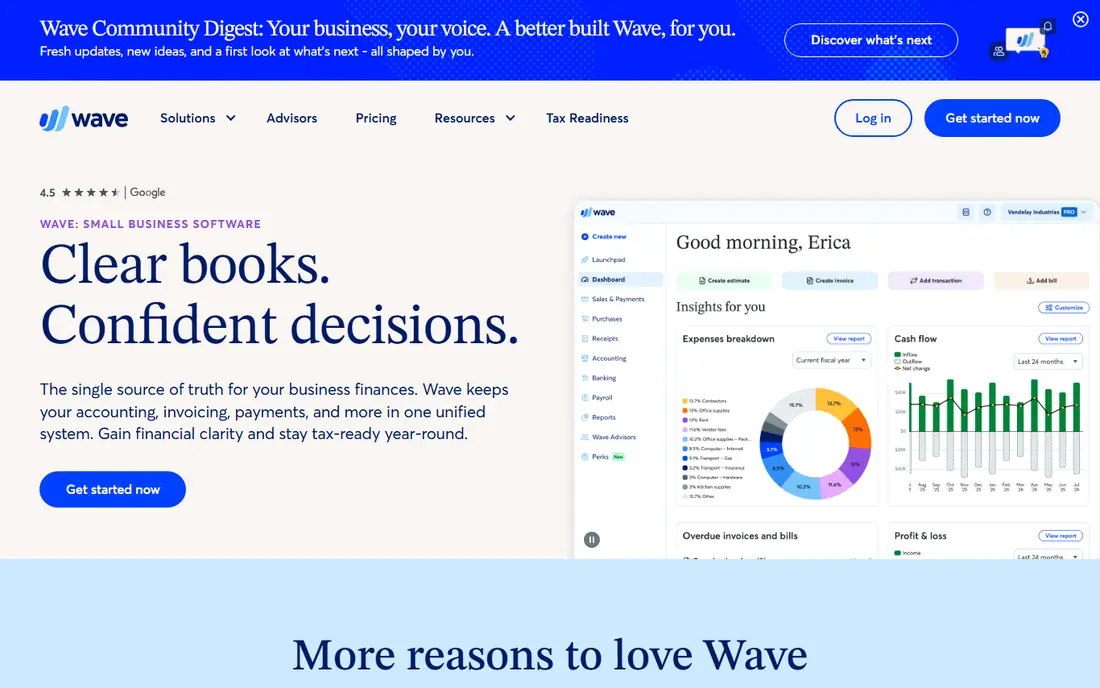
Wave is the best starting point if you want invoicing to cost nothing. The free Starter plan covers unlimited invoices, basic accounting, expense tracking, and receipt handling, which is more than many paid tools offer for billing alone. Clients can pay by card or bank transfer, and you can add payroll as a paid extra in the US and Canada where available.
The limits are clear. Wave has no time tracking, so hourly billers must enter hours by hand, and invoice templates are clean but less flexible than FreshBooks or Zoho. Card payments cost 2.9 percent plus 60 cents, which adds up on many small invoices. If you send invoices for fixed-price work and want zero subscription cost, Wave is hard to beat.
- Unlimited free invoices
- Basic accounting and expense tracking included
- Card and bank payments built in
- No time tracking
- Templates are less customizable than paid rivals
- Card fee is 2.9 percent plus 60 cents
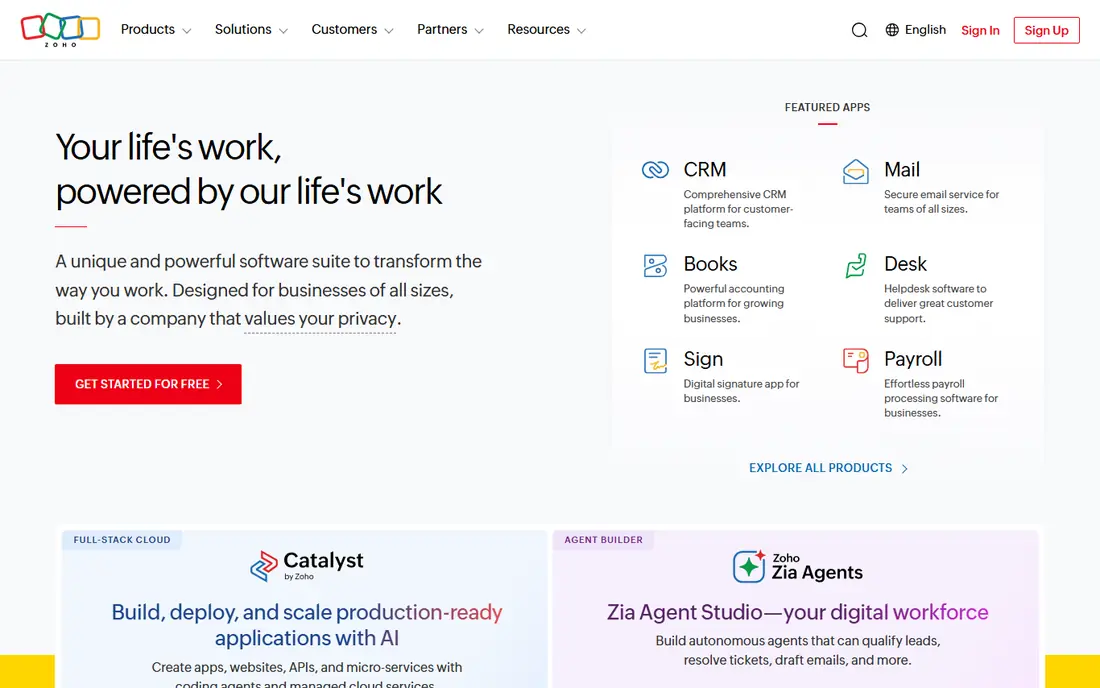
Zoho Invoice is the best free alternative to Wave, and the better pick if you want more structure. The free plan covers recurring invoices, automated reminders, a client portal, and time tracking, which helps service businesses that bill repeat clients. It also connects to Zoho Books and Zoho CRM if your business grows into those tools.
The catch is limits and setup. The free plan caps users and annual invoices, so check the current limits on the Zoho site against your volume, and payment processing depends on the gateway you connect. If you send a modest number of invoices and want reminders and recurring billing for free, Zoho Invoice is an excellent choice.
- Free plan with recurring invoices and reminders
- Client portal and time tracking
- Integrates with Zoho Books and Zoho CRM
- Free plan has invoice and user limits
- Payment handling depends on your gateway
- Setup takes longer than Wave
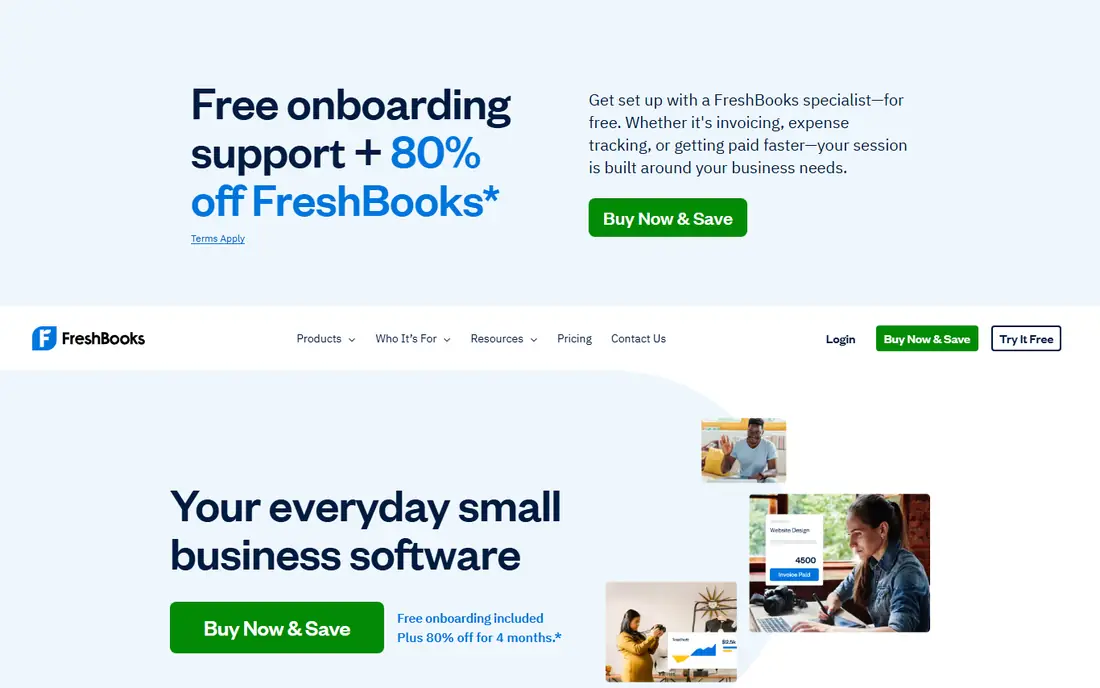
FreshBooks is the best paid invoice generator for freelancers and service businesses that bill by the hour. Time entries and expenses flow directly into invoices, templates look professional, and automated reminders and late fees help you get paid without awkward follow-up emails. The Lite plan starts at 23 dollars per month, with higher tiers removing the client cap and adding more automation.
The downside is price and caps. There is no free plan, and Lite covers only five billable clients, so a growing roster will need Plus or a higher tier. Card payments cost 2.9 percent plus 30 cents, with bank payments cheaper. If polished invoices and time billing are central to your work, FreshBooks earns its fee. If you only send a few fixed-price invoices, a free tool will do.
- Polished invoice templates
- Time tracking and expenses flow into invoices
- Late reminders and autopay options
- No free plan, only a trial
- Lite plan caps billable clients at five
- Extra team members cost more
Invoice Ninja appeals to freelancers who want control over their invoicing data and payment setup. The free tier covers up to five clients with unlimited invoices, and you can connect many payment gateways rather than being locked into one processor. A self-hosting option exists for users who want to run the software on their own server, which is rare among invoice tools.
The trade-off is polish. The interface feels more functional than beautiful, and setup needs a little more attention than Wave or Zoho. The Pro plan, listed around 14 dollars per month, removes client limits and adds features. If you value flexibility and control over a slick design, Invoice Ninja is a strong, low-cost pick.
- Free tier for up to five clients
- Many invoice templates and payment gateways
- Self-hosting option for users who want full control
- Interface is less polished than FreshBooks
- Setup takes more care
- Paid plan needed for larger rosters and extra features
Square Invoices makes sense if you already take card payments through Square. Invoices live in the same dashboard as your in-person sales, so reporting stays together, and the free tier covers unlimited invoices with estimates, recurring billing on paid plans, and payment links. That single ledger is a real advantage for a shop or service business that sells both ways.
The cost needs a check. Card payments on the free tier cost 3.3 percent plus 30 cents, which is higher than FreshBooks or Wave, while Plus at 49 dollars per month lowers the rate to 2.9 percent plus 30 cents. If Square is already your payment system, Square Invoices is convenient. If invoicing is your main job, a dedicated tool may be cheaper.
- Free tier with unlimited invoices
- Same dashboard as Square point of sale
- Card rate is lower on the paid Plus plan
- Free card rate is 3.3 percent plus 30 cents
- Plus plan costs 49 dollars per month
- Accounting depth is thinner than QuickBooks
PayPal Invoicing is the simplest option when your clients already pay through PayPal. Creating an invoice is free, you can send it by email or link, and many clients can pay by card even without a PayPal account. For a freelancer with a few clients who ask for PayPal by name, that familiarity can speed up payment.
The limits are fees and depth. Card payments cost 2.99 percent plus 49 cents, and PayPal Invoicing offers little accounting, time tracking, or project billing compared with FreshBooks or QuickBooks. Use it as a handy channel for PayPal-friendly clients, or as a main tool only if your invoicing needs are very simple.
- Free to create and send invoices
- Clients can pay without a PayPal account for card payments in many cases
- Trusted brand
- Card rate is 2.99 percent plus 49 cents
- Limited accounting and time tracking
- Invoice design is simpler than FreshBooks
QuickBooks Online is the default when invoicing is part of a larger accounting job. It covers invoices, expenses, bank feeds, payroll add-ons, and reports your accountant likely already knows, which saves time at tax season. The Simple Start plan starts at 38 dollars per month, with higher tiers adding users, inventory, and project tools.
For invoice-only needs, QuickBooks is overkill and overpriced. A freelancer who sends a handful of invoices will do better with Wave or Zoho Invoice. A growing small business that needs bookkeeping, payroll, and accountant collaboration in one place will find QuickBooks worth the cost, since invoicing then comes as part of a system you already need.
- Familiar to most US accountants
- Invoicing plus full bookkeeping, payroll, and reporting
- Strong bank feeds and tax tools
- Higher price than invoice-only tools
- Interface can feel complex for a solo freelancer
- No free plan, only a trial
Xero is a strong alternative to QuickBooks for teams and international sellers. Every plan includes unlimited users, so adding staff or an accountant does not add per-seat fees, and invoicing, bank feeds, and multi-currency support are clean and well designed. The Early plan starts at 27 dollars per month, which is competitive for a full accounting tool.
The US-specific catch is payroll and tax depth, where QuickBooks is stronger for many American businesses. Xero also takes a little learning if you are new to accounting software. If you work with a team, sell in multiple currencies, or want unlimited users without seat fees, Xero is an excellent invoice-plus-accounting choice.
- Unlimited users on every plan
- Clean invoicing with bank feeds
- Strong app ecosystem and multi-currency support
- US payroll and tax features are thinner than QuickBooks
- Learning curve for new users
- No free plan, only a trial
Bonsai suits freelancers and agencies whose work starts with a proposal, not an invoice. You can send a proposal, get it approved, turn it into a contract, and then invoice against it, all in one workflow with time tracking and a client portal. That chain saves the back-and-forth that happens when proposals live in email and invoices live elsewhere.
The downside is cost for invoice-only use. Bonsai has no free plan, and paying for proposals and contracts only makes sense if you actually use them. If your main need is a simple invoice, Wave or Zoho Invoice will be cheaper. If scoped projects, contracts, and invoices are all part of your sales process, Bonsai ties them together better than any invoice-only tool here.
- Proposals, contracts, and invoices in one client workflow
- Time tracking and client portal
- Good for consultants and agencies
- No free plan
- Invoicing alone is pricier than Wave or Zoho
- Some features need higher tiers or add-ons
How we picked these
We compared official pricing pages, feature lists, and payment terms, and we favored tools that are available to US freelancers and small businesses today, generate professional invoices, and offer either a genuine free tier or clear paid value. We left out invoice-only mobile apps with no payment or recurring options, and we wrote See website where pricing was not published clearly. Payment fees were checked against vendor and comparison sources, since they often matter more than the subscription price.
How to choose an invoice generator
Start with how many invoices you send and how you bill. A few fixed-price invoices a month belong on a free tool such as Wave or Zoho Invoice, while hourly billing belongs on FreshBooks or Bonsai, and a larger business with bookkeeping needs belongs on QuickBooks or Xero. Match the tool to your billing pattern first, then worry about templates and extras.
Next, add up payment fees. A free invoice tool with a high card fee can cost more than a paid tool with a lower fee if most clients pay by card. Check card rates, bank transfer rates, and whether clients can pay without creating an account. Also check reminders, recurring invoices, and late fees, since those features often decide whether you get paid on time.
Finally, test the client view. Send yourself a test invoice, open it on a phone, and try to pay it. If that flow feels slow or confusing, your clients will delay payment too. The best invoice generator is the one that makes paying you feel easy, not the one with the longest feature list.
FAQ
What is the best invoice generator software for freelancers?
Wave is the best free pick for most freelancers, with unlimited invoices and basic accounting at no monthly cost. Zoho Invoice is a strong free alternative with recurring billing and reminders, while FreshBooks is better if you bill by time. Choose based on volume, billing style, and whether you need accounting too.
Is there a free invoice generator app?
Yes. Wave, Zoho Invoice, Invoice Ninja, Square Invoices, and PayPal Invoicing all offer free invoicing, with different limits. Wave offers unlimited invoices, Zoho Invoice caps annual invoices on its free plan, and Invoice Ninja caps free clients at five. Check limits and payment fees before you commit to a free tier.
What is the best invoice generator software for small business?
For a small business that needs accounting too, QuickBooks Online is the US standard and Xero is the best team-friendly alternative. For invoicing alone, Wave or Zoho Invoice will cover most needs for free. A business that also sells proposals and contracts should look at Bonsai instead.
Can invoice software send recurring invoices?
Yes, most tools on this list support recurring invoices, including Zoho Invoice, FreshBooks, Square Invoices on paid plans, QuickBooks Online, Xero, and Bonsai. Wave supports recurring billing through its invoicing tools as well, though feature depth varies by plan. Check whether reminders and autopay are included on the plan you intend to buy.
How much does invoice generator software cost?
Free tools cost nothing per month but charge payment processing fees when clients pay by card or bank. Paid tools range from around 14 dollars per month for Invoice Ninja Pro to 23 dollars for FreshBooks Lite, 27 dollars for Xero Early, and 38 dollars for QuickBooks Simple Start. Compare the subscription plus payment fees at your real volume.
Do clients need an account to pay an invoice?
Usually not for card payments. Most tools on this list let clients pay by card through a payment link without creating an account, though PayPal payments may prompt for a PayPal login. Test the payment flow yourself before you send a real invoice, since a confusing checkout is a common reason payments arrive late.