Best Invoice Automation Software in 2026: 8 Tools Compared
Compare the best invoice automation software for capture, approvals, PO matching and payments, with pricing and ERP integrations explained clearly today.

- Editor's choice
 BILL
Small businesses and accounting firms with AP volume
Starts at$49 per user per monthVisit bill.comFull review - Great alternative
 Ramp
Startups wanting AP without a software fee
Starts atFreeVisit ramp.comFull review - Also consider
 Tipalti
Global vendor and contractor payments
Starts at$99 per monthVisit tipalti.comFull review
TL;DR:
- BILL and Ramp lead for small business AP, while Tipalti leads for global payments.
- Quote only pricing at Stampli, AvidXchange, and Corpay One makes total cost harder to compare.
- PO matching and approval depth matter more than capture speed alone.
- Add ACH, check, and wire fees to the subscription price when you compare tools.
Quick comparison
| Tool | Best for | Starts at | Free plan? | |
|---|---|---|---|---|
| BILL | Small businesses and accounting firms with AP volume | $49 per user per month | No | Visit |
| Ramp | Startups wanting AP without a software fee | Free | Yes | Visit |
| Tipalti | Global vendor and contractor payments | $99 per month | No | Visit |
 Stampli | Mid market teams with complex approvals | See website | No | Visit |
 Melio | Very small businesses paying a few vendors | See website | Yes | Visit |
 AvidXchange | Mid market companies digitizing paper heavy AP | See website | No | Visit |
 Corpay One | Mid market finance teams on major ERPs | See website | No | Visit |
 Nanonets | Tech forward teams needing flexible extraction | See website | Yes | Visit |
The best invoice automation software
We compared official feature pages, pricing pages, app store listings and privacy pages to build this list. The right choice depends on your budget, your household or team size, and how much support you want along the way.
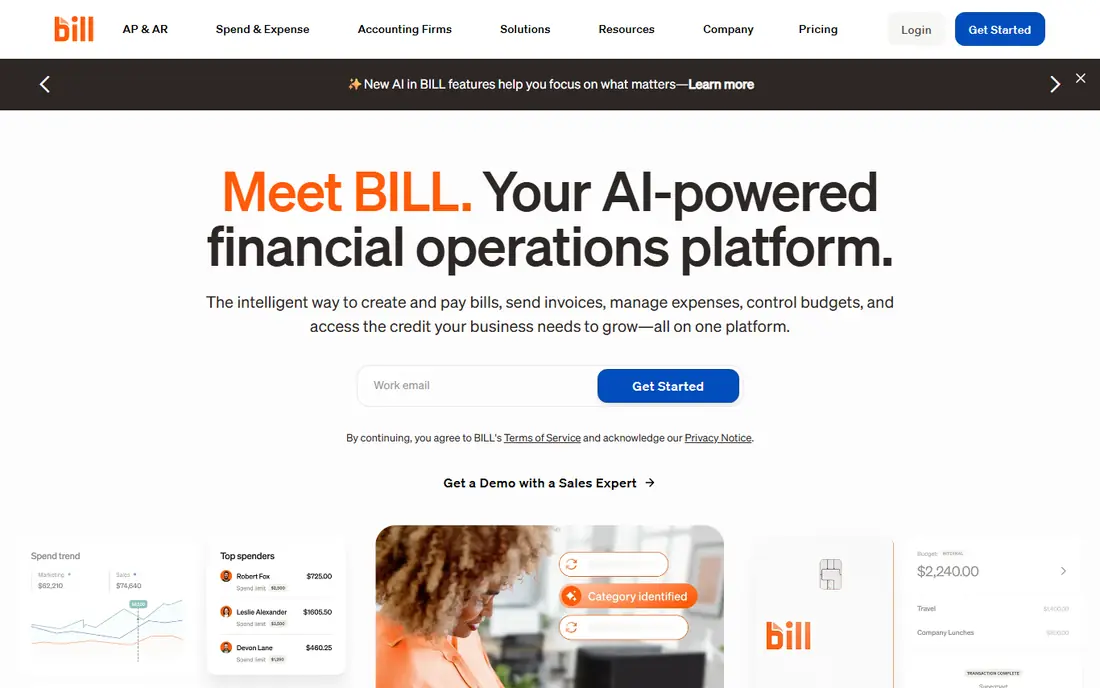
BILL is a solid core choice for small businesses and accounting firms that process a steady volume of invoices. It captures invoice data, routes approvals by role, and syncs with accounting software, which removes much of the manual entry that slows AP teams.
The accounting sync is the strength, because an approved invoice can post without retyping vendor, amount, and account codes. That reduces errors and gives finance a clearer view of what is owed and when.
The per user price and transaction fees are the catch. A team with many approvers should model the total cost, including ACH and check fees, before choosing BILL over a free tier tool like Ramp.
- OCR invoice capture
- Role based approvals
- AP and AR in one platform
- Strong QuickBooks and Xero sync
- Per user pricing adds up
- Transaction fees for ACH and checks
- Enterprise tier is custom
Ramp suits startups and small businesses that want invoice automation without paying a per user software fee at the start. The free tier includes bill pay, and the paid Plus tier adds advanced approvals and three way matching.
The free entry point is the appeal, because a small team can automate capture and approvals before it has AP budget. Combining cards, expenses, and bill pay in one platform also reduces the number of tools finance must check.
The limit is depth on the free tier. Advanced approval routing and purchase order matching need Plus, so a larger AP team should compare the Plus total with BILL or Tipalti rather than only the free price.
- Free tier includes bill pay
- AI capture with line items
- Cards and expenses in the same platform
- Advanced approvals and PO matching sit on paid tiers
- Best value inside the wider Ramp platform
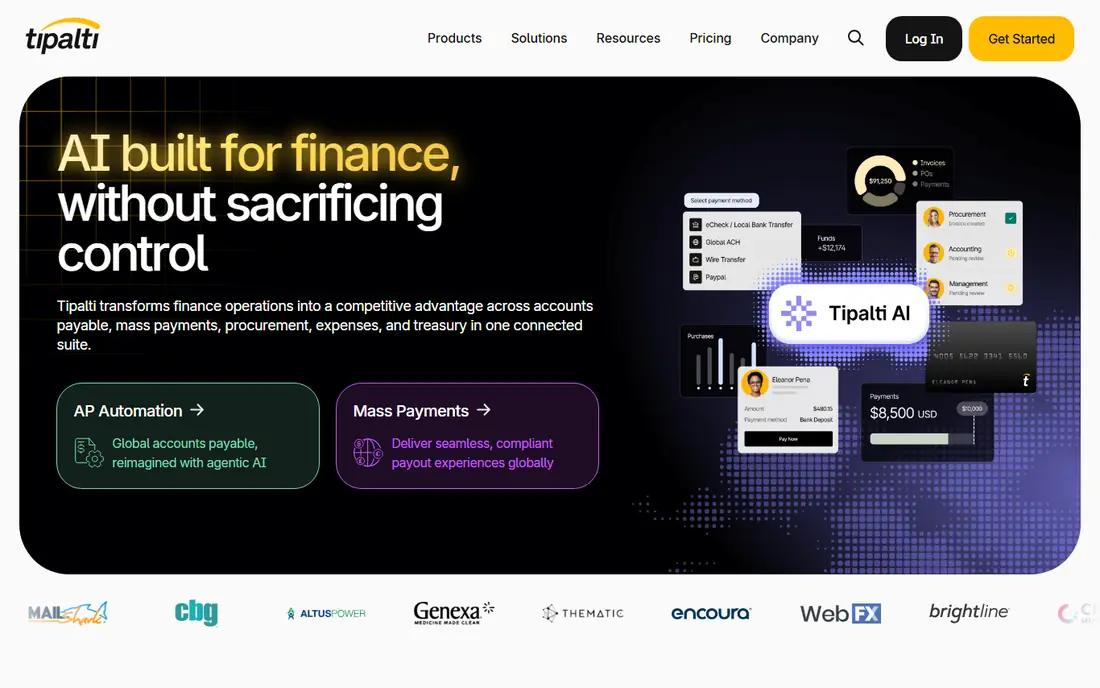
Tipalti fits companies that pay vendors or contractors in many countries and need tax forms, currency handling, and approval controls in one system. The platform is built for global AP, not only for domestic bill pay.
The global payment network is the strength, because it covers many countries and currencies with compliance checks that a domestic tool does not offer. That can save finance teams from managing separate payment providers by region.
The cost structure needs careful reading. A platform fee plus per payment fees can grow quickly with volume, so model a typical month before you sign. Smaller domestic only teams may find BILL or Ramp simpler and cheaper.
- Global payments to many countries
- AI capture and approval workflows
- PO matching and tax forms
- Platform fee plus transaction fees
- Setup effort for global compliance
- No free tier
Stampli suits mid market AP teams where approvals are complex and where approvers need to discuss an invoice inside the document itself. Comments, questions, and approvals live on the invoice, rather than in a separate email thread.
The in invoice collaboration is the draw, because it keeps the conversation attached to the numbers being approved. That reduces lost approvals and makes audits easier, since the discussion is part of the record.
The quote only pricing is the main drawback, because you cannot compare Stampli with BILL or Ramp without a sales process. Ask for a price based on your invoice volume and user count, and confirm what is included at that price.
- In invoice collaboration
- AI coding with Billy
- Custom approvals by amount and currency
- Many ERP integrations
- Quote only pricing
- No public price to compare
- Implementation time for larger teams
Melio is a good fit for very small businesses that pay a handful of vendors each month and want simple bill pay. The setup is quick, and the interface is easier than a full AP platform for a owner operator.
The simplicity is the strength, because a small business does not need three way matching or a complex approval chain to pay rent, supplies, and a contractor. Melio keeps that core task fast.
The limit is scale. As vendor count and invoice volume grow, the lack of PO matching and deeper controls becomes a problem. Use Melio while it fits, and move to BILL or Ramp when approvals become complex.
- Simple bill pay
- ACH and card payment options
- QuickBooks and Xero sync on paid tiers
- No PO matching
- Accounting sync limits on free use
- Pricing details need checking on the vendor page
AvidXchange fits mid market companies that still receive many paper invoices and want to digitize AP without building the system themselves. The service captures paper invoices, routes approvals, and pays through a supplier network.
The paper handling is the appeal, because a company with filing cabinets of invoices needs capture and workflow more than a simple bill pay app. The supplier network can also reduce check writing over time.
The implementation is the catch. AvidXchange is a project, not a self serve signup, and pricing is quoted by volume and scope. A tiny team with mostly digital invoices will find a simpler tool faster and cheaper.
- Paper invoice digitization
- Approval workflows
- Payment network for suppliers
- ERP integrations
- Quote only pricing
- Implementation project
- Best for mid market, not tiny teams
Corpay One suits mid market finance teams that already run a major ERP and want AP automation that maps to that system. Capture, approval, and payment workflows are built to post cleanly to the ERP, which reduces reconciliation work.
The ERP fit is the strength, because an AP tool that posts messy data creates more work than it saves. Corpay One is designed to keep the ERP as the system of record.
The quote only pricing and ERP mapping work are the limits. Expect a sales and implementation process, and confirm which ERP versions are supported before you commit. Smaller teams without an ERP may prefer BILL or Melio.
- Invoice capture and approvals
- Bill pay
- ERP integrations for major systems
- Spend controls
- Quote only pricing
- No public free tier
- Setup needs ERP mapping
Nanonets fits tech forward finance and operations teams that need flexible invoice extraction rather than only a standard AP workflow. The AI models can read varied invoice formats and match them to purchase orders at several levels.
The extraction flexibility is the draw, because supplier invoices rarely share one format. A team with many suppliers or unusual layouts can train and adjust extraction more than in a fixed template tool.
The catch is scope. Nanonets excels at extraction and workflow, but it is not a full payment platform on its own. Pair it with a payment tool, or choose BILL or Tipalti if you need capture and payment in one place.
- Flexible AI extraction
- Two, three and four way matching
- Workflow automation
- Usage based pricing
- Extraction focus, not full payment
- Pricing scales with volume
- Needs technical setup for complex flows
How we picked these
We compared official pricing pages, feature pages, and ERP integration lists for eight invoice automation tools. We checked capture methods, approval flexibility, PO matching levels, payment options, and accounting sync, because those factors decide whether a tool actually reduces AP work. We used See website where a vendor does not publish a current price, rather than repeating a third party estimate as fact.
How to choose invoice automation software
Start with invoice volume and approval complexity. A team that processes twenty invoices a month needs a different tool from a team that processes two thousand, and a tool that is too complex will be bypassed by approvers.
Test capture on your own invoices
Run a trial on real supplier invoices, including a scanned paper invoice, a PDF with many lines, and a credit note. Capture accuracy on your formats matters more than a vendor accuracy claim on a clean sample.
Map approvals before you buy
Write down who approves what, by amount, vendor, and department, and check that the tool can enforce those rules. An approval workflow that cannot match your policy will create workarounds and audit gaps.
Model the total cost
Add subscription, per user, and per transaction fees for a typical month, including ACH, check, and wire costs. A free tier tool can still cost more than a paid tool if transaction fees are high at your volume.
FAQ
What is the best invoice automation platform for a small business?
BILL and Ramp are strong small business choices, with BILL offering deeper AP workflows and Ramp offering a free tier. Melio is simpler still for a very small business that pays only a few vendors each month.
What is the best invoice automation tool for global payments?
Tipalti leads for global vendor and contractor payments, because it covers many countries, currencies, and tax forms. A domestic only team will usually find BILL or Ramp simpler and cheaper.
Do invoice automation tools replace accounting software?
No, they work with accounting software. An automation tool captures, approves, and sometimes pays an invoice, then syncs the result to QuickBooks, Xero, NetSuite, or another ERP. Check the sync for your system before you buy.
How much does invoice automation software cost?
Prices range from free at Ramp to per user pricing at BILL and quote only pricing at Stampli, AvidXchange, and Corpay One. Add transaction fees for ACH, checks, and wires, because those can exceed the subscription cost at high volume.
What is three way matching in invoice automation?
Three way matching compares the invoice, the purchase order, and the goods receipt to confirm that quantity and price match before payment. It catches overbilling and duplicate invoices, and it is most valuable for teams that buy goods through purchase orders.