Best Inbound Call Center Software in 2026: 8 Tools Compared
The best inbound call center software, compared on routing, queues, IVR, callbacks, and price for teams from small shops to large centers before you choose.
- Editor's choice
 Genesys Cloud CX
Large global centers
Starts at$75 per monthVisit genesys.comFull review - Great alternative
 Talkdesk
Mid-size centers
Starts at$85 per monthVisit talkdesk.comFull review - Also consider
 Five9
Large regulated centers
Starts at$119 per monthVisit five9.comFull review
TL;DR:
- Genesys Cloud CX leads for large, global contact centers that need omnichannel routing and workforce tools.
- Talkdesk suits mid-size centers that want fast deployment, industry templates, and strong coaching tools.
- Five9 fits large, regulated centers that need proven reliability and deep outbound plus inbound depth.
- Aircall and Nextiva are better picks for smaller teams that need simple setup and clear pricing.
- The best inbound call center software must fit seat minimums, since some enterprise plans start at 50 seats.
Quick comparison
| Tool | Best for | Starts at | Free plan? | |
|---|---|---|---|---|
| Genesys Cloud CX | Large global centers | $75 per month | No | Visit |
| Talkdesk | Mid-size centers | $85 per month | No | Visit |
| Five9 | Large regulated centers | $119 per month | No | Visit |
 NICE CXone | Enterprise omnichannel | See website | No | Visit |
 Aircall | Small teams | $30 per month | No | Visit |
 Nextiva | Unified phone and contact center | See website | Free trial | Visit |
 RingCentral RingCX | RingCentral phone users | $65 per month | Free trial | Visit |
 CloudTalk | International teams | See website | Free trial | Visit |
The best inbound call center software
Inbound call center software routes callers to the right agent, manages queues and callbacks, and gives supervisors a live view of wait times and agent status. The best choice depends less on a feature list and more on team size, call volume, and how much complexity the team can actually run day to day.
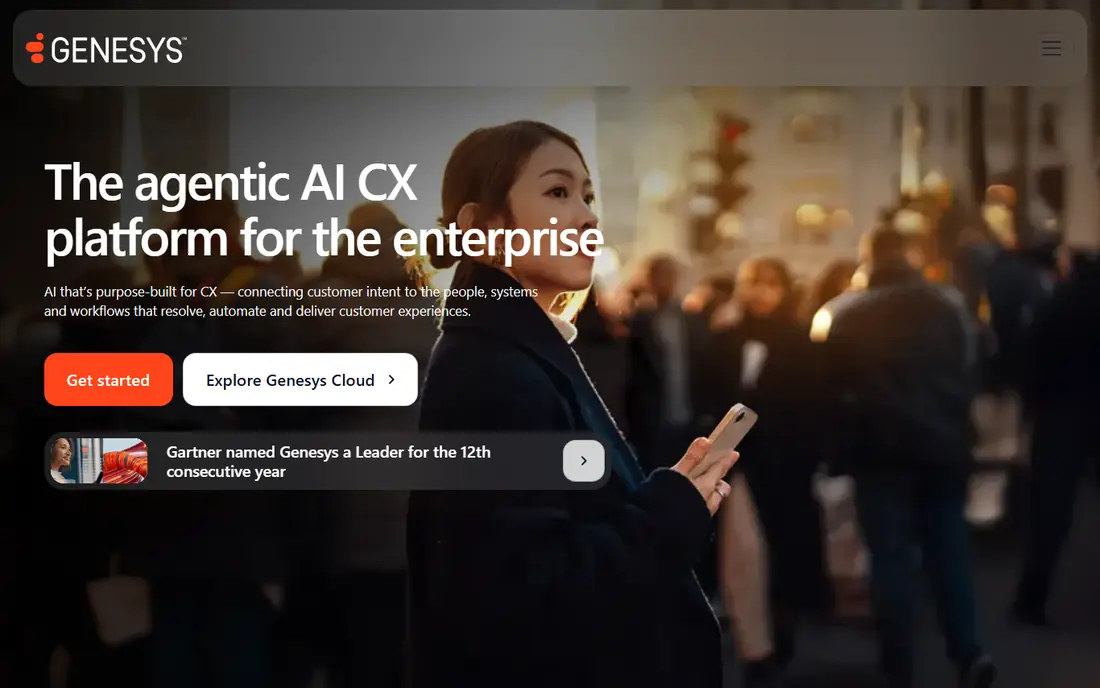
Genesys Cloud CX is the enterprise default for many large contact centers. It routes voice, chat, email, and messaging through one platform, with workforce management, quality management, and analytics built in at higher tiers. That depth helps global centers that need consistent routing, compliance, and reporting across many sites and languages.
Small teams will find it larger than they need, and setup takes planning, especially for workforce tools and integrations. For a center with dozens or hundreds of agents, Genesys offers the most complete, proven platform in this list, and its published starting tier gives a clear entry point for voice-focused teams.
- Deep omnichannel routing
- Strong workforce engagement tools
- Large global customer base
- Complex setup for small teams
- Costs rise with higher tiers and add-ons
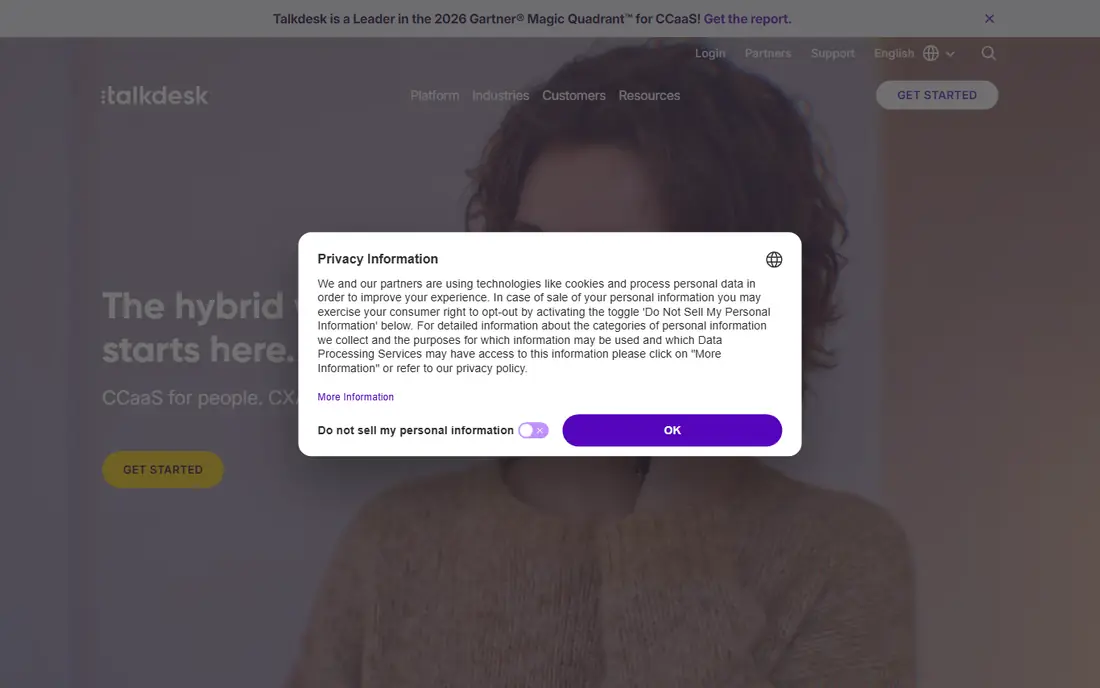
Talkdesk suits mid-size centers that want enterprise features without a long Genesys-style project. It offers omnichannel routing, AI assistance, workforce management, and coaching tools, with industry templates for healthcare, financial services, retail, and other sectors. That template approach helps a team go live faster with workflows that fit its sector.
Pricing rises with higher tiers and industry clouds, so a team should price the exact tier that includes the routing, coaching, and reporting it needs. For a growing center that wants a modern interface and a faster rollout than a large enterprise platform, Talkdesk is a strong pick.
- Fast deployment for mid-size teams
- Industry-specific templates
- Strong coaching and workforce tools
- Higher tiers get expensive
- Some advanced features need industry clouds
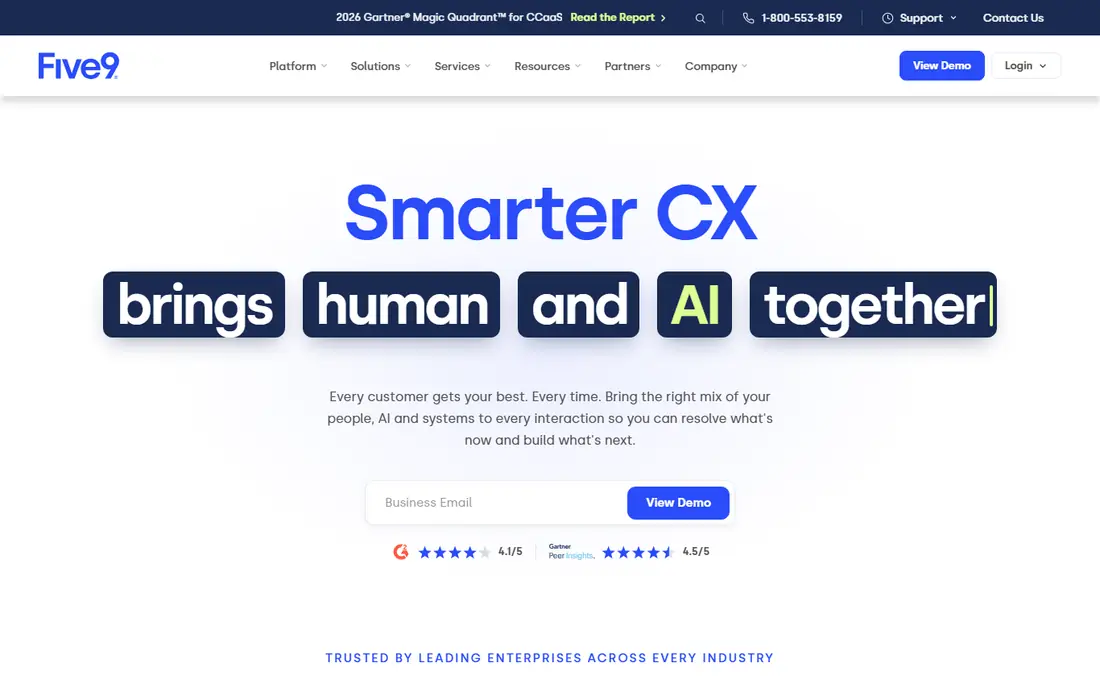
Five9 is built for large centers that need reliability, compliance, and a deep dialer plus inbound mix. Its platform covers omnichannel routing, IVR, workforce optimization, and AI tools, with strong Salesforce and CRM integrations that help agents see customer history during a call. Regulated industries often cite its infrastructure and compliance posture as a deciding factor.
The starting price is higher than Genesys or Talkdesk, and seat minimums can make it impractical for a five-agent team, since the minimum purchase may far exceed actual headcount. For a large, regulated center that fits those terms, Five9 is a proven, high-capacity choice.
- Proven reliability and uptime focus
- Strong inbound and outbound tools
- Deep CRM integrations
- Higher starting price
- Minimum seat count can block small teams
NICE CXone, formerly CXone, is a large enterprise platform for omnichannel contact centers, with AI routing, agent assistance, quality management, and workforce tools. It handles very high interaction volumes and complex routing rules, which suits large centers with many channels, languages, and compliance needs. Its AI-first positioning also appeals to centers planning heavy automation.
Pricing and packaging are complex, and a team should get a written quote for the exact agents, channels, and AI features it needs. Smaller teams will find it larger and costlier than necessary. For a large enterprise center that wants AI, quality, and workforce depth in one platform, CXone belongs on the shortlist.
- Broad AI and omnichannel platform
- Strong quality and workforce tools
- Large enterprise scale
- Pricing is complex
- Implementation needs planning
Aircall is the easiest entry point in this list for a small support or sales team. It sets up cloud phone numbers quickly, connects to common CRMs and help desks, and gives agents a clean calling interface in a browser or app. Smart routing, queue callbacks, and monitoring appear on higher plans, so a team should check which tier covers its inbound needs.
The base plan alone will not cover full contact center routing, and a minimum seat count applies. For a team of a few agents that needs reliable inbound calling with CRM context, Aircall offers a fast, low-friction start without an enterprise project.
- Simple setup for small teams
- Strong CRM and help-desk integrations
- Easy number management
- Advanced routing sits on higher plans
- Seat minimum applies
Nextiva combines a business phone system with contact center tools, which appeals to teams that want one vendor and one bill. Contact center plans add queues, supervisor monitoring, skills routing, and AI transcription, while the phone side covers everyday business calling. That pairing suits small and mid-size companies that are upgrading from a basic phone system.
The lower phone plans do not include full contact center routing, so buyers must price the contact center tier, not the cheapest phone plan. For a team that wants unified calling and support in one place, Nextiva is a practical, well-supported option.
- Phone system plus contact center from one vendor
- Queues and skills routing on contact center plans
- 24/7 support
- Contact center features need the higher plan
- Pricing depends on term and seat count
RingCentral RingCX brings contact center routing to teams already using RingCentral for phone and messaging. It covers voice and digital channels, routing, analytics, and AI features, with an admin experience that feels familiar to existing RingCentral customers. That familiarity shortens setup and training for a team already on the platform.
Teams outside RingCentral may find a standalone contact center tool simpler, and workforce management depth varies by plan. For a RingCentral shop that needs to add a real contact center without switching vendors, RingCX is a strong, cost-effective step up from basic phone queues.
- Good value for RingCentral users
- Omnichannel routing and AI tools
- Familiar admin for existing customers
- Best value inside a RingCentral setup
- Advanced workforce tools vary by plan
CloudTalk suits international teams that need local numbers and routing across many countries. It offers queues, queue callbacks, IVR, and skills routing on its entry plans, and it can sell to a single agent, which helps very small teams that enterprise tools would turn away. That low entry point is a real advantage for a startup support team.
Supervisor monitoring, wallboards, and advanced analytics sit on higher plans, so a growing center should price the tier it will actually need. For an international, small-to-mid-size team that needs solid inbound routing without a large seat minimum, CloudTalk is a flexible pick.
- Strong international number coverage
- Queues, IVR, and skills routing
- Sold to small teams
- Advanced monitoring needs higher plans
- Pricing varies by region and currency
How we picked these
We compared official pricing pages, feature guides, and public contact center comparisons for each tool, and we weighed inbound routing, IVR, queue management, callbacks, CRM integration, supervisor tools, and price. We favored tools that are actively sold and supported, and that clearly handle inbound calls rather than only outbound dialing. Where pricing was not clearly published, we used See website.
We also weighed team size. An enterprise platform and a small-team phone tool can both be excellent, but they are not interchangeable, so we judged each tool against the team size and volume it serves best.
What to check before you buy
Confirm seat minimums and total cost
Ask for the minimum seat count, the price per seat on the tier that includes queues and routing, and the cost of numbers, minutes, and add-ons. A low per-seat price can hide a 50-seat minimum that makes the tool impractical for a small team.
Test routing with real call flows
Build the actual IVR, queue, skills, and callback flows in a trial, and test them with real callers, including after-hours and overflow cases. A routing diagram that looks good on paper can still fail when a caller presses an unexpected option or when all agents are busy.
Check CRM and help-desk integration
Confirm that caller history, tickets, and notes appear for agents during a call, not just after it. A contact center tool that does not connect to the CRM forces agents to ask callers to repeat information, which hurts both handle time and customer experience.
FAQ
What is the best inbound call center software for a small team?
Aircall and CloudTalk are strong picks for small teams, because both offer inbound routing with low seat minimums and simple setup. Nextiva is also worth checking if the team wants a unified phone system plus contact center tools from one vendor.
How much does inbound call center software cost per agent?
Published starting prices in this list range from about 30 dollars per user per month for Aircall to 119 dollars or more for Five9, with Genesys at 75 dollars and Talkdesk at 85 dollars as common mid-points. Total cost depends on tier, seat minimums, minutes, numbers, and add-ons, so get a written quote for the exact setup.
What is the difference between a phone system and a call center platform?
A phone system handles everyday business calling, while a call center platform adds queues, skills routing, IVR, callbacks, supervisor monitoring, and contact center reporting. Teams with high call volume, strict wait-time goals, or complex routing need the contact center layer, not just phone lines.
Do these tools work for remote agents?
Yes, all tools in this list are cloud-based and support remote agents through a browser, desktop app, or mobile app. Supervisors can monitor queues, listen to calls, and view live status from a central dashboard, regardless of agent location.
Can inbound call center software integrate with a CRM?
Yes, most tools in this list integrate with common CRMs and help desks, so agents see caller history and can log calls without switching apps. Check the exact CRM, the depth of the integration, and whether it is included in the chosen tier before buying.
What happens when all agents are busy?
Callers typically wait in a queue with estimated wait times, music or messages, and a callback option on many platforms. Supervisors can watch queue length and wait times live, and route overflow to another team, voicemail, or a callback list when needed.