Best Human Resources HR Software in 2026: 8 Tools Compared
We compared the best human resources hr software for 2026 on core HR, payroll, hiring and ease of use, to help small and growing teams pick with confidence.
- Editor's choice
 BambooHR
Small and midsize teams
Starts at$10 per employee per monthVisit bamboohr.comFull review - Great alternative
 Gusto
Payroll plus HR basics
Starts at$49 per monthVisit gusto.comFull review - Also consider
 Rippling
HR, payroll and IT together
Starts at$40 per monthVisit rippling.comFull review
TL;DR:
- The best human resources (HR) software covers employee records, time off, onboarding and payroll in one place, without forcing a large enterprise rollout.
- BambooHR is the default for small and midsize teams that want clean people data, while Gusto leads when payroll is the main pain.
- Rippling suits firms that want HR, payroll and IT access managed together, and HiBob suits distributed teams focused on culture.
- Zoho People is the cheapest credible option on this list, from near $1.50 per user per month, for teams already using Zoho apps.
- Many enterprise tools are quote only, so ask for a price for your exact headcount and module set before shortlisting.
Quick comparison
| Tool | Best for | Starts at | Free plan? | |
|---|---|---|---|---|
| BambooHR | Small and midsize teams | $10 per employee per month | No | Visit |
| Gusto | Payroll plus HR basics | $49 per month | No | Visit |
| Rippling | HR, payroll and IT together | $40 per month | No | Visit |
 Zoho People | Budget HRIS | $1.50 per user per month | No | Visit |
 HiBob | Distributed and culture focused teams | See website | No | Visit |
 Paylocity | Mid market payroll and HR | See website | No | Visit |
 ADP Workforce Now | Midsize compliance depth | See website | No | Visit |
 Workday HCM | Large enterprises | See website | No | Visit |
The best human resources HR software
Human resources software manages the employee lifecycle, from hiring and onboarding to time off, records, payroll and reporting. These eight tools cover that work for different sizes.
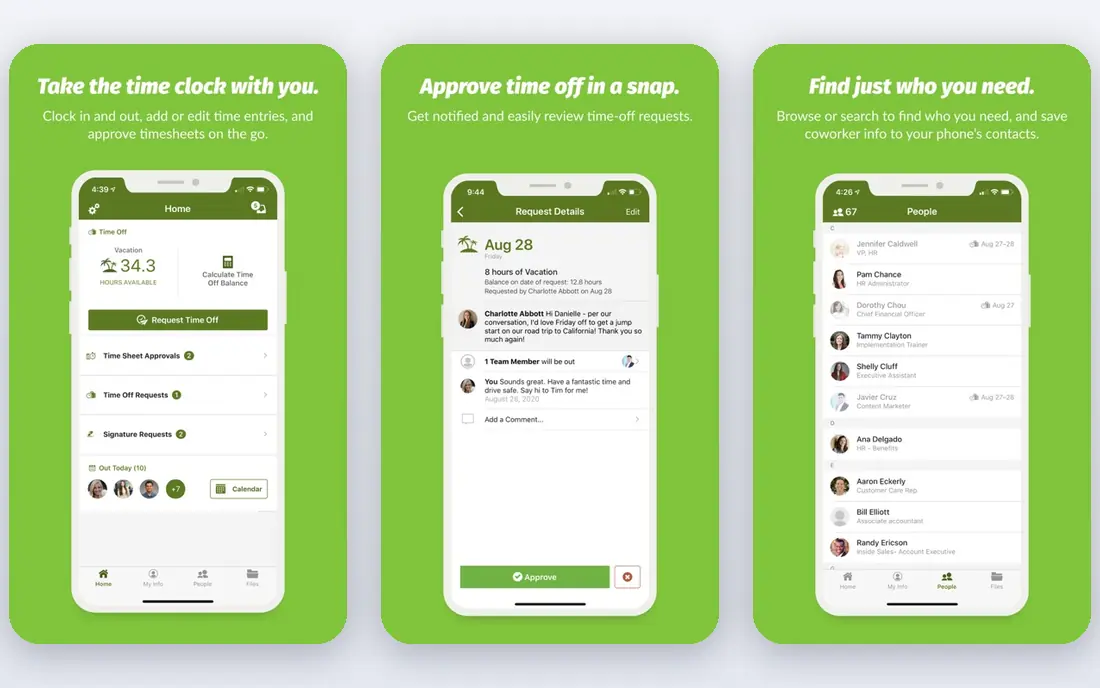
BambooHR is the tool many small teams land on after outgrowing spreadsheets. Employee records, time off, onboarding, e-signatures and reporting sit in a clean interface that managers actually use, and applicant tracking helps hiring without a separate system. Core pricing has been listed near $10 per employee per month, with trials available, though some buyers receive custom quotes.
The limit is depth at the top end. Payroll is available as an add on or integration rather than as the deepest native payroll engine, and very large global firms may need a larger suite. For a team from about 20 to a few hundred staff that wants people data done well, BambooHR is a reliable default.
- Clean employee records
- Easy time off and reporting
- Applicant tracking included
- Pricing varies by quote in some regions
- Advanced payroll needs add ons
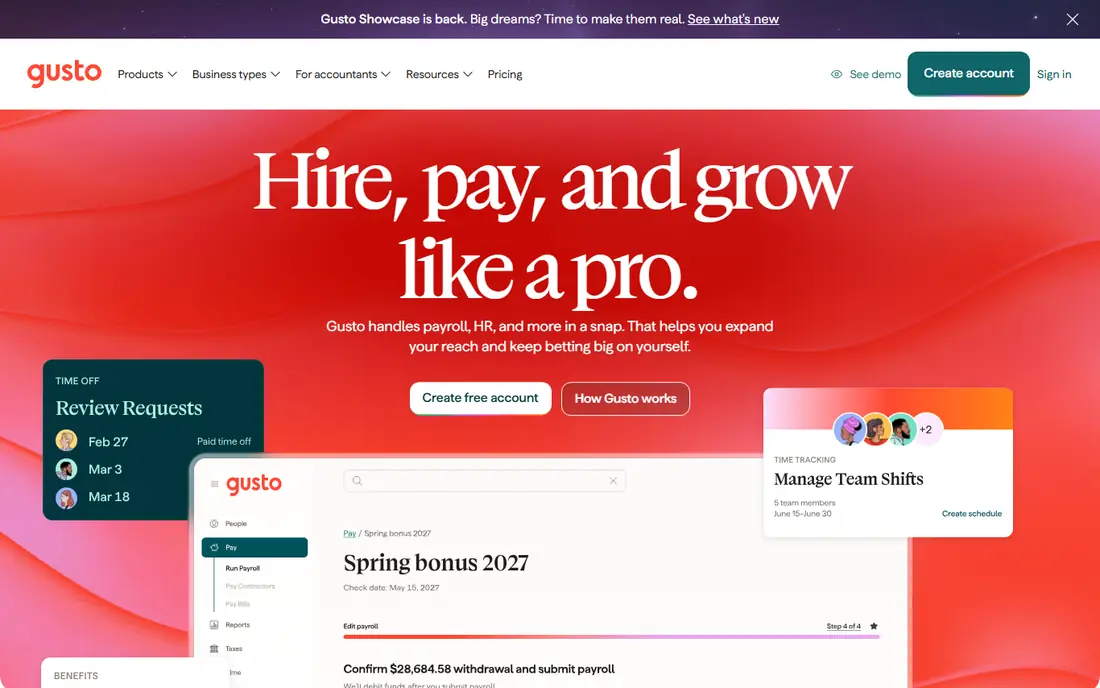
Gusto starts from payroll and adds enough HR to cover most small business needs. It files federal, state and local payroll taxes, handles direct deposit, onboarding, time off and benefits, and explains each step in plain language. Simple pricing near $49 per month plus $6 per person makes costs easy to forecast for a small team.
The entry plan covers one state, so a second location pushes you to a higher tier, and global payroll is an add on rather than core. Firms that need deep HR analytics or enterprise talent tools should look at Rippling or Workday instead. For a US small business whose main worry is paying people correctly and on time, Gusto is hard to beat.
- Full service payroll and tax filing
- Simple onboarding
- Benefits administration
- Entry plan covers one state
- Global payroll needs add ons
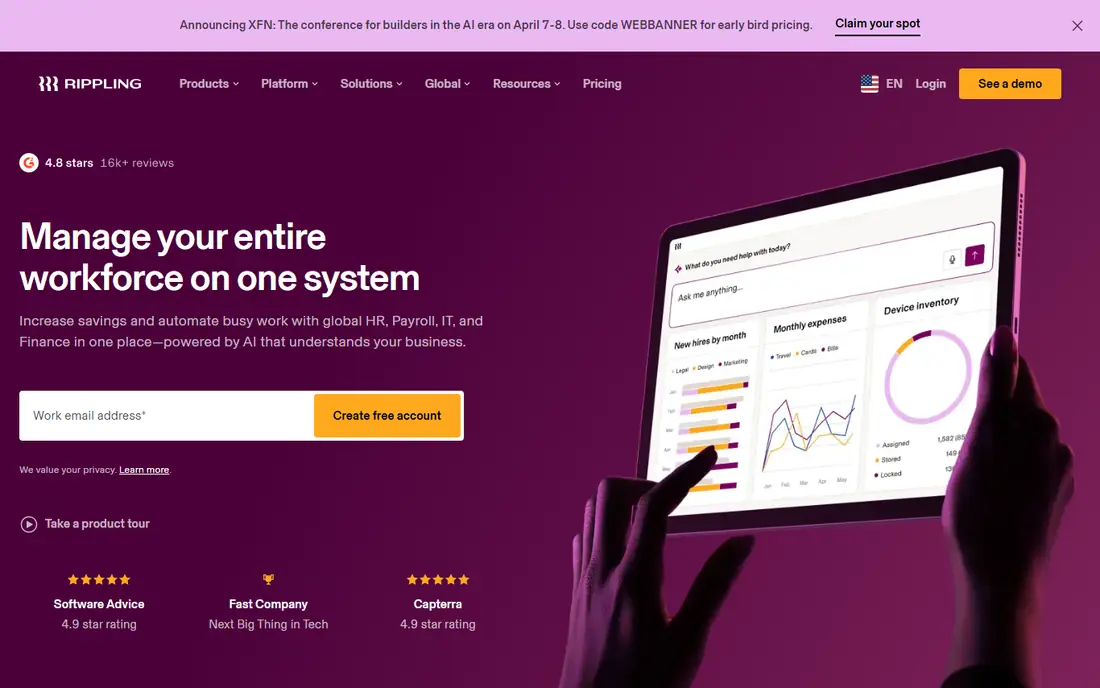
Rippling unifies HR, payroll, benefits and IT access, so one onboarding flow can set up pay, accounts, devices and app access together. That automation saves time as hiring grows, and the platform scales from small teams to larger firms with global hiring options. Pricing has been listed near $40 per month base plus $8 per employee per month, with custom packages for fuller scopes.
The total cost depends on modules chosen, so a quote for your exact mix is essential. Smaller teams that only need core HR may find BambooHR or Gusto simpler and cheaper. For a growing firm that wants one system for people and IT, Rippling is a strong, modern pick.
- One onboarding flow for HR, payroll and IT
- Strong automation
- Global options
- Quote based for full scope
- Base plus per employee pricing adds up
Zoho People is the cheapest credible HR system on this list, with entry pricing near $1.50 per user per month. It covers employee records, time off, attendance, onboarding and basic performance, and it fits naturally for firms already using Zoho CRM, Books or other Zoho apps. For a budget conscious team, that price gap is hard to ignore.
The trade off is polish and depth. The interface feels less refined than BambooHR or HiBob, and advanced talent, learning and analytics features are thinner. Firms that need deep reporting or a premium employee experience may prefer a higher priced tool. For a small team that needs solid core HR at low cost, Zoho People delivers.
- Very low starting price
- Time off, attendance and records
- Zoho ecosystem fit
- Interface less polished than rivals
- Advanced talent features limited
HiBob, known as Bob, is built for modern, distributed firms that care about culture and engagement as much as records. It offers employee profiles, time off, onboarding, performance, engagement surveys and workforce planning in a clean, social interface. Distributed teams like the way it keeps people connected across locations.
Payroll is handled through partners in many markets rather than as a deep native engine, and pricing is by quote, so US payroll focused buyers should check the exact setup. For a midsize firm that wants HR to feel modern and people centred, rather than purely administrative, HiBob is a strong choice.
- Modern employee experience
- Engagement and culture tools
- Good for distributed teams
- Quote only pricing
- Payroll is via partners in many markets
Paylocity combines payroll depth with a modern HR interface, covering employee records, time and attendance, benefits, talent and reporting. Mid market firms like the balance of compliance strength and a user experience that staff do not dread. Engagement, learning and community features add a modern layer on top of core payroll.
Pricing is by quote, and implementation for a midsize firm takes planning, especially for time, benefits and reporting setup. Smaller teams may find Gusto or BambooHR faster and cheaper. For a mid market firm that wants payroll and HR in one modern system, Paylocity deserves a demo.
- Payroll depth plus HR
- Modern interface
- Engagement and reporting tools
- Quote only pricing
- Implementation needs planning
ADP Workforce Now is the established midsize choice for firms that prioritise compliance certainty. It covers HR, payroll, tax, benefits, time and talent in modular form, with a large support and compliance network behind it. Firms with multi state payroll, complex benefits or audit pressure value that depth.
The interface can feel complex compared with newer rivals, and pricing is by quote, so total cost is hard to compare without a sales conversation. For a midsize firm that wants a proven partner and is willing to invest in setup, ADP remains a safe, scalable pick.
- Deep compliance and payroll expertise
- Scalable modules
- Large support network
- Quote only pricing
- Interface can feel complex
Workday HCM is the enterprise option for firms that want HR and finance governed together. It covers core HR, talent, payroll through partners and integrations, workforce planning and analytics, with controls and audit trails suited to large, global organisations. Recent AI features focus on self service and decision support, with an emphasis on explainable recommendations.
Implementation is a major project, and pricing is by quote, so it suits large firms with the budget and change capacity to match. Small and midsize teams should not start here. For a large enterprise that needs one governed people and finance platform, Workday is a leading choice.
- HR and finance on one governed platform
- Strong analytics
- Global scale
- Quote only pricing
- Long implementation for large firms
How we picked these
We compared official pricing pages, vendor documentation and public buyer guides for tools that cover core human resources work, not just payroll or recruiting alone. We favoured tools live in October 2026, across small, midsize and enterprise sizes, and we noted where pricing is quote only rather than inventing a figure.
What to check before you buy
List the HR jobs you must cover in the next year, such as hiring, onboarding, time off, payroll, benefits and reporting, then test each tool against that list with your own data. A tool that looks good for records may fail on payroll, and a payroll led tool may fail on talent, so the job list matters more than the feature count.
Check payroll and compliance for your states
Payroll tax filing, benefits rules and time off laws vary by state and country. Confirm which states and countries are covered natively, whether filings are included, and what support looks like when a rule changes. A demo with your actual locations will reveal gaps faster than a feature sheet.
Test manager and employee use
HR software fails when managers and staff avoid it. Trial time off requests, approvals, onboarding tasks and mobile access with real managers, not just HR staff. If those flows feel slow or confusing, adoption will suffer no matter how strong the back office reporting is.
FAQ
What is the best human resources software for a small business?
For most small US teams, BambooHR is a strong default for core HR, while Gusto leads when payroll is the main need. Zoho People is the budget pick. The right choice depends on whether payroll, hiring or people data is your biggest pain.
How much does HR software cost?
Entry tools start near $1.50 per user per month for Zoho People, near $10 per employee per month for BambooHR, and near $49 per month plus per person fees for Gusto. Mid market and enterprise tools are usually quote based, so request a price for your headcount.
What is the difference between HRIS, HRMS and HCM?
An HRIS covers core records and processes. An HRMS adds talent and payroll depth. An HCM suite covers the full lifecycle, including talent, workforce planning and analytics, usually for larger firms. The labels overlap, so judge tools by the jobs they cover, not the label.
Can HR software handle payroll too?
Many tools do, including Gusto, Rippling, Paylocity and ADP, with varying depth. Some, such as BambooHR and HiBob, offer payroll as an add on or through partners, so confirm filing coverage for your states before you buy.
Do we need HR software for a team under 20 people?
A small team can manage with spreadsheets and a payroll tool, but HR software helps once hiring, time off and onboarding grow messy. Start with a simple tool and upgrade when records, approvals or compliance start taking real time each week.