Best HR Software With Payroll Features in 2026: 9 Tools Compared
We compared the best hr software with payroll features, covering tax filing, benefits and time off, with prices, free trials and tips for growing teams.

- Editor's choice
 Gusto
Simple payroll for small US teams
Starts at$49 per monthVisit gusto.comFull review - Great alternative
 Rippling
HR plus payroll plus IT
Starts at$8 per user per monthVisit rippling.comFull review - Also consider
 Paychex Flex
Compliance heavy mid market teams
Starts atSee websiteVisit paychex.comFull review
TL;DR:
- The best payroll software with HR features combines payroll, tax filing, benefits and time off, so you do not pay for three separate tools.
- Gusto is the simplest starting point for small US teams, while Rippling suits teams that also want IT and device management in one place.
- Payroll pricing is usually a base fee plus a per person fee, so model the total for your headcount, not just the base price.
- Check state coverage, contractor support and benefits options before you buy, since those gaps are costly to fix later.
Quick comparison
| Tool | Best for | Starts at | Free plan? | |
|---|---|---|---|---|
| Gusto | Simple payroll for small US teams | $49 per month | No | Visit |
| Rippling | HR plus payroll plus IT | $8 per user per month | No | Visit |
| Paychex Flex | Compliance heavy mid market teams | See website | No | Visit |
 ADP Run | Small teams planning to scale | See website | No | Visit |
 Square Payroll | Restaurants and retail shops | $35 per month | No | Visit |
 Patriot Software | Low cost payroll | $17 per month | Free trial | Visit |
 QuickBooks Payroll | QuickBooks accounting users | $50 per month | No | Visit |
 Deel | Global teams and contractors | See website | No | Visit |
 BambooHR | HR first teams adding payroll | See website | Free trial | Visit |
The best HR software with payroll features
Payroll mistakes cost money and trust, so the right platform should file taxes, handle benefits and track time off without forcing you into a spreadsheet. The nine tools below cover small teams, growing companies and global hiring.
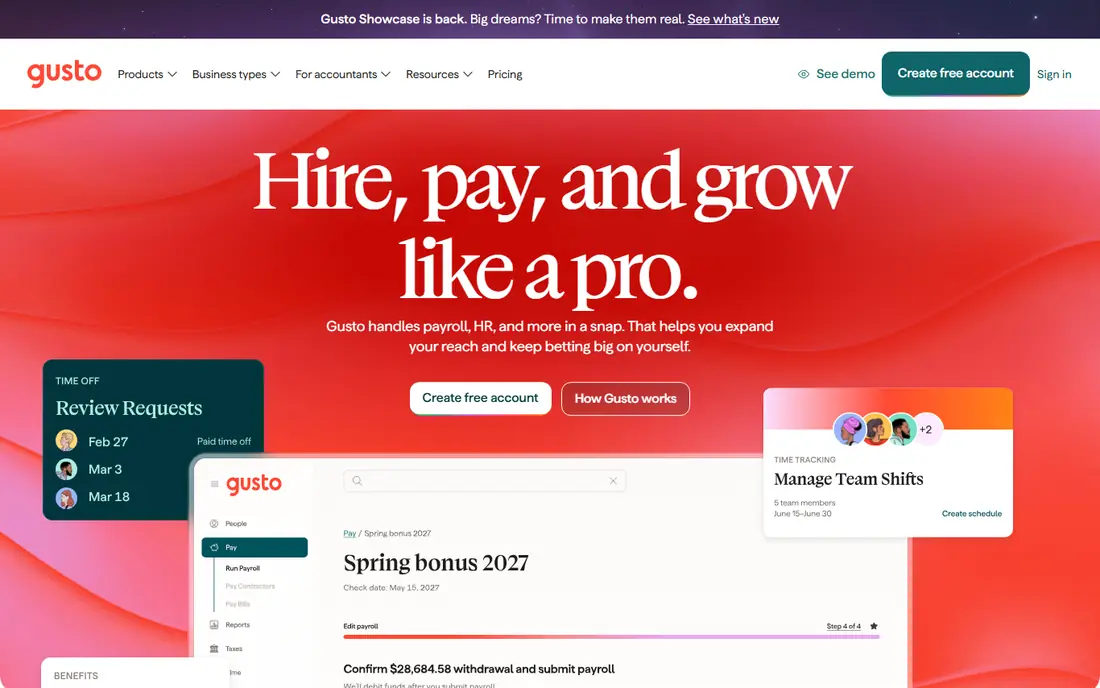
Gusto is our pick for most small US teams because it makes payroll feel manageable without an HR department. It runs unlimited payroll, files federal, state and local taxes, and handles benefits enrollment and time off in the same account. Setup is guided, and employee self service for pay stubs and tax forms reduces routine questions to the owner.
The limits are geographic and price based. Gusto is built for US payroll first, with global contractor payments as an add on rather than a core strength, and higher tiers add cost as you add features. Teams with complex shift rules or deep enterprise needs may outgrow it. For a small team that wants payroll done correctly with little fuss, Gusto is hard to beat.
- Automatic tax filing in all US states
- Benefits and 401(k) options
- Clear setup
- US focused
- Costs rise with headcount and higher tiers
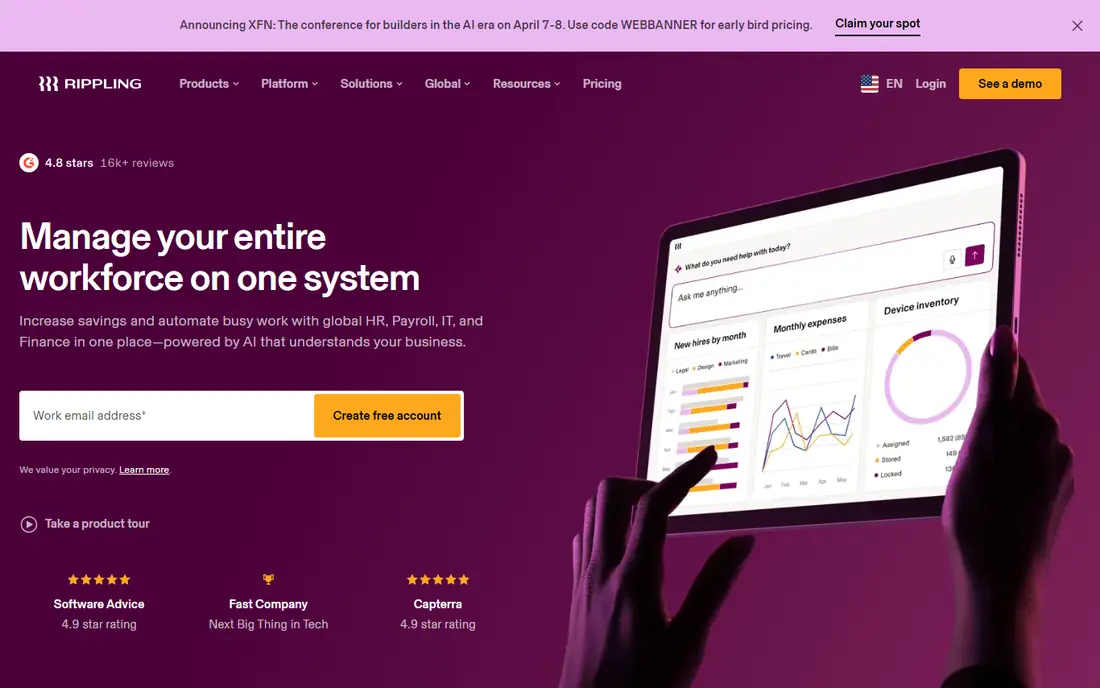
Rippling suits teams that want one system for people, pay and devices. When someone joins, Rippling can set up payroll, benefits, accounts and device access together, and when someone leaves, it can revoke access in the same workflow. That joined up approach saves time for growing tech teams and reduces the risk of a missed offboarding step.
Modular pricing means the headline per user price is only part of the bill, so model payroll, HR and IT modules together before signing. Setup is also heavier than Gusto, since you are configuring more than payroll. For teams of twenty or more that want a single source of truth, Rippling is a strong and scalable choice.
- One system for HR, payroll and IT
- Strong automation
- Global payroll options
- Modular pricing needs careful modelling
- Heavier setup than Gusto
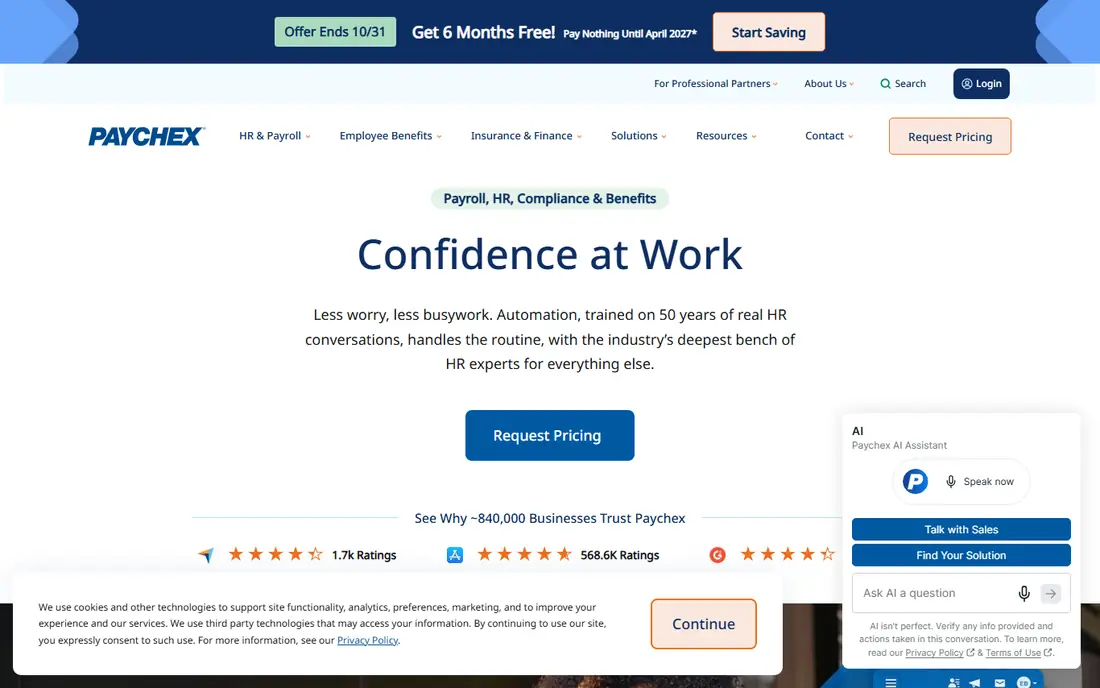
Paychex Flex is built for mid market companies that need payroll, HR, benefits and compliance in one platform, with human support behind it. It handles tax filing, time tracking, benefits and reporting, and its compliance tools help with the rules that vary by state and industry. For companies in regulated or multi state settings, that support is a real benefit.
Pricing is by quote, which makes comparison harder, and the interface can feel dense for a very small team. Paychex Flex fits best once headcount and compliance needs grow beyond what a simple tool handles well. For a small startup, it may feel like more than needed, but for a mid market team it is a solid option.
- Broad payroll and HR features
- Strong compliance support
- Dedicated service options
- Quote only pricing
- Interface can feel dense
ADP Run serves small to mid sized businesses that want a payroll provider they can grow with. It covers payroll, tax filing, time tracking, benefits and HR basics, and teams that outgrow Run can move to larger ADP platforms without starting over. That path matters for companies planning steady growth over several years.
Pricing is by quote, so get a full written price for your headcount and features before deciding. Add ons for benefits, time and HR tools can raise the total, so compare the whole package, not just payroll alone. For teams that value a large, established provider and a clear growth path, ADP Run is a sensible choice.
- Trusted payroll brand
- Scales to larger ADP platforms
- Broad HR features
- Quote based pricing
- Add ons can raise the bill
Square Payroll fits shops, cafes and restaurants that already use Square for payments. Hourly pay, tips and time tracking connect to the point of sale data, which reduces manual entry for shift based teams. Contractor payments are also included, which helps businesses that mix employees and contractors.
Professional services teams with complex salary, bonus and benefits needs may find it lighter than Gusto or Rippling. It is also US focused, so global teams should look elsewhere. For a small retail or food business, though, the Square link and simple pricing make it a practical pick.
- Simple for hourly teams
- Links to Square point of sale
- Contractor support
- Less depth for salaried professional teams
- US only focus
Patriot Software is the low cost option for a very small business that mainly needs payroll done correctly. Its base price is lower than most rivals, and its payroll workflow is clear: enter hours, review, run payroll and let Patriot handle tax filing. A free trial lets you test it before committing, which is useful for a first time payroll buyer.
HR depth is lighter than Gusto or Rippling, with fewer benefits and performance tools, so teams that want a full HR suite should compare carefully. For a micro business with a handful of employees and simple needs, Patriot offers good value without paying for features you will not use.
- Low base price
- Clear payroll workflow
- US tax filing
- HR features are lighter
- Benefits options are more limited
QuickBooks Payroll, formerly QuickBooks Workforce payroll, makes sense if your books already live in QuickBooks. Payroll entries flow into accounting without manual exports, which saves time at month end and tax time. It covers payroll, tax filing, benefits and contractor payments, and employees can access pay stubs through the workforce portal.
Outside QuickBooks, its advantage shrinks, and per person fees mean the total rises with headcount. Teams that do not use QuickBooks should compare Gusto or Rippling first. For QuickBooks users, however, the shared data and single vendor support make it a natural choice.
- Tight link to QuickBooks accounting
- Tax filing included
- Contractor payments
- Best value only with QuickBooks
- Per person fees add up
Deel is built for teams hiring across borders, with employer of record services, global payroll and contractor payments in many countries. It handles local compliance, contracts and benefits in a way that US only payroll tools do not, which matters when a team spans several countries. For a remote first company, that global coverage is the main reason to choose it.
US only teams will find Deel more complex and more costly than needed, and pricing is modular, so get a quote for your exact mix of employees and contractors. For global hiring, though, Deel is one of the strongest options, and its compliance support reduces the risk of misclassifying workers abroad.
- Global payroll and employer of record
- Contractor payments in many countries
- Compliance help
- Modular pricing
- US only teams may not need its depth
BambooHR starts from HR, not payroll, with strong employee records, time off, performance and reporting. Payroll is available as an add on in the US, which lets an HR led team keep people data and pay in one system without switching platforms. For companies that care most about employee experience and HR workflow, that order matters.
The catch is that payroll is not the core product, so teams whose main need is payroll should compare Gusto or Rippling first. Pricing is also by quote, which makes direct comparison harder. For HR first teams that want payroll added to a system they already like, BambooHR is a good fit.
- Strong HR records and reporting
- Good employee experience
- Payroll add on available
- Payroll is an add on, not the core
- Pricing is by quote
How we picked these
We compared official pricing pages, feature pages and payroll reviews for tools that combine HR features with real payroll, not just time tracking. We favored tools still sold in 2026, with tax filing and employee self service, and we covered small, mid market and global teams. Where pricing is by quote, we said so, and where a per person fee applies, we noted it, since the total bill matters more than the base price.
What to check before you buy
Start with your payroll facts: how many employees and contractors, in which states or countries, and how pay is structured. Hourly, salaried, tipped and commission pay each need different handling, and not every tool covers them equally. Confirm tax filing coverage for your states, and check whether benefits, workers compensation and retirement plans are included or add ons.
Also trial the employee side, not just the admin side. Staff should be able to view pay stubs, update details and enroll in benefits without help. Finally, ask about support during payroll runs and tax season, since a slow answer on payday is a serious problem. A short trial with a real pay run, even a small one, reveals more than a sales demo.
FAQ
What is the best payroll software with HR features for a small business?
For a small US business, Gusto is usually the best starting point, since it combines payroll, tax filing, benefits and time off in a clear package. Patriot Software is cheaper for very simple payroll, while Square Payroll suits shops using Square. Model the total price for your headcount before choosing.
What is the best HR software with payroll features for a growing team?
Rippling suits growing teams that also want IT and device management, while Paychex Flex and ADP Run suit mid market teams with heavier compliance needs. Growing teams should weigh automation, reporting and support, not just the starting price. A demo with your real headcount and states is essential.
Does HR software with payroll file taxes automatically?
Most tools in this list file federal, state and local payroll taxes automatically, but coverage varies by state and by plan. Confirm filing for every state where you have employees, and check whether local taxes and year end forms are included. Do not assume a low cost plan includes full filing.
Can these tools pay contractors as well as employees?
Yes, most tools here pay both W-2 employees and 1099 contractors, though fees and features differ. Gusto, Square Payroll and Deel all handle contractor payments, with Deel strongest for international contractors. Check contractor fees separately, since they are often priced apart from employee payroll.
How much does HR software with payroll cost?
Most tools charge a monthly base fee plus a per person fee, so a small team might pay under 100 dollars a month while a larger team pays several hundred. Quote based tools such as Paychex Flex and ADP Run need a written price for comparison. Always include benefits, time tracking and add ons in the total.
Is it safe to move payroll to a new provider mid year?
It is possible, but it needs care with year to date pay, tax filings and benefits data. Most providers offer migration help, and the safest time is often at a quarter end. Do not switch during a payroll run, and keep records from the old provider until year end forms are confirmed.