Best Hobby CNC Software in 2026: 8 Tools Compared
Find the best hobby cnc software for design, carving and cutting on a home CNC machine. We compare 8 tools for beginners, woodworkers and makers alike.

- Editor's choice
 Carbide Create
Beginners with Carbide machines
Starts atFreeVisit carbide3d.comFull review - Great alternative
 Easel
Web-based beginner carving
Starts atFreeVisit inventables.comFull review - Also consider
 VCarve Desktop
Signs and v-carving
Starts at$349 one-timeVisit vectric.comFull review
TL;DR:
- Carbide Create and Easel suit beginners who want free, simple design and cutting without a steep learning curve.
- VCarve Desktop and Carveco Maker suit woodworkers who want detailed v-carving, inlays and sign work.
- Fusion 360 suits makers who want full CAD and CAM in one program and qualify for the personal license.
- LightBurn suits laser and CNC users who need layout, tracing and machine control in one place.
- Check machine compatibility and post-processor support before buying, since not every tool drives every CNC.
Quick comparison
| Tool | Best for | Starts at | Free plan? | |
|---|---|---|---|---|
| Carbide Create | Beginners with Carbide machines | Free | Yes | Visit |
| Easel | Web-based beginner carving | Free | Yes | Visit |
| VCarve Desktop | Signs and v-carving | $349 one-time | Free trial | Visit |
 Carveco Maker | Hobby carving and relief | See website | Free trial | Visit |
 Fusion 360 | CAD plus CAM for makers | Free | Yes | Visit |
 LightBurn | Laser and CNC layout | See website | Free trial | Visit |
 Universal Gcode Sender | Free machine control | Free | Yes | Visit |
 Estlcam | Affordable CAM and control | See website | Free trial | Visit |
The best hobby cnc software
Hobby CNC software usually covers two jobs: design and CAM, which turns a design into toolpaths, and machine control, which sends those paths to the machine. Some tools do both, others focus on one side. The list below mixes free starters, paid carving tools and control software so makers at different levels can find a fit.

Carbide Create is the free design and CAM tool from Carbide 3D, maker of Shapeoko machines. It covers drawing, text, pockets, profiles and v-carving in a clean interface that beginners can learn in an evening. Paired with Carbide Motion for machine control, it gives new owners a complete path from idea to cut.
Advanced 3D relief work and complex modeling are thinner than in paid tools, and users of other machines should check post-processor support. For a first CNC, especially a Shapeoko, Carbide Create is an excellent free starting point. Many makers never need more for signs, boxes and flat parts.
- Free and easy to learn
- Good for 2D and 2.5D work
- Pairs with Carbide Motion control
- Less 3D depth than VCarve or Fusion
- Best with Carbide 3D machines
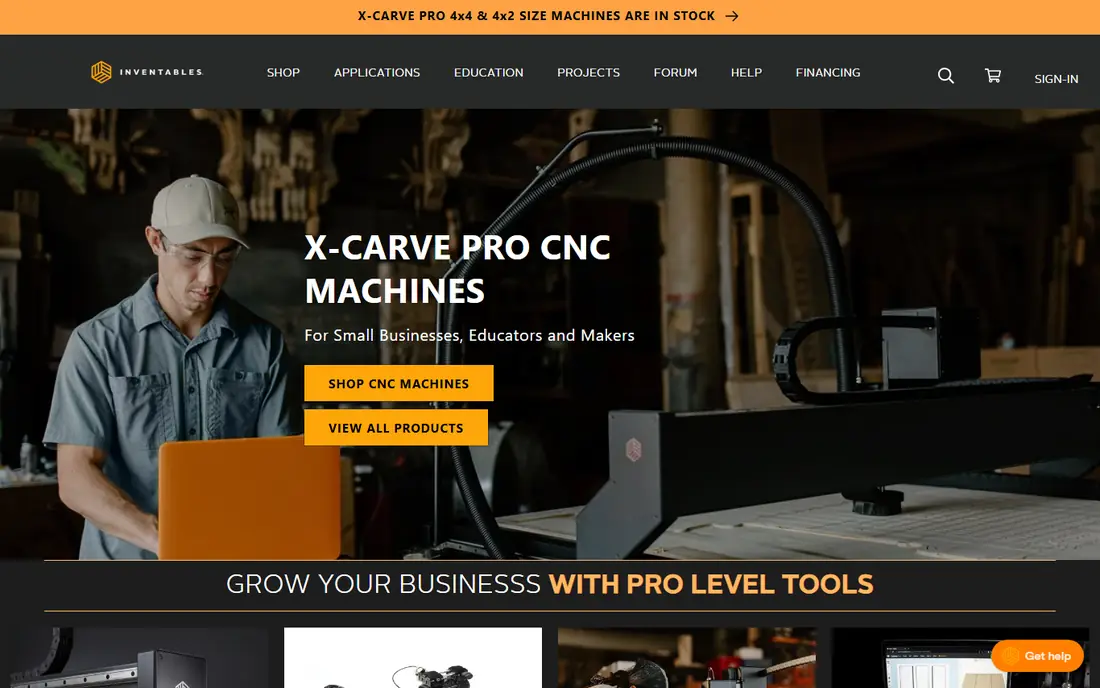
Easel, from Inventables, runs in a web browser and is built for beginners. Users can draw, add text, import images and generate carves without installing desktop software, which helps schools, shared workshops and Chromebooks. The flow from design to carve is direct, with material and bit settings guided step by step.
The free tier covers basic carving, while Easel Pro adds v-carving, advanced fonts and other features for a subscription. Internet access is required, and complex 3D work is outside its scope. For a first project on an X-Carve or a similar GRBL machine, Easel is one of the easiest ways to start.
- Runs in a browser with no install
- Simple design and carving flow
- Good for X-Carve users
- Needs internet access
- Advanced features need Easel Pro
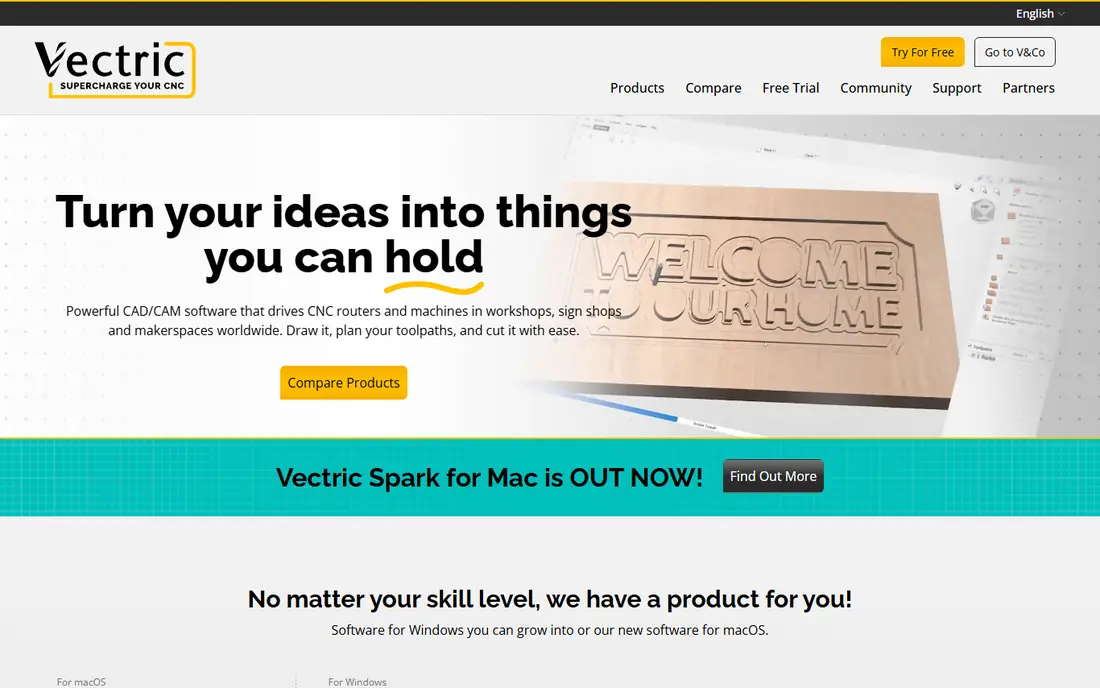
VCarve Desktop from Vectric is a favorite among hobby woodworkers for signs, plaques, inlays and decorative carving. It offers profile, pocket, drill and v-carve toolpaths, plus texture and 3D clipart support, with previews that show the cut before you run it. The tutorial library helps new users learn each toolpath type.
The Desktop edition suits machines up to 24 by 24 inches, while larger machines need VCarve Pro at $699. It is Windows software, though Mac users can run it with Parallels with limited support. For sign and woodwork makers with a small CNC, VCarve Desktop is a strong one-time purchase.
- Detailed 2D design and v-carving
- Inlays, pockets and textures
- Large tutorial library
- Windows only
- Desktop edition limited to 24 by 24 inch machines
Carveco Maker targets hobbyists and small shops who want relief carving, sign work and 3D model machining in one program. It handles 2D design, vector work and 3D reliefs, with toolpaths for common hobby machines. A subscription model lowers the upfront cost compared with a large one-time purchase.
Over several years, subscription totals can pass a one-time license, so compare total cost for your expected use. Relief tools also take practice, even with tutorials. For makers who want 3D carving without a large upfront payment, Carveco Maker is a solid choice.
- Good relief and 3D carving tools
- Subscription option for hobbyists
- Design and CAM in one app
- Subscription pricing may cost more over time
- Learning curve for relief tools
Fusion 360 from Autodesk combines parametric CAD modeling with CAM toolpaths, simulation and machine control output. Makers can design a part, define toolpaths, simulate the cut and export code for their machine in one workflow. That integration suits mechanical parts, brackets, enclosures and multi-part projects.
The learning curve is real, and the free personal license carries limits on active projects and some features. Users who only cut signs may find it heavier than VCarve or Easel. For makers who want real engineering design plus CAM, Fusion 360 is the most capable free option in this list.
- Full CAD and CAM in one program
- Parametric design
- Personal license for hobby use
- Learning curve is steep
- Personal license has limits
LightBurn is best known for laser engraving and cutting, but many hobbyists also use it for layout and control work alongside a CNC router. It offers drawing, image tracing, layer controls and device profiles, with a trial to test your machine. The interface is clear and well documented for laser users.
For router CAM, dedicated tools such as VCarve or Fusion offer deeper toolpath control. LightBurn fits best when laser work is a major part of your shop, or when you want one layout tool for both laser and CNC projects. Check license type for your machine before buying.
- Layout, tracing and machine control in one app
- Strong laser support
- Good device profiles
- CNC router CAM is thinner than dedicated CAM tools
- License is per machine type
Universal Gcode Sender, often called UGS, is a free, open source program that sends G-code to GRBL-based CNC machines. It does not design parts or create toolpaths. Instead, it handles the machine side: connecting, jogging, setting work coordinates, running a file and pausing a job. That focus makes it a reliable companion to design tools.
The interface is functional rather than polished, and new users need to learn work coordinate setup and safety checks. For makers who already use Carbide Create, Easel, VCarve or Fusion for design, UGS is a free, flexible way to control many machines. Always run an air cut or preview before a real job.
- Free and open source
- Works with many GRBL machines
- Simple sender and jogging controls
- Design and CAM need another tool
- Interface is plain
Estlcam offers CAM and machine control for hobby CNC routers at a lower price than Vectric tools. Users can import designs, create toolpaths for pockets, profiles, carving and drilling, and control a GRBL machine from the same program. That combination appeals to makers who want one affordable tool for both jobs.
The interface is less polished than VCarve, and Windows is the main platform. Support comes largely from the vendor site and community forums. For a budget-conscious maker with a GRBL router, Estlcam is a practical alternative to subscription tools.
- Affordable CAM plus control
- Good for GRBL machines
- Active hobby community
- Windows focused
- Interface is less polished than Vectric tools
How we picked these
We compared official product pages, pricing, machine compatibility and hobby use cases. We favored tools that exist today, serve home CNC users, and cover design, CAM or control for common machines such as Shapeoko, X-Carve and GRBL routers. We did not claim hands-on testing. Prices and license terms change, so check the vendor site for your machine and operating system.
How to choose hobby CNC software
Start with your machine and your first projects. A sign maker needs v-carving and text tools. A parts maker needs CAD and CAM with precise dimensions. A laser user needs layout and tracing. Buying the most powerful tool first often slows learning, while a simple tool that matches your projects builds skill fast.
Compatibility and safety checks
Confirm your machine, controller and post-processor are supported before buying. Check file formats for import, bit and material settings, and whether the tool previews toolpaths. On safety, always secure material, check clamps and bit clearance, wear eye and hearing protection, and stay near the machine while it cuts. Never leave a CNC running unattended.
Free versus paid path
Start free with Carbide Create, Easel or Fusion 360 personal use, and pay only when a project needs a feature free tools lack. VCarve Desktop at $349 is a common next step for sign makers, while Carveco Maker suits relief work. Track total cost over three years, since subscriptions add up.
FAQ
What is the best hobby cnc software for beginners?
Carbide Create and Easel are the easiest starts, with free tiers, simple interfaces and guided carving flows. Carbide Create suits Shapeoko owners, while Easel suits browser-based users and X-Carve owners. Both let beginners cut real projects in a first session.
Do I need separate design and control software?
Not always. Easel and Carbide Create with Carbide Motion cover design and control for their machines. Other makers pair a design and CAM tool such as VCarve or Fusion 360 with a sender such as Universal Gcode Sender. Check what your machine maker recommends.
Is VCarve Desktop worth $349 for a hobbyist?
For sign, plaque and inlay makers with a small CNC, yes, since v-carving, inlays and previews are strong and the license is one-time. For simple flat parts, free tools may be enough. Use the Vectric trial with your own designs before buying.
Can I use Fusion 360 for free as a hobbyist?
Yes, Autodesk offers a personal license for hobby and non-commercial use with limits on active projects and some features. It is a full CAD and CAM tool, so expect a learning curve. Check current personal license terms on the Autodesk site before relying on it.
What software do I need for a GRBL CNC machine?
GRBL machines work with many tools in this list, including Easel, Carbide Create, VCarve, Fusion 360, Estlcam and Universal Gcode Sender. Confirm post-processor support for GRBL and your machine size. A sender such as UGS handles machine control if your design tool does not.