5 Best Google Workspace for Finance Software for 2026, Vetted and Compared
Need the best google workspace for finance software? We compare 5 tools on cost, free access and who each suits. With pricing notes and limits. Numbers first.
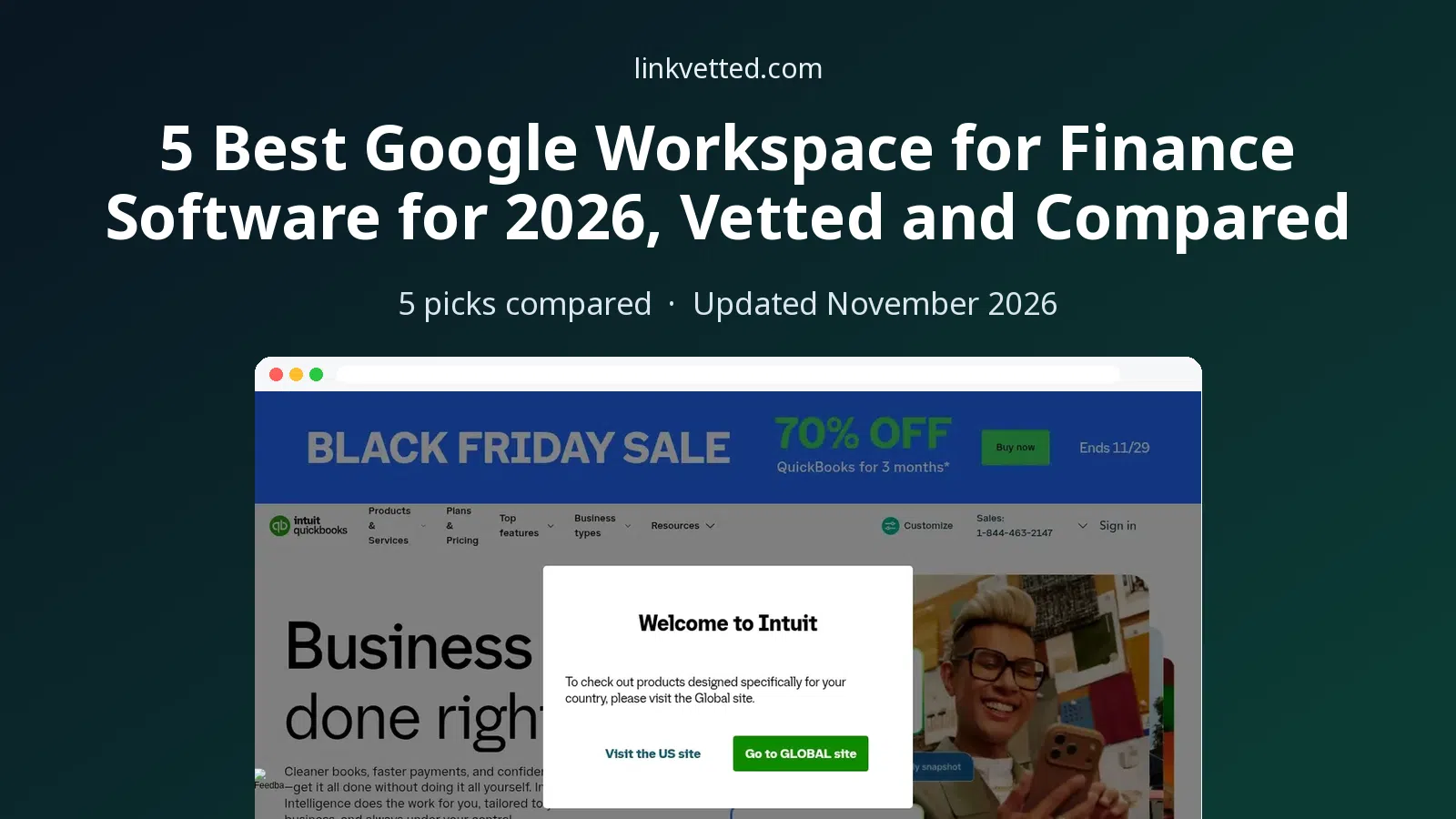
- Editor's choice
 QuickBooks Online
Small business bookkeeping
Starts at$11.40 per monthVisit quickbooks.intuit.comFull review - Great alternative
 Expensify
Receipt and expense management
Starts atSee websiteVisit expensify.comFull review - Also consider
 NetSuite
Full ERP with AI-powered finance
Starts atSee websiteVisit netsuite.comFull review
Direct answer
For small business bookkeeping, QuickBooks Online is where this list starts. Listed starting prices: QuickBooks Online from $11.40 per month, Bill.com from $49 per user per month and Xero from $7 a month. Look at Expensify for receipt and expense management, and at NetSuite for full ERP with AI-powered finance. The other 2 tools in the list cover narrower or pricier cases.
TL;DR:
- QuickBooks Online is the opening pick, best for small business bookkeeping.
- QuickBooks Online comes with a trade-off: advanced features cost extra.
- Xero suits small business bank connections.
- The cheapest monthly starting price in the list is $7 per month, offered by Xero.
Last checked November 2026. Prices and plan details were read from the vendors' own pages in November 2026; vendors change plans often, so confirm the current price on the vendor site before you buy.
Quick comparison
| Tool | Best for | Starts at | Free plan? | |
|---|---|---|---|---|
| QuickBooks Online | Small business bookkeeping | $11.40 per month | Free trial | Visit |
| Expensify | Receipt and expense management | See website | Not stated | Visit |
| NetSuite | Full ERP with AI-powered finance | See website | Not stated | Visit |
| Bill.com | Accounts payable automation | $49 per user per month | Yes | Visit |
 Xero | Small business bank connections | $7 a month | Free trial | Visit |
Every option for google workspace for finance software explained
If you are comparing google workspace for finance software, this page covers 5 tools in one place: what each is best for, what it costs to start, whether it has a free plan, and the main limit to know about.

QuickBooks Online is aimed squarely at small business bookkeeping. QuickBooks Online is a cloud accounting option aimed at small firms. It helps organize and manage finances with smart tools, and setup is quick and straightforward.
More specifically, the product is widely used and links with plenty of business apps, making it a practical choice for owners who want to manage bookkeeping without a steep ramp-up time. Beyond that, companies with specialized needs might look at NetSuite or Bill.com for advanced workflows. Starting cost for QuickBooks Online: $11.40 per month. Free plan details: Free trial.
Limits to weigh: Advanced features cost additional.
- Organizes income and expenses
- Quick and simple setup
- May lack deep ERP functions
Expensify works best for receipt and expense management. Expensify is spend management software centred on receipts and expenses. It helps companies track spending, automate expense reports and plug into accounting systems.
Drawbacks to consider: Restricted to expense management.
Worth adding: pick Expensify when your central challenge is capturing receipts and managing employee expenses efficiently. The tool is built for teams that require to ease expense workflows and can be used alongside Google Workspace for collaboration and document sharing. No starting price is listed for Expensify here; confirm pricing on the vendor site. Free access: Not stated.
- Receipt scanning features
- Simplifies expense reporting
- May need extras for full functionality
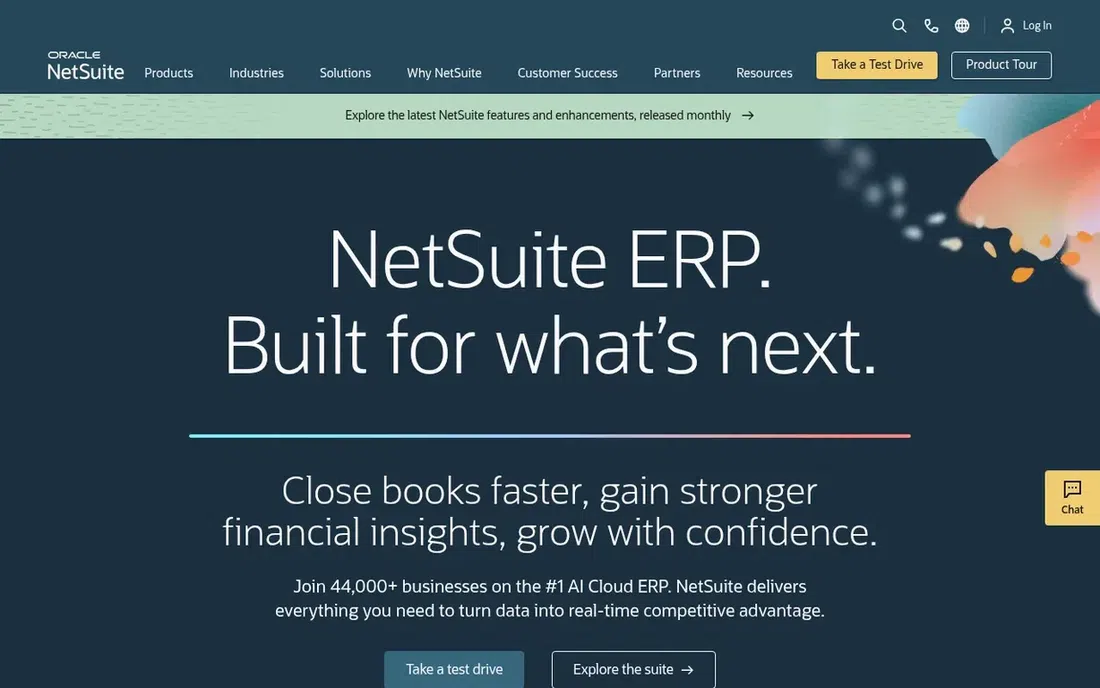
NetSuite is aimed squarely at full ERP with AI-powered finance. This tool suits midsize to large organizations that require a connected view of finance and operations, and it can complement Google Workspace for collaboration.
Choose NetSuite when you need a single system for finance and operations across departments. NetSuite shows no starting price here, so confirm the cost on the vendor site. Free access: Not stated.
Highlights: Merges financials. Where it is weaker: Wide feature set may overwhelm.
- CRM and inventory
- Cloud-based access
- Complicated setup for small teams
Bill.com
Best for: Accounts payable automation
Think of Bill.com for accounts payable automation. Bill.com is a financial operations product that concentrates on accounts payable, accounts receivable, and spend and expense management.
The main drawbacks: Concentrated on AP/AR, not full accounting.
Also, choose Bill.com when your priority is automating bill payments and expense controls within a bigger finance stack. Bill.com is not a full accounting option, so it fits best alongside dedicated accounting software. What you pay to start with Bill.com: $49 per user per month. Bill.com includes a free tier.
- Automates bill payments
- Runs expenses and budgets
- May need integration with accounting software

Pick Xero if this describes you: small business bank connections. Xero is accounting software for small firms that links you to your bank, accountant, bookkeeper and other business apps. This makes Xero a solid fit for small teams that want live bank feeds and a connected ecosystem of apps alongside Google Workspace.
Trade-offs to know: May need extras for inventory.
Xero's feature set is capable for core accounting but may fall short for complicated inventory or manufacturing needs. Worth adding: if you need deep ERP capabilities, NetSuite is more suitable. The starting price for Xero: $7 per month. On free options: Free trial.
- Links up with business apps
- Links to banks and accountants
- Restricted advanced reporting
Selection criteria
Questions to settle before buying
- Confirm the entry price on the vendor page. For Expensify and NetSuite that means a quote rather than a fixed price.
- Test the free plan from Bill.com against your real workload before relying on it.
- Take the trial from QuickBooks Online and Xero and push a live task through it before you pay.
- Before choosing QuickBooks Online, weigh its main limit: advanced features cost additional.
- Check whether the features you need in QuickBooks Online sit on the entry plan or only on higher tiers.
- Price Expensify for your actual team size; headline prices rarely include add-ons or overage.
FAQ
What is the cheapest option for google workspace for finance software in this list?
On published monthly entry prices, Xero is the lowest here at $7 per month. Entry price is only part of the cost, because seats, add-ons and billing terms can change the total. All 5 picks in this Google workspace for finance software comparison list a starting price, free plan details and the main limits on their cards above.
Can I use QuickBooks Online with Google Workspace?
That said, the depth of integration may vary, so review the latest details on the vendor's site. It is usually right for small companies wanting entry-level connectivity.
How does Bill.com differ from full accounting software?
Bill.com concentrates on accounts payable and receivable automation, not full bookkeeping. Use Bill.com to simplify payment workflows whereas keeping your accounting system for financial records.
Do these tools publish their prices?
Not all of them. Expensify and NetSuite publish no starting price, so expect a quote request for those. The rest, QuickBooks Online included, show a starting price, though seats and billing terms still change the final cost.
Can I try these options before paying?
Often, yes. Bill.com has a free plan and QuickBooks Online and Xero offer a free trial. Use your own data and a real task during the test, and check what the free tier or trial limits before you rely on it.
Which options for google workspace for finance software have a free plan?
Bill.com is the only tool in this list with a free plan. Free plans usually cap users, projects or features, so check the limits on the vendor page. Several others offer a trial instead. For the full picture, the cards above cover all 5 entries of this Google workspace for finance software list, including price, free plan and limits.
Sources
- https://quickbooks.intuit.com
- https://www.expensify.com
- https://www.netsuite.com
- https://www.bill.com
- https://www.xero.com