Best Generative Presentation Creation Tool in 2026: 8 Tools Compared
Looking for the best generative presentation creation tool? We compared 8 AI tools that draft decks, design slides and export to PowerPoint. See our top pick.
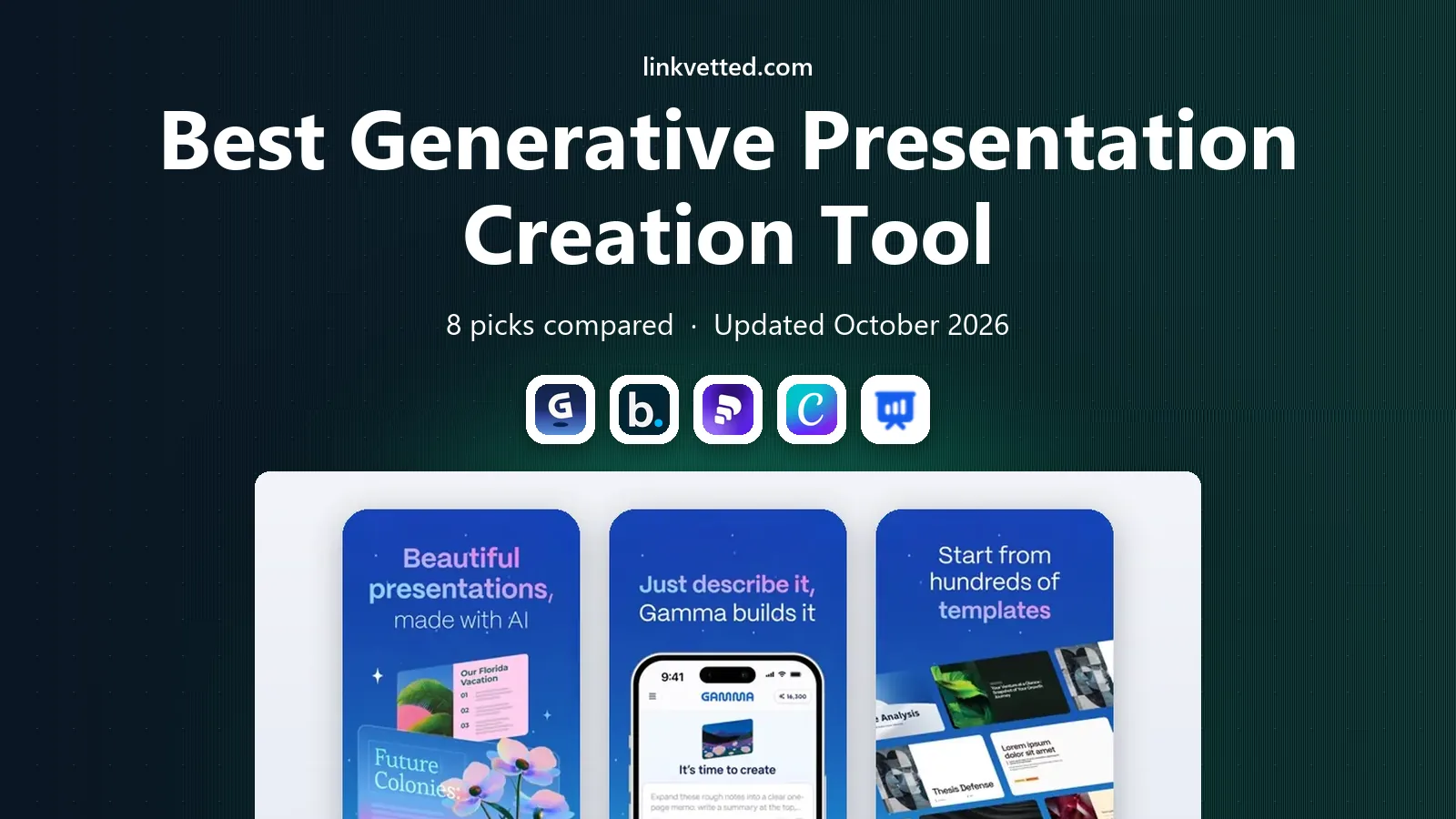
- Editor's choice
 Gamma
Fast AI decks and web pages
Starts at$10 per monthVisit gamma.appFull review - Great alternative
 Beautiful.ai
Brand-controlled team decks
Starts atSee websiteVisit beautiful.aiFull review - Also consider
 Pitch
Free team collaboration
Starts atFreeVisit pitch.comFull review
TL;DR:
- Gamma is the best all-round pick for fast AI decks that can also live as web pages, while Beautiful.ai is best for teams that need strict brand control.
- Pitch offers the strongest free team plan here, and Canva is the best choice if you already design other content in Canva.
- SlidesAI and Plus AI are the best options if you want to stay inside Google Slides or PowerPoint rather than learn a new editor.
- AI output is a first draft: plan to rewrite titles, check facts and fix layouts before you present.
Quick comparison
| Tool | Best for | Starts at | Free plan? | |
|---|---|---|---|---|
| Gamma | Fast AI decks and web pages | $10 per month | Yes | Visit |
| Beautiful.ai | Brand-controlled team decks | See website | Free trial | Visit |
| Pitch | Free team collaboration | Free | Yes | Visit |
 Canva | All-in-one design with AI | Free | Yes | Visit |
 SlidesAI | Google Slides generation | See website | Yes | Visit |
 Prezi | Non-linear visual talks | See website | Yes | Visit |
 Decktopus | Quick business decks | See website | Yes | Visit |
 Plus AI | AI inside Google Slides | See website | Free trial | Visit |
The best generative presentation creation tools
We compared official feature pages, pricing pages and public reviews for tools that generate a full deck from a prompt, an outline or a document in 2026, rather than tools that only offer templates.

Gamma is the tool we would try first for a fast AI deck. Type a prompt, paste text or upload a document, and Gamma builds an outline and a designed deck you can edit card by card. The same content can be presented from a link, shared as a web page or exported, which suits teams that send decks as links rather than attachments. The card format takes a little learning if you are used to classic slides, and the free plan's credits are one-time rather than monthly. Paid plans refresh credits and add export and analytics. For speed and flexibility, Gamma is hard to beat.
- Generates decks, docs and web pages from a prompt
- Flexible card editor
- PDF and PowerPoint export on paid plans
- Card format feels different from classic slides
- Free credits do not refresh
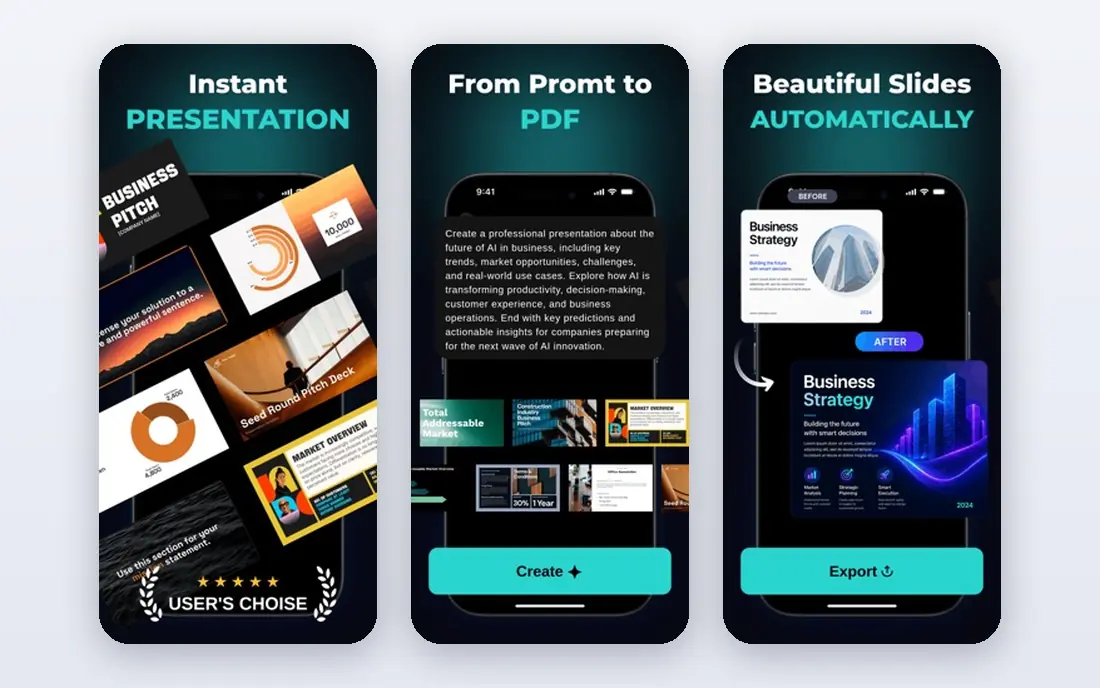
Beautiful.ai is built for teams that need every deck to look on-brand without a designer checking each slide. Its Smart Slides adjust layout automatically as you add text, so slides stay balanced, and team features such as shared slides, shared assets and templates keep pricing and company details consistent. Viewer analytics show which slides get attention. The trade-off is control and cost. You cannot freely drag every element as in PowerPoint, and there is no permanent free plan, only a trial. For a sales or marketing team that values consistency over total design freedom, that trade is worth it.
- Smart slides keep layouts clean automatically
- Shared slides and templates for teams
- PowerPoint export
- No permanent free plan, only a trial
- Design control is more constrained than a blank canvas

Pitch combines a modern slide editor with team workspaces, real-time collaboration and AI generation. Its free plan supports small teams, which makes it a good starting point for a startup or a small team that cannot yet pay for a deck tool. Templates cover pitch decks, sales decks and internal updates. AI credits on the free plan are limited, so heavy AI users will need a paid plan. Export to PowerPoint works but may need layout fixes. If collaboration and cost matter more than unlimited AI generation, Pitch is a strong pick.
- Free plan for small teams
- Real-time collaboration
- AI generation with credits
- Advanced AI credits are limited on free plans
- PowerPoint export quality varies
Canva is already familiar to many teams for social graphics and documents, and its Magic Design tools now generate presentations from a prompt or an uploaded file. That makes it an easy choice if you already store brand assets, photos and templates in Canva. The editor is friendly, sharing is simple, and presenting from Canva works well. The catch is originality. AI-generated Canva decks can look similar to each other unless you edit layouts, images and copy. Some advanced AI features also need a Pro subscription. For teams that want one tool for decks and everything else, Canva is the practical pick.
- Huge template library
- Magic Design generates decks from a prompt
- Easy sharing and presenting
- AI decks can look generic without editing
- Best AI features sit on paid plans
SlidesAI is an add-on for Google Slides that turns pasted text, an outline or a topic into a slide deck with layouts and images. If your team already lives in Google Workspace, that matters: you stay in Slides, keep your sharing settings, and export or present as usual. Setup takes minutes, and the free plan lets you test a few decks. Design variety is narrower than dedicated deck tools, so decks may need manual polish for a client pitch. Still, for teachers, students and teams that need quick internal decks inside Google Slides, SlidesAI is the simplest generative option.
- Works inside Google Slides
- Turns text or outlines into slides quickly
- Supports several languages
- Design options are simpler than Gamma or Beautiful.ai
- Heavy use needs a paid plan
Prezi takes a different path from slide-by-slide decks. You build on a large canvas and zoom between topics, which can make a talk feel more like a guided tour than a list of slides. Its AI features help draft and structure presentations, and Prezi Video lets you present alongside your visuals on a call. That style is not right for a formal board deck or a document that must read well as a PDF. It also takes longer to learn than Gamma or Canva. For conference talks, lessons and pitches where you want the audience to remember the structure, Prezi stands out.
- Zooming canvas makes talks feel visual and memorable
- AI tools help build presentations
- Video presentation features
- Non-linear style does not suit every audience
- Learning curve for new users
Decktopus aims for speed on standard business decks: pitch decks, sales decks, project proposals and reports. Answer a few questions about your topic and audience, and it generates a structured deck with suggested content and layouts. The editor is simple, which helps if you do not want to learn a complex design tool. The library and design options are smaller than Gamma or Canva, so distinctive decks need more manual work. For a founder or a small business owner who needs a decent deck today rather than a perfect deck next week, Decktopus is a useful shortcut.
- Fast deck creation from a short brief
- Business templates
- Simple editor
- Smaller feature set than leaders
- Less design flexibility
Plus AI is another Google Slides add-on, focused on generating new decks and rewriting existing slides from inside Slides. You can edit the outline before it generates slides, which gives you more control over structure than a one-click generator. It also helps rewrite slide copy to be shorter or clearer. Its limit is scope: if your team uses PowerPoint rather than Google Slides, Plus AI is not a fit. For Google Workspace teams that want AI help without leaving Slides, it is a focused and practical choice.
- Generates and rewrites slides inside Google Slides
- Outline editing before generation
- Works with existing decks
- Google Slides only, no standalone editor
- Paid plans needed for regular use
How we picked these
We compared official feature pages, pricing pages and public reviews for tools that generate deck content from a prompt or document in 2026. We favored tools with a working free plan or trial, export options, and an editor that lets you fix AI output. We left out tools that had shut down their presentation features or that only offered static templates with no generation.
How to get a good deck from an AI tool
Write a specific brief before you generate: name the audience, the decision you want, the time limit and the proof you can actually cite. A vague prompt produces a vague deck, while a long essay dumps noise onto every slide. Generate, then edit hard: rewrite titles so a title-only skim tells the story, delete filler slides, check every number, and replace generic images with your own charts or photos. Check export early if you must deliver a PowerPoint file. Some tools export cleanly and some need layout fixes, so test one export before you build a full deck. Also confirm who owns the AI-generated content and whether your company allows pasting internal data into an AI tool, since that rule varies by workplace.
FAQ
What is the best generative presentation creation tool?
Gamma is our top all-round pick for speed and flexibility, while Beautiful.ai is best for teams that need brand control. If you work in Google Slides, SlidesAI or Plus AI may fit better than a standalone tool.
Can AI presentation tools export to PowerPoint?
Most tools here export to PowerPoint or PDF on paid plans, including Gamma, Beautiful.ai, Pitch and Canva. Export quality varies, so test a sample deck and fix layouts before a client presentation.
Are AI presentation tools free?
Gamma, Pitch, Canva, SlidesAI, Prezi and Decktopus offer free plans or trials, but AI credits and export features are usually limited. Regular professional use normally needs a paid plan.
Do AI decks look generic?
They can, especially if your prompt is vague. Edit titles, layouts and images, add your own data and examples, and rewrite the copy in your own voice to make the deck feel specific.
Should I use an AI tool for an investor pitch deck?
An AI tool is a good starting point for structure and a first draft, but an investor deck needs your own numbers, market proof and story. Use the tool to draft, then rewrite and verify every claim before you send it.