Best Generative AI Video Tools in 2026: 8 Tools Compared
We compared the best generative ai video tools for text to video, image to video, and editing, covering quality, controls, credits, and pricing in October 2026.
- Editor's choice
 Google Veo
Cinematic clips with native audio
Starts at$19.99 per monthVisit labs.googleFull review - Great alternative
 Runway
Creators wanting control and editing
Starts at$15 per monthVisit runwayml.comFull review - Also consider
 Kling AI
Realistic motion on a budget
Starts at$10 per monthVisit klingai.comFull review
TL;DR:
- Google Veo through Flow leads on cinematic realism and native audio, but credits and plan limits matter.
- Runway suits creators who want camera control and editing tools in one workspace.
- Kling and Pika offer strong value for short clips, with Kling stronger on motion and Pika on playful effects.
- We did not list Sora as a consumer product, since its consumer web and app access ended in April 2026.
Quick comparison
| Tool | Best for | Starts at | Free plan? | |
|---|---|---|---|---|
| Google Veo | Cinematic clips with native audio | $19.99 per month | Limited free credits | Visit |
| Runway | Creators wanting control and editing | $15 per month | 125 one-time credits | Visit |
| Kling AI | Realistic motion on a budget | $10 per month | Daily free credits | Visit |
 Pika | Short social clips and effects | $10 per month | Free plan | Visit |
 Luma Dream Machine | Fast cinematic image to video | $30 per month | Limited free access | Visit |
 Adobe Firefly | Brand work inside Adobe tools | $9.99 per month | Limited daily generations | Visit |
 Hailuo AI | Expressive character motion | See website | Trial credits | Visit |
 Synthesia | Training and corporate presenter video | $29 per month | Free plan | Visit |
The best generative AI video tools
Generative video tools turn text or images into short clips, with sound, motion, and style controls. The best pick depends on clip length, realism, and how much editing you want to do after generation.
Google Veo is a strong choice for cinematic clips with native audio. Veo 3.1 through Flow produces cinematic clips with synchronized dialogue, music, and sound effects. In our comparison of official feature pages, pricing, and public reviews, it stood out for native audio and dialogue.
The honest catch is that credits can run out fast when you retry shots, so plan for several takes per scene. That trade-off matters most when you scale, so test it on your real workload during a trial. Pick Veo when realism and sound matter most and you are willing to work in short clips.
Pricing and plan details change often, so check the vendor page linked above before you buy. A short trial on your own data, with your own team, will tell you more than any feature list. If it fits that trial, it is likely to fit daily work too.
- Native audio and dialogue
- Strong realism
- Access through Flow and Gemini
- Credit limits vary by plan
- Clip length is short per generation
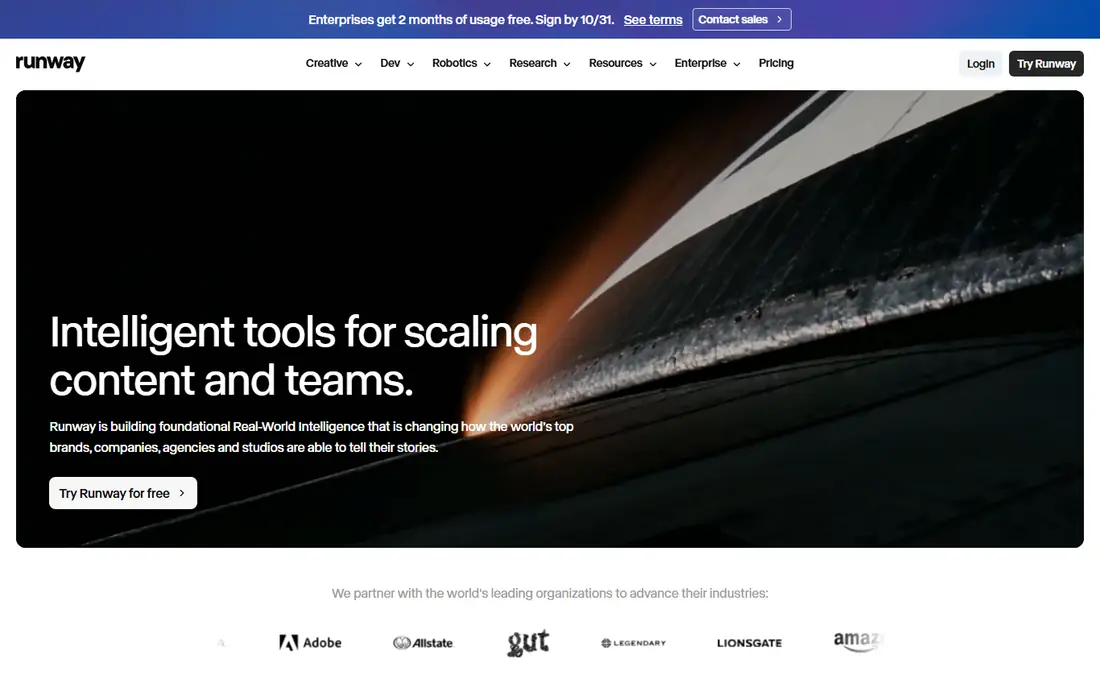
Runway is a strong choice for creators wanting control and editing. Runway pairs generation with editing tools, so you can direct shots and refine them without leaving the workspace. In our comparison of official feature pages, pricing, and public reviews, it stood out for gen-4 models.
The honest catch is that the credit model rewards careful prompting, since repeated generations add up. That trade-off matters most when you scale, so test it on your real workload during a trial. Pick Runway when you want control over shots and a workspace for editing, not just a prompt box.
Pricing and plan details change often, so check the vendor page linked above before you buy. A short trial on your own data, with your own team, will tell you more than any feature list. If it fits that trial, it is likely to fit daily work too.
- Gen-4 models
- Camera and motion controls
- Editing workspace
- Credits burn quickly
- Higher resolution costs more
Kling AI is a strong choice for realistic motion on a budget. Kling gives realistic motion at a lower entry price than several rivals, with daily credits for testing. In our comparison of official feature pages, pricing, and public reviews, it stood out for strong motion and camera movement.
The honest catch is that plan details and credit rules change often, so check the current page before paying. That trade-off matters most when you scale, so test it on your real workload during a trial. Pick Kling when you generate often, want realistic motion, and want to keep monthly costs down.
Pricing and plan details change often, so check the vendor page linked above before you buy. A short trial on your own data, with your own team, will tell you more than any feature list. If it fits that trial, it is likely to fit daily work too.
- Strong motion and camera movement
- Image to video
- Lip sync options
- Pricing and quotas change often
- Support can be uneven
Pika is a strong choice for short social clips and effects. Pika excels at quick, stylized clips and effects for social feeds. In our comparison of official feature pages, pricing, and public reviews, it stood out for fast short clips.
The honest catch is that it is less suited to long narratives or precise cinematic control. That trade-off matters most when you scale, so test it on your real workload during a trial. Pick Pika when speed and social style matter more than long, directed scenes.
Pricing and plan details change often, so check the vendor page linked above before you buy. A short trial on your own data, with your own team, will tell you more than any feature list. If it fits that trial, it is likely to fit daily work too.
- Fast short clips
- Playful effects
- Simple interface
- Best at short clips, not long scenes
- Free plan is limited
Luma Dream Machine is a strong choice for fast cinematic image to video. Luma Dream Machine turns images into cinematic motion quickly, with camera controls that help direct a shot. In our comparison of official feature pages, pricing, and public reviews, it stood out for fast generation.
The honest catch is that the higher starting price makes it a weaker value pick for casual users. That trade-off matters most when you scale, so test it on your real workload during a trial. Pick Luma when image to video quality and fast iteration matter for brand or creative work.
Pricing and plan details change often, so check the vendor page linked above before you buy. A short trial on your own data, with your own team, will tell you more than any feature list. If it fits that trial, it is likely to fit daily work too.
- Fast generation
- Camera motion controls
- Image to video strength
- Higher entry price
- Free access is limited
Adobe Firefly is a strong choice for brand work inside adobe tools. Firefly fits teams already in Adobe tools, with provenance features and a focus on commercial use. In our comparison of official feature pages, pricing, and public reviews, it stood out for commercially safe training claims.
The honest catch is that credit costs for partner models need care, since a single project can use more than expected. That trade-off matters most when you scale, so test it on your real workload during a trial. Pick Firefly when brand safety, Adobe workflow, and provenance matter more than raw clip length.
Pricing and plan details change often, so check the vendor page linked above before you buy. A short trial on your own data, with your own team, will tell you more than any feature list. If it fits that trial, it is likely to fit daily work too.
- Commercially safe training claims
- Creative Cloud links
- Multiple models
- Partner models can use many credits
- Plan details change
Hailuo AI is a strong choice for expressive character motion. Hailuo stands out for expressive character movement and lively short scenes. In our comparison of official feature pages, pricing, and public reviews, it stood out for expressive motion.
The honest catch is that pricing and plan details vary, so confirm the current offer before committing. That trade-off matters most when you scale, so test it on your real workload during a trial. Pick Hailuo when character motion and playful scenes are the main goal.
Pricing and plan details change often, so check the vendor page linked above before you buy. A short trial on your own data, with your own team, will tell you more than any feature list. If it fits that trial, it is likely to fit daily work too.
- Expressive motion
- Character focused clips
- Image to video
- Pricing varies by promotion
- English support is less mature
Synthesia is a strong choice for training and corporate presenter video. Synthesia turns scripts into presenter videos with avatars in many languages, which suits training and internal updates. In our comparison of official feature pages, pricing, and public reviews, it stood out for avatar presenters.
The honest catch is that it will not replace a cinematic scene generator for ads or film style work. That trade-off matters most when you scale, so test it on your real workload during a trial. Pick Synthesia when you need clear presenter videos at scale, rather than cinematic clips.
Pricing and plan details change often, so check the vendor page linked above before you buy. A short trial on your own data, with your own team, will tell you more than any feature list. If it fits that trial, it is likely to fit daily work too.
- Avatar presenters
- Many languages
- Script to video workflow
- Avatar style, not cinematic scenes
- Watermark on free plan
How we picked these
We compared official pricing and feature pages, plus current model availability in October 2026. We kept only tools with a real current offering for text to video, image to video, or avatar video. We did not list Sora as a consumer product, since public reporting notes its consumer web and app access ended in April 2026. Prices are starting prices where published, and credit systems mean the real cost depends on retries.
What to look for before you buy
Match the tool to the clip, not the hype
Cinematic ads, training videos, and social clips need different tools. Veo and Runway suit directed scenes, Synthesia suits presenter scripts, and Pika suits short social effects. Before paying, list your most common clip: length, style, sound needs, and where it will be published. A tool that shines on 5 second social clips may frustrate you on a 30 second ad.
Count credits, not just the monthly price
Most tools charge by credits, and a single polished clip can take several generations. Check how many credits a 5 or 10 second clip uses, whether audio costs extra, and whether failed generations still count. Use free credits for a full real project first, including retries, so you learn your true cost per finished clip. If you generate daily, a higher plan with more credits often beats the cheapest plan.
Check rights, likeness, and disclosure
Generative video raises rights questions, especially for faces, voices, brands, and real people. Use tools with clear terms on commercial use, avoid generating likeness of real people without permission, and disclose AI use where a platform or client requires it. For client work, keep records of prompts, models, and licenses, and check the vendor terms for each model you use.
FAQ
What are the best AI tools for generative video in 2026?
The best AI tools for generative video include Google Veo for realism and audio, Runway for control and editing, and Kling for value. Pika suits short social clips, while Synthesia suits presenter videos. The right pick depends on clip type, budget, and how much control you need.
What is the best generative video AI tool for beginners?
Beginners often do well with Pika or Google Flow, since both offer simple prompts and quick results. Start with free credits, make a full short video, and only then choose a paid plan. A simple tool you use often beats a complex tool you avoid.
What are the best AI generative video tools for social media?
Pika and Kling work well for short social clips, thanks to fast generation and social friendly styles. Runway also works when you want more control over camera and edits. Keep clips short, test vertical formats, and check sound rights before posting.
Can I use generative video commercially?
Many tools allow commercial use on paid plans, but terms vary by vendor and model. Check the license for each tool, keep records of your generations, and avoid real person likeness without permission. For client work, confirm terms in writing before delivery.
Why is Sora not on this list?
We did not list Sora as a consumer product because public reporting notes its consumer web and app access ended in April 2026. Listing it as a current consumer option would mislead readers. If OpenAI restores consumer access, we will revisit it in a future update.