Best Free Keyword Planner Tool in 2026: 8 Tools Compared
We compared the best free keyword planner tool options for bloggers and small businesses, checking free limits, volume data, difficulty, and paid upgrades.
- Editor's choice
 Google Keyword Planner
Free volume and idea research
Starts atFreeVisit ads.google.comFull review - Great alternative
 Google Trends
Seasonality and comparisons
Starts atFreeVisit trends.google.comFull review - Also consider
 Google Search Console
Your own site queries
Starts atFreeVisit search.google.comFull review
TL;DR:
- Google Keyword Planner is the best free starting point, because it uses Google data directly, even though volumes show as ranges.
- Google Trends and Google Search Console add free context that Planner alone lacks, especially seasonality and your own site performance.
- Ahrefs Starter at $29 per month and Keywords Everywhere at $84 per year are the cheapest paid steps up for more precise data.
- Free tools are best for idea generation and rough sizing, while difficulty and competitor data usually require a paid plan.
Quick comparison
| Tool | Best for | Starts at | Free plan? | |
|---|---|---|---|---|
| Google Keyword Planner | Free volume and idea research | Free | Yes | Visit |
| Google Trends | Seasonality and comparisons | Free | Yes | Visit |
| Google Search Console | Your own site queries | Free | Yes | Visit |
 Ahrefs | Competitor and keyword depth | $29 per month | Yes | Visit |
 Semrush | Full SEO suite research | $139.95 per month | Yes | Visit |
 Ubersuggest | Low cost all round research | $29 per month | Yes | Visit |
 KWFinder | Simple long tail research | $49 per month | Yes | Visit |
 Keywords Everywhere | In browser volume checks | $84 per year | No | Visit |
The best free keyword planner tool
A keyword planner tool should answer three questions: what people search for, how often they search, and how hard it will be to rank. Free tools answer the first two reasonably well, and they often struggle with the third. We compared official feature pages, pricing pages, and help documentation to show what each free tier actually gives you, where it stops, and what paid upgrade makes sense when you outgrow it.
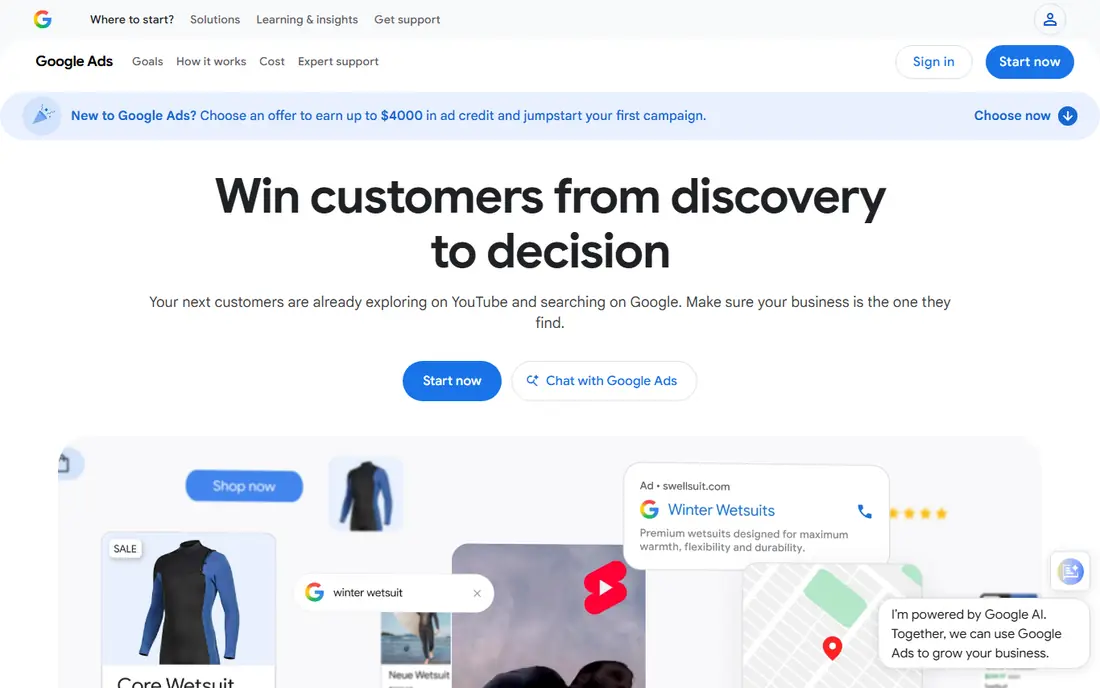
Google Keyword Planner remains the first tool most beginners should try. It is free with a Google Ads account, and it draws on Google search data rather than a third party model. You can enter a seed topic, get related ideas, filter by location and language, and see rough monthly volumes, competition for ads, and bid ranges.
The limits matter for SEO work. Without active ad spend, volumes appear as broad ranges such as 1,000 to 10,000, which is too wide for fine ranking decisions. It also gives no keyword difficulty score and no competitor content gap view. Use Planner to build a broad list and to validate demand, then check difficulty in another tool before you commit to writing a full article.
- Data comes directly from Google
- Free with a Google Ads account
- Useful forecasts, trends, and bid ranges
- Volumes show as ranges unless you run active ads
- No organic difficulty score
- Built for ads, not SEO alone
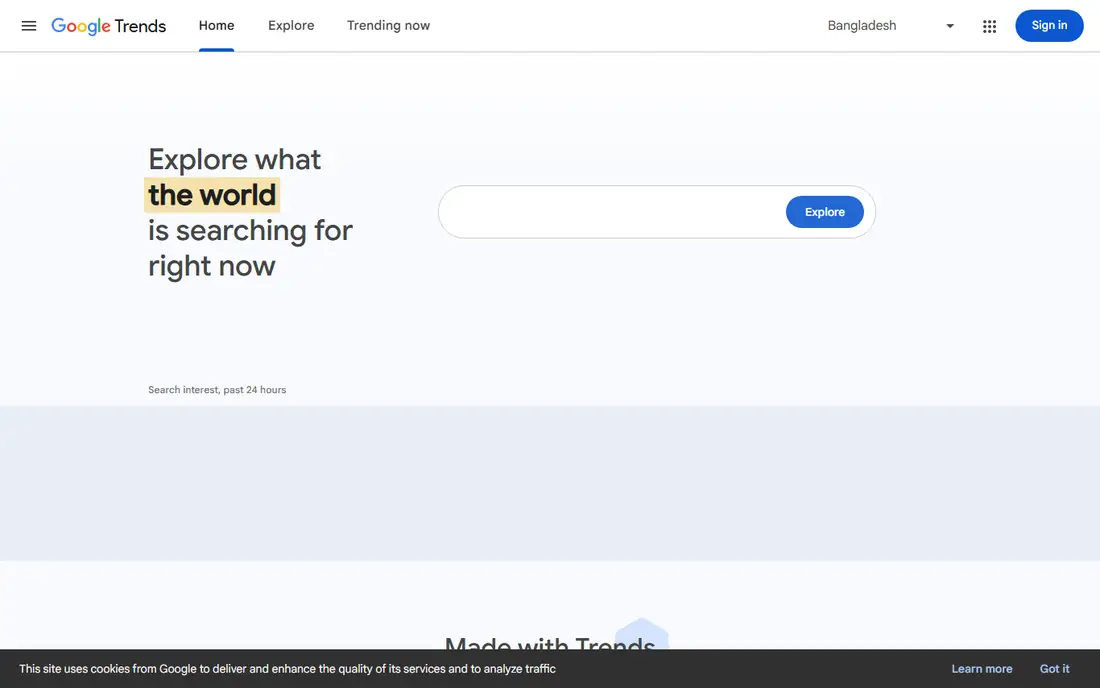
Google Trends answers a question Planner handles poorly: is interest rising, falling, or seasonal. You can compare terms, spot a holiday spike, and check whether a topic is stronger in one region than another. That context helps you time content and choose between two similar phrases.
Trends does not give absolute volumes, so a score of 100 means peak interest for that term in that period, not 100 searches. Pair it with Planner for rough volume and with Search Console for your own site data. Used together, the three free Google tools cover idea generation, timing, and performance better than any single free planner.
- Fully free
- Shows interest over time
- Compares up to five terms by region and topic
- Shows relative interest, not absolute search counts
- No difficulty or ranking data
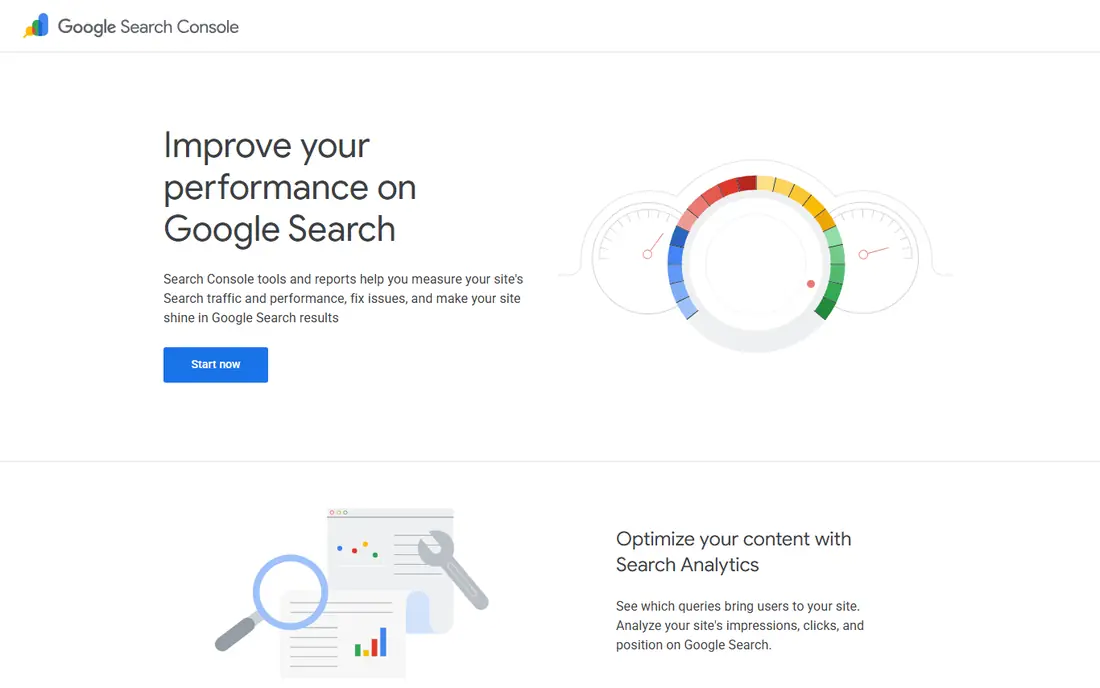
Search Console is not a planner in the usual sense, but it is one of the most useful free keyword tools for site owners. It shows the actual queries that bring up your pages, how often they appear, where you rank, and how often people click. That data reveals near wins: pages ranking on page two for a strong query that a better title or section could lift.
Its limit is scope. You cannot use it to research a market you do not already serve, and it will not suggest new topics from scratch. Use it after you publish, to refine existing pages and to find related queries your audience already uses. For a new site, start with Planner and Trends, then let Search Console guide your second round of content.
- Shows real queries your site already appears for
- Free with site verification
- Tracks clicks, impressions, and position
- Only covers your verified sites
- No market wide keyword discovery
Ahrefs is the step up when free tools stop answering your questions. Its Keywords Explorer gives volume, difficulty, click potential, and parent topic data, while Site Explorer shows which keywords competitors rank for and where your content gaps sit. That combination helps you pick topics you can actually win, rather than topics that merely look popular.
The free tier is limited to your own verified sites, so it is not a free market research tool. Starter at $29 per month is the cheapest paid entry, but it is credit limited and cannot take some add ons, so read its limits before buying. For serious SEO work, Lite at $129 per month is the more complete plan, and it should be judged on whether it changes a publishing decision each month.
- Precise volume estimates and click data on paid plans
- Strong competitor and content gap tools
- Large keyword database
- Starter is credit limited
- Full Lite and Standard plans cost far more
- Learning curve for new users
Semrush suits teams that want keyword planning inside a full SEO suite. You can research keywords, track rankings, audit a site, and study competitors without switching tools. The free tier allows a limited number of reports per day, which is enough to test the workflow and to research a small batch of topics.
The entry price is the main barrier. At $139.95 per month for the Pro plan, it only makes sense when you use several parts of the suite each week. Beginners should exhaust the free Google tools and a cheaper planner first, then move to Semrush when client work or a larger site justifies the suite. Its strength is breadth, not a single free keyword feature.
- Keyword research plus rank tracking, audits, and competitor tools
- Free tier allows limited daily reports
- High entry price
- Broad interface can overwhelm beginners
- Free tier is limited to 10 reports a day
Ubersuggest is a friendly middle ground between free Google tools and a full suite. It shows keyword ideas, search volume, SEO difficulty, and paid difficulty in a simple layout, plus content ideas based on top ranking pages. Small business owners and solo bloggers often find it easier to learn than Ahrefs or Semrush.
Free use is limited, so heavy researchers will hit caps quickly. Paid plans start at $29 per month, with pricing that can vary by location, so check the price shown in your account. Ubersuggest will not match the depth of a premium suite for competitive niches, but for a small site with a modest keyword list, it covers the basics at a fair price.
- Simple keyword ideas, volume, and difficulty in one view
- Content ideas and site audit included
- Low entry price
- Free searches are limited
- Data depth is thinner than Ahrefs or Semrush
- Some features vary by region
KWFinder, part of Mangools, is built for people who want long tail keywords without a complex suite. Enter a seed term, and you get related phrases with volume, trend, difficulty, and a view of the current search results. That SERP view is valuable, because it shows whether the top results are large authority sites or smaller pages you could outrank.
The free plan is very limited, at five lookups per 24 hours in recent guides, so it works as a trial rather than a daily tool. Paid Basic starts at $49 per month, with lower annual billing in some listings. If your main job is finding low competition phrases for blog content, KWFinder is a focused, easy to learn choice.
- Clean interface focused on long tail keywords
- SERP view shows who ranks
- Useful trend and difficulty data
- Free plan allows only a few lookups per day
- No extra seats on the Basic plan
- Narrower than a full suite
Keywords Everywhere is different from the other tools here, because it lives in your browser. As you search Google or YouTube, it shows volume, cost per click, and trend data beside the results, which speeds up quick checks while you research. A bulk tool lets you upload a list and get data for many terms at once.
There is no lasting free plan, but the Bronze plan at $84 per year for 100,000 credits is cheap for light to moderate use. Credits are spent across widgets and bulk lookups, so heavy users can run through them faster than expected. Use it as a companion to Planner and Search Console, not as a replacement for a full suite, and it will save a lot of tab switching.
- Shows volume, CPC, and trend data inside Google search and YouTube
- Cheap credit based pricing
- Bulk lookup tool included
- No free plan, credits only
- No full competitor suite
- Credits run down across widgets and bulk lookups
How we picked these
We compared official pricing pages, feature pages, and help documentation for tools live in October 2026, and we kept only tools with a real free tier, trial, or low cost entry that a normal reader could test. A tool made the list when it had a working official homepage and a clear keyword research function. We weighted free limits, volume accuracy, difficulty data, and ease of use over suite size alone.
We did not claim hands-on lab testing. Prices are vendor published entry figures, and some vary by billing period or region. Where a vendor lists both monthly and annual prices, we noted the basis in the write-up. Recheck the pricing page before you buy, since SEO tools change plans and free limits often.
How to use free tools without bad data
Build a list, then filter it twice
Start broad in Planner, adding every related idea that fits your topic, even if the volume looks small. Then filter by intent: does the searcher want information, a comparison, or a purchase, and does your page match that intent. Finally, check difficulty and the current top results in a paid or trial tool before you write. A keyword with modest volume and a weak top ten often beats a high volume term dominated by large sites.
Treat ranges as ranges
Free volume data is an estimate, and Planner ranges are especially broad without ad spend. Do not build a business case on the top of a range, and do not dismiss a term because the bottom looks small. Use Trends for direction, Search Console for your own performance, and a paid tool for a tighter estimate when the decision involves real spend. That habit prevents both over investment and missed topics.
Track what you already rank for
Many small sites ignore Search Console, and they miss the cheapest wins. Sort your queries by impressions with a low click rate, and improve titles, introductions, and sections for those pages first. Add internal links from stronger pages to near win pages, and update thin content that already ranks. Those fixes often produce faster gains than chasing a new high volume keyword from scratch.
FAQ
What is the best keyword planner tool free for beginners?
Google Keyword Planner is the best free starting point, because it is free with a Google Ads account and uses Google data directly. Pair it with Google Trends for seasonality and Google Search Console once your site is live. That trio covers ideas, timing, and real performance at no cost.
Is Google Keyword Planner really free?
Yes, there is no subscription fee, but you need a Google Ads account, and some guides note that billing details and a campaign setup may be requested. You do not need to run ads to use the basic tool, though volume data is more precise for active advertisers. Check the current Google Ads signup flow before you start.
What is the best free keyword planner tool for long tail keywords?
KWFinder is built for long tail research, with a clean view of volume, difficulty, and current rankings, but its free plan allows only a few lookups per day. Ubersuggest and AnswerThePublic style question tools also help for long tail ideas, and Planner can surface long tail phrases if you filter its suggestions by relevance. For daily long tail work, a paid plan is usually needed.
How accurate are free keyword volume figures?
They are estimates, not counts, and accuracy varies by tool and term. Planner shows ranges without ad spend, while third party tools model volume from their own data. Use volumes to compare terms and to spot order of magnitude differences, not as a precise traffic forecast. Search Console gives real data for your own site, which is the best check after publishing.
When should I pay for a keyword tool?
Pay when free tools leave a specific decision unanswered, such as difficulty for a competitive term, a competitor content gap, or rank tracking for client work. Start with Ahrefs Starter or Keywords Everywhere for a cheap test, and move to a full suite only when you use its extra features weekly. If a paid tool does not change a publishing decision each month, pause it and return to the free tools.