Best Fitness Apps in 2026: 8 Apps Compared
Compare the best fitness apps for 2026, from MyFitnessPal and Nike Training Club to Strava, FitOn, and Apple Fitness, with prices and limits for all levels.

- Editor's choice
 MyFitnessPal
Food and calorie tracking
Starts atFreeVisit myfitnesspal.comFull review - Great alternative
 Nike Training Club
Free guided workouts
Starts atFreeVisit nike.comFull review - Also consider
 Strava
Running and cycling
Starts atFreeVisit strava.comFull review
TL;DR:
- Nike Training Club and FitOn offer strong free workouts, while Strava leads for runners and cyclists.
- MyFitnessPal suits food and calorie tracking, but it works best alongside a workout app.
- Apple Fitness+ and Peloton suit people who want guided classes and a polished video experience.
- Free apps cover most beginner needs, so pay only for classes, coaching, or advanced tracking you will use.
- Fitness apps are not medical advice, and anyone with a health condition should check with a clinician before starting a new program.
Quick comparison
| Tool | Best for | Starts at | Free plan? | |
|---|---|---|---|---|
| MyFitnessPal | Food and calorie tracking | Free | Yes | Visit |
| Nike Training Club | Free guided workouts | Free | Yes | Visit |
| Strava | Running and cycling | Free | Yes | Visit |
 FitOn | Free classes and plans | Free | Yes | Visit |
 Apple Fitness+ | Guided video classes | See website | Free trial | Visit |
 Peloton App | Live and on-demand classes | See website | Free trial | Visit |
 Strong | Gym strength training | Free | Yes | Visit |
 Jefit | Workout plans and tracking | Free | Yes | Visit |
The best fitness apps
We compared official feature pages, pricing pages, app store listings, and public reviews, and we focused on workout variety, tracking accuracy, coaching, device support, and cost.
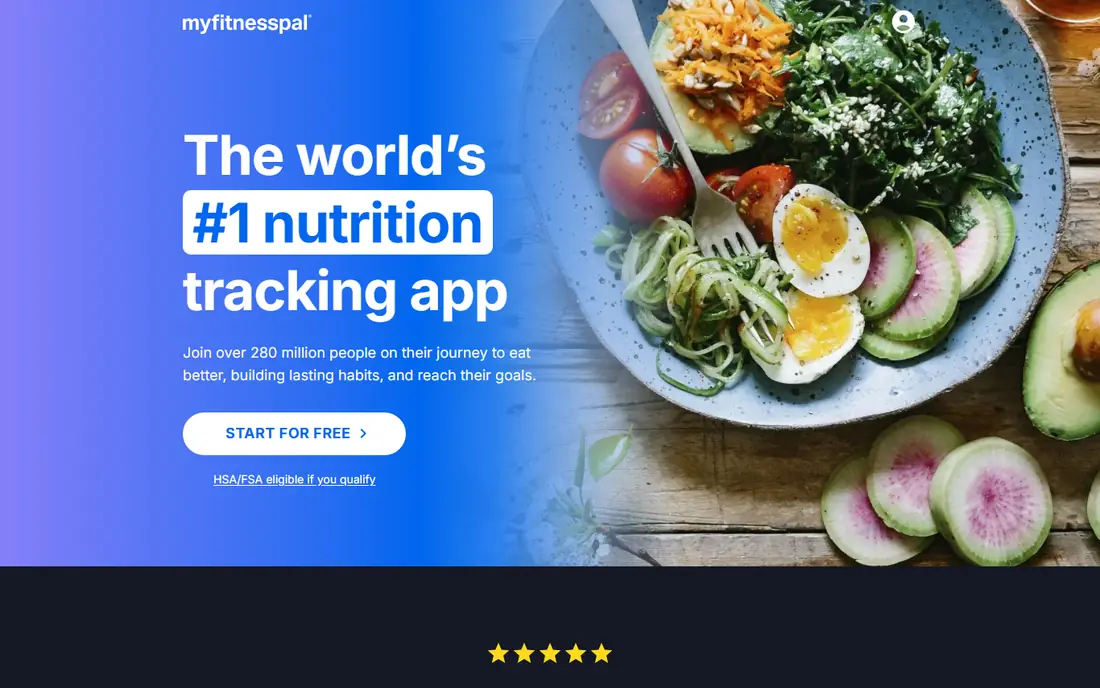
MyFitnessPal is best known for food tracking, and that remains its strength. The large food database and barcode scanner make logging meals quick, and calorie and macro targets help people who want to understand eating patterns alongside training. It syncs with many wearables and workout apps, so food and activity data sit together.
As a workout app alone, MyFitnessPal is thin. It does not offer the guided classes or structured plans you get from Nike Training Club or Peloton, and premium features sit behind a subscription. Pair it with a workout app if you want both food tracking and training guidance.
- Very large food database with barcode scanning
- Calorie and macro tracking
- Integrates with many fitness apps and wearables
- Workout content is limited compared with class apps
- Some advanced features need a premium plan
Nike Training Club is our pick for most beginners because the core workout library is free. Guided sessions cover strength, cardio, yoga, and mobility, with clear coaching cues and plans for different levels. You can follow a multi-week plan or pick a single session based on time and equipment.
The limits are live interaction and tracking depth. There are no live classes, and food tracking is not the focus, so people who want nutrition detail should pair it with MyFitnessPal. For free, well-coached workouts at home or in the gym, Nike Training Club is hard to beat.
- Large library of free guided workouts
- Plans for strength, cardio, and mobility
- No subscription needed for core content
- No live classes
- Nutrition and detailed tracking are lighter than in dedicated apps

Strava is the social home for runners and cyclists. GPS tracking records pace, distance, elevation, and heart rate with a connected device, and segments let you compare efforts on popular routes. Challenges and kudos from friends add motivation that many solo apps lack, and route planning helps explore new runs and rides safely.
Gym and strength training are not Strava strengths, and deeper training analysis sits behind a subscription. If your main activity is running or cycling outdoors, Strava is the obvious pick. If you mainly lift weights, pair it with Strong or Jefit instead.
- Accurate GPS tracking for runs and rides
- Segments, challenges, and social motivation
- Route planning and safety features
- Strength and gym tracking are limited
- Advanced training analysis needs a subscription
FitOn offers a wide range of free classes, from high-intensity cardio to yoga and dance, with plans that adapt to your goals and schedule. The social side lets you work out with friends remotely, which helps consistency. For a free app, the variety is impressive, and the interface is friendly for beginners.
Premium content exists, and some advanced features sit behind a paid plan, but the free tier covers a lot. Class quality varies by category, so try a few instructors before settling on favorites. For free, varied classes at home, FitOn is a strong alternative to Nike Training Club.
- Free workout classes across cardio, strength, yoga, and dance
- Personalized plans
- Social features with friends
- Some premium content and features need a paid plan
- Class depth varies by category
Apple Fitness+ suits Apple users who want studio-quality video classes. Workouts cover strength, HIIT, yoga, Pilates, dance, cycling, and more, with trainers on screen and live Apple Watch metrics such as heart rate and calories. New sessions arrive weekly, which keeps routines fresh.
The catch is ecosystem lock-in. The full experience needs an Apple Watch and Apple devices, and there is no Android version. If you already use Apple products and like guided video classes, Fitness+ is excellent. If you use Android or want a free app, Nike Training Club or FitOn will serve you better.
- Polished video classes across many workout types
- Integrates with Apple Watch metrics
- New workouts weekly
- Best experience needs an Apple Watch and Apple devices
- No Android app
Peloton App is no longer only for bike owners. The app offers running, strength, yoga, Pilates, meditation, and outdoor classes, with live sessions and a large on-demand library. Instructor energy and community features, such as challenges and leaderboards, motivate many users to stick with a routine.
Cost is the main drawback, since the app subscription is pricier than free rivals, and the full experience still pairs best with Peloton hardware. If live classes and community motivation matter to you, Peloton justifies its price for many users. If you just need a workout to follow, a free app will do.
- Live and on-demand classes with strong instructors
- Large class library beyond cycling
- Community and challenges
- Subscription cost is higher than free apps
- Full experience pairs best with Peloton equipment
Strong is built for people who lift weights and want simple, reliable logging. You can build routines, log sets, reps, and weight quickly between sets, and the rest timer and plate calculator remove small gym frictions. Progress charts show strength gains over time, which helps with progressive training.
It is not a class or cardio app, so runners and class fans should look elsewhere. The free tier covers core logging, with paid features adding more routines and analysis. For gym training, Strong is one of the cleanest and least distracting apps available.
- Clean workout logging for lifts
- Rest timer and plate calculator
- Routine templates and progress charts
- Cardio and class content are minimal
- Advanced features need a paid plan
Jefit combines a large exercise library with ready-made plans and detailed tracking, which suits lifters who want structure without building every routine themselves. Exercise instructions include form guidance, and plans cover goals such as muscle gain, fat loss, and general strength. Community features let you follow other lifters and share progress.
The interface is busier than Strong, and some plans sit behind a paid tier. If you want a guided plan plus tracking in one app, Jefit is a good fit. If you prefer minimal logging, Strong is cleaner. Either way, both beat tracking workouts in a notes app once training gets serious.
- Large exercise library with instructions
- Ready-made workout plans
- Community and progress tracking
- Interface can feel busy
- Some plans and features need a paid plan
How we picked these
We compared official feature pages, pricing pages, app store listings, privacy policies, and public reviews, and we favored apps available in the US in October 2026 with clear workout, tracking, or nutrition features. We included free, class-based, and strength-focused options, since fitness goals vary widely. We did not claim hands-on testing, and we treated fitness content as general information, not medical advice.
How to choose a fitness app
Match the app to your main activity
Runners should start with Strava, lifters with Strong or Jefit, and home workout fans with Nike Training Club or FitOn. An app built for your main activity will get used, while a general app that does everything poorly will not.
Test the free tier for two weeks
Use the free version for two weeks before paying, and check whether you actually open it, enjoy the instructors, and trust the tracking. A paid plan only helps if the free version already fits your routine.
Check device and data sharing
Check whether the app works with your watch, phone, and other apps, and review what health data it collects and shares. Choose apps with clear privacy settings, especially if you track weight, heart rate, or location on runs.
FAQ
What is the best fitness app overall?
Nike Training Club is the best free all-round choice, Strava is best for runners and cyclists, and MyFitnessPal is best for food tracking. The right app depends on whether your goal is workouts, cardio tracking, strength, or nutrition.
What is the best free workout app for weight loss?
Nike Training Club and FitOn both offer free guided workouts that suit weight loss goals when paired with sensible eating. Fitness apps are not medical advice, and anyone with a health condition should speak with a clinician before starting a new exercise or diet plan.
Is Apple Fitness+ worth paying for?
It is worth it for Apple Watch users who like guided video classes and fresh weekly content. Android users cannot use it, and free apps cover similar workouts, so the value depends on how much you value the Apple Watch integration and class polish.
Can fitness apps replace a gym?
They can for many home workouts, especially bodyweight, yoga, and cardio sessions. A gym still offers heavier weights, machines, and in-person coaching, so lifters who need that equipment should pair an app such as Strong with gym access.
Do fitness apps track workouts accurately?
GPS apps such as Strava are generally accurate outdoors with a good signal, while calorie estimates from any app are approximate. Use trends over weeks, not single-day figures, to judge progress, and use a heart rate device for better intensity data.
What is the best app for tracking workouts?
Strava is best for outdoor cardio, Strong is best for simple gym logging, and Jefit is best for planned strength programs. Pick the tracker that matches your training style, since a tracker you ignore helps no one.