Best Family Calendar App Free in 2026: 8 Apps Compared
We compared the best family calendar app free options, including Cozi, TimeTree and Google Calendar, to find the best shared calendar for families in 2026.
- Editor's choice
 Cozi
Families that want calendar plus lists and meals
Starts atFreeVisit cozi.comFull review - Great alternative
 TimeTree
Families that want separate shared calendars
Starts atFreeVisit timetreeapp.comFull review - Also consider
 FamilyWall
Families that want messaging and location too
Starts atFreeVisit familywall.comFull review
TL;DR:
- Cozi is the most complete free family organizer, since it adds lists and meal planning to a shared calendar.
- TimeTree is the cleanest free shared calendar if you want separate calendars for kids, school and carpools.
- Google Calendar and Apple Calendar are the best free starting points when everyone already uses the same ecosystem.
- Paid upgrades mainly remove ads, extend the calendar view and add extras such as location sharing or meal tools.
Quick comparison
| Tool | Best for | Starts at | Free plan? | |
|---|---|---|---|---|
| Cozi | Families that want calendar plus lists and meals | Free | Yes | Visit |
| TimeTree | Families that want separate shared calendars | Free | Yes | Visit |
| FamilyWall | Families that want messaging and location too | Free | Yes | Visit |
 Google Calendar | Mixed-device families already using Google | Free | Yes | Visit |
 Apple Calendar | All-Apple households | Free | Yes | Visit |
 FamCal | Families that want a simple shared calendar | Free | Yes | Visit |
 Skylight Calendar | Families that want a kitchen wall display | Free app | Yes | Visit |
 Maple | Families buried in school emails | Free | Yes | Visit |
The best family calendar apps
We compared free family calendar apps on sharing, lists, reminders and how well they work across iPhone, Android and the web.
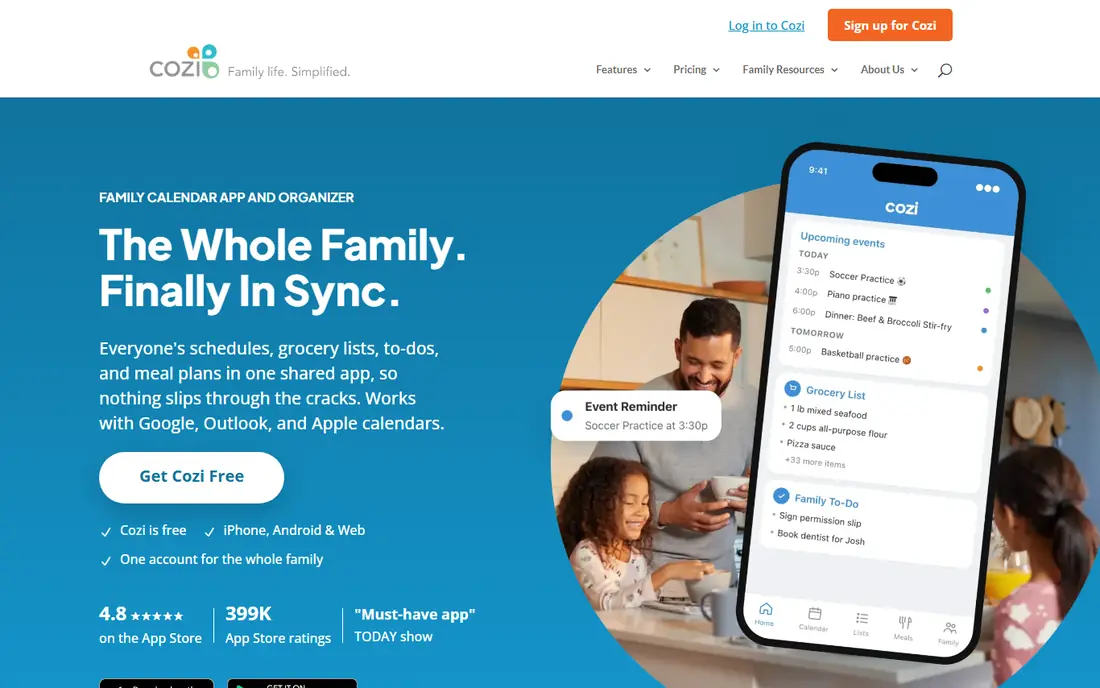
Cozi fits families that want one free hub for dates, shopping lists and meal plans, rather than three separate apps. Its shared calendar uses colours per family member, so school runs, practices and appointments are easy to scan at a glance. Lists and the meal planner sit beside the calendar, which helps when a shopping trip or dinner plan depends on the week ahead.
The catch is ads on the free plan, plus a limited forward view, which can frustrate families planning camps or holidays months ahead. Our view is that Cozi is the best free all-round pick for most families, and the paid Gold plan is worth it mainly to remove ads and extend the view.
- Shared colour-coded calendar
- Grocery and to-do lists
- Meal planner and recipe box
- Free plan includes ads
- Free calendar view is limited in length
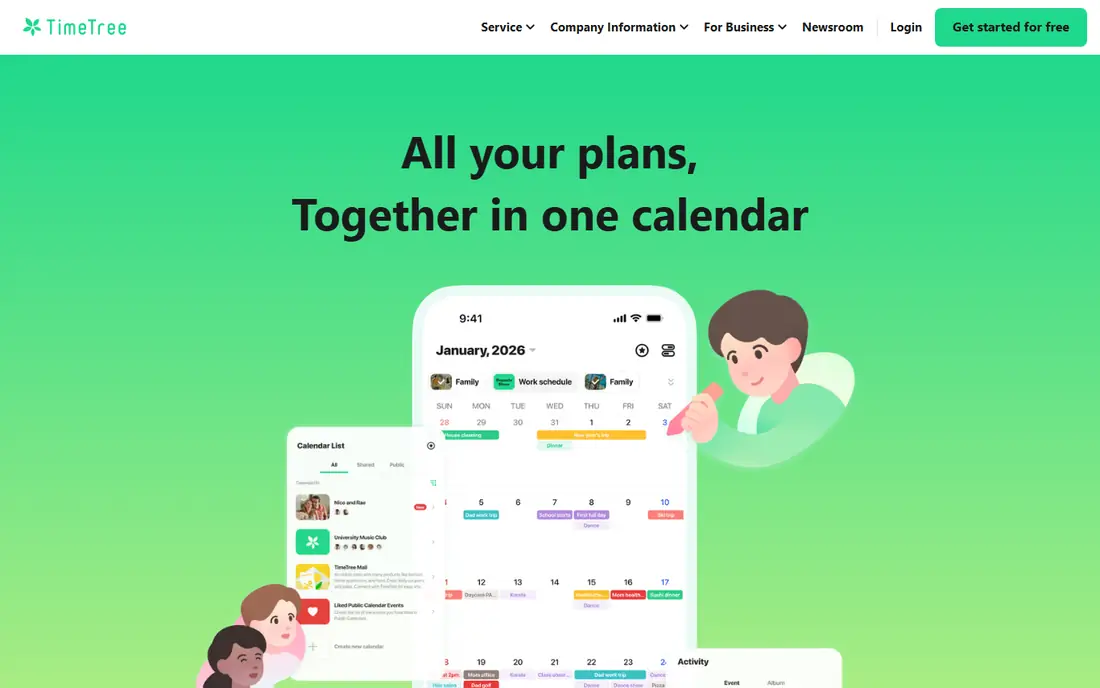
TimeTree fits families that juggle overlapping schedules, such as one calendar for school, one for sports and one for grandparents. Its strength is separate shared calendars with a comment thread on each event, so pickup changes can be discussed in place. Colour coding and a clean layout make it easy to see who is doing what, without the clutter of a full organizer app.
The catch is the narrow scope, since you will still need another app for grocery lists, meals or chores. Our view is that TimeTree is the best pick if a clean shared calendar matters more than an all-in-one organizer.
- Multiple shared calendars
- Comments on each event
- Works on iPhone, Android and web
- No built-in grocery or meal tools
- Free plan includes ads
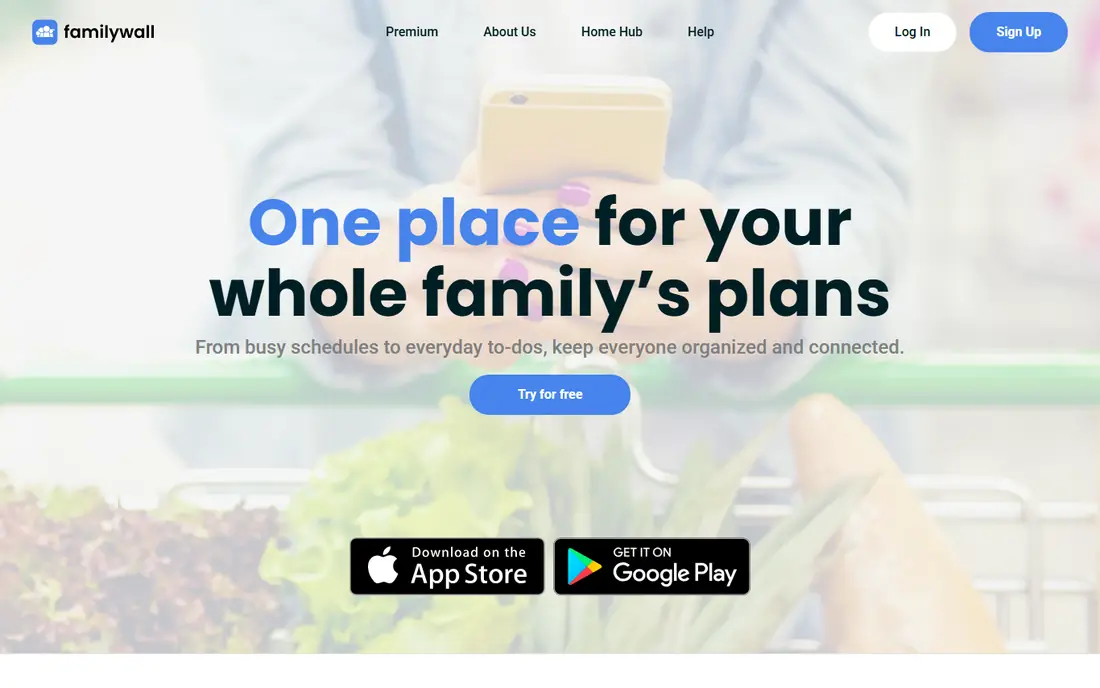
FamilyWall fits families that want calendar, lists, messaging and location check-ins in one place. Its shared calendar works alongside lists and a family feed, so plans, messages and locations are not scattered across apps. Location sharing on Premium can reassure parents when teens travel to school or activities, though families should agree on privacy rules first.
The catch is that the most useful extras sit behind Premium, and the wider feature set can feel busy for families that only want dates. Our view is that FamilyWall is a strong pick for families that want one hub and will use messaging and location features regularly.
- Shared calendar and lists
- Family messaging and location sharing
- Works across devices
- Location and some extras need Premium
- Interface can feel busy
Google Calendar fits families already using Gmail, Google Drive or Android phones, since sharing is built in and free. Its strength is reliability across iPhone, Android and the web, with shared calendars, invites and reminders that most people already know. Each family member can have a colour, and separate calendars for school, work and activities keep the main view readable.
The catch is that grocery lists, meals and chores live elsewhere, so families that want one organizer will need extra apps. Our view is that Google Calendar is the simplest free pick, and often the best one when ease of adoption matters most.
- Free sharing across devices
- Colour-coded calendars per person
- Reminders and event invites
- No built-in grocery or meal planning
- Lists live in a separate app
Apple Calendar fits households where everyone uses an iPhone, iPad or Mac and wants no extra download. Its strength is deep integration, with widgets, Siri reminders and shared calendars that appear on every Apple device in the house. Sharing is free and simple, and families can keep separate calendars for each child or activity.
The catch is Android, since a family member on Android will not get the same smooth experience, which can break the whole system. Our view is that Apple Calendar is the best free pick for all-Apple families, and a poor pick for mixed-device homes.
- Built into iPhone, iPad and Mac
- Free shared calendars
- Strong widgets and reminders
- Android access is limited
- No built-in lists or meal tools beyond Reminders
FamCal fits families that want a simple, low-fuss shared calendar without learning a large organizer app. Its layout keeps calendar, memos and contacts close together, which suits families that mainly need dates and quick notes. The paid option is low cost compared with several rivals, which helps families that want to remove limits without a large subscription.
The catch is scope, since FamCal does not match Cozi or FamilyWall for lists, meals or messaging depth. Our view is that FamCal is a good pick for families that value simplicity and a low price over a wide feature set.
- Simple shared calendar and memos
- Contacts and reminders in one app
- Low-cost paid option
- Fewer organizer extras than Cozi
- Smaller feature set overall
Skylight fits families that want the week visible in the kitchen, not hidden inside phones. Its app shares a family calendar, and the optional wall display shows events, chores and lists where everyone can see them. That visibility helps children check the day without asking a parent, and helps adults spot clashes before they happen.
The catch is cost, since the display is a separate purchase and some features need a Plus subscription on top. Our view is that Skylight is worth it for families that will use a wall display daily, but the app alone is not the cheapest calendar here.
- Shared calendar app
- Optional wall display for the kitchen
- Colour-coded family view
- Display hardware costs extra
- Plus subscription needed for some features
Maple fits families whose schedules arrive as school emails, flyers and activity messages that never make it onto a calendar. Its email-to-calendar approach can turn a school message into an event and task, which cuts manual typing and missed dates. Once events are in place, the shared calendar and task lists help parents divide pickups, homework and activities.
The catch is that Maple is newer than Cozi or TimeTree, so families should check that it covers their school formats and devices. Our view is that Maple is a promising pick for email-heavy families, and worth trialling alongside a proven calendar app.
- Turns school emails into calendar events
- Shared family calendar and tasks
- Works across devices
- Newer app with a smaller track record
- Some features need a paid plan
How we picked these
We compared official feature pages, app store listings and pricing pages for each app, with attention to free-plan limits, sharing controls and cross-platform support. We favoured apps that let a whole family share events without forcing everyone onto one device type. We did not claim hands-on testing, and we checked free-tier claims against vendor pages rather than review roundups alone.
How to pick a family calendar that everyone will use
Match the app to your devices
Check that the app works well on every phone in the house, plus the web for grandparents or caregivers who use a computer. A calendar that only shines on one platform will fail when one parent or child uses a different device. Test sharing, event colours and notifications on each device before you move the whole family over.
Decide what else you need besides dates
Some families only need a shared calendar, while others also need grocery lists, to-do lists, meal plans and reminders. Cozi and FamilyWall bundle more of those extras, while TimeTree and Google Calendar stay closer to pure calendar work. Picking the wider bundle can help if lists are currently scattered across notes and texts.
Check privacy, ads and who can change events
Free apps often show ads, so check whether a paid upgrade removes them and whether children see ad content. Also check who can add, edit or delete events, and whether each child or activity can have its own colour or calendar. Clear controls prevent accidental deletions and arguments about who changed a pickup time.
FAQ
What is the best free family calendar app?
Cozi is a strong free starting point for most families, since it combines a shared calendar with lists and meal planning at no cost. TimeTree is better if you only want a clean shared calendar with separate calendars per activity. Google Calendar is best if your family already lives in Google tools.
What is the best shared calendar app for families?
The best shared calendar app for families is one every member can open and edit easily, with colours per person and reminders that actually arrive. TimeTree, Cozi and FamilyWall all meet that test, with different extras. Try the sharing flow with two phones before you commit to one app.
What is the best family organizer app?
A family organizer app goes beyond dates to cover lists, meals, chores and messages. Cozi and FamilyWall are the strongest all-round organizers on this list, while Google Calendar plus a separate lists app can work for families that prefer simple tools. Choose based on how much structure your household needs.
Can I share a calendar with family for free?
Yes, most apps on this list offer free sharing, including Cozi, TimeTree, Google Calendar and Apple Calendar. Free plans may include ads or limit how far ahead you can view, but core sharing usually works. Check the free plan limits before you rely on it for school and activity planning.
What is the best calendar app to share with family across iPhone and Android?
Google Calendar and TimeTree work well across iPhone and Android, which makes them safe picks for mixed-device families. Cozi and FamilyWall are also cross-platform. Apple Calendar is best only when every family member uses Apple devices.