Best Facebook Chatbot Platform in 2026: 8 Platforms Compared
We compared Messenger chatbot tools on flows, AI, and price to find the best facebook chatbot platform for sales, support, and lead generation in 2026.

- Editor's choice
 ManyChat
Marketing flows on Messenger and Instagram
Starts at$17 per monthVisit manychat.comFull review - Great alternative
 Chatfuel
Messenger-first sales bots
Starts at$20 per monthVisit chatfuel.comFull review - Also consider
 BotPenguin
Small business and agency bots
Starts atSee websiteVisit botpenguin.comFull review
TL;DR:
- ManyChat stands out for marketing flows on messenger and instagram, with a starting point of $17 per month.
- Chatfuel stands out for messenger-first sales bots, with a starting point of $20 per month.
- BotPenguin stands out for small business and agency bots, with a starting point of see website.
- Tidio stands out for website chat plus messenger in one inbox, with a starting point of $29 per month.
- We compared official pricing, feature pages, and public reviews, and we did not claim hands-on testing for any product in this list.
Quick comparison
| Tool | Best for | Starts at | Free plan? | |
|---|---|---|---|---|
| ManyChat | Marketing flows on Messenger and Instagram | $17 per month | Yes | Visit |
| Chatfuel | Messenger-first sales bots | $20 per month | Free trial | Visit |
| BotPenguin | Small business and agency bots | See website | Yes | Visit |
 Tidio | Website chat plus Messenger in one inbox | $29 per month | Yes | Visit |
 SendPulse | Multichannel marketing teams | See website | Yes | Visit |
 Respond.io | Larger sales and support teams | $79 per month | Free trial | Visit |
 Botsify | Guided AI agent deployment | $149 per month | Free trial | Visit |
 UChat | Low-cost bots across channels | $15 per month | Yes | Visit |
The best Facebook chatbot platforms
We reviewed each option below against the same checks: does it truly fit best facebook chatbot platform, what does it cost, and what is the honest trade-off. Our pick for most readers depends on team size and budget, so read the best-for line first.
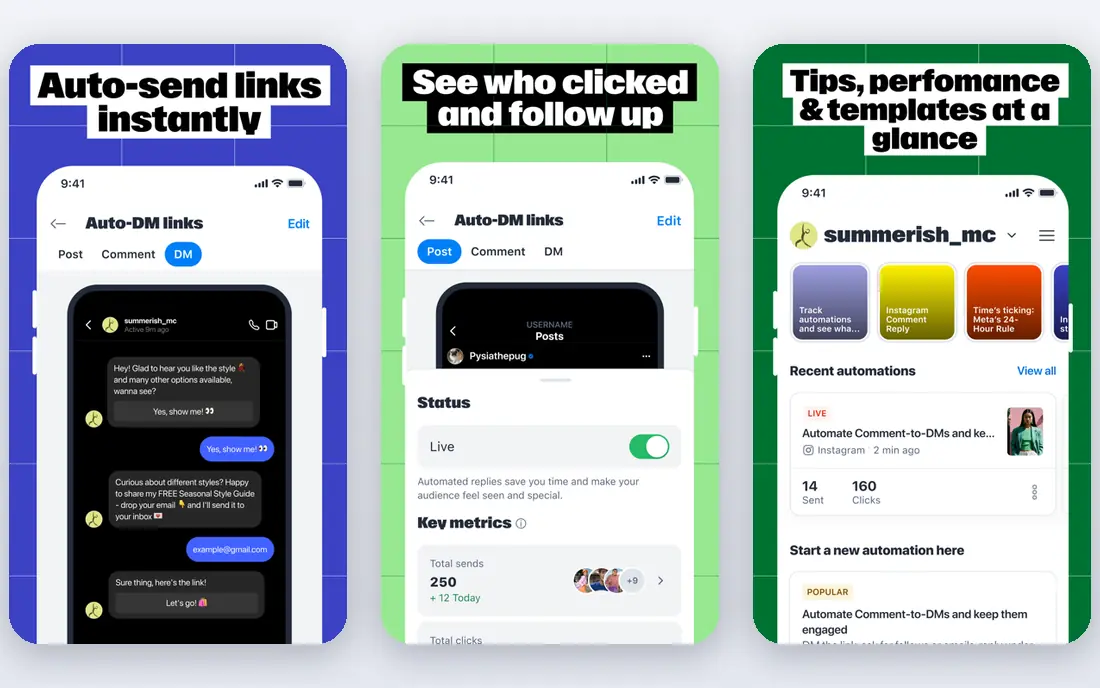
ManyChat is the most popular starting point for Messenger marketing.
Its drag-and-drop builder and comment-to-DM triggers turn posts and ads into conversations. Templates cover lead capture, sales, and appointment booking.
Contact-based pricing means a growing audience raises the bill even if many contacts go quiet. Clean inactive contacts regularly.
- Visual flow builder
- Comment automation
- Many templates
- Pricing grows with active contacts
- AI features vary by plan
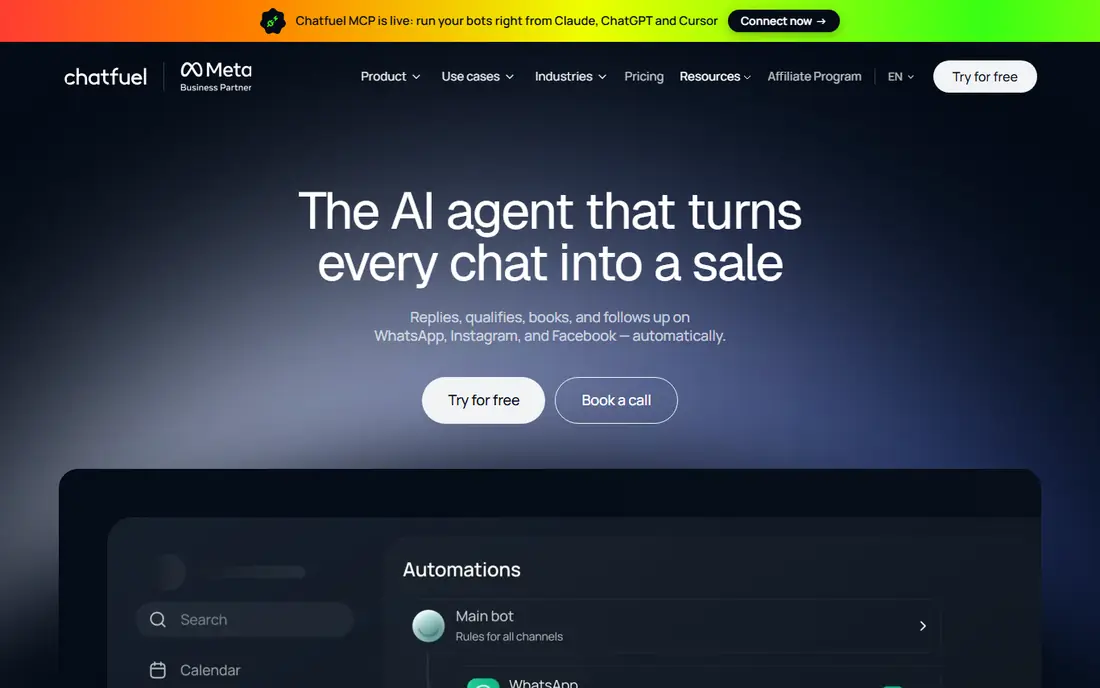
Chatfuel suits stores and service businesses that sell through Messenger.
Its AI agent can answer from business information, book appointments, and hand off to a human. Shopify blocks let bots show products and take orders.
Conversation-based billing needs care during campaigns. A viral post can spike conversations, so set limits and monitor usage during launches.
- AI agent and co-pilot setup
- Shopify links
- Messenger, Instagram, and WhatsApp
- No permanent free plan
- Usage is conversation based

BotPenguin is a low-cost way to test a Messenger bot before investing heavily.
The free plan lets small teams build and launch a basic bot, and paid tiers add AI agents and team features. Agencies can manage several clients from one account.
Teams that want deep custom logic or advanced analytics may outgrow it. Start with a clear use case, such as FAQs or lead capture.
- Free plan
- Multichannel support
- AI agent on higher tiers
- Advanced AI sits on paid tiers
- Design flexibility is moderate
Tidio fits stores that want website chat and Messenger handled together.
Agents see website and Messenger chats in one inbox, and the Lyro AI agent can answer common questions from store data. Shopify and WooCommerce links help with order questions.
Pricing has two parts: the base plan and AI usage. Buyers should model both before comparing Tidio to a Messenger-only tool.
- Shared inbox
- Lyro AI agent
- Ecommerce links
- AI is billed separately from the base plan
- Conversation limits apply
SendPulse works for teams that already send email and SMS and want chat added.
Its builder covers Messenger, Instagram, WhatsApp, and Telegram alongside email campaigns. That single account view helps small marketing teams coordinate messages.
Specialist chatbot features, such as deep AI agents, are thinner here. It is a broad marketing tool first, and a chatbot tool second.
- Email, SMS, and chatbots in one account
- Visual builder
- Free plan
- Chatbot depth is lighter than specialist tools
- AI features vary by plan
Respond.io suits teams that handle Messenger alongside WhatsApp, email, and SMS.
Workflows can route chats by team, language, or intent, and AI agents can draft replies or resolve simple cases. Reporting shows response times across channels.
The entry price is higher than creator tools. It makes sense when message volume and team size justify a shared inbox and workflow engine.
- Omnichannel inbox
- Workflows and AI agents
- Team assignment
- Higher entry price
- Setup takes time for large teams
Botsify appeals to businesses that want help launching an AI agent, not just a builder.
Its guided deployment walks teams through training data, flows, and handoff rules. Human takeover keeps complex cases with staff instead of trapping customers.
The price is steep for a first bot. Small teams should compare it against free-plan tools unless they need guided setup and support.
- Guided setup
- AI agents
- Human handoff
- Higher starting price
- Smaller template library than rivals
UChat is the budget pick for builders who want several channels cheaply.
It supports Messenger and other channels from one flow builder, with a free plan for a first bot. The low paid price helps freelancers and small agencies.
Bot users are counted whether active or not, so clean test users and old contacts. That counting rule matters more than the headline price.
- Low entry price
- Multichannel bots
- Visual flow builder
- Bot user counting includes inactive users
- Support is lighter than large vendors
How we picked these
We started with products that genuinely fit best facebook chatbot platform and are available today. We compared official feature pages, pricing pages, and app store listings, and we checked public reviews for recurring strengths and complaints. We favored tools with clear pricing or a clear quote process, real integrations, and a track record of serving the audience named in each best-for line.
We did not claim hands-on testing, and we did not invent ratings, user counts, or awards. Where a vendor does not publish a price, we wrote See website and advised readers to request a full quote that includes any per-user, per-device, or usage fees. That approach keeps the comparison honest when pricing models differ as much as they do in this category.
What to check before you buy
Start with the problem you need to solve this quarter, not the longest feature list. Write down your top three requirements before you look at demos, and use that short list to keep every vendor comparison honest and focused on outcomes. List the must-have integrations, the devices or channels you support, and the number of users or devices you will actually pay for. Ask each vendor for a written quote that separates subscription, usage, and implementation costs.
Trial and rollout
Run a short pilot with real users and real data, and measure the outcome you care about, such as response time, adoption, or forecast accuracy. Check privacy controls, data export options, and what happens to your data if you cancel. A tool that is hard to leave is a tool that needs extra scrutiny before you sign.
Cost and support
Compare total cost over a year, including seats, devices, usage, and support tiers. Ask about onboarding help, response times, and whether key features such as single sign-on or audit logs need a higher plan. The cheapest headline price is rarely the cheapest full-year cost.
We also checked whether each vendor publishes a clear privacy policy, data processing terms, and security documentation. A tool that handles employee data, customer messages, financial records, or device controls should explain how it stores data, who can access it, and how long it keeps it. If that documentation is hard to find, treat it as a warning sign and ask the vendor directly before you sign a contract.
Red flags to avoid
Be cautious with tools that hide pricing behind a demo, refuse a trial, or will not explain how to export your data. Watch for per-user fees that jump sharply at the next tier, usage charges that are hard to forecast, and features such as single sign-on or audit logs that only appear on the most expensive plan. If a vendor cannot name its support hours, its data location, or its cancellation terms in writing, keep looking. A clear contract and a clean exit path matter as much as a strong feature list, especially when the tool will hold data your team relies on every day.
FAQ
What is best facebook chatbot platform?
A best facebook chatbot platform helps buyers compare tools that solve one specific job, rather than buying a general product and hoping it fits. Look for the best-for line, the starting price, and the honest weakness for each option before you shortlist.
How much does best facebook chatbot platform cost?
Costs range from free plans for small teams to quoted enterprise contracts for large organizations. Always ask for a full-year quote that includes users, devices, usage, and any required add-ons.
Can I try these tools before paying?
Many tools in this list offer a free plan or a free trial, while enterprise tools usually offer a demo and a pilot. Use the trial with real data and real users, and check export options before you commit.
Which option is best for a small team?
Small teams usually do best with a low entry price, a free plan, and simple setup. Start with the budget picks in this list, and move to an enterprise tool only when volume or compliance demands it.
Do I need to switch tools as I grow?
Not always. Some tools scale from a free plan to enterprise tiers, while others are best as a first step. Check user limits, pricing jumps, and data export before you build a long-term workflow around any one product.