Best Expense Management Tools Fintech in 2026: 8 Tools Compared
Compare the best expense management tools fintech for cards, receipts, and approvals. We checked free tiers, current pricing, and controls for teams today.
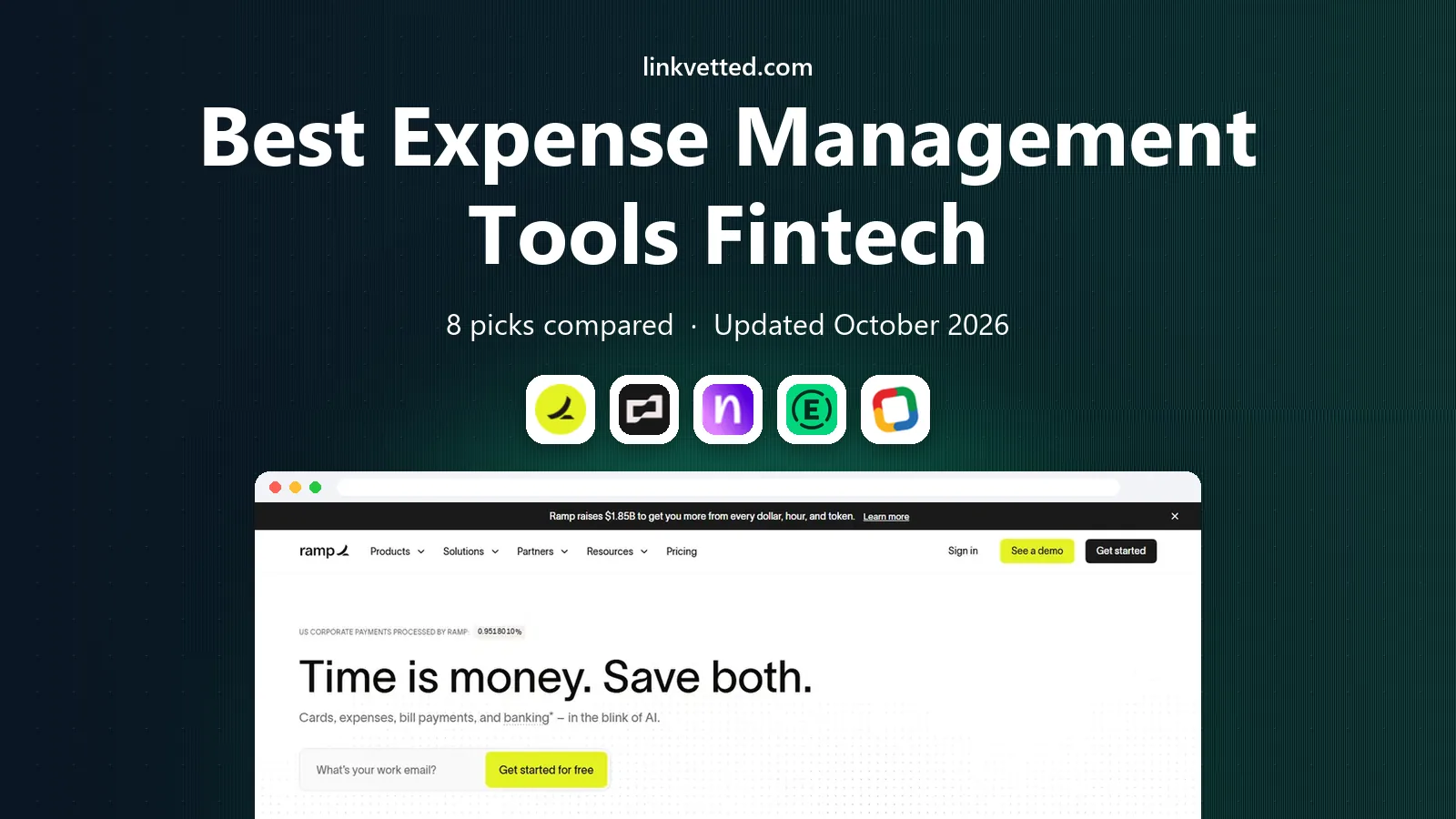
- Editor's choice
 Ramp
Cards plus expenses free
Starts atFreeVisit ramp.comFull review - Great alternative
 Brex
Startups and global teams
Starts atFreeVisit brex.comFull review - Also consider
 Navan
Travel plus expenses
Starts atSee websiteVisit navan.comFull review
TL;DR:
- Ramp and Brex offer free tiers that combine corporate cards with expense controls, making them strong starting points for startups.
- Expensify suits teams that want to keep existing cards while automating receipts and reimbursements.
- Navan is the natural pick when travel booking and expenses should live in one flow.
- Zoho Expense and BILL Spend and Expense offer low cost paths for small teams, with free plans for eligible users.
- This is general information, not financial advice, and card eligibility, credit terms, and fees should be confirmed with each vendor.
Quick comparison
| Tool | Best for | Starts at | Free plan? | |
|---|---|---|---|---|
| Ramp | Cards plus expenses free | Free | Yes | Visit |
| Brex | Startups and global teams | Free | Yes | Visit |
| Navan | Travel plus expenses | See website | Yes | Visit |
 Expensify | Keep your existing cards | $5 per month | Yes | Visit |
 Zoho Expense | Low cost automation | See website | Yes | Visit |
 BILL Spend and Expense | Small team spend control | Free | Yes | Visit |
 SAP Concur | Large enterprise policy | See website | No | Visit |
 Airbase | Procurement led control | See website | Free trial | Visit |
The best expense management tools fintech
Fintech expense tools now combine cards, receipts, approvals, and accounting sync in one place. The best choice depends on team size, travel needs, and whether you want a new card program or a tool that works with cards you already have.

Ramp is our pick for startups and growth companies that want spend control without a large software bill. The free tier covers corporate cards, expense management, and bill pay, with controls for limits, categories, and approvals. Receipts can be matched automatically, and accounting sync helps finance teams close the month faster. Cashback on card spend can also offset other costs, though terms vary by account.
The catch is that advanced features sit on Plus, at $15 per user per month plus a platform fee, so larger teams should model total cost rather than the free headline. Card limits and eligibility depend on the business profile, so not every applicant will get the same terms. For teams that qualify, Ramp offers one of the strongest free to paid paths in fintech expense management.
- Free tier with cards, expenses, and bill pay
- Automated receipt matching
- Accounting integrations
- Plus plan adds $15 per user per month plus a platform fee
- Card eligibility and limits depend on underwriting

Brex suits startups and mid market companies that want cards and spend management in one account. Essentials is free and covers core spend controls, while Premium at $12 per user per month adds deeper automation and support. Travel booking, bill pay, and expense capture sit alongside the card, which reduces the number of tools finance teams must check each week. Global teams benefit from multi currency support and card controls by employee, team, or vendor.
The main limit is card dependence. Brex automation starts at the Brex card swipe, so companies that want to keep another card program will get less value. Premium costs also add up as headcount grows. If your team is ready to move cards to Brex, it is a clean and fast system to run.
- Free Essentials tier
- Cards, travel, and bill pay in one system
- Strong controls for distributed teams
- Premium costs $12 per user per month
- Automation works best when you use the Brex card
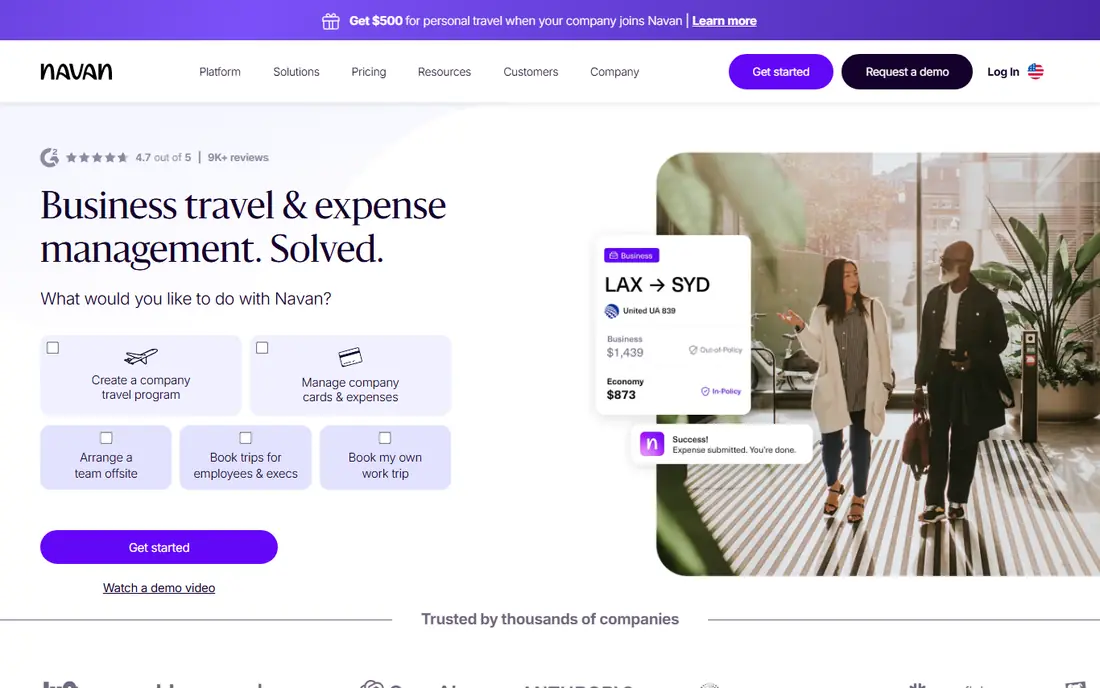
Navan, formerly TripActions, is the best fintech app for expense management when travel is a large share of spend. Employees book flights and hotels inside policy, and expenses flow from the same trip record, which cuts manual matching. Managers see travel and expense together, and finance teams can enforce budgets before money is spent rather than after. For companies under 300 employees, the first five monthly expensing users are free, which makes a trial easy.
The price path needs attention. After those free users, expense plans cost $15 per user per month, and larger companies move to quote based enterprise plans. Navan is less compelling for teams with little travel, since standalone expense tools may cost less. For travel heavy teams, the combined booking and expense flow saves real admin time.
- Travel booking and expenses in one flow
- First five expensing users free for smaller companies
- Policy controls at booking
- Expense pricing rises to $15 per user per month after the free users
- Enterprise pricing is quote based
Expensify remains the most flexible option for companies that do not want to change cards. It captures receipts by photo, email, or card feed, builds expense reports, and handles reimbursements and approvals. The Collect plan starts at $5 per unique member per month, while Control adds multi level approvals, ERP integrations, and single sign on at a higher price. A basic free tier suits individuals and very small teams.
The weakness is that the best controls cost more. Teams that need detailed approvals and integrations will pay for Control, and the annual size commitment on that plan needs careful headcount planning. Still, if you have a card program you like, Expensify lets you automate around it instead of replacing it, which is a rare and valuable trait in this category.
- Works with existing corporate cards
- Receipt scanning and SmartScan
- Flexible plans for individuals and teams
- Advanced controls need the higher Control plan
- Per member pricing can rise with team size
Zoho Expense is the budget pick for small teams that want real automation without a card program. Paid plans have been listed from around $3 to $4 per active user per month on annual billing, with a free version for up to three users. It covers receipt capture, mileage, per diem, approvals, and accounting sync, and it fits naturally alongside Zoho Books and other Zoho apps. For a small business already using Zoho, setup is fast.
The design is practical rather than slick, and some reporting and integration features sit on higher tiers. Teams that need corporate cards, procurement, or travel booking should look at Ramp, Brex, or Navan instead. For straightforward expense reporting at a low price, Zoho Expense is hard to fault.
- Low cost paid plans
- Free version for small teams
- Strong fit for existing Zoho users
- Interface is functional rather than polished
- Advanced features need higher tiers
BILL Spend and Expense, formerly Divvy, gives small teams free spend controls with BILL corporate cards. Managers set budgets by employee, team, or vendor, and transactions are categorized as they happen. Approvals and receipt capture reduce month end chasing, and the link to BILL accounts payable helps finance teams see card spend and vendor bills together. The free core plan makes it easy to test with a small group.
The limit is ecosystem fit. The strongest experience comes with BILL cards, so teams that want to keep other cards should compare Expensify or Zoho Expense. Paid features also matter as teams grow and need deeper controls. For a small team starting a card program, BILL offers a low risk, low cost entry point.
- Free core plan with BILL cards
- Spend controls and approvals
- Ties to BILL accounts payable
- Best value requires BILL cards
- Larger teams may need paid features for deeper controls
SAP Concur is the enterprise standard for travel and expense policy. It handles complex approval chains, multi entity structures, global tax and audit rules, and integrations with major ERP systems. Large companies use it to enforce policy across thousands of employees, capture receipts at scale, and produce audit ready reports. Travel booking, expense, and invoice tools can work together for a full spend picture.
Small teams should not start here. Pricing is quote based, implementation and training take real time, and the system feels heavy for a team of ten. Enterprises with complex policies, multiple countries, or strict audit needs will find that depth worth the cost. Everyone else will move faster on Ramp, Brex, or Expensify.
- Deep travel and expense policy controls
- Global compliance and audit tools
- Wide ERP integrations
- Quote based pricing
- Implementation takes time
- Overkill for small teams
Airbase suits mid market companies that want procurement control alongside expenses. Purchase requests, approvals, vendor onboarding, cards, and bill pay sit in one system, so finance teams can see committed spend before invoices arrive. That procure to pay view helps companies that buy software, equipment, and services often, not just travel and meals. Accounting integrations keep the general ledger current without manual re entry.
The trade off is complexity and price. Airbase is quote based, and setup takes longer than a simple receipt app. Very small teams will not need procurement workflows and should choose a cheaper tool. Mid market finance teams that struggle with rogue spending and approval gaps will get the most value from Airbase.
- Procurement, cards, and expenses in one flow
- Strong approval workflows
- Accounting sync for mid market teams
- Quote based pricing
- Setup is heavier than a simple expense app
- Best for mid market, not tiny teams
How we picked these
We compared official pricing pages, free tier terms, card programs, and public reviews for fintech tools that handle expenses, cards, or both. We favored tools still active in October 2026, with clear US pricing or free tiers, and a real path for small teams as well as enterprises. We left out pure accounting tools with only basic expense fields and tools with no public pricing path. Prices change and card terms depend on underwriting, so confirm a written quote before you commit.
What to check before you choose
Start with your card decision. If you want a new card program, Ramp, Brex, and BILL lead on free tiers. If you want to keep existing cards, Expensify and Zoho Expense fit better. Then check approval needs, accounting integrations, and travel volume. A tool that handles approvals well but lacks your accounting sync will create manual work at month end.
Controls, receipts, and accounting
Look for spending limits by employee and category, receipt capture by photo and email, and automatic categorization that your finance team can trust. Check whether approvals work on mobile, since managers often approve on the move. Confirm sync with QuickBooks, NetSuite, Sage Intacct, or your ERP, and test it with a small group before a full rollout. This is general information, not financial advice.
FAQ
What is the best fintech app for expense management?
Ramp is the best starting point for most startups, because its free tier covers cards, expenses, and bill pay. Brex is close for global and distributed teams, while Expensify suits teams that want to keep existing cards. The best choice depends on card needs, team size, and travel volume.
What are the top expense management software fintech options for small teams?
Zoho Expense, BILL Spend and Expense, Ramp, and Brex all offer free or low cost paths for small teams. Zoho Expense suits teams without a card program, while Ramp, Brex, and BILL suit teams starting a card program. Test free tiers with real receipts and approvals before choosing.
Do fintech expense tools replace accounting software?
No. They capture, control, and categorize spend, then sync to accounting software such as QuickBooks or NetSuite. You still need accounting software for the general ledger, payroll, and tax reporting. Choose an expense tool with a tested sync to your accounting system to avoid double entry.
How much do expense management tools cost?
Costs range from free tiers at Ramp, Brex, and BILL to $5 per member per month at Expensify Collect and around $3 to $4 per user per month at Zoho Expense. Navan expense plans cost $15 per user per month after free users, while SAP Concur and Airbase are quote based. Always model total cost by headcount, not just the starting price.
Can employees use these tools on mobile?
Yes. All eight tools offer mobile apps for receipt capture, approvals, and card controls on iOS and Android. Mobile receipt capture is the feature most teams use daily, so test photo quality and offline handling during a trial. Desktop tools remain better for finance review, reporting, and month end close.