Best Engineering AI Platform in 2026: 9 Platforms Compared
We compared the best engineering ai platform options for code completion, agents and code review, with pricing, strengths and honest limits for each tool.

- Editor's choice
 GitHub Copilot
Best value for GitHub teams
Starts at$10 per monthVisit github.comFull review - Great alternative
 Cursor
AI-first editing and agents
Starts at$20 per monthVisit cursor.comFull review - Also consider
 Claude Code
Terminal-first agentic coding
Starts at$20 per monthVisit claude.comFull review
TL;DR:
- Engineering AI platforms now cover code completion, chat with your codebase, agentic multi-file edits and code review, and the best pick depends on which of those you use daily.
- GitHub Copilot is the cheapest full seat and the best default for teams already on GitHub, while Cursor suits developers who want an AI-first editor.
- Agent usage is now metered on many plans, so check credit or request limits, not just the monthly seat price, before you commit a whole team.
- Privacy and control matter for regulated teams: Tabnine, Amazon Q Developer and JetBrains AI offer stronger private and enterprise controls than consumer-first tools.
Quick comparison
| Tool | Best for | Starts at | Free plan? | |
|---|---|---|---|---|
| GitHub Copilot | Best value for GitHub teams | $10 per month | Yes | Visit |
| Cursor | AI-first editing and agents | $20 per month | Yes | Visit |
| Claude Code | Terminal-first agentic coding | $20 per month | No | Visit |
 Windsurf | Agentic editor at a fair price | $20 per month | Yes | Visit |
 Amazon Q Developer | AWS-native development | $19 per user per month | Yes | Visit |
 Tabnine | Privacy-focused enterprise coding | See website | No | Visit |
 JetBrains AI | Native fit for JetBrains IDEs | $10 per month | Yes | Visit |
 Sourcegraph Cody | Codebase-aware search and chat | See website | Yes | Visit |
 Cline | Open source, bring-your-own-model coding | Free | Yes | Visit |
The best engineering ai platforms
We compared official pricing pages, product documentation and public feature pages for the tools below, weighing code completion quality, agent depth, model choice, editor support, privacy controls and price. Engineering AI changes fast, so we focused on tools that are actively sold and supported in October 2026, with clear pricing or a clear enterprise path.
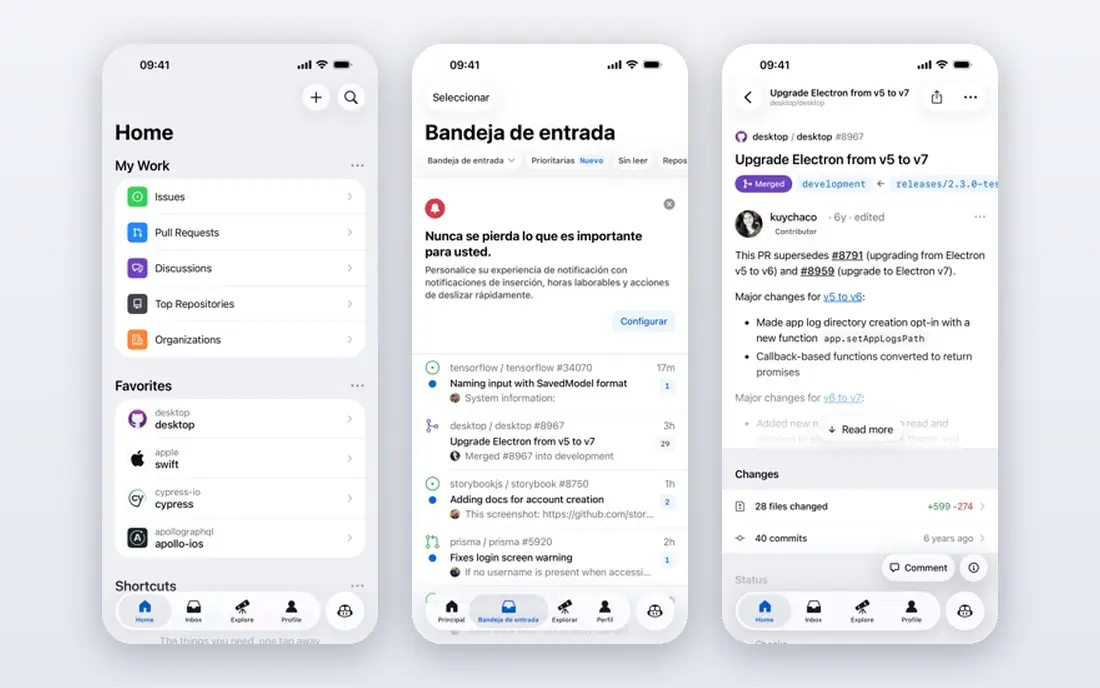
GitHub Copilot remains the default engineering AI tool for most teams, because it works where developers already work. It offers inline completions in VS Code, JetBrains and other editors, chat with your codebase, code review and agent features for multi-step tasks, with multi-model support including Claude, GPT and Gemini models. The free tier covers light use, and Pro at $10 per month is the cheapest full paid seat in this list.
The catch in 2026 is metering. Paid plans moved to AI credits for chat and agent features, with completions unmetered on paid plans, so heavy agent users need to watch credit use. Free tier users also get auto model selection only. For a team already on GitHub that wants broad coverage at a low price, Copilot is still the best starting point.
- Free tier for light use
- Pro from $10 per month
- Deep GitHub and VS Code integration
- Chat and agent features use metered credits on paid plans
- Free tier limits models and agent use
- Enterprise features need higher tiers
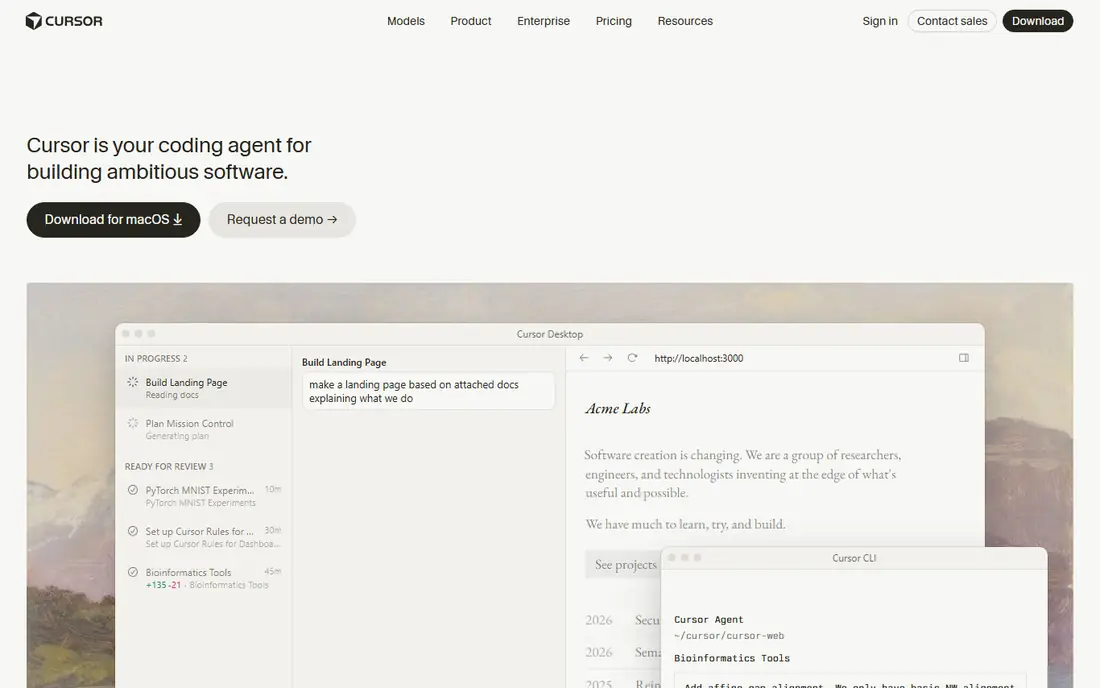
Cursor is an AI-first editor built as a fork of VS Code, with inline edits, chat with your codebase and an agent mode for multi-file refactors in one place. Developers who write code all day often prefer its agent workflow to a simple completion plugin, and model choice lets teams match models to tasks. The free Hobby tier covers limited agent and tab use, and Pro starts at $20 per month.
Pro usage is capped, so heavy agent users will need higher tiers or extra usage, and team admin features are less mature than GitHub Copilot Business. Pricing tiers also changed during 2026, so confirm the current plan before buying seats. For an individual developer or small team that wants the best AI editing experience, Cursor is our top pick.
- AI-native editor with agent mode
- Multi-model choice
- Strong multi-file refactoring
- Pro usage is capped
- Team features are less mature than Copilot Business
- Pricing tiers changed during 2026

Claude Code is a terminal-first agentic coding tool from Anthropic, built for developers who live in the command line. It reads entire codebases, makes multi-file edits, runs tests and integrates with the Model Context Protocol for tool connections. It shines on architectural changes and complex debugging, where a simple completion tool would need many manual steps.
There is no free tier: access comes through Claude Pro at $20 per month or Max plans at higher prices, and heavy agent use pushes most power users to Max. It is also less suited to developers who prefer a visual editor workflow. For terminal-native developers and teams tackling large refactors, Claude Code is a powerful agent choice.
- Deep agentic work from the terminal
- Reads whole codebases
- Strong reasoning for complex debugging
- No free tier
- Included with Claude Pro or Max, not standalone
- Heavy use pushes users to higher plans
Windsurf, formerly Codeium, is an AI editor with the Cascade agent, session memory and multi-file editing, plus a free tier for testing. It offers a Cursor-like agentic experience at $20 per month for Pro, with Max and Teams tiers for heavier use. Developers who want agents without paying Cursor Ultra prices often find Windsurf a good middle ground.
The roadmap changed after Cognition, the company behind Devin, acquired Windsurf, with plans to merge IDE assistance and autonomous execution. That could be a strength or a disruption, depending on how the merger lands. If you want value and can accept some roadmap uncertainty, Windsurf is a solid pick. If you want stability, Copilot or Cursor may feel safer.
- Cascade agent for multi-file work
- Free tier with daily quota
- Background cloud sessions on higher tiers
- Roadmap changed after acquisition by Cognition
- Pro price rose during 2026
- Team pricing is higher
Amazon Q Developer is the natural AI coding tool for teams that build on AWS. It offers code completion, chat, agents and transformation tools in IDE plugins and the AWS console, with Pro at $19 per user per month including a set number of agentic requests per month. AWS-native workflows, such as modernizing code and working with AWS services, are where it stands out from general tools.
Teams that do not use AWS will find less value here than in Copilot or Cursor, and Pro agent limits mean heavy users need to plan usage. For an AWS shop that wants AI help tied to its cloud services, Q Developer is the most integrated choice.
- Free tier for light use
- Pro from $19 per user per month
- Deep AWS console and service integration
- Best value only for AWS teams
- Agent request limits on Pro
- Less general appeal outside AWS
Tabnine is the privacy-first engineering AI tool, known for private deployment, self-hosted options and zero data retention settings that suit regulated industries. It offers code completion, chat and agent features with controls for air-gapped use on enterprise plans, which matters for teams that cannot send code to public cloud models. That control is its main reason to choose it over cheaper general tools.
Pricing is not published as a simple list for new buyers in 2026, following an acquisition, and there is no free tier, so enterprise teams should expect a sales conversation. Model choice is also narrower than Copilot or Cursor. For a regulated team where code privacy is non-negotiable, Tabnine remains a leading specialist.
- Private and self-hosted deployment options
- Zero data retention options
- Enterprise controls
- Pricing not published for new buyers in 2026
- No free tier
- Smaller model choice than Copilot or Cursor
JetBrains AI is built into IntelliJ IDEA, PyCharm, WebStorm and other JetBrains IDEs, so developers who already live in those tools get completions, chat and the Junie coding agent without switching editors. AI Free offers unlimited completions with a small monthly credit allowance, and AI Pro starts at $10 per month, with AI Ultimate at $30 per month for heavier agent use.
The credit model changed during 2026, with organizations buying shared credits at API prices on some plans, so confirm the current structure before budgeting. Developers outside JetBrains IDEs will get less value. For a JetBrains team, native AI is more convenient than bolting on a general plugin.
- Built into IntelliJ, PyCharm and other JetBrains IDEs
- AI Free tier
- Junie agent on higher tiers
- Best value only for JetBrains users
- Credit model changed in 2026
- Ultimate tier costs more
Sourcegraph Cody is a codebase-aware AI assistant built on Sourcegraph code search. It answers questions, explains code, generates edits and reviews changes with context drawn from across your repositories, which helps developers working in large, unfamiliar codebases. A free tier for individuals lets you test search and chat before paying, and enterprise plans add admin controls and higher limits.
Paid pricing varies and enterprise costs depend on seat count and deployment, so small teams should check the current plan page. Agent depth also trails Cursor and Claude Code for autonomous multi-file work. For a large team where finding and understanding code is the bottleneck, Cody is a strong, search-first choice.
- Strong codebase search and context
- Chat grounded in your repos
- Free tier for individuals
- Paid pricing varies by plan
- Best value for large codebases
- Agent features trail Cursor and Claude Code
Cline is an open source AI coding assistant for VS Code, plus a CLI, that lets developers bring their own model API key from Claude, Gemini, GPT, DeepSeek or local models. That model freedom means you can switch providers without switching tools, and you pay only your model provider for tokens, plus a Teams plan at $20 per user per month if you want team features. It offers agentic coding, plan mode and checkpointing for careful multi-step work.
Setup needs API keys and some technical comfort, and support is community-led rather than enterprise-grade. Token costs can also surprise heavy agent users. For a developer or team that wants open source control and model freedom, Cline is the most flexible tool in this list.
- Free and open source
- Model-agnostic with bring-your-own API key
- VS Code extension plus CLI
- You pay your model provider separately
- Setup needs API keys
- Support is community-led
How we picked these
We compared official pricing pages, product documentation and public feature pages, and we looked for tools that are actively sold or supported in October 2026, cover code completion, chat or agents, and serve a distinct developer workflow, from GitHub teams to terminal users to regulated enterprises. We favored tools with clear pricing where possible, and we used See website where a vendor does not publish a price. Prices and credit models changed during 2026 for several tools, so confirm the current plan before buying seats.
How to choose an engineering AI platform
Start with where your team already works. A GitHub team gets the most from Copilot, a JetBrains team from JetBrains AI, an AWS team from Q Developer, and a VS Code team from Cursor, Windsurf or Cline. Switching editors for AI alone rarely pays off unless the agent workflow is a daily need.
Credits, privacy and review
Check credit or request limits, what counts toward them, and what happens when you run out mid-month. Ask how code is stored, whether it trains models, and whether private or self-hosted deployment is available. Finally, keep human review: AI code still needs tests, security checks and senior review, especially for production changes.
FAQ
What is the best engineering ai platform?
GitHub Copilot is the best default for most teams, Cursor is best for AI-first editing, and Claude Code is best for terminal-first agentic work. The best ai tools for engineering depend on your editor, your model needs and your privacy rules.
What is the best ai tool for engineering teams on GitHub?
GitHub Copilot is the best ai tool for engineering teams already on GitHub, thanks to native integration, a free tier and Pro at $10 per month. Teams that want a stronger agent editor can pair Copilot completions with Cursor or Claude Code for hard refactors.
How much do engineering AI tools cost?
Entry costs range from free for Cline, Cody and Copilot free tiers, to $10 per month for Copilot Pro and JetBrains AI Pro, to $19 to $20 per month for Q Developer, Cursor, Windsurf and Claude Code via Claude Pro, with higher tiers for heavy agent use.
Are AI coding tools safe for private code?
Safety depends on the tool and plan. Tabnine, Amazon Q Developer and enterprise Copilot plans offer stronger privacy controls, including private deployment and no-training options on some tiers. Always check data retention, training and regional hosting terms before using AI on proprietary code.
Do AI coding tools replace developers?
No. AI tools speed up completions, boilerplate and refactors, but they still need human judgment for architecture, security, testing and product decisions. Teams that treat AI output as draft code to review and test get the best results.
What is the difference between code completion and an AI agent?
Code completion suggests the next lines as you type, while an AI agent plans and carries out multi-step tasks, such as editing several files, running tests and fixing errors. Completion suits daily typing, while agents suit refactors, migrations and larger feature work.