Best Endpoint Protection Platforms in 2026: 8 Platforms Compared
Compare the best endpoint protection platforms in 2026. See EDR features, pricing, ransomware rollback, and which platform fits your team best. before you buy.
- Editor's choice
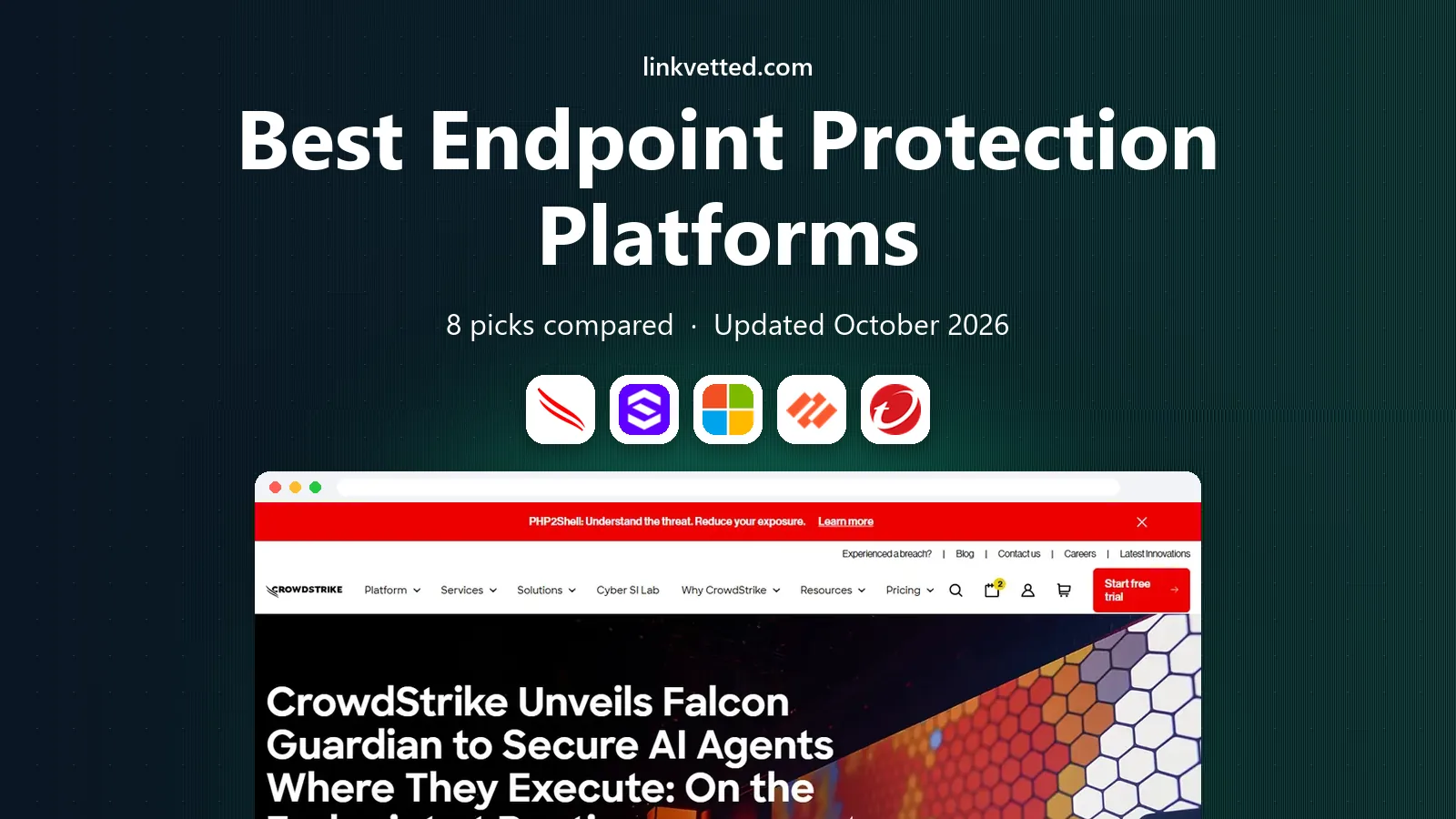
 CrowdStrike Falcon
premium detection and hunting
Starts at$59.99 per device per yearVisit crowdstrike.comFull review - Great alternative
 SentinelOne Singularity
autonomous response and rollback
Starts at$69.99 per endpoint per yearVisit sentinelone.comFull review - Also consider
 Microsoft Defender for Endpoint
Microsoft 365 environments
Starts at$5.20 per user per monthVisit microsoft.comFull review
TL;DR:
- CrowdStrike Falcon is the premium choice for detection depth and managed threat hunting.
- SentinelOne stands out for on-device AI detection and one-click ransomware rollback.
- Microsoft Defender for Endpoint is the best value for companies already using Microsoft 365.
- Palo Alto Cortex XDR suits companies already invested in Palo Alto network security.
- Sophos and Bitdefender offer strong protection for smaller teams that want simpler management.
Quick comparison
| Tool | Best for | Starts at | Free plan? | |
|---|---|---|---|---|
| CrowdStrike Falcon | premium detection and hunting | $59.99 per device per year | Free trial | Visit |
| SentinelOne Singularity | autonomous response and rollback | $69.99 per endpoint per year | No | Visit |
| Microsoft Defender for Endpoint | Microsoft 365 environments | $5.20 per user per month | Free trial | Visit |
 Palo Alto Cortex XDR | Palo Alto network customers | See website | Free trial | Visit |
 Trend Micro Vision One | broad multi-layer protection | See website | Free trial | Visit |
 Sophos Intercept X | small teams on the Sophos stack | See website | Free trial | Visit |
 Bitdefender GravityZone | cost-conscious multi-layer protection | See website | Free trial | Visit |
 Cynet | lean teams wanting XDR plus MDR | See website | Free trial | Visit |
The best endpoint protection platforms
We compared endpoint protection platforms on detection, response automation, ransomware recovery, management effort, and price, with a focus on what small and mid-size IT teams can run day to day.

CrowdStrike Falcon is the reference point for cloud-native endpoint protection. A single lightweight agent sends telemetry to the cloud, where detection, threat intelligence, and hunting tools work together. Falcon Go gives small teams a simpler entry point, while higher tiers add full EDR and XDR features.
The platform grows expensive as you add modules for identity, cloud, and managed hunting. Small teams should price the full set they need, not just the entry tier. For companies that want top-tier detection and can fund it, Falcon is a strong and proven choice.
- Cloud-native single agent
- Threat hunting through OverWatch
- Managed Falcon Complete option
- Advanced modules are paid add-ons
- Enterprise tiers cost far more than entry tiers
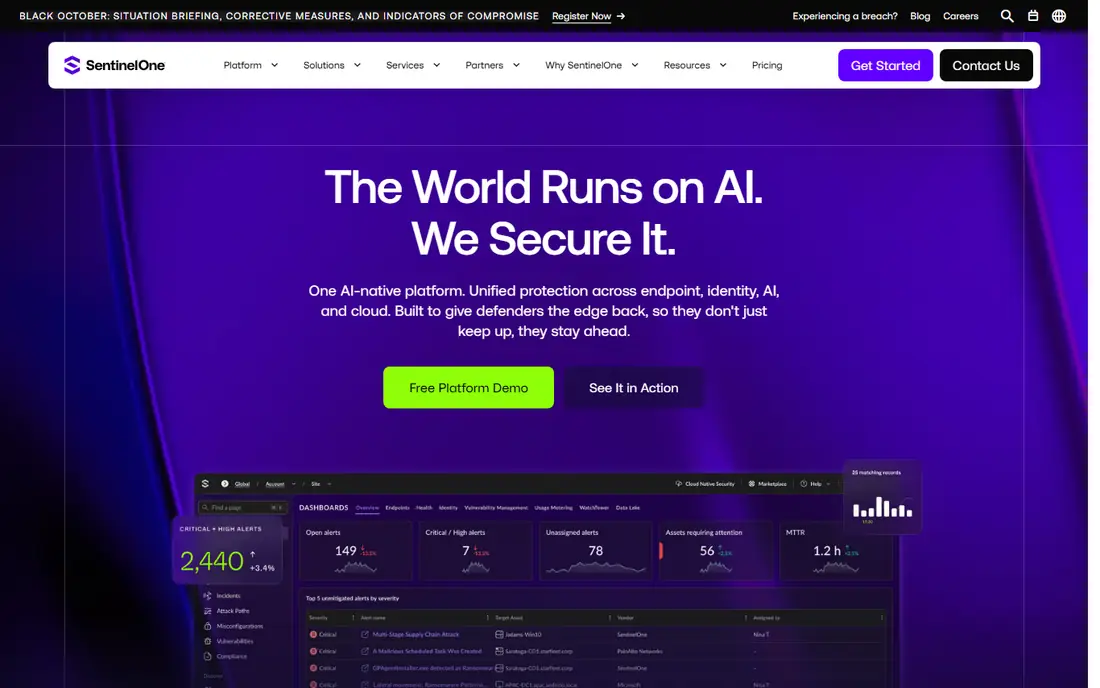
SentinelOne stands out for autonomous response. Its on-device AI can detect and block threats even when a laptop is offline, which matters for remote workers and field devices. One-click ransomware rollback can restore encrypted files without a full backup restore, a feature few rivals match as cleanly.
Entry pricing covers core protection, while full EDR, forensics, and managed hunting sit in higher tiers. That tiering is common in this market, but it means the headline price is not the full platform price. For teams that want strong automation with less analyst effort, SentinelOne is compelling.
- On-device AI detection that works offline
- One-click ransomware rollback
- Storyline forensics
- Annual-only list pricing
- Higher tiers needed for full EDR and hunting
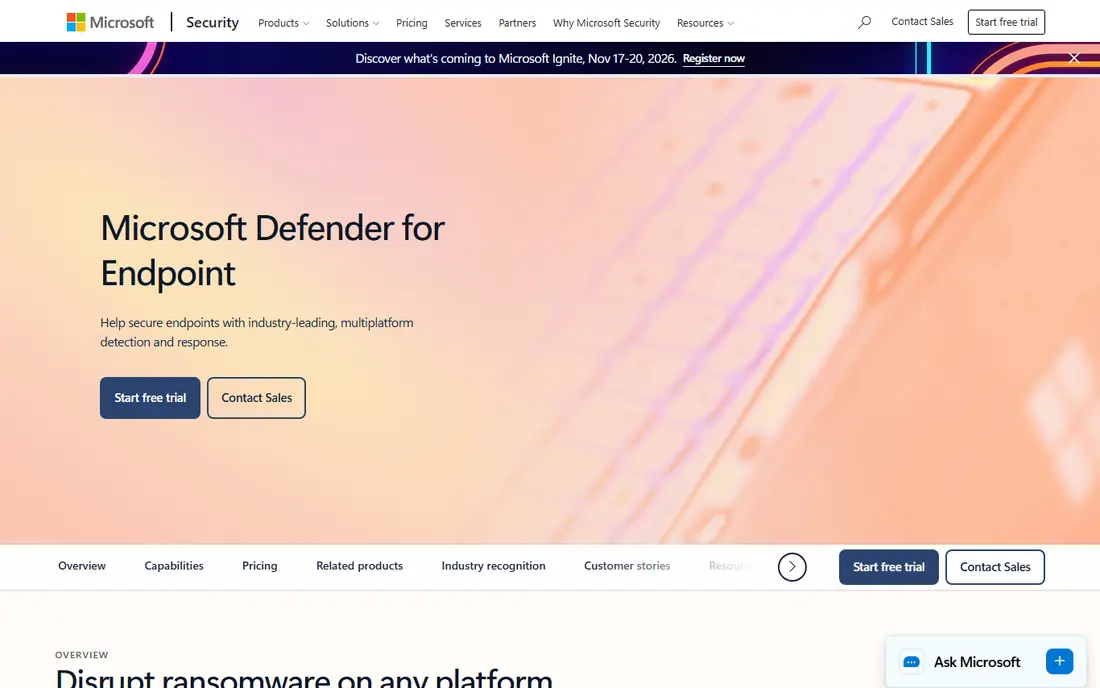
Microsoft Defender for Endpoint is the pragmatic pick for Microsoft-centric companies. It is built into Windows, connects to identity and email security in Microsoft 365, and can cost little extra if you already hold E5 licensing. Automated investigation and remediation reduce manual work for IT teams.
The licensing maze is a real drawback, with Plan 1, Plan 2, Business, and E5 bundles offering different features. Non-Windows coverage is also thinner than on Windows. Still, for many Microsoft shops, Defender delivers solid protection at a price rivals struggle to match.
- Deep Windows integration
- Automated investigation and remediation
- Often bundled with Microsoft 365
- Licensing tiers are confusing
- Threat hunting is less mature than CrowdStrike for some teams
Cortex XDR pulls endpoint, network, and cloud data into one investigation view, which helps analysts trace an attack across systems. For companies already using Palo Alto firewalls, that shared data can shorten investigations and reduce tool sprawl.
Pricing requires a quote, and the platform makes most sense inside the Palo Alto ecosystem. Standalone buyers may find simpler or cheaper endpoint options. If your network security already runs on Palo Alto, Cortex XDR is a natural shortlist candidate.
- Network, endpoint, and cloud data in one view
- Strong investigation tools
- Broad enterprise integrations
- Quote-based pricing
- Best value mainly inside the Palo Alto stack
Trend Micro Vision One covers more layers than a pure endpoint tool, including email, network, and cloud workloads. That breadth helps teams that want one vendor across several attack surfaces. Risk scoring also helps prioritize which alerts deserve attention first.
The console carries a lot of depth, which can feel heavy for a small IT team. Pricing requires a quote, so budgeting takes a sales cycle. For mid-size and enterprise teams that want layered protection from one vendor, Vision One is a solid option.
- Email, endpoint, network, and cloud layers
- Risk scoring
- Broad platform coverage
- Quote-based pricing
- Console depth can overwhelm small teams
Sophos Intercept X is a practical choice for small and mid-size businesses, especially those already using Sophos firewalls. Synchronized security lets endpoint and firewall share threat data, which can isolate a compromised device faster. Ransomware rollback features also help recovery.
Pricing runs through partners and requires a quote, which makes quick comparison harder. Full XDR features sit in higher tiers. For teams that want manageable protection without a large security staff, Sophos remains a dependable pick.
- Ransomware rollback features
- Synchronized security with Sophos firewalls
- Simpler management
- Quote-based pricing through partners
- Advanced XDR features need higher tiers
Bitdefender GravityZone offers strong detection at a price point that suits cost-conscious teams. Its cloud console centralizes policy, reporting, and device management, and it covers Windows, macOS, and Linux endpoints. That mix makes it a good fit for mixed device fleets.
Business pricing requires a quote, so small teams should ask for a clear per-endpoint figure. Managed detection options also need separate discussion. For teams that want proven detection without enterprise EDR prices, GravityZone is worth a pilot.
- Strong detection scores
- Centralized cloud console
- Flexible deployment options
- Quote-based business pricing
- Managed detection is a separate consideration
Cynet is built for lean IT teams that need both XDR and managed detection without hiring analysts. Its platform combines endpoint, network, and user data with a managed security team that watches alerts around the clock. Automated playbooks handle common responses fast.
The ecosystem is smaller than CrowdStrike or Microsoft, and pricing requires a quote. For a team with few security staff, though, the built-in managed service is the main selling point. Cynet suits companies that want coverage and human help in one contract.
- XDR plus built-in 24/7 managed detection
- Single console
- Automated response playbooks
- Quote-based pricing
- Smaller ecosystem than the largest vendors
How we picked these
We compared official product pages, pricing information, and independent test summaries for each platform. We checked detection approach, response automation, offline protection, operating system coverage, and managed detection options. We treated list prices as a starting point, since enterprise deals are often negotiated. We also noted where pricing requires a quote, since that affects how fast a small team can buy.
How to pick an endpoint protection platform
Start with your existing stack
If your company already uses Microsoft 365 widely, Defender for Endpoint may add little extra cost. If you already use Palo Alto firewalls or Sophos tools, staying in that family can simplify management. A best-in-class point product can still win, but it should beat the bundled option clearly.
Decide how much response you want automated
Some platforms block and roll back threats on their own, while others alert an analyst and wait. Small teams without a security operations center benefit most from automation and managed detection options. Larger teams may prefer manual control and deeper hunting tools.
Test on your real device mix
Windows, macOS, and Linux coverage varies, and mobile coverage is thinner still. Run a pilot on a mix of office laptops, remote worker devices, and servers before you commit. Check agent performance, since a heavy agent can slow older machines.
Budget for add-ons and renewals
Entry tiers often exclude identity protection, cloud workload coverage, or longer data retention. Ask for a full quote that includes the modules you need, plus renewal terms. A low entry price can grow fast once required add-ons are included.
Before you commit, run a short trial with a real task from your own work, not a demo example. A trial with your own guest list, route, keywords, devices, spend data, candidates, accounts, study goals, workflows, or app scope will reveal limits that a feature page hides. Note what felt slow, what needed support help, and what the total price would be at your real volume. That short test usually tells you more than a second round of comparison reading, and it protects you from paying for features you will rarely use.
FAQ
What is endpoint protection?
Endpoint protection is security software that protects laptops, desktops, servers, and other devices from malware, ransomware, and attacks. Modern platforms add detection and response, which helps teams find and contain threats after they get past initial blocking.
What is the difference between antivirus and EDR?
Traditional antivirus blocks known malware using signatures and basic behavior checks. EDR, or endpoint detection and response, records device activity, detects suspicious behavior, and gives teams tools to investigate and respond.
Which endpoint protection platform is best for small business?
Microsoft Defender for Business and Bitdefender GravityZone are strong small-business picks because they are simpler to manage and cheaper than enterprise EDR. CrowdStrike Falcon Go also targets small teams with up to 100 devices.
Do I need managed detection and response?
Managed detection helps if you lack staff to watch alerts around the clock. Vendors such as CrowdStrike, SentinelOne, and Cynet offer managed options where their analysts monitor and respond on your behalf.
Can endpoint protection stop ransomware?
No tool can guarantee it, but modern platforms reduce risk through behavior detection, blocking, and rollback features. SentinelOne offers one-click rollback, while other vendors rely on containment plus backup recovery. Keep offline backups regardless of your platform.
Sources
- https://www.crowdstrike.com
- https://www.sentinelone.com
- https://www.microsoft.com/en-us/security/business/endpoint-security/microsoft-defender-endpoint
- https://www.paloaltonetworks.com/cortex/cortex-xdr
- https://www.trendmicro.com
- https://www.sophos.com
- https://www.bitdefender.com
- https://www.cynet.com