6 Best Employee Offboarding Software for 2026, Vetted and Compared
Shortlisting the best employee offboarding software? 6 products compared on cost, free access and ideal buyer. Plain-spoken summaries throughout. Facts only.
- Editor's choice
 BambooHR
Small and mid-size HR teams
Starts at$10 per employee a monthVisit bamboohr.comFull review - Great alternative
 Remote
Global employment and contractor offboarding
Starts at$19 per employee per monthVisit remote.comFull review - Also consider
 Namely
HCM with managed payroll services
Starts atSee websiteVisit namely.comFull review
Direct answer
BambooHR is the first pick on this list for small and mid-size HR teams. Listed starting prices: BambooHR from $10 per employee a month, Remote from $19 per employee per month and Rippling from $8 per employee a month. Remote fits global employment and contractor offboarding; Namely fits HCM with managed payroll services. The full list of 6 tools follows, with prices and free plan facts.
TL;DR:
- The list opens with BambooHR, aimed at small and mid-size HR teams.
- Starting prices begin at $8 per employee per month with Rippling.
- Before buying Rippling, weigh this: wide scope may exceed small team needs.
- Deel is the one to check for global teams and international payroll.
Last checked November 2026. Prices and plan details were read from the vendors' own pages in November 2026; vendors change plans often, so confirm the current price on the vendor site before you buy.
Quick comparison
| Tool | Best for | Starts at | Free plan? | |
|---|---|---|---|---|
| BambooHR | Small and mid-size HR teams | $10 per employee a month | No | Visit |
| Remote | Global employment and contractor offboarding | $19 per employee per month | Not stated | Visit |
| Namely | HCM with managed payroll services | See website | Not stated | Visit |
 Rippling | Unified HR, IT and Finance offboarding | $8 per employee a month | Not stated | Visit |
 Workday HCM | Large enterprise HR and finance | See website | Not stated | Visit |
 Deel | Global teams and international payroll | $14 per worker a month | Not stated | Visit |
6 options for employee offboarding software in detail
LinkVetted compared 6 tools for employee offboarding software. The goal is a practical shortlist: published prices, free plan facts, best-fit use cases and honest limits for every entry.
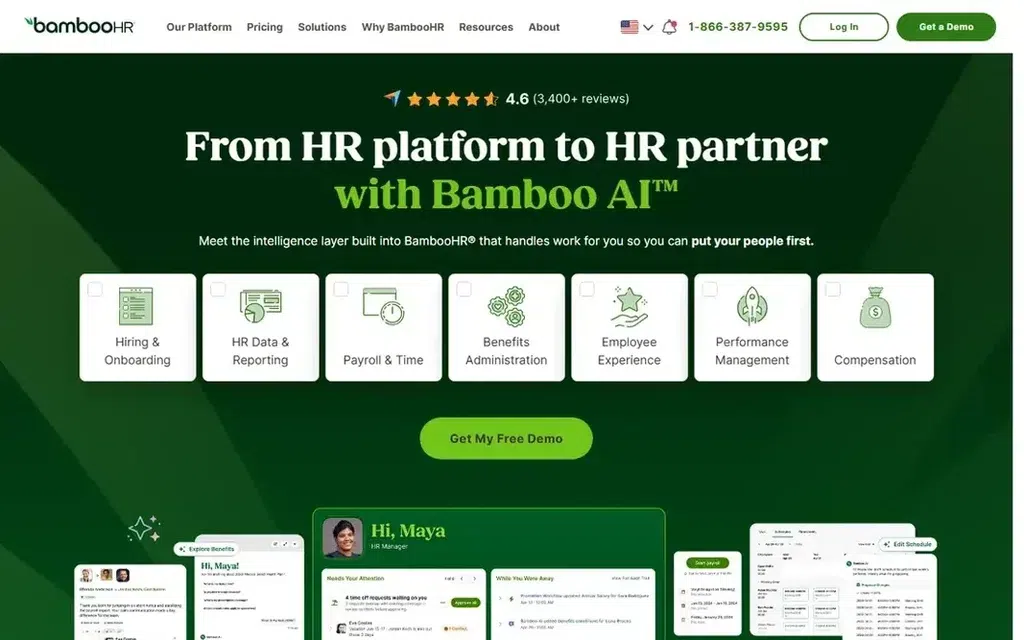
BambooHR is built with small and mid-size HR teams in mind. BambooHR describes itself as complete HR software for people, payroll and benefits, simplifying HR across the employee lifecycle from hire to retire.
Trade-offs to know: IT and device tasks sit outside core HR.
More specifically, businesses with heavy international payroll complexity may need extra tools. More specifically, pick BambooHR when offboarding is chiefly an HR process and you want payroll and benefits in the same place. Starting cost for BambooHR: $10 per employee per month. BambooHR does not include a free plan.
- Hire-to-retire HR coverage
- People
- Less suited to complicated global payroll
Remote is a good fit for global employment and contractor offboarding. For offboarding, that means ending international engagements and settling final pay through a single compliance-focused product.
Highlights: Compliant global payments.
Worth adding: domestic-only companies likely need less. Remote centers on global employment and payments instead of the full breadth of an HCM suite, so performance, benefits and internal HR processes may live elsewhere. What you pay to start with Remote: $19 per employee per month. Free access: Not stated. Limits to weigh: Narrower HR feature depth than full HCM suites.
- Payroll and contractor management
- Single system of record
- Offboarding scope centers on employment and pay
Namely works best for HCM with managed payroll services. Namely presents an all-in-one HCM system with payroll and managed services, including compliance, benefits and analytics.
Drawbacks to consider: Global coverage is less of a focus.
In practice, for offboarding, the managed services angle helps teams that want support handling final pay, compliance details and benefits changes. The managed service approach can mean less adaptability for teams that want to configure everything themselves, and businesses with widespread international staff may need extra global payroll support. Pricing for Namely is not stated here, so ask the vendor for current figures. Trial and free access: Not stated.
- All-in-one HCM system
- Analytics alongside core HR
- Managed service model may limit self-service adaptability
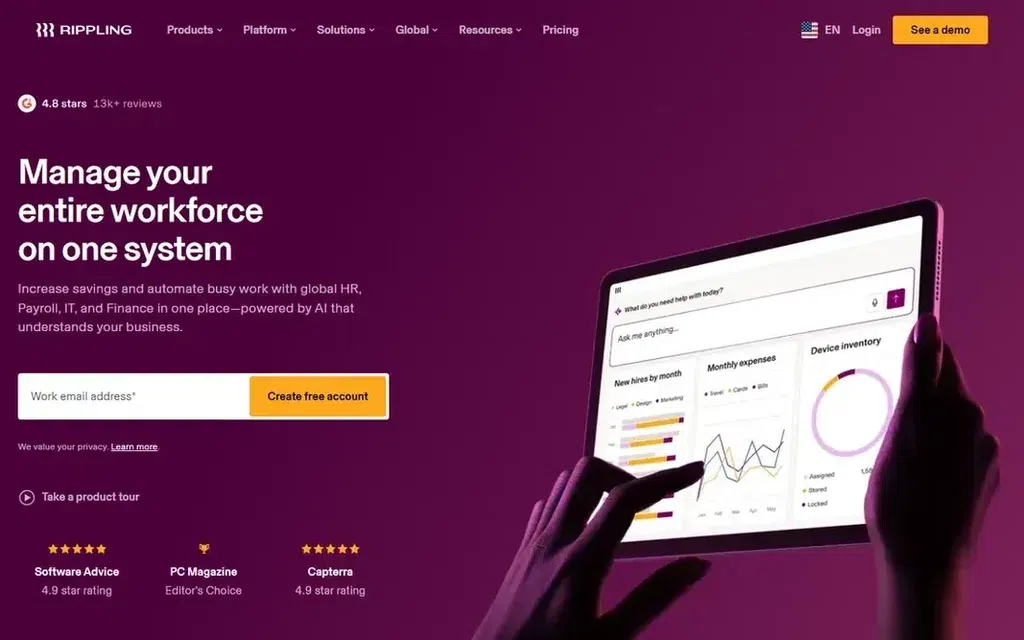
Rippling targets unified HR, IT and Finance offboarding. Rippling presents itself as a workforce management system that eliminates friction from running a business by combining HR, IT and Finance apps on a unified data product. That shared data layer matters at offboarding, where HR records, device access and payroll changes have to move together.
Where Rippling stands out: Handy for access removal workflows.
Also, firms that only need entry-level HR recordkeeping may prefer a more straightforward system. In daily use, choose Rippling when offboarding must synchronize people data with IT and finance actions in one place. Rippling starts at: $8 per employee per month. Trial and free access: Not stated.
Trade-offs to know: Setup spans multiple departments.
- Single data platform across systems
- Merges HR
- Wide scope may exceed small team needs
Workday HCM is a good fit for large enterprise HR and finance. The enterprise orientation means smaller firms may find the system heavier than their offboarding needs justify, and rollout usually needs dedicated internal resources. Beyond that, organizations wanting a fast, light HR tool may prefer a more straightforward choice.
Downsides: Implementation demands significant resources.
Where Workday HCM stands out: Wide organizational coverage.
Choose Workday HCM when offboarding is part of a large, cross-functional enterprise system. In offboarding, that breadth supports organizations that require consistent processes across large, structured workforces. Workday HCM is positioned as an enterprise AI system for HR, Finance and IT, with agentic AI capabilities highlighted on its site. No starting price is listed for Workday HCM here; confirm pricing on the vendor site. Free access: Not stated.
- Enterprise AI product for HR
- Suits complicated structures
- Enterprise scale can be heavy for small teams
Deel targets global teams and international payroll. Its emphasis is global employment and payroll, so device and access management still depend on other tools.
Where Deel stands out: pay and handle teams globally.
Pick Deel when cross-border payroll and compliance dominate your offboarding checklist. Price to start with Deel: $14 per worker per month. Trial and free access: Not stated. Points against: not deep IT offboarding.
- Hire
- Global payroll and compliance focus
- Core strength is global employment
How we chose
Selection started from tools commonly considered for employee offboarding software, then narrowed to 6 that have clear pricing information or a clear quote process. Prices and plan limits come from vendor pages and can change, so confirm them on the vendor site before you buy. The order reflects how well each tool fits the most common buying scenario for employee offboarding software, then price clarity, then free plan access. It is a starting point, not a verdict.
Pre-purchase checklist
- Confirm the entry price on the vendor page. For Namely and Workday HCM that means a quote rather than a fixed price.
- Read the limits listed for BambooHR first: IT and device tasks sit outside core HR.
- Run a one or two week pilot of Rippling with the people who will use it every day.
- Confirm you can export your data from Deel, so leaving later does not mean losing records.
- Add up seats, add-ons and usage charges for Workday HCM before comparing it with cheaper entries.
FAQ
Do these tools publish their prices?
Not all of them. Namely and Workday HCM publish no starting price, so expect a quote request for those. The rest, BambooHR included, show a starting price, though seats and billing terms still change the final cost.
Does any tool for employee offboarding software here have a free plan?
No tool in this list, BambooHR and Deel included, has a permanent free plan. Trials and quotes are the usual route, so plan a short evaluation period.
How do global systems differ for offboarding?
Global products for example Deel and Remote focus on cross-border payroll, compliance and contractor management. Domestic HR suites typically offer deeper HR workflows but less international coverage.
What is the cheapest option for employee offboarding software in this list?
On published monthly entry prices, Rippling is the lowest here at $8 per employee per month. Entry price is only part of the cost, because seats, add-ons and billing terms can change the total. For the full picture, the cards above cover all 6 entries of this employee offboarding software list, including price, free plan and limits.
Can I try these options before paying?
Not by default. None of the tools, from BambooHR to Deel, lists a free plan or a free trial here, so ask each vendor for a demo before committing.
Sources
- https://www.bamboohr.com
- https://remote.com
- https://www.namely.com
- https://www.rippling.com
- https://www.workday.com
- https://www.deel.com