Best Employee Intranet Software in 2026: 8 Tools Compared
Find the best employee intranet software for your team, comparing news, documents, search, mobile access, frontline reach, and current pricing for 2026.
- Editor's choice
 Microsoft SharePoint
Companies already on Microsoft 365
Starts at$5 per user per monthVisit microsoft.comFull review - Great alternative
 Workvivo
Large distributed teams building culture
Starts atSee websiteVisit workvivo.comFull review - Also consider
 Simpplr
Personalised communications with measurement
Starts atSee websiteVisit simpplr.comFull review
TL;DR:
- SharePoint suits Microsoft 365 teams, while Workvivo, Simpplr, and Staffbase suit larger firms that need social feeds and frontline reach.
- Most enterprise intranet pricing is quote based, so Blink and Connecteam offer the clearest published prices for smaller teams.
- Mobile access matters most for frontline staff, so test the app with real workers, not just office staff, before you buy.
- Search quality decides whether an intranet gets used, so check how well it finds policies, people, and documents across systems.
Quick comparison
| Tool | Best for | Starts at | Free plan? | |
|---|---|---|---|---|
| Microsoft SharePoint | Companies already on Microsoft 365 | $5 per user per month | No | Visit |
| Workvivo | Large distributed teams building culture | See website | No | Visit |
| Simpplr | Personalised communications with measurement | See website | No | Visit |
 Staffbase | Enterprises reaching frontline workers without email | See website | No | Visit |
 LumApps | Google Workspace companies that want a modern intranet | See website | No | Visit |
 Blink | Mobile first teams that want clear pricing | $3.75 per user per month | No | Visit |
 Jostle | Mid sized teams that want a simple, people centred intranet | See website | No | Visit |
 Connecteam | Deskless teams that need intranet plus operations tools | $29 per month | Yes | Visit |
The best employee intranet software
An employee intranet is the internal home for news, policies, documents, and people, and the best one is the one staff actually open. The tools below cover Microsoft and Google shops, frontline workforces, and small teams that need a simple, affordable start.
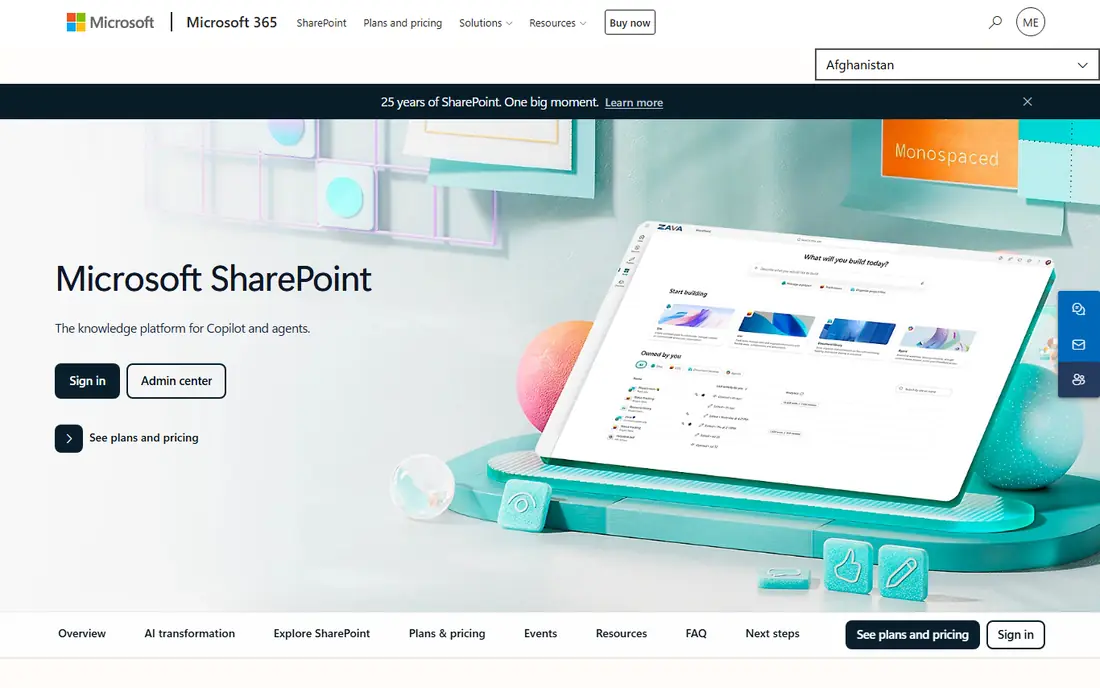
SharePoint Online starts at about $5 per user per month as a standalone plan, and is included in many Microsoft 365 business plans. It provides sites, document libraries, news pages, and search across Microsoft 365, with permissions tied to existing Microsoft accounts and groups.
SharePoint strength is that it builds on documents and permissions teams already use, so there is no new identity system to manage. The catch is design: a good intranet homepage, navigation, and search experience takes planning and often Viva Connections or Viva Engage for a polished employee app. For Microsoft shops, SharePoint remains the default, cost effective base.
- Built into Microsoft 365
- Strong document management and permissions
- Teams and Viva integrations
- Design and setup need effort
- Best features need additional Viva licensing
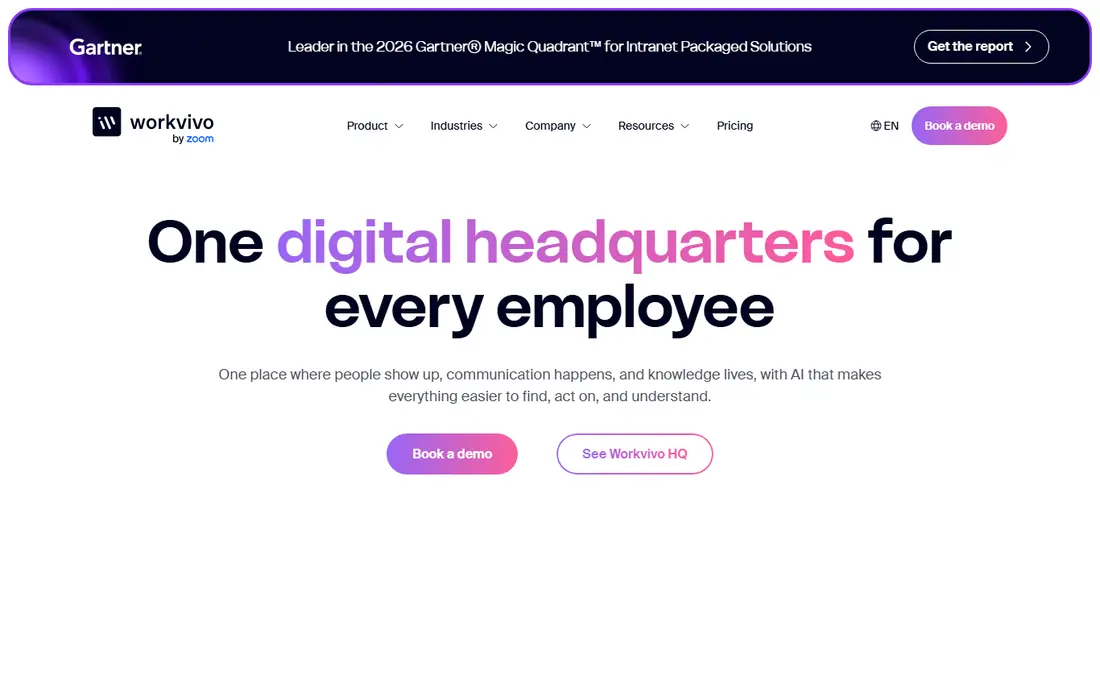
Workvivo, now part of Zoom, is priced by licence count and add ons, with no public starting price. It offers a social intranet feed, company news, podcasts, livestreams, and employee recognition, designed to feel familiar to staff who use social apps daily.
Workvivo suits companies with distributed or frontline staff who rarely open email, since the mobile app becomes the main channel for news and culture. The trade off is cost transparency: you need a sales quote based on headcount and modules. Ask what is included in the base licence, since chat and TV features are add ons in some quotes.
- Social feed, podcasts, and livestreams
- Strong for engagement across locations
- Zoom ownership adds video depth
- Quote based pricing
- Chat and some features cost extra
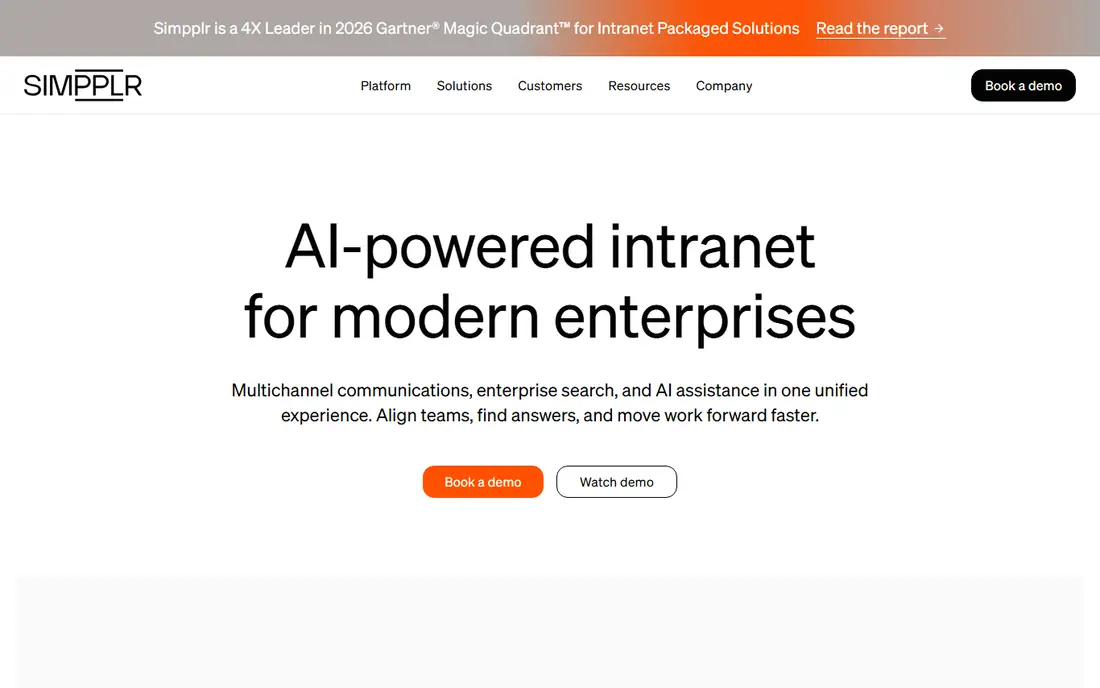
Simpplr uses volume based pricing, with discounts from larger employee counts, and no published price list. It offers personalised intranet feeds, targeted news, AI search, and analytics that show which messages reach which audiences and how staff respond.
Simpplr fits communications teams that need to prove reach and engagement, not just publish pages. Personalisation helps large firms avoid blasting every employee with every update. The limit is that admins cannot publish new content from the mobile app in some configurations, and pricing needs a tailored quote, so small teams should compare Blink or Connecteam first.
- Personalised news feeds
- AI search and sentiment insights
- Strong analytics for comms teams
- Volume based quote pricing
- No browsable folder structure in some views
- Mobile publishing limits
Staffbase is priced by workforce composition, with separate frontline rates, and no public price list. It offers an intranet, employee app, email, and digital signage from one platform, with access for staff who have no corporate email address.
Staffbase strength is frontline reach at scale, with role, shift, and location targeting and offline access to selected pages. That focus suits manufacturing, retail, healthcare, and logistics firms with large deskless workforces. The honest cost is time: enterprise rollouts often take months, so teams that need a live intranet in weeks should look at simpler tools.
- Dedicated frontline app and pricing
- White label branding
- Strong for large European and global employers
- Quote only pricing
- Rollout can take three to four months
LumApps is sold by quote and positions itself as an AI employee hub, with intranet pages, news, communities, and search that integrate with Google Workspace and Microsoft 365. Its acquisition of Beekeeper adds frontline app access for staff without corporate email.
LumApps suits Google Workspace firms that want a polished intranet without building on SharePoint, and that need both office and frontline reach. The main drawback is pricing opacity, since no current public price list exists. Request a quote based on total headcount, including frontline staff, and check which AI and frontline features are included.
- Strong Google Workspace integration
- Modern page design
- Frontline access through Beekeeper
- No public pricing
- Demo required to get a quote
Blink lists Core at $3.75 per user per month billed annually, and Pro at $5.00, with Enterprise on a custom quote. That published price card makes Blink the easiest intranet on this list to budget, especially for small and mid sized teams.
Blink strength is mobile simplicity: staff get news, documents, forms, and chat in one app, with no corporate email required. That suits retail, hospitality, and field teams. The trade off is depth: document management and governance are lighter than SharePoint or Simpplr, so office heavy firms with complex libraries may need a second system.
- Published pricing
- Mobile first design
- News feed, chat, and hub in one app
- Less deep document management than SharePoint
- Enterprise features need higher tiers
Jostle offers tiered intranet plans with a people directory, news, documents, and discussion features, aimed at mid sized organisations that want a straightforward internal home. A free trial is offered through sales in many listings.
Jostle fits teams that find SharePoint too complex and social intranets too noisy, since its design centres on people, teams, and key documents. The limit is pricing transparency and integration depth, so ask for a clear quote and check integrations with your HR system and document storage before committing.
- Clean people directory and news
- Tiered plans
- Good for teams that want simplicity over social features
- No public starting price in current listings
- Smaller integration library than leaders
Connecteam lists plans from $29 per month for the first 30 users, with a free for life plan for small teams and higher tiers for more users and features. It combines a knowledge base and company updates with scheduling, time tracking, forms, and training, all in a mobile app for deskless staff.
Connecteam suits small and mid sized firms where the intranet job is practical: share updates, policies, and training, and keep frontline staff connected. Larger firms that need deep personalisation, analytics, and governance should compare Simpplr, Staffbase, or Workvivo. For a first intranet on a tight budget, Connecteam is a strong, low risk start.
- Free plan for small teams
- Intranet plus scheduling, forms, and training in one app
- Low entry price
- Intranet is part of a broader workforce app, not a dedicated enterprise intranet
- Design is functional rather than polished
How we picked these
We compared vendor product pages and recent 2026 intranet pricing coverage, focusing on news and document handling, search, mobile access, frontline reach, and pricing transparency. We kept tools that are live today and genuinely serve as an employee intranet, not just a chat app, and we listed See website where pricing is quote based rather than inventing a price. Where a vendor publishes a price, we state it and note the billing basis.
How to choose an intranet that staff will use
Start with who is hardest to reach. If frontline staff lack email, mobile access and offline reading matter more than desktop design. If office staff drown in email, targeted news and strong search matter more than another social feed. Map your top ten employee questions, such as leave policy, pay dates, and safety procedures, and check that the intranet answers them in two taps.
Next, test search and publishing with real content. Upload policies, add a news post, and ask five staff members to find a document without help. If search fails, the intranet will fail, no matter how good the homepage looks. Finally, check ownership: who publishes, who approves, and who archives old pages. An intranet without owners becomes stale within months, so assign content owners before launch, not after.
FAQ
What is the best employee intranet software for a small business?
Connecteam and Blink offer the clearest low cost starts, with Connecteam free for small teams and Blink from $3.75 per user per month. SharePoint also suits small Microsoft 365 teams. Pick by mobile needs and whether you already pay for Microsoft or Google tools.
What are the best intranet platforms for frontline workers?
Staffbase, Workvivo, Blink, and Connecteam all offer mobile apps for staff without corporate email. Staffbase and Workvivo suit larger firms, while Blink and Connecteam suit smaller and mid sized teams. Test the app on real frontline phones and networks before you buy.
How much does intranet software cost?
Published prices here run from free to about $5 per user per month for small team tools, while enterprise intranets are quote based and priced by headcount and modules. Total cost includes setup, content migration, and admin time, so ask for a full quote, not just a per user rate.
Is SharePoint an intranet?
Yes, SharePoint is the intranet base for many Microsoft 365 companies, providing sites, news, documents, and search. Many firms add Viva Connections for a polished employee app experience in Teams. SharePoint works best when a team invests in design, navigation, and search setup.
How long does it take to launch an intranet?
Simple tools such as Connecteam or Blink can launch in weeks, while enterprise platforms such as Staffbase often take three to four months including design, migration, and training. Content cleanup and owner training usually take longer than software setup, so plan for both.
What makes an intranet fail?
Common reasons include poor search, stale content, no mobile access for frontline staff, and no clear owners for pages. An intranet also fails when it duplicates chat, email, and document tools without a clear home for trusted information. Fix search, ownership, and mobile access first.