Best Employee Database Software in 2026: 8 Tools Compared
We compared the best employee database software on records, permissions, and price, so HR teams can keep staff data accurate and safe in one place every day.
- Editor's choice
 BambooHR
Small and mid-size HR teams
Starts at$10 per employee per monthVisit bamboohr.comFull review - Great alternative
 Rippling
HR, payroll, and IT in one record
Starts at$40 per month plus $8 per userVisit rippling.comFull review - Also consider
 HiBob
Mid-size teams wanting culture tools
Starts atSee websiteVisit hibob.comFull review
TL;DR:
- BambooHR is our pick for most small and mid-size teams because its core record, time off, and reporting are clear and easy to run.
- Rippling suits teams that want HR records tied to payroll and IT access, so a hire or a departure updates everything at once.
- Zoho People and Personio are strong value options for teams that already use those ecosystems or operate across Europe.
- Permission controls matter more than the feature count, since employee data is sensitive and not every manager should see every field.
- Check data export and contract terms before you buy, so you can leave with your records intact if you switch later.
Quick comparison
| Tool | Best for | Starts at | Free plan? | |
|---|---|---|---|---|
| BambooHR | Small and mid-size HR teams | $10 per employee per month | Free trial | Visit |
| Rippling | HR, payroll, and IT in one record | $40 per month plus $8 per user | Free trial | Visit |
| HiBob | Mid-size teams wanting culture tools | See website | No | Visit |
 Zoho People | Budget teams in the Zoho ecosystem | See website | Free trial | Visit |
 Personio | European teams needing compliance | See website | Free trial | Visit |
 Workday | Large enterprises | See website | No | Visit |
 Deel | Global teams with contractors | See website | No | Visit |
 Namely | Mid-size US teams wanting HR plus payroll | See website | No | Visit |
The best employee database software
An employee database is the single record of who works for you, what they are paid, where they sit, and what documents sit behind each role. When that record is messy, payroll, benefits, and compliance all suffer, so the tool you pick matters more than it first looks.

BambooHR is the easiest recommendation for a team that still keeps employee data in spreadsheets. Core starts at $10 per employee per month for teams over 25 people, and it covers employee records, time off, hiring, onboarding checklists, and standard reports. Staff can update their own details and request time off through a mobile app, which cuts the email traffic that usually lands on HR.
The catch is the floor for small teams. Companies with 25 employees or fewer pay a flat monthly rate starting at $250, so a 10-person team does not pay $100 a month for Core. Payroll and benefits administration are also quoted separately, so add those to the total if you need them. Even with those caveats, BambooHR remains the cleanest core HR record for most teams in its size range.
- Clear employee records
- Time off and reporting included
- Easy self-service for staff
- Payroll and benefits are add-ons
- Small teams pay a $250 monthly minimum

Rippling treats the employee record as the trigger for everything else. Change a role, a location, or a manager in Rippling, and payroll, benefits, and app access can update from that one change. That design is a real advantage for fast-growing teams, where a hire used to mean separate updates in five systems and a checklist that someone forgot.
The trade-off is price clarity. The platform starts at $8 per user per month plus a $40 monthly base fee, but HR, payroll, and IT are modules on top, so your quote will be higher than the starting figure. Rippling also asks more of its admins during setup than a simpler HR tool does. If your team is under 20 people and you only need a clean record, BambooHR is simpler. If growth and automation are the priority, Rippling earns its complexity.
- One record drives HR, payroll, and app access
- Strong automation
- Global hiring options
- Quote-based final pricing
- Modules add cost on top of the platform fee
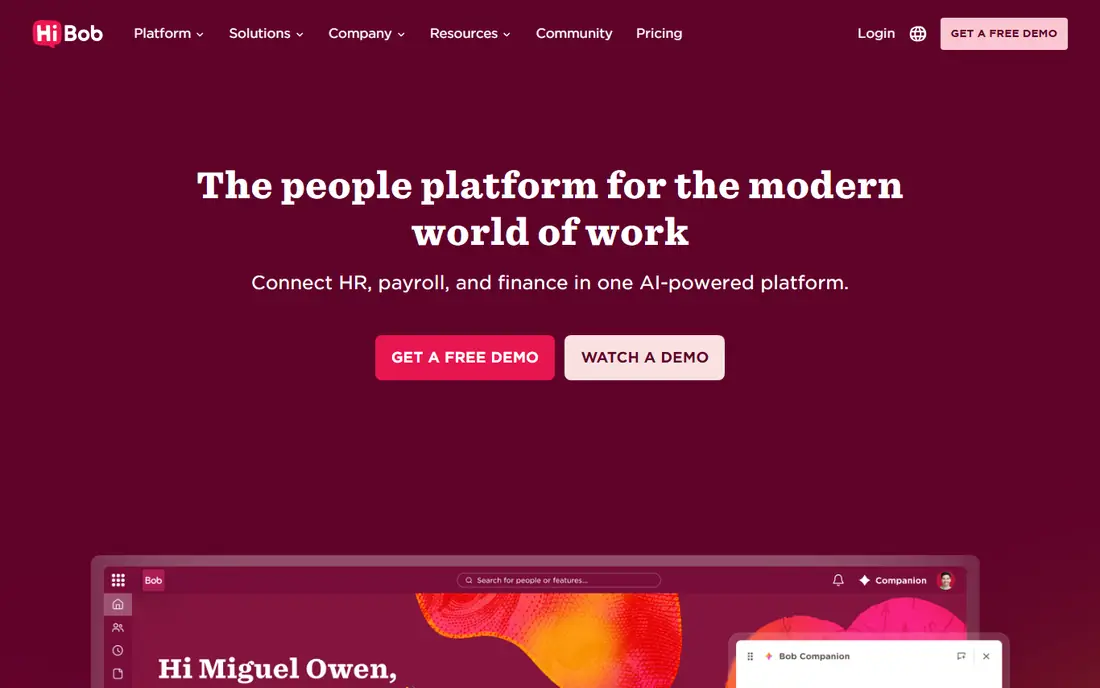
HiBob, often called bob, is built for mid-size companies that care about how staff experience HR tools. Its employee record sits beside org charts, time off, performance, and engagement surveys, and the interface feels more like a consumer app than a back-office system. That matters, because a database that staff avoid using quickly goes stale.
HiBob does not publish a price, so you will need a quote based on headcount and modules. Payroll is not a native HiBob product in the US in the same way it is for Rippling or BambooHR, so check how payroll data moves between HiBob and your payroll provider before you commit. For teams that want a modern record plus culture and performance tools, HiBob is a strong shortlist pick.
- Modern interface staff actually use
- Strong org chart and time off
- Good analytics
- Pricing is quote-only
- Payroll is handled through partners
Zoho People is the value play on this list, and it fits best when your business already uses Zoho for email, CRM, or accounting. It covers employee records, time off, attendance, shifts, and performance in one system, and its lower tiers cost far less than most rivals. For a small business watching every subscription, that price gap is hard to ignore.
The compromise is polish. Zoho People packs in many features, and the interface can feel crowded compared with BambooHR or HiBob. Reporting and customization also improve on higher tiers, so a team that needs deep analytics should test those limits during the trial. If price and Zoho integration matter most, Zoho People is a sensible pick.
- Low-cost plans
- Wide Zoho integrations
- Shift and attendance tools
- Interface can feel busy
- Advanced reporting needs higher tiers
Personio is built for small and mid-size companies in Europe, and it shows in how it handles contracts, absences, and local compliance documents. Its employee record connects to recruiting, onboarding, time tracking, and payroll preparation, so a hire moves from offer to active record without retyping the same details. Approval workflows for time off and documents are also well thought through.
US buyers should check coverage carefully, since Personio is strongest in its home markets and its US payroll links differ from its European ones. Pricing is quote-only, so budget holders need a sales conversation to get a firm number. For a European team, or a team with a large European headcount, Personio belongs near the top of the list.
- Strong for European labor rules
- Recruiting and payroll links
- Clear approval workflows
- Quote-only pricing
- US coverage is thinner than European coverage
Workday is the enterprise answer, and it is best judged on that scale. It combines human capital management with finance, planning, and analytics, so a large company can run headcount, pay, and workforce planning from one system. Its reporting and permission controls are built for thousands of staff across many countries, which smaller tools cannot match.
That scale comes with cost and implementation time that rule Workday out for most small businesses. Expect a sales-led purchase, a structured rollout, and a price that reflects enterprise scope. If your company has hundreds or thousands of staff and needs finance and HR in one system, Workday is a serious contender. If you have 50 staff, it is more system than you need.
- Deep HR and finance in one system
- Strong security and reporting
- Global scale
- Expensive and complex
- Overkill for small teams
Deel started as a way to hire contractors and employees around the world without setting up a local company in each country, and that strength still defines it. Its platform holds worker records, contracts, and pay data for staff in many countries, with local compliance handled by Deel or its partners. For a remote-first team, that global reach is the point.
As a pure employee database, Deel is less deep than BambooHR or HiBob on performance, engagement, and internal HR workflows. It is best paired with a core HR tool or used as the system of record for a distributed team where global pay and compliance matter most. Price also varies by whether a worker is a contractor or an employee and by country, so get a quote for your exact mix.
- Global hiring and payroll in many countries
- Contractor management
- Compliance support
- Employee record depth is thinner than pure HR tools
- Pricing varies by worker type
Namely is a US-focused platform for mid-size companies that want HR, payroll, benefits, and time management together. Its employee record feeds payroll and benefits, and staff can manage their own details, pay slips, and time off from one portal. That single-portal design suits companies that want to reduce the number of HR vendors they manage.
Namely does not publish pricing, and its integration catalog is smaller than Workday or Rippling, so check the tools you already use before you buy. Implementation also needs care, since payroll and benefits setup must be right from the first pay run. For a mid-size US team that wants one vendor for HR and payroll, Namely is worth a demo.
- HR, payroll, benefits, and time in one US-focused platform
- Good employee self-service
- Quote-only pricing
- Smaller integration list than larger rivals
How we picked these
We compared official feature pages, pricing pages, and public documentation for HR platforms with a central employee record, and we kept only tools that are live and sold in October 2026. We favored tools with clear permission controls, self-service for staff, and reliable reporting, and we marked quote-only tools as See website rather than inventing a price. We also weighed global coverage, since a database that cannot handle your countries or worker types will fail no matter how clean its interface looks.
What to check before you buy an employee database
Start with fields and permissions. List the data you must hold, from start dates and pay to visas, certifications, and emergency contacts, and check that each field exists and can be hidden from the wrong viewers. Managers should see their own team, not the whole company, and sensitive fields such as pay and health notes need tighter controls than a job title does.
Next, check the daily workflow. Staff should be able to update an address, request time off, and find a pay slip without asking HR, and HR should be able to run a headcount report without exporting to a spreadsheet. Ask about data import from your current system, audit logs that show who changed a record, and export options if you leave. Finally, confirm how the database connects to payroll, benefits, and your other tools, since a record that does not sync will drift out of date within months.
FAQ
What is employee database software?
It is a central system that stores employee records such as personal details, roles, pay, time off, and documents in one place with controlled access. It replaces spreadsheets and shared folders with a single record that HR, managers, and staff can use safely. Most tools also add onboarding, time off, and reporting on top of that core record.
Is BambooHR good for a very small team?
BambooHR works well for small teams, but the $250 monthly minimum for teams of 25 or fewer changes the math. A 10-person team pays that floor rather than $10 per person, so compare the floor price against cheaper tools such as Zoho People. The product itself is easy to use at any size, so the question is price, not fit.
How do I keep employee data safe in these tools?
Use role-based permissions so managers see only their own teams, turn on multi-factor sign-in, and limit who can export data. Ask the vendor about encryption, audit logs, and where data is stored, and keep a written policy for who can view pay and sensitive fields. Regular access reviews matter as much as the tool itself.
Can I move my data out if I switch tools?
Most vendors offer export of core employee data, but the format and the completeness vary, so ask before you sign. Check whether documents, history, and time off balances export cleanly, and whether there is a fee for a full export. Keeping your own regular exports is a sensible habit even when you plan to stay.
Do I need payroll built into the employee database?
You do not need it built in, but payroll must read the same record or sync with it reliably. A separate payroll tool that syncs well can work fine, while a built-in payroll tool that handles your states poorly will cause trouble. Judge the payroll link on your own states and worker types, not on whether it sits in the same app.
Which tool suits a global remote team?
Deel suits global hiring and pay across many countries, while Rippling suits teams that want HR, payroll, and IT access tied to one record. Personio suits teams centered in Europe, and Workday suits large enterprises. Match the tool to where your staff sit and whether they are employees or contractors.