Best Email Warmup Tools in 2026: 8 Tools Compared
Compare the best email warmup tools in 2026, from Instantly and Smartlead to MailReach and Warmbox, with prices, strengths and honest limits in this guide.
- Editor's choice
 Instantly
Unlimited warmup bundled with outreach
Starts at$37 per monthVisit instantly.aiFull review - Great alternative
 Smartlead
High deliverability bundled warmup
Starts at$39 per monthVisit smartlead.aiFull review - Also consider
 Lemwarm
Lemlist users and personalised warmup
Starts at$29 per inbox per monthVisit lemlist.comFull review
TL;DR:
- Warmup builds sender reputation by gradually increasing volume and generating positive engagement, so new domains are trusted by Gmail and Outlook.
- Bundled tools such as Instantly and Smartlead are cheaper per inbox when you also need outreach, while standalone tools suit teams that already have a sender.
- Per inbox pricing is the key comparison, since a cheap tool for one inbox can become expensive across ten domains.
- Warmup cannot fix missing SPF, DKIM and DMARC records, bad contact lists or spammy copy, so fix those basics first.
- A two to four week ramp is normal for a new domain, and rushing volume is the fastest way to damage a sender reputation.
Quick comparison
| Tool | Best for | Starts at | Free plan? | |
|---|---|---|---|---|
| Instantly | Unlimited warmup bundled with outreach | $37 per month | Free trial | Visit |
| Smartlead | High deliverability bundled warmup | $39 per month | Free trial | Visit |
| Lemwarm | Lemlist users and personalised warmup | $29 per inbox per month | No | Visit |
 MailReach | Deliverability monitoring and warmup | $19.50 per inbox per month | No | Visit |
 Warmbox | Budget standalone warmup | $19 per month | No | Visit |
 Warmup Inbox | Simple warmup with analytics | $19 per inbox per month | Free trial | Visit |
 Mailwarm | Straightforward standalone warmup | $69 per month | No | Visit |
 Folderly | Deliverability repair and warmup | $120 per month | No | Visit |
The best email warmup tools
We compared official pricing pages, warmup networks, ramp controls, deliverability monitoring and public reviews for tools that are actively sold in October 2026.
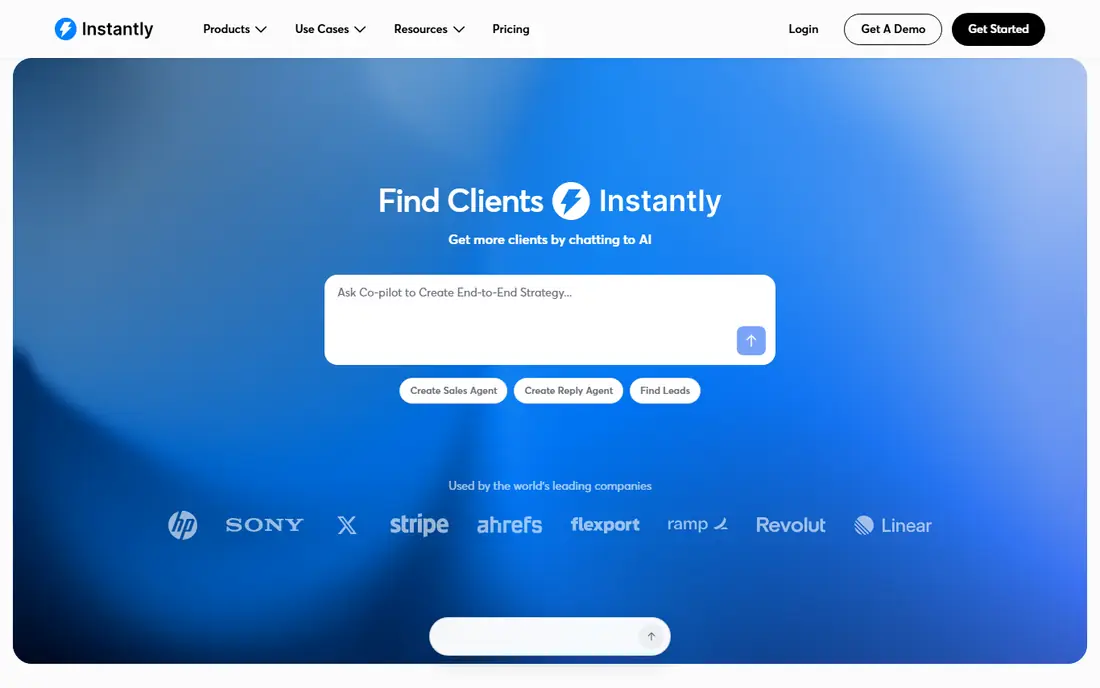
Instantly is the default pick for teams running outreach across several inboxes. Warmup is included without a per inbox fee, which makes budgeting simple when you manage five or ten domains. Ramp schedules, engagement settings and a deliverability dashboard help you see inbox versus spam placement before you scale sending.
If you only need to warm one inbox and already have a sender tool, the full suite may be more than you need. For agencies and sales teams that send cold email at volume, the bundled model is hard to beat on value.
- Unlimited inboxes and warmup on plans
- Ramp and deliverability controls
- Clean dashboard
- Paying for full outreach suite if you only need warmup
- Contact limits on entry plan

Smartlead combines unlimited mailbox warmup with outreach and deliverability protection, which suits teams that prioritise inbox placement. Warmup runs automatically in the background, with controls for ramp, reply behaviour and spam protection. Independent bake off tests have often placed Smartlead near the top for inbox placement, which is a useful signal, though your own domain and list quality matter more.
The platform can feel busy at first, and entry plan lead limits need checking if you send at high volume. For teams that want warmup plus sending in one place, with a strong deliverability focus, Smartlead is a close rival to Instantly.
- Unlimited mailboxes on plans
- Strong deliverability focus
- Multi channel outreach options
- Interface has a learning curve
- Entry plan limits lead volume
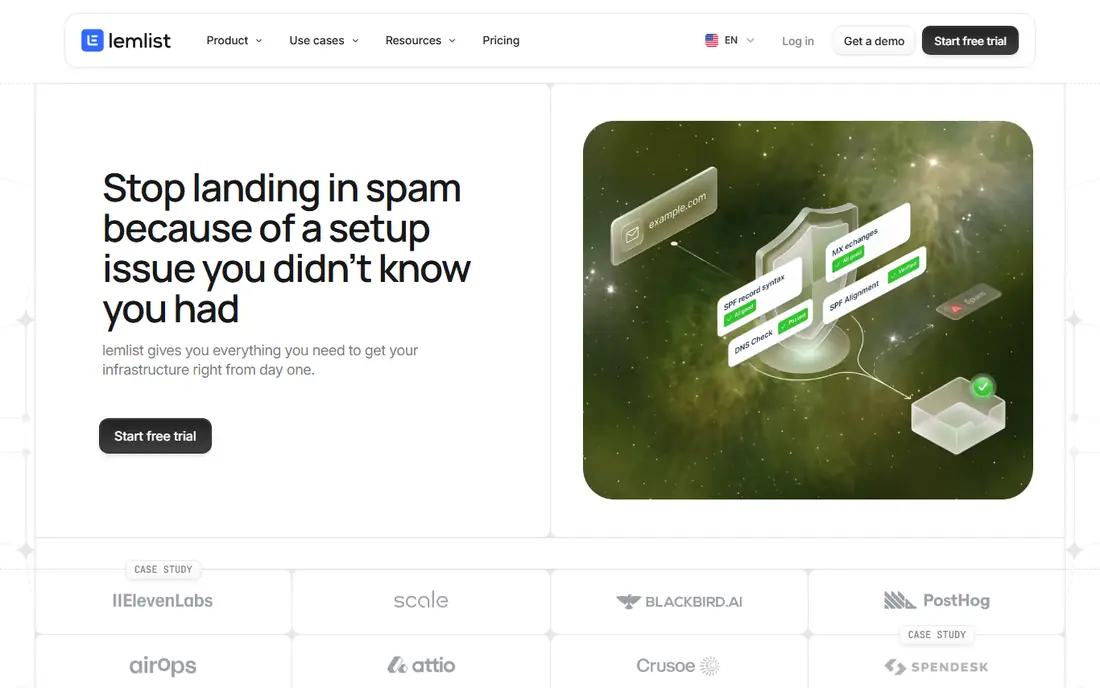
Lemwarm, by Lemlist, warms inboxes with personalised emails that look like real conversations, rather than generic messages. It monitors sender reputation and deliverability, and it is included with Lemlist plans, which makes it a natural add on for existing Lemlist users. Controls for daily volume and ramp help new domains build trust gradually.
As a standalone purchase, the per inbox price becomes expensive across many domains. Teams that do not use Lemlist for outreach may get better value from a bundled tool. For Lemlist users, Lemwarm is the simplest warmup choice.
- Personalised warmup emails
- Sender reputation monitoring
- Included with Lemlist plans
- Per inbox cost adds up fast
- Best value only inside Lemlist
MailReach suits teams that want diagnostics as well as warmup. In addition to automated warmup emails, it offers spam testing, blacklist monitoring and sender reputation checks, so you can see why mail lands in spam rather than guessing. The per inbox price is clear, and the tool works with common providers including Google Workspace and Microsoft 365.
There is no traditional free trial, though a free spam test tool helps you check a mailbox before paying. Costs rise with each inbox, so model ten inboxes before committing. For deliverability focused teams that already have a sender, MailReach is a strong standalone pick.
- Strong spam testing and monitoring
- Blacklist alerts
- Clear per inbox pricing
- No free trial
- Per inbox pricing scales with domains
Warmbox is one of the cheapest standalone warmup tools, which makes it attractive for solo founders and small teams warming one to three inboxes. It offers smart scheduling, engagement simulation and blacklist risk checks, with a simple setup that does not require an outreach suite. A free blacklist and DNS checker helps you spot basic setup problems before warming.
Independent tests have sometimes placed Warmbox below Smartlead and Lemwarm on inbox placement, so results can vary by domain and list quality. For a low cost start, especially for a single inbox test, Warmbox offers good value if you also fix authentication and list quality.
- Low starting price
- Smart scheduling
- Blacklist risk detection
- Lower inbox placement in some independent tests
- No free plan
Warmup Inbox keeps the job simple, which is its main appeal. Connect a mailbox, set a ramp, and watch warmup emails, replies and placement analytics in a clear dashboard. The 7 day trial lets you test the interface, though a week is not enough to fully warm a new domain, so treat the trial as a dashboard test rather than a finished warmup.
Per inbox pricing means costs grow with domains, and there is no full outreach suite included. For teams that want a standalone warmup tool with clear reporting and no extra complexity, Warmup Inbox is easy to recommend.
- Easy setup
- Detailed warmup analytics
- 7 day trial
- Per inbox pricing
- Fewer outreach features than bundled rivals
Mailwarm is a well known standalone warmup tool with a simple model, connect a mailbox and let adaptive warmup build reputation over time. It monitors inbox placement and adjusts volume based on engagement, which helps new domains avoid sudden spikes that trigger spam filters. Setup is quick for Google Workspace and Microsoft 365 mailboxes.
The price is high for a single mailbox compared with Warmbox or MailReach, and there is no traditional free trial. Teams warming many inboxes may find bundled tools cheaper overall. For a team that wants a simple, dedicated warmup service and does not need outreach, Mailwarm remains a credible option.
- Simple setup
- Adaptive ramp
- Inbox placement monitoring
- High price for one mailbox
- No free trial
Folderly goes beyond basic warmup into full deliverability work, including audits, spam trigger checks and placement testing. That depth suits teams whose domains already have deliverability problems, or who send at high volume and need ongoing monitoring. Warmup is part of a wider system that also checks content, authentication and list health.
The starting price reflects that scope, so small teams that just need a new domain warmed may find it expensive. For companies where email is a core revenue channel and deliverability problems cost real pipeline, Folderly offers a more complete service than a warmup only tool.
- Deep deliverability audits
- Spam trigger analysis
- Warmup plus placement testing
- High starting price
- More than a simple warmup tool for small teams
How we picked these
We compared official pricing pages, warmup models, ramp controls, deliverability monitoring and public reviews, including independent deliverability tests, for tools sold in October 2026. We favoured tools with a clear warmup network, authentication support and placement reporting, and we included both bundled and standalone options. Tools that only sold pre warmed inboxes, with no warmup service, were left out.
How to warm up an email domain safely
Start with authentication before any warmup tool. Publish SPF, DKIM and DMARC records for your sending domain, and check them with a free DNS tool. A warmup tool cannot fix missing authentication, and Gmail and Outlook score it before they score engagement.
Next, set a slow ramp and stick to it. Begin with a small daily volume, increase gradually over two to four weeks, and avoid sudden spikes when you start real outreach. Use verified contact lists only, since bounces and spam complaints damage reputation faster than warmup can repair it. Finally, monitor placement weekly, not just warmup counts. If mail starts landing in spam, pause outreach, check content and list quality, and let warmup rebuild trust before scaling again.
FAQ
What is the best email warmup tool?
Instantly and Smartlead are strong all round picks because warmup is bundled with outreach and unlimited mailboxes are included, which keeps costs low at scale. MailReach and Warmbox suit teams that already have a sender and want a standalone tool. The best choice depends on how many inboxes you manage and whether you also need outreach.
How long does email warmup take?
A new domain usually needs two to four weeks of gradual warmup before steady cold outreach, though the exact time depends on domain age, provider and sending volume. Older domains with a clean history may need less time, while brand new domains need a slower ramp. Rushing warmup often backfires, since sudden volume spikes trigger spam filters.
Do I need email warmup if I only send to warm leads?
Warmup matters most for cold email from a new or low activity domain, since providers have no trust history for that sender. If you send only to opted in contacts from an established domain with good engagement, warmup is less critical. Even then, a short warmup helps after a long pause or a domain change.
What is the best free email warmup tool?
Free options are limited, since most warmup tools need a paid network to simulate engagement. Some tools offer free trials or a free tier for a single mailbox, but a trial will not finish warming a new domain. For a one mailbox test, a free tier or trial can help you check the dashboard, but expect to pay for a full warmup.
Can warmup fix a domain that is already in spam?
Warmup can help rebuild reputation over time, but it cannot instantly fix a domain damaged by bad lists, spam complaints or missing authentication. Fix authentication, clean your lists, pause aggressive sending and use deliverability audits from tools such as Folderly or MailReach. Recovery takes weeks, not days, and prevention is far cheaper than repair.
How many warmup emails should I send per day?
Start low, often around 10 to 20 warmup emails per day for a new inbox, then increase gradually as engagement stays positive. The right number depends on the tool, your provider and your ramp settings. Follow the tool's ramp plan rather than setting a high daily cap yourself, since a sudden jump is a common cause of spam placement.