Best Email Verification Tools in 2026: 8 Tools Compared
Looking for the best email verification tools? We compared 8 services on pricing, accuracy checks, bulk cleaning and real time API options for campaigns.

- Editor's choice
 ZeroBounce
Verification plus deliverability extras
Starts atSee websiteVisit zerobounce.netFull review - Great alternative
 NeverBounce
Simple regular list cleaning
Starts at$8 per 1,000 creditsVisit neverbounce.comFull review - Also consider
 Kickbox
Lists with many uncertain results
Starts at$5 for 500 creditsVisit kickbox.comFull review
TL;DR:
- ZeroBounce is our pick for teams that want verification plus deliverability extras, while NeverBounce is the simplest choice for regular list cleaning.
- Pay as you go credits suit occasional campaigns, and a monthly plan suits a team that verifies new signups every week.
- Catch-all domains need special care, because a tool can only give a confidence score for some of them, not a firm yes or no.
- A free tier is useful for a trial run, but it is too small to clean a full marketing list.
- Real time verification at signup prevents bad addresses from entering your list in the first place, which saves more money than cleaning later.
Quick comparison
| Tool | Best for | Starts at | Free plan? | |
|---|---|---|---|---|
| ZeroBounce | Verification plus deliverability extras | See website | Yes | Visit |
| NeverBounce | Simple regular list cleaning | $8 per 1,000 credits | Yes | Visit |
| Kickbox | Lists with many uncertain results | $5 for 500 credits | Yes | Visit |
 Hunter | Finding and verifying contacts together | See website | Yes | Visit |
 Bouncer | Low cost bulk checks | $8 for 1,000 credits | Yes | Visit |
 Emailable | Clear pricing and fast bulk runs | See website | Yes | Visit |
 Clearout | Small teams on a budget | See website | Yes | Visit |
 DeBounce | Cheap one off bulk cleaning | See website | Yes | Visit |
The best email verification tools
We compared official pricing pages, feature lists and public documentation for the best email verification tools, the best email verification service options and the best free email verification tools. Our focus was real accuracy checks, credit expiry, integrations and how each tool handles risky or catch-all addresses.
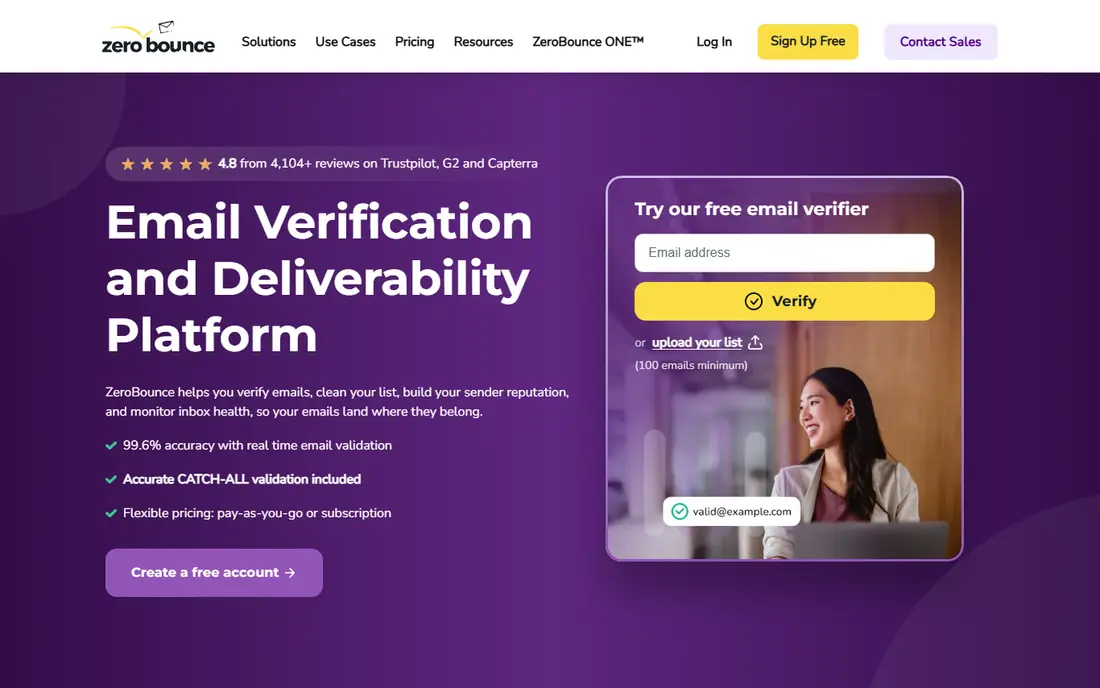
ZeroBounce covers more than a simple valid or invalid verdict. It checks syntax, domain and mailbox status, flags disposable and abuse addresses, and adds scoring for catch-all domains where a firm answer is not possible. That extra detail helps a sender decide what to keep, what to risk and what to drop, rather than guessing from a single label.
The wider toolkit is the reason it leads this list for many teams. Blacklist monitoring, inbox placement testing and an email finder sit beside bulk verification, so a marketing team can stay in one account for list health work. The catch is price at the smallest pack size, where rivals charge less per address. If you only need a one off clean of a small list, compare the total pack cost before you commit.
- Monthly free credits
- Blacklist monitoring and inbox placement tests
- AI scoring for catch-all addresses
- Entry packs cost more per email than some rivals
- Extra tools can feel like more than a small team needs
NeverBounce keeps the process plain, which is a strength when list cleaning is a routine job rather than a project. You upload a list, wait for the run, then download the results with invalid, disposable and catch-all addresses marked. Its real time API can check an address as a person types it into a form, so bad data never reaches your customer list or CRM.
The pricing model is easy to understand, with pay as you go credits starting at $8 per 1,000. That clarity comes with one limit to watch: credits bought this way expire after 12 months. Teams that clean lists every few months will use them in time, but a team that buys a large pack for a single annual campaign should buy only what it plans to use.
- Clear pay as you go pricing
- Real time verification for signup forms
- Wide range of integrations
- Pay as you go credits expire after 12 months
- Free test credits are very limited
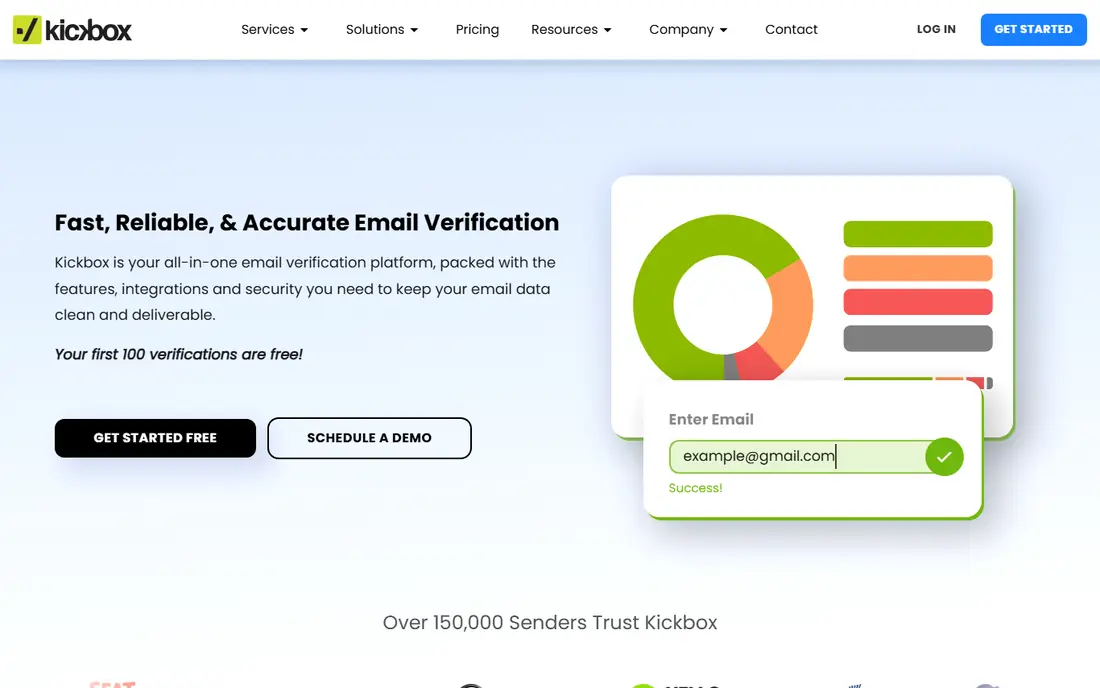
Kickbox is a good fit when a list contains a lot of addresses that other tools label as risky or unknown. Its pricing approach means uncertain results are often not charged in the same way as firm results, which can lower the real bill for a messy, older list. A free account includes a small number of credits, enough to test the upload and result format before spending.
The service also connects with common email platforms, so cleaned results can flow back to the tool you send from. It does not bundle as many deliverability extras as ZeroBounce, so teams that want inbox testing and blacklist monitoring may need a second tool. For pure verification, though, Kickbox is straightforward and well documented.
- Only charges for definitive results in many cases
- Free credits with a new account
- Strong email platform integrations
- Per email cost rises at small volumes
- Fewer deliverability extras than ZeroBounce
Hunter suits a sales or outreach team that finds contacts and checks them in the same workflow. You can search a company domain, see likely address patterns, then verify each address before sending. That combination cuts the step of exporting a found list to a separate verification tool, which is where errors often creep in.
The trade off is that Hunter is not a pure bulk verification service. Its plans are built around credits shared across finding and verifying, so a team that only wants to clean a huge inherited list may get better value from a pay as you go specialist. For prospecting teams, the shared workflow is the point, and the verification quality is strong for single addresses and smaller batches.
- Email finder and verifier in one account
- Domain search for prospecting
- Useful browser extension
- Verification is tied to a wider subscription
- Less suited to very large bulk cleaning jobs
Bouncer has built a following by keeping prices low and credits simple. Credits do not expire, which removes the pressure to use a pack by a deadline, and the tool checks for toxic addresses and catch-all domains as part of a run. That makes it a calm choice for a freelancer or small business that cleans a list a few times a year.
The interface is plain and the workflow is quick: upload, verify, download. It lacks the wider deliverability suite of ZeroBounce, and its integration list is shorter than NeverBounce, so some teams will need a manual export step. If low cost and no expiry matter most, Bouncer is hard to argue against for standard bulk work.
- Competitive price at small and mid volumes
- Credits do not expire
- Toxicity and catch-all checks included
- Smaller integration list than NeverBounce
- No large deliverability suite
Emailable gives new accounts a useful number of free credits, which makes it one of the easiest tools to test on a real slice of your own list. Bulk runs are fast, results are clearly labelled, and the tool refunds unknown results in some cases, which helps when a list has many older corporate addresses. A real time API is available for signup forms and checkout pages.
The main thing to check is the total cost for your list size, because the per email rate falls as pack size rises. A small pack can look pricey next to a large one, so buy close to the volume you actually need. For teams that want a clean, modern verification tool without a large learning curve, Emailable is a strong middle option.
- Generous free credits for new accounts
- Pay as you go and monthly options
- Real time API available
- Prices vary by pack size, so compare totals
- Fewer brand name integrations than larger rivals
Clearout is worth a look when budget is the main constraint and the list is not huge. It verifies syntax, domain, mailbox and disposable status, and it adds a business email finder for prospecting. The dashboard avoids clutter, and exports are simple to move into a CRM or email platform.
It does not have the same depth of deliverability extras as ZeroBounce, and its name carries less weight with large enterprise buyers. That matters less for a small business that just needs a clean list before a newsletter or product launch. Check the credit price for your exact volume, and run the free credits first to see how it labels your catch-all addresses.
- Affordable credits for smaller lists
- Business email finder included
- Simple dashboard and exports
- Less well known than the top three
- Advanced deliverability features are limited
DeBounce appeals to buyers who want the lowest possible spend on a one off clean. Its bulk credit packs are priced well below many rivals, and a browser extension lets you check a single address without opening the dashboard. That makes it handy for a small agency that cleans lists for clients on an occasional basis.
The product feels more basic than ZeroBounce or NeverBounce, and the help material is not as deep. That is a fair trade for the price, as long as you do not need hand holding. Run a small test batch first, check how it treats disposable and role based addresses, and keep the result file as your record of what was removed and why.
- Very low entry cost for bulk credits
- Browser extension for single checks
- Wide integration options
- Interface feels basic next to newer rivals
- Support and docs are thinner than larger vendors
How we picked these
We compared official pricing pages, feature lists, API documentation and public user reviews for tools that verify email addresses in bulk and in real time. We favoured tools that are still actively sold in 2026, that explain their result labels in plain terms, and that offer a free trial or free credits so a buyer can test before paying. We left out tools that only send email, tools that only find addresses without verifying them, and tools with no public pricing or homepage we could confirm.
What to check before you buy
Start with a test batch of 100 to 500 addresses from your own list, not a sample file. A test shows how a tool labels your catch-all domains, your role addresses such as info and support, and your older corporate addresses. Those three groups decide the real value of a tool far more than a headline accuracy claim.
Match the plan to how often you verify
Pay as you go credits suit a team that cleans a list before a quarterly campaign. A monthly plan suits a team that verifies every signup, because real time checks stop bad addresses at the door. Check credit expiry before you buy a large pack, and check if unknown results are refunded or charged.
Read the result labels before you delete anything
Valid, invalid, catch-all, disposable and role based are different problems. Invalid addresses should go. Disposable addresses should usually go. Catch-all addresses need a judgement call based on how important that contact is, and role addresses may be worth keeping for a support or press list even if they are risky for cold outreach.
Protect your sender reputation
Cleaning a list helps, but it does not fix a bad sending practice. Use confirmed opt in where you can, remove hard bounces promptly, and keep complaint rates low. A verified list sent to people who never asked to hear from you will still harm deliverability, no matter which tool cleaned it.
FAQ
What is the best email verification tool for a small business?
ZeroBounce and Bouncer are both strong starting points, for different reasons. ZeroBounce adds deliverability extras that a growing team will use, while Bouncer keeps costs low and credits never expire. Run free credits on both with the same test list, then pick the one whose result labels you find clearest.
What is the best free email verification tool?
Emailable, ZeroBounce, Bouncer and Kickbox all offer free credits for new accounts, which is the closest most buyers get to a useful free tier. No free tier here is large enough to clean a full marketing list. Treat free credits as a test, then buy the pack size that matches your real list.
How does email verification software work?
It checks syntax, then the domain, then whether the mailbox appears to accept mail, without sending a message. Good tools also flag disposable domains, role addresses, spam traps where known, and catch-all domains that accept everything. The result is a verdict plus a reason, so you can decide what to keep.
Is bulk email verification safe for my sender reputation?
Yes, when used on lists you collected fairly. Verification removes invalid addresses that would bounce and harm your reputation. It does not make an unsolicited list safe to send to, and it cannot confirm that a person wants your mail. Pair verification with opt in and regular bounce handling.
What is the best email verification service for real time checks?
NeverBounce, ZeroBounce, Emailable and Kickbox all offer a real time API for signup forms. The best choice depends on your platform, because native integrations save setup time. If your form tool has a direct integration, pick that vendor first, then compare credit price.