Best Email Security Software in 2026: 8 Tools Compared
Compare the best email security software in 2026, from Proofpoint and Mimecast to Abnormal and Microsoft Defender, with pricing, phishing defence, and fit.
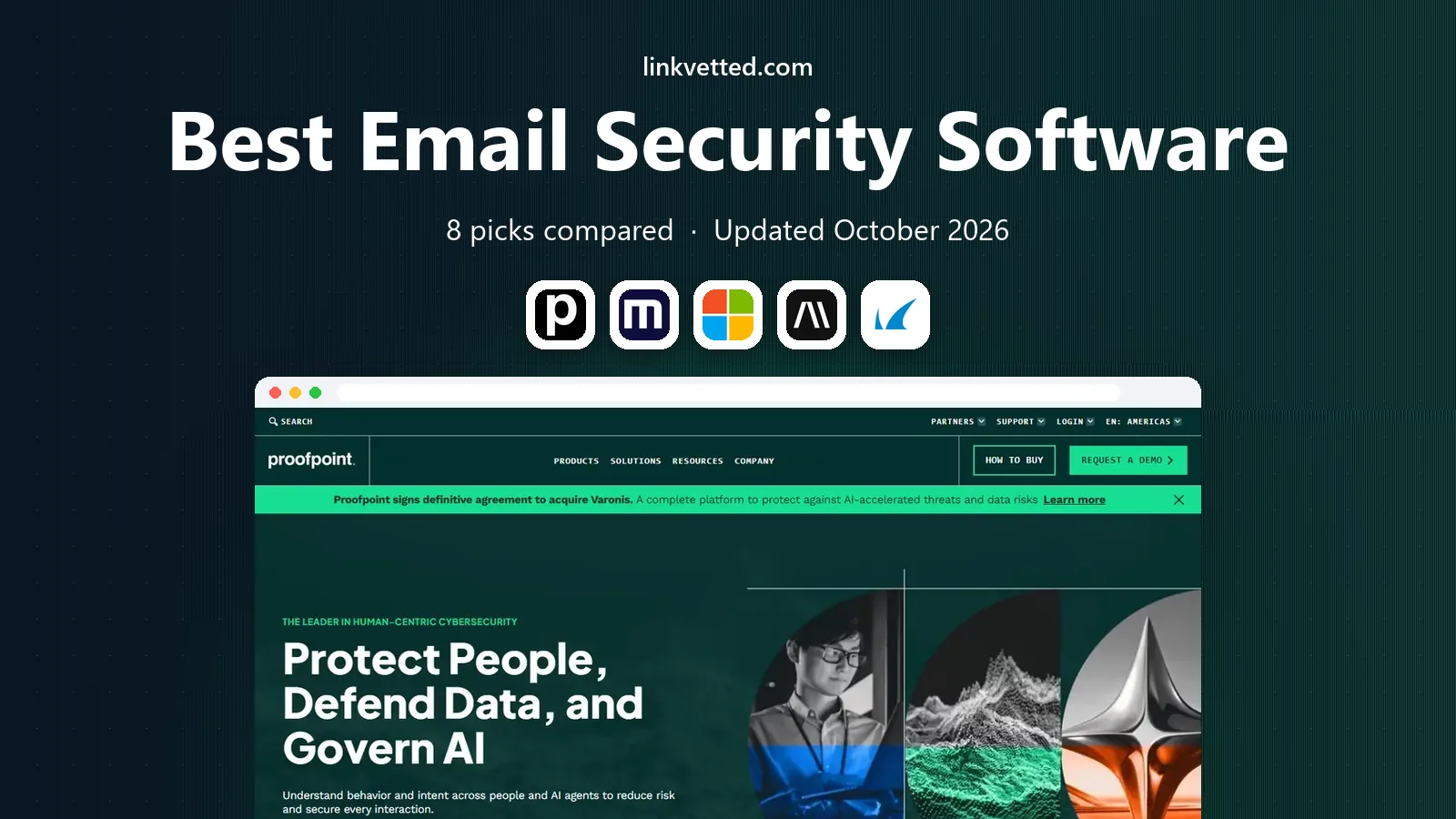
- Editor's choice
 Proofpoint
Enterprise email protection
Starts atSee websiteVisit proofpoint.comFull review - Great alternative
 Mimecast
Email security plus archiving
Starts atSee websiteVisit mimecast.comFull review - Also consider
 Microsoft Defender for Office 365
Microsoft 365 shops
Starts atSee websiteVisit microsoft.comFull review
TL;DR:
- The biggest email risk in 2026 is not spam volume, but targeted phishing and business email compromise that looks like a real colleague.
- Proofpoint and Mimecast remain the enterprise defaults, with broad filtering, archiving, and threat intelligence.
- Abnormal and IRONSCALES take a behaviour-based approach, learning normal sending patterns to catch impersonation.
- Microsoft Defender is the simplest add-on if you already run Microsoft 365, but it is not a full replacement for a dedicated gateway for every team.
- Pricing is often quoted, so get a per-mailbox quote at your real headcount before you compare.
Quick comparison
| Tool | Best for | Starts at | Free plan? | |
|---|---|---|---|---|
| Proofpoint | Enterprise email protection | See website | No | Visit |
| Mimecast | Email security plus archiving | See website | No | Visit |
| Microsoft Defender for Office 365 | Microsoft 365 shops | See website | No | Visit |
 Abnormal Security | Behaviour-based phishing defence | See website | No | Visit |
 Barracuda Email Protection | Mid-sized teams wanting a gateway | See website | Free trial | Visit |
 SpamTitan | Small teams on a budget | See website | Free trial | Visit |
 IRONSCALES | Phishing simulation and response | See website | Free trial | Visit |
 Hornetsecurity | Microsoft 365 backup and security | See website | Free trial | Visit |
The best email security software
Email security software sits in front of, or inside, your mailbox and blocks phishing, malware, spam, and business email compromise before a person has to judge a message. The tools below differ in whether they act as a gateway, an API-based layer inside your mail system, or a broader suite.

Proofpoint is the enterprise benchmark for email security, covering inbound filtering, outbound protection, and threat intelligence drawn from a large customer base. Its strength is depth: suspicious links and attachments are analysed, impersonation patterns are checked, and targeted attacks get more scrutiny than bulk spam.
That depth comes with a sales-led purchase and a real implementation effort. Small teams will find the quote and the policy work heavy for the risk they face. Larger teams, especially those handling sensitive data or frequent targeted attacks, usually find the coverage worth it.
- Broad threat detection, including URL and attachment analysis
- Strong impersonation and BEC controls
- Large threat intelligence base
- Pricing is quoted, not published
- Setup and policy tuning take time
- Full suite can be more than a small team needs
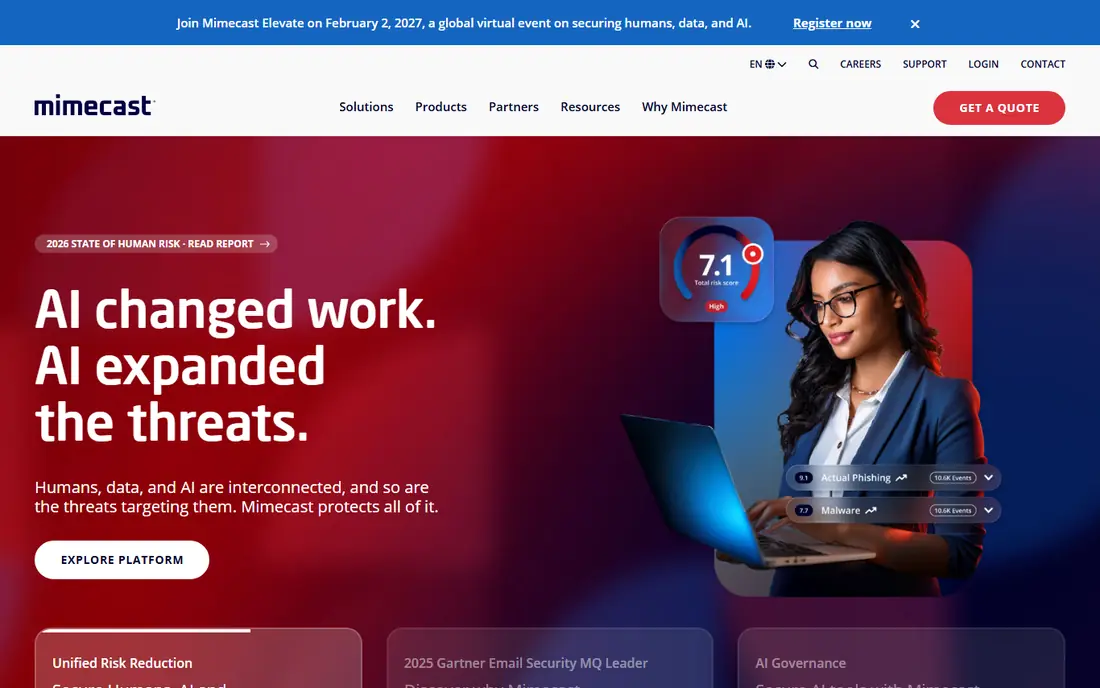
Mimecast pairs email security with continuity and archiving, which appeals to teams that need to keep mail flowing during an outage and to retain messages for compliance. Its filtering covers phishing, malware, spam, and impersonation, with link rewriting and attachment sandboxing for suspicious content.
If you only need filtering, the broader suite may feel like overbuying. If you also need archiving or continuity, bundling those jobs into one vendor simplifies admin and support. Get a quote that separates security from archiving so you can see what each part costs.
- Email security, continuity, and archiving in one platform
- Strong URL and attachment protection
- Good admin controls
- Pricing is quoted
- Archiving adds cost if you do not need it
- Migration from another gateway needs planning
For teams already on Microsoft 365, Defender for Office 365 is the lowest-friction upgrade. Safe Links checks URLs at click time, Safe Attachments detonation checks files, and anti-phishing policies cover impersonation, all inside the mail system you already use. There is no separate gateway hop to configure.
The catch is tiering. The strongest protections are on Plan 1 and Plan 2, or on higher Microsoft 365 plans, and some teams still add a dedicated gateway for deeper analysis or cross-platform reporting. If your mail, identity, and devices are all Microsoft, Defender is a strong default. If they are mixed, compare it head to head with a gateway.
- Native integration with Microsoft 365 mailboxes
- Safe Links and Safe Attachments
- No separate gateway to route mail through
- Best features sit on higher plans
- Reporting is weaker than dedicated vendors for some teams
- Microsoft-only fit
Abnormal takes a different approach from a traditional gateway. Instead of only checking links and attachments, it builds a profile of how your people normally communicate and flags messages that break that pattern, such as a supplier suddenly asking for a bank change or an executive asking for gift cards. That behaviour model is particularly strong against business email compromise, where the message itself may contain no malware at all.
Because it connects by API rather than by rerouting mail, deployment is usually faster than a gateway swap. Pricing is quoted, and the return depends on how much targeted phishing you face. Teams that see frequent impersonation attempts tend to get the most from it.
- Learns normal sender and employee behaviour to catch impersonation
- API-based, so no mail routing change
- Strong BEC focus
- Pricing is quoted
- Value depends on your attack profile
- Reporting needs review to tune false positives
Barracuda Email Protection is a solid mid-market gateway, with filtering, impersonation checks, and tools to find and remove malicious messages that slipped through. It suits teams that want a dedicated email security layer without the enterprise price and project that Proofpoint or Mimecast can involve.
Admins should expect to spend time on policy tuning in the first weeks, as with any gateway. Once tuned, Barracuda is a dependable, well-supported choice for companies that run their own mail or use Google Workspace and want a separate security layer.
- Full gateway with spam, phishing, and malware filtering
- Impersonation protection
- Incident response tooling
- Full pricing is quoted for larger plans
- Interface has many options to learn
- Some advanced features are tiered
SpamTitan is the budget gateway on this list, and it does the core job well: block spam, phishing, and malware before it reaches the inbox, with a setup that a small IT team can complete without a project plan. A free trial lets you measure its catch rate on your own mail before you commit.
It does not match the targeted-attack analysis of Proofpoint, Mimecast, or Abnormal, and its impersonation controls are lighter. For a small business whose main problem is spam and generic phishing, that trade is reasonable. For a team facing frequent targeted attacks, a behaviour-based tool is a better second layer.
- Straightforward gateway filtering at a lower price point
- Quick setup
- Good spam and malware catch rates for the price
- Fewer advanced threat intelligence features than enterprise rivals
- Reporting is basic
- Impersonation tooling is lighter
IRONSCALES blends two jobs that are often bought separately: detecting phishing in the mailbox, and training people to spot it. Its simulation campaigns, reporting button, and incident response tools help a security team remove a malicious message from every mailbox quickly after one person reports it.
That blend suits teams that want to improve human detection as well as technical filtering. It also needs ownership: simulations only help if someone runs them, reviews results, and follows up with training. Without that owner, the training half of the value goes unused.
- Combines mailbox-level detection with phishing simulation and training
- Fast incident response
- Employee reporting button
- Pricing is quoted
- Simulation needs ongoing management
- Detection depth varies by plan
Hornetsecurity is a good fit for teams, and for managed service providers, that standardise on Microsoft 365. It offers spam and phishing filtering, threat protection, and, as separate modules, backup and compliance archiving for Microsoft 365 data. One console for security and backup reduces the number of vendors a small IT team must manage.
Mixed-platform teams get less from it, because the value is tied to the Microsoft 365 stack. If your mail and files live in Microsoft 365, and you also need backup, Hornetsecurity is worth a quote. If you only need filtering, compare it with a gateway-only option first.
- Email security plus Microsoft 365 backup and compliance tools
- Strong for managed service providers
- Clear admin console
- Microsoft 365 focus limits mixed-platform value
- Pricing is quoted for larger plans
- Backup and security are separate modules
How we picked these
We compared official product pages, documentation, and pricing pages for email security tools that are actively sold in October 2026, and we checked them against independent comparisons and vendor documentation. We kept only tools that block phishing, malware, or business email compromise in a real production setup, and we excluded consumer antivirus products that do not cover business email. We mixed gateways, API-based layers, and broader suites, because the right architecture depends on your mail platform.
How to test email security before you buy
Run a trial on a real subset of mailboxes, not just a demo account, and measure three things: how much spam and phishing is blocked, how much legitimate mail is wrongly blocked, and how fast a reported message can be removed from every mailbox. Those three numbers matter more than any vendor's detection claim.
Also test the human side. Send a safe phishing simulation, check who reports it, and see how quickly your team can respond. The best technical filter still lets some messages through, so the reporting button and the response workflow are part of the product, not an extra.
FAQ
What is the best email security software for small businesses?
SpamTitan and Microsoft Defender for Office 365 are the most practical starts for small teams, depending on whether you use Microsoft 365 or another mail platform. Larger teams facing targeted attacks should also quote Abnormal, Barracuda, or Proofpoint.
What is the difference between a gateway and an API-based email security tool?
A gateway reroutes mail through the vendor's servers for filtering before delivery. An API-based tool connects inside your mail system and scans messages after they arrive, without changing mail flow. Gateways suit mixed mail setups, while API tools suit cloud mailboxes and faster deployment.
Does Microsoft Defender replace a dedicated email gateway?
For many Microsoft 365 teams, Defender covers the core needs, especially on Plan 1 or Plan 2. Some teams still add a gateway or a behaviour-based layer for deeper analysis, cross-platform reporting, or defence in depth, so the answer depends on your risk profile.
How do I stop business email compromise?
Combine technical controls with process. Use impersonation detection, enforce multi-factor authentication, and require a second channel, such as a phone call, for bank changes and large payments. No filter alone stops a well-written impersonation message every time.
Should I also run phishing simulation training?
Yes, if someone owns it. Simulations teach people to report suspicious mail, and reporting is what lets a security team remove a threat from every mailbox quickly. Without follow-up training, simulations alone change little.
Why is email security pricing often quoted, not published?
Enterprise email security is priced by mailbox count, modules, retention, and support level, so a single list price would mislead most buyers. Ask for a per-mailbox quote at your real headcount, with the modules you need separated out.