Best Email Hosting Companies in 2026: 9 Companies Compared
Compare the best email hosting company options for custom domain email, with prices per user, storage, security, spam filtering, and migration help explained.

- Editor's choice
 Google Workspace
Gmail plus office suite
Starts at$7 per user per monthVisit workspace.google.comFull review - Great alternative
 Microsoft 365
Outlook plus Office apps
Starts at$7 per user per monthVisit microsoft.comFull review - Also consider
 Zoho Mail
Low cost business email
Starts at$1 per user per monthVisit zoho.comFull review
TL;DR:
- Google Workspace and Microsoft 365 suit teams that want email plus office apps, storage, and video meetings in one plan.
- Zoho Mail and Fastmail suit buyers who want email only, at a lower price, with good privacy and control.
- Proton Mail suits buyers who prioritize encryption and privacy above office suite features.
- Always check storage per user, spam filtering, migration tools, and whether a domain is included before you pay.
Quick comparison
| Tool | Best for | Starts at | Free plan? | |
|---|---|---|---|---|
| Google Workspace | Gmail plus office suite | $7 per user per month | No | Visit |
| Microsoft 365 | Outlook plus Office apps | $7 per user per month | No | Visit |
| Zoho Mail | Low cost business email | $1 per user per month | Yes | Visit |
 Proton Mail | Encrypted private email | See website | Yes | Visit |
 Fastmail | Focused private email | $3 per user per month | No | Visit |
 Rackspace Email | Simple hosted email | See website | No | Visit |
 Titan Email | Small business email plus tools | See website | No | Visit |
 Namecheap Private Email | Cheap domain email | See website | No | Visit |
 IONOS Email | Email with hosting bundle | See website | No | Visit |
The best email hosting companies
Email hosting gives you a professional address on your own domain, such as you@yourbusiness.com, with spam filtering, storage, and admin controls. Some providers sell email only, while others bundle email with office apps and storage. This list covers both, so you can avoid paying for a suite you will never use.
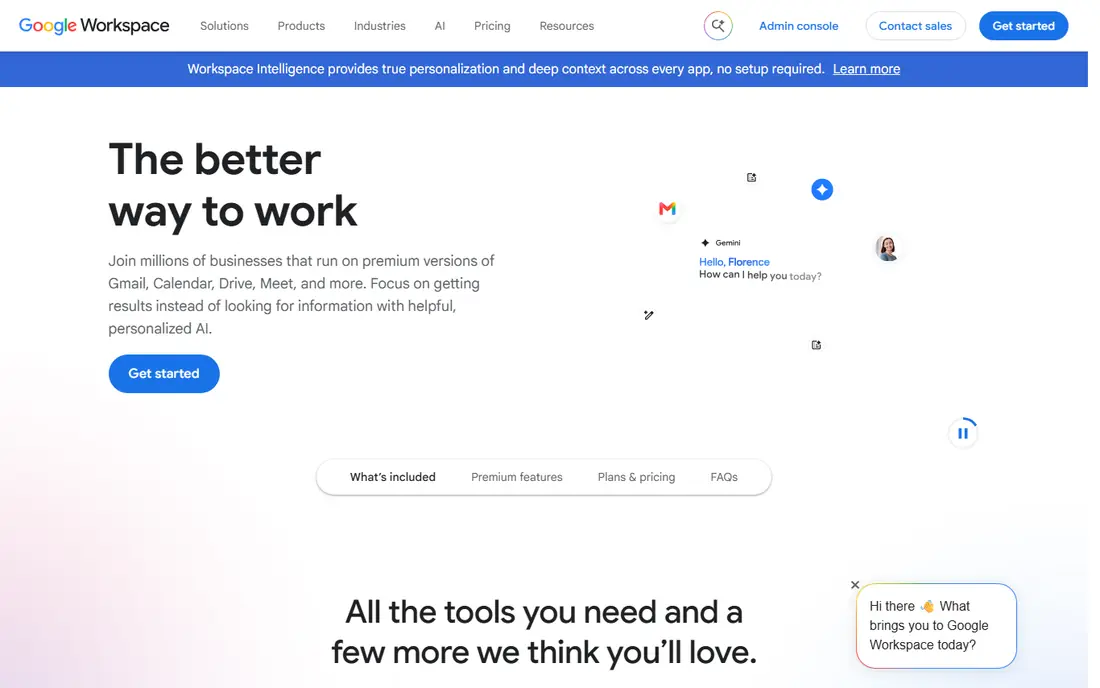
Google Workspace is our pick for most small businesses, because it combines reliable email with tools most teams already know. Business Starter costs $7 per user per month on an annual plan, with Gmail on your domain, 30 GB of pooled storage per user, and access to Docs, Sheets, Drive, and Meet. Spam filtering is strong, and admin controls make adding or removing users simple.
The main watch points are storage and price growth. Storage is pooled across the organization, so a few heavy Drive users can eat into the total, and higher tiers cost $14 per user per month or more. If your team lives in Gmail and Google Docs, the convenience is worth it. If you only need email, Zoho Mail or Fastmail will save you a lot per year.
- Gmail on your own domain
- Docs, Sheets, Drive, and Meet included
- Strong spam filtering and admin controls
- Storage is pooled, so heavy users affect the total
- Price rises on higher tiers
- Google account lock in
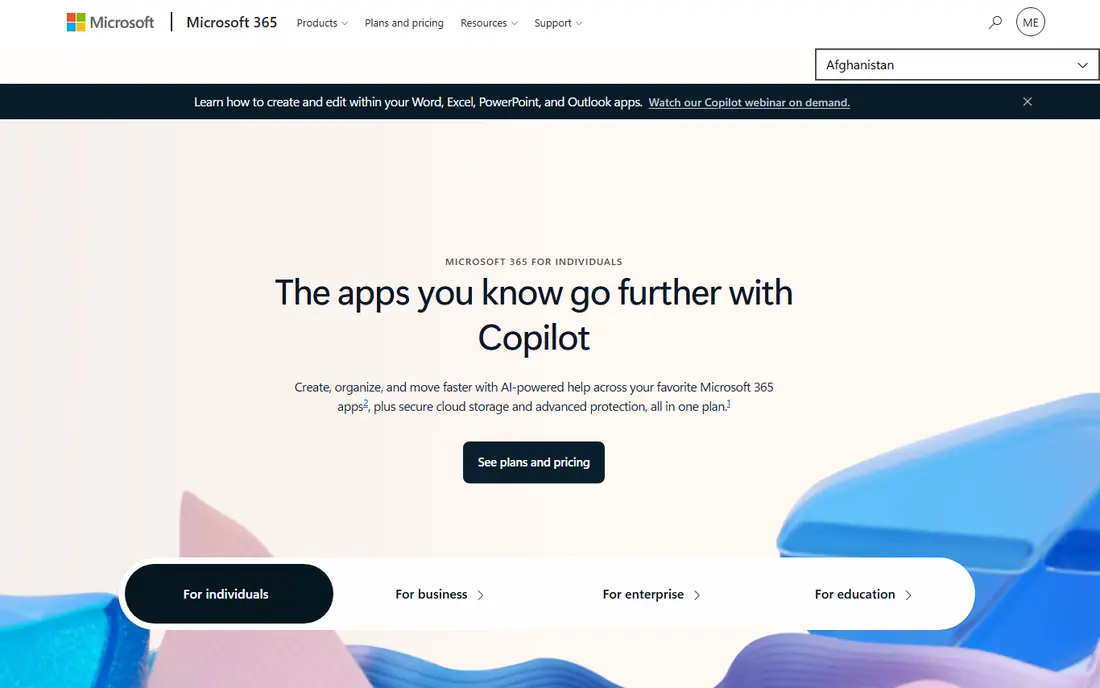
Microsoft 365 Business Basic also costs $7 per user per month on an annual plan, and it is the natural choice for teams that live in Outlook, Word, and Excel. You get a 50 GB mailbox in some listings, with newer listings showing larger mailbox limits, plus 1 TB of OneDrive storage per user and Teams for chat and meetings. Spam and malware filtering are built in.
The catch is that Business Basic includes web and mobile Office apps, not full desktop apps, which need a higher tier. The admin portal is also more complex than Google Workspace for a very small team. If your business runs on Microsoft tools, or your clients send Word and Excel files all day, Microsoft 365 is the safer pick.
- Outlook email with Exchange
- Word, Excel, and PowerPoint web apps
- 1 TB OneDrive per user on Business Basic
- Full desktop apps need higher tiers
- Admin portal can be complex for small teams
- Price matches Google
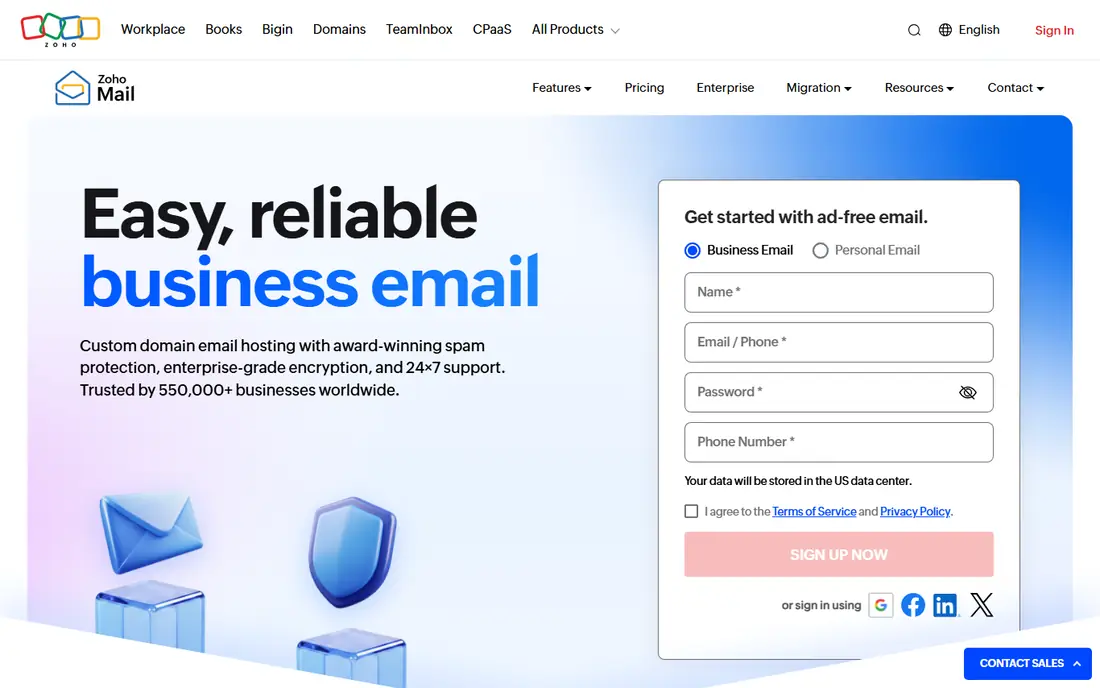
Zoho Mail is the budget pick, starting around $1 per user per month on Mail Lite with annual billing, and offering a free plan in some regions with limits. You get custom domain email, spam filtering, calendars, and admin controls, without paying for a full office suite. The Workplace bundle, at around $3 per user per month, adds docs, sheets, and meetings if you want them.
Zoho is less deeply integrated with third party tools than Google or Microsoft, and support can be slower at times. For a small team that mainly needs reliable email on its own domain, those limits rarely matter, and the savings are large. A 10 person team pays around $120 a year on Mail Lite, compared with around $840 a year for Google or Microsoft entry plans.
- Very low starting price
- Clean webmail and mobile apps
- Email only or full Workplace bundle options
- Support response times can vary
- Fewer third party integrations than Google or Microsoft
- Free plan has limits
Proton Mail is the privacy pick. It offers end to end encryption for mail between Proton users, and zero access encryption means Proton cannot read your encrypted messages. Paid business plans support custom domains, more storage, and admin controls, while a free plan lets individuals test the service.
The trade off is ecosystem. Proton does not match Google or Microsoft for office apps, calendar sharing, or third party integrations, and search across encrypted mail has limits. If privacy is your top priority, especially for legal, health, or journalism work, Proton is worth the premium. If you need a full office suite, pair it with separate tools or choose Google or Microsoft.
- End to end encryption for Proton to Proton mail
- Based in Switzerland
- Custom domain support on paid plans
- Higher price than Zoho
- Search and third party app support are more limited
- Office suite is separate
Fastmail is for buyers who want excellent email and nothing else. Starting around $3 per user per month, it offers custom domain email, fast webmail and mobile apps, calendars, contacts, and strong spam filtering, with a clear privacy policy and no advertising based on your mail. The interface is clean and quick, which long term email users appreciate.
The limit is scope. There is no office suite, storage bundle, or video meeting tool included, so teams that need those must buy them separately. If email is the core need and you already use other tools for documents and meetings, Fastmail is a focused, reliable choice.
- Fast, clean email focused service
- Strong privacy stance
- Good calendars, contacts, and custom domains
- No office suite included
- Higher price than Zoho for email only
- Fewer integrations than Google
Rackspace Email suits businesses that want simple, hosted email with human support, without a large suite. It provides custom domain mailboxes, webmail access, spam filtering, and admin tools, plus migration help when moving from another provider. Rackspace also offers Microsoft 365 plans if you later want to upgrade to a full suite.
The service is less modern than Google, Microsoft, or Fastmail for collaboration, and pricing can be quote based depending on mailbox count. For a business that just needs dependable email and a support team to call, Rackspace is a steady option. For teams that want shared docs and meetings built in, look at the suite providers first.
- Simple hosted email with webmail
- Rackspace support reputation
- Migration help for many customers
- Fewer modern collaboration features
- Pricing is quote based in some cases
- Interface feels dated to some users
Titan Email targets small businesses that want email plus practical extras, such as scheduling links, follow up reminders, and templates, in one inbox. It is often sold through hosting and domain partners, which can make setup easy if you already buy a domain from that partner. Custom domain support is standard on paid plans.
Pricing and features vary by partner, so compare the exact plan you are offered, not just the Titan homepage. Titan is less well known than the giants, but for a small business that wants a modern inbox with business tools, it is a useful alternative to a bare email only service.
- Business email with scheduling and follow up tools
- Custom domain support
- Available through hosting partners
- Pricing varies by partner
- Less well known than Google or Zoho
- Feature set varies by plan
Namecheap Private Email is the cheapest route if you already register domains with Namecheap. Plans start at a low monthly cost per mailbox, with webmail, spam filtering, and custom domain support. Setup is simple when your domain is already at Namecheap, since DNS records can be configured with less manual work.
The trade off is deliverability and depth. Mail from small hosts can land in spam more often than mail from Google or Microsoft, especially on a new domain, so set up SPF, DKIM, and DMARC records carefully. For a personal project or a very small business with a tight budget, Namecheap email works. For client facing business mail, a larger provider is safer.
- Low cost email bundled with domains
- Simple setup if you already use Namecheap
- Multiple mailbox plans
- Deliverability can be weaker than Google or Microsoft
- Support and features are basic
- Storage is limited on low tiers
IONOS Email suits small businesses that already host a website with IONOS and want email in the same account. Plans include custom domain mailboxes, webmail, and spam filtering, with options to add storage and Microsoft 365 later. European data center options appeal to some businesses with data location preferences.
Checkout upsells are a nuisance, and support quality varies, so read the plan details before paying. As with any smaller host, set up SPF, DKIM, and DMARC to protect deliverability. If you already use IONOS hosting, bundling email there is convenient. If you do not, a dedicated email provider will usually give you a better inbox.
- Email bundled with hosting and domains
- Simple plans for small businesses
- European data center options
- Upsells during checkout
- Interface and support vary
- Deliverability needs proper DNS setup
How we picked these
We compared official pricing pages, storage limits, spam filtering, admin controls, and migration tools for email hosting providers operating in 2026. We favored providers with custom domain support, clear per user pricing, and a track record of reliable delivery. We excluded free personal email services that do not support custom domains for business use.
How to choose an email host and migrate safely
Do not choose on price alone. A cheap mailbox that lands in spam, or that cannot migrate your old mail, will cost you customers.
Email only or a full suite
Choose email only, such as Zoho Mail or Fastmail, if your team already uses separate tools for documents and meetings. Choose Google Workspace or Microsoft 365 if you want email, storage, office apps, and meetings in one bill with one admin console. Count the total per user cost for all tools you actually use, not just email.
Migration, DNS, and deliverability
Before switching, back up old mail and test migration with one mailbox. Set up SPF, DKIM, and DMARC records for your domain, and check that mail reaches major providers without landing in spam. Keep the old provider active for a short overlap period, so no mail is lost during DNS propagation.
FAQ
What is the best email hosting company for a small business?
Google Workspace is the best all round pick for most small businesses, at $7 per user per month, because it combines Gmail with office apps and storage. If you only need email, Zoho Mail at around $1 per user per month saves a lot.
Can I use my own domain with email hosting?
Yes, all providers on this list support custom domains on paid plans. You will need to update DNS records, including MX records for delivery and SPF, DKIM, and DMARC records for authentication.
Is free email hosting good enough for business?
Free personal email, such as a free Gmail address, looks unprofessional and lacks admin controls. Some providers offer limited free business tiers, but a paid plan with your domain is worth the small cost for most businesses.
How much storage do I need per mailbox?
For most office users, 10 to 30 GB per mailbox is enough for several years, especially if large attachments are stored elsewhere. Teams that keep every attachment in mail, or that use Drive heavily, should choose a plan with 100 GB or more, or pooled storage.
How do I migrate email to a new host without losing mail?
Use the new provider migration tool, migrate one mailbox as a test, and keep the old account active until you confirm all mail, contacts, and calendars have moved. Update DNS only after the test migration succeeds.