7 Best Dog Grooming Software for Salons and Mobile Groomers
Find the best dog grooming software for online booking, reminders, pet records and payments, with picks for solo groomers, salons and mobile teams in 2026.

- Editor's choice
 MoeGo
Modern salons and mobile groomers
Starts atFrom $79 per month for salonsVisit moego.petFull review - Great alternative
 DaySmart Pet
Established salons that want depth
Starts atFrom $29 per monthVisit daysmartpet.comFull review - Also consider
 Gingr
Facilities that also offer boarding or daycare
Starts atFrom $109 per monthVisit gingrapp.comFull review
TL;DR:
- Online booking and automatic reminders cut missed appointments and phone time for most salons.
- Pet profiles with coat notes, temperament notes and service history help groomers prepare before each visit.
- Payment and tip handling at checkout matters, so check card fees and payout timing before you commit.
- Mobile groomers need route tools and a phone app that works away from a desk.
- Start with a trial using real appointments, not a demo calendar, before you move client records.
Quick comparison
| Tool | Best for | Starts at | Free plan? | |
|---|---|---|---|---|
| MoeGo | Modern salons and mobile groomers | From $79 per month for salons | No | Visit |
| DaySmart Pet | Established salons that want depth | From $29 per month | No | Visit |
| Gingr | Facilities that also offer boarding or daycare | From $109 per month | No | Visit |
 Square Appointments | New groomers and very small salons | Free plan available; paid plans from $29 per month | Yes | Visit |
 Groomer.io | Mobile groomers and small fleets | From $79 per month per facility or van | No | Visit |
 Pawfinity | Busy multi-stylist salons | See website | No | Visit |
 PetExec | Multi-service pet businesses | See website | No | Visit |
The best dog grooming software
We compared the options below on fit, features, price clarity and honest limits, so you can shortlist two or three and test them with real work before you commit. Start with the best-for labels in the table, then read the two or three write-ups that match your situation most closely.

MoeGo suits a busy salon or mobile team that wants booking, reminders and client records in one place, with a phone app staff will actually use during the day. Its booking flow handles varied appointment lengths by dog, breed and service, which fits grooming better than a generic calendar, and its reminders help reduce no-shows. The trade-off is price, since the lowest salon plan covers fewer team members and message allowances than larger plans, so a growing team should price texts and seats before signing up.
- Online booking and reminders
- Pet and client profiles
- Mobile app and route tools
- Higher tiers needed for some features
- Text costs can add up
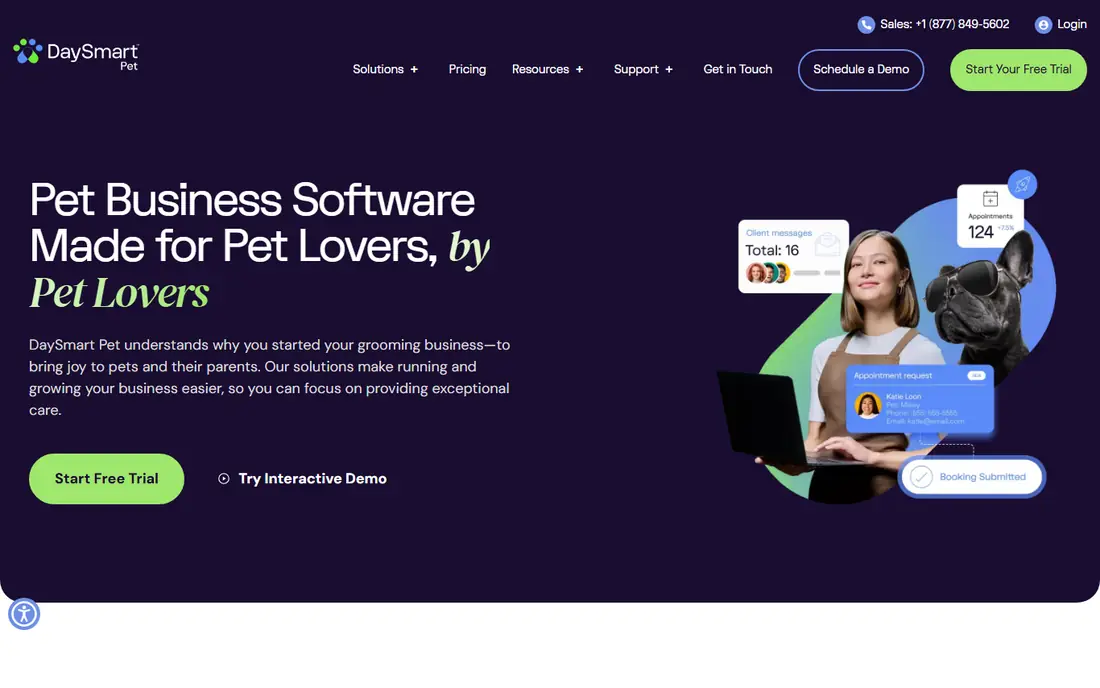
DaySmart Pet fits an established salon that values detailed records, including vaccination notes and long service histories, over a flashy interface. Its record depth helps when a salon must track medical notes, preferences and repeat services across many clients, and its tiered plans let a small shop start at a lower price. The weakness is polish, because staff may find the mobile view less smooth than the desktop view, so test the phone workflow with a groomer before you choose it.
- Scheduling and reminders
- Detailed pet records
- Payment processing
- Interface feels dated in places
- Mobile experience is less polished than desktop
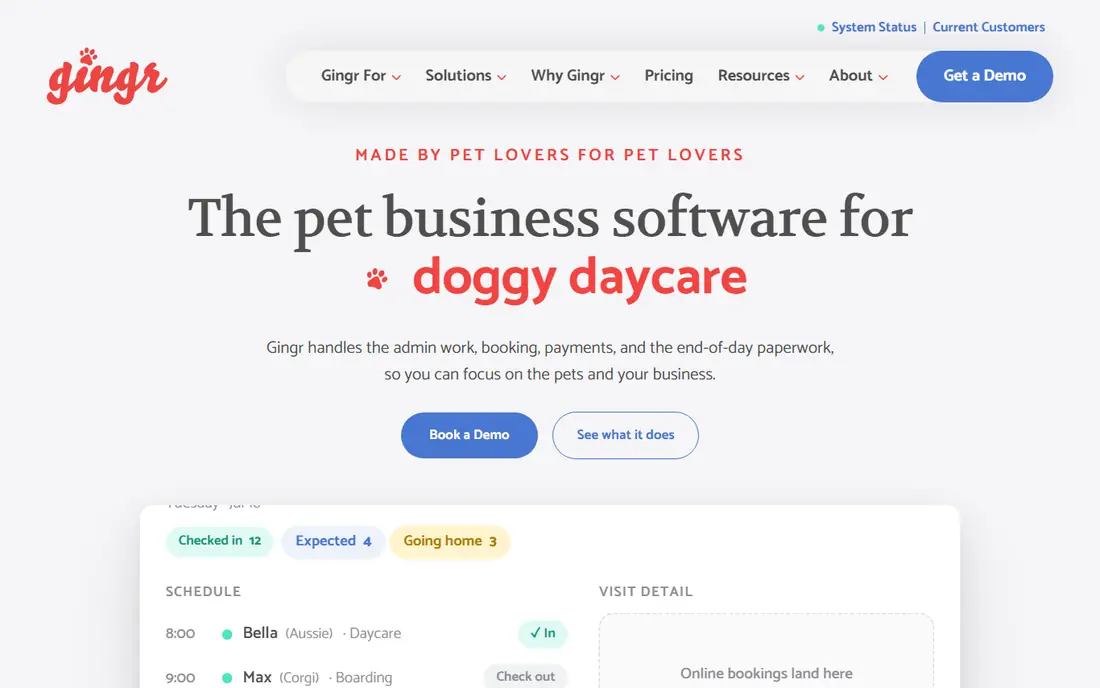
Gingr fits a pet facility where grooming sits beside boarding or daycare and staff need one client record across services. Its shared record keeps boarding dates, daycare notes and grooming history together, which reduces double entry when a dog uses more than one service. The honest limit is focus, because a grooming-only salon may pay for boarding features it never uses, so compare its grooming workflow directly with a grooming-first option.
- Boarding, daycare and grooming in one system
- Online booking
- Report cards
- Grooming tools are less deep than grooming-only tools
- Pricing rises with add-ons
Square Appointments fits a new groomer who needs booking and card payments quickly, without a long setup or a large monthly bill. Its free plan lets a solo groomer take online bookings and accept payments from the start, and its familiar checkout keeps the front desk simple. The limit is depth, because grooming notes, breed details and repeat service tracking are lighter than in dedicated grooming tools, so a busy salon may outgrow it.
- Free starting plan
- Booking and payments
- Simple setup
- Fewer grooming-specific record fields
- Advanced features need paid plans
Groomer.io fits a mobile groomer who works from a van and needs scheduling, messaging and routes in one phone-friendly tool. Its mobile focus helps a groomer check the day, message a client and move between stops without returning to a desk, which matters on a route. The cost note is fleet size, because pricing per facility or van means a multi-van business should total the full monthly cost before comparing it with a salon plan.
- Mobile-first scheduling
- Two-way messaging
- Route support
- Per-van pricing can add up for fleets
- Fewer boarding features
Pawfinity fits a busy salon with several stylists, where service times, add-ons and staff schedules need careful control. Its service builder lets a salon shape appointments around coat, size and service mix, which helps a full book run with fewer gaps and overlaps. The drawback is transparency, because pricing is not published on its site, so a salon must request a quote and confirm what is included before budgeting.
- Service builder and scheduling
- Client and pet records
- Payments
- Pricing is not published
- Setup takes time to learn
PetExec fits a pet business that offers grooming alongside boarding or daycare and wants one system for bookings, records and reports. Its combined tools help staff see a pet across services, and its reporting gives an owner a clearer view of bookings and revenue by service. The weakness is clarity on cost, because pricing is not published, so ask for a full quote, including any payment or messaging fees, before you commit.
- Grooming, boarding and daycare tools
- Client records
- Reporting
- Interface can feel busy
- Pricing is not published
How we picked these
We checked vendor pricing pages and comparison guides in October 2026, then kept only tools that are still sold for grooming work, with online booking, pet records and payments or a clear payment link. We favored grooming-first tools for grooming-only salons and combined tools only where a business truly offers boarding or daycare as well. Where a vendor does not publish a price, we wrote See website rather than guessing. We also weighed setup effort, because a tool that staff avoid will not help even if its feature list looks long. That is why we note mobile quality, message limits and per-seat or per-van pricing in each write-up. We also checked whether a vendor page was current in October 2026 and whether pricing, limits and support paths were stated plainly, because vague pages often hide costs that appear after signup.
What to check before you choose
Booking and reminders
Ask how many reminder texts are included, what extra texts cost, and whether clients can confirm, reschedule or cancel online. A salon that relies on reminders should test the message flow with a real phone number during a trial. Take notes during trials, compare the same tasks across tools, and ask support a real question to test response time and clarity before you pay.
Records that groomers will use
Check that a pet record holds breed, coat condition, temperament, past cuts and notes a groomer can read in seconds. If notes are buried in menus, staff will keep paper notes instead, and the record will go stale. Take notes during trials, compare the same tasks across tools, and ask support a real question to test response time and clarity before you pay.
Payments and checkout
Confirm card rates, tip handling, deposits and no-show fees, and whether deposits are taken at booking. For mobile work, confirm offline handling and receipt options when signal is weak. Take notes during trials, compare the same tasks across tools, and ask support a real question to test response time and clarity before you pay.
Growth and switching
Ask how client data can be exported, how many staff seats are included, and what happens to booking links if you leave. A clear export path matters more than a long feature list when a salon grows or changes tools. Take notes during trials, compare the same tasks across tools, and ask support a real question to test response time and clarity before you pay.
FAQ
Do I need grooming software if I am a solo groomer?
You may not need a full salon system at first, but online booking and reminders alone can save hours of phone and text work each week. A simple plan or free starting plan is often enough until bookings, repeat clients and no-shows grow. If you are unsure, start with the smallest plan or free tier, test it for two weeks with real work, and only upgrade when a missing feature blocks a task you do every week.
Can clients book online without calling?
Most tools on this list offer online booking, and many let clients pick a service, groomer and time. Check whether your services need approval before confirmation, since some cuts need a consultation first. If you are unsure, start with the smallest plan or free tier, test it for two weeks with real work, and only upgrade when a missing feature blocks a task you do every week.
How do text reminders affect the monthly cost?
Some plans include a set number of texts and charge for more, while others include unlimited operational messages. Add your expected reminder volume to the plan price before you compare two tools. If you are unsure, start with the smallest plan or free tier, test it for two weeks with real work, and only upgrade when a missing feature blocks a task you do every week.
What happens to my client list if I switch tools?
That depends on export options, so ask before you sign up. Look for client, pet and appointment history export, and ask whether a vendor helps with migration during onboarding. If you are unsure, start with the smallest plan or free tier, test it for two weeks with real work, and only upgrade when a missing feature blocks a task you do every week.
Is payment processing included?
Many tools offer built-in payments or link to a payment provider, but card rates and payout timing vary. Confirm the rate, any monthly payment fee, and how refunds and tips are handled. If you are unsure, start with the smallest plan or free tier, test it for two weeks with real work, and only upgrade when a missing feature blocks a task you do every week.
Sources
https://www.moego.pet https://www.daysmartpet.com https://www.gingrapp.com https://squareup.com/us/en/appointments https://groomer.io https://www.pawfinity.com https://www.petexec.net https://hellojune.io/blog/best-pet-grooming-software