Choosing Document Management Software for Government Contractors in 2026: 5 Options Compared
5 best document management software for government contractors, with entry costs, free tiers and the buyer each one serves. A comparison table is included.
- Editor's choice
 Box
Secure cloud content management and collaboration
Starts atSee websiteVisit box.comFull review - Great alternative
 Hyland OnBase
Content management and process simplifying
Starts atSee websiteVisit hyland.comFull review - Also consider
 M-Files
AI-powered document management with context
Starts at€65 per seat a monthVisit m-files.comFull review
Direct answer
This list puts Box first for secure cloud content management and collaboration. Listed starting prices: M-Files from €65 per seat a month and Laserfiche from $42 per user a month. If your case is different, Hyland OnBase suits Content management and process simplifying and M-Files suits AI-powered document management with context. Details, prices and limits for the rest of the 5 tools are below.
TL;DR:
- Box is the opening pick, best for secure cloud content management and collaboration.
- Neither Box nor Laserfiche, nor any of the other 3 tools, has a permanent free plan; trials and quotes are the norm.
- The main caution on Box: restricted advanced workflow automation.
- Laserfiche suits workflow automation and electronic forms.
- The cheapest monthly starting price in the list is $42 per user per month, offered by Laserfiche.
Last checked November 2026. Prices and plan details were read from the vendors' own pages in November 2026; vendors change plans often, so confirm the current price on the vendor site before you buy.
Quick comparison
| Tool | Best for | Starts at | Free plan? | |
|---|---|---|---|---|
| Box | Secure cloud content management and collaboration | See website | Not stated | Visit |
| Hyland OnBase | Content management and process simplifying | See website | Not stated | Visit |
| M-Files | AI-powered document management with context | €65 per seat a month | Not stated | Visit |
 Microsoft SharePoint | Microsoft 365-centric collaboration and governance | See website | Not stated | Visit |
 Laserfiche | Workflow automation and electronic forms | $42 per user a month | Not stated | Visit |
Every option for document management software for government contractors explained
Short on time? The summary and table above give the quick view of 5 document management software for government contractors, and the profiles that follow give the detail behind each entry.
Think of Box for secure cloud content management and collaboration. If you need deep on-premises control, consider OpenText or Hyland OnBase.
Box may have restricted advanced workflow automation compared to dedicated systems like Laserfiche. It depends on cloud connectivity, which may be a concern for some. No starting price is listed for Box here; confirm pricing on the vendor site. Free access: Not stated.
Trade-offs to know: Depends on cloud connectivity.
- Guards sensitive data
- AI-powered content management
- Restricted advanced workflow automation
Hyland OnBase is a good fit for Content management and process simplifying. Hyland OnBase is a content management option that efficiently handles information and simplifies business processes for optimal performance. It is made for organizations, including government contractors, that need to manage large volumes of content and plug into existing systems.
On top of that, OnBase can be complicated to implement and may need dedicated IT resources. It is better suited for bigger organizations with the capacity to run a solid system. No starting price is listed for Hyland OnBase here; confirm pricing on the vendor site. Trial and free access: Not stated.
Where it falls short: Complicated implementation.
- Simplifies business processes
- Scalable for large organizations
- May need specialized IT resources
M-Files is designed for AI-powered document management with context. M-Files helps organize documents in context, automate workflows, and reduce risk with secure, AI-powered document management. It is well suited to government contractors who require intelligent information management that adapts to their processes and ensures compliance.
Where it falls short: Metadata-driven approach may need adjustment.
Also, M-Files uses a metadata-driven approach that may need a ramp-up time and initial setup effort. It might not suit organizations preferring traditional folder structures. Entry price for M-Files: €65 per seat per month. Free access: Not stated. Best features of M-Files: Automates workflows.
- Organizes documents in context
- Cuts risk with secure management
- Can be complex to set up
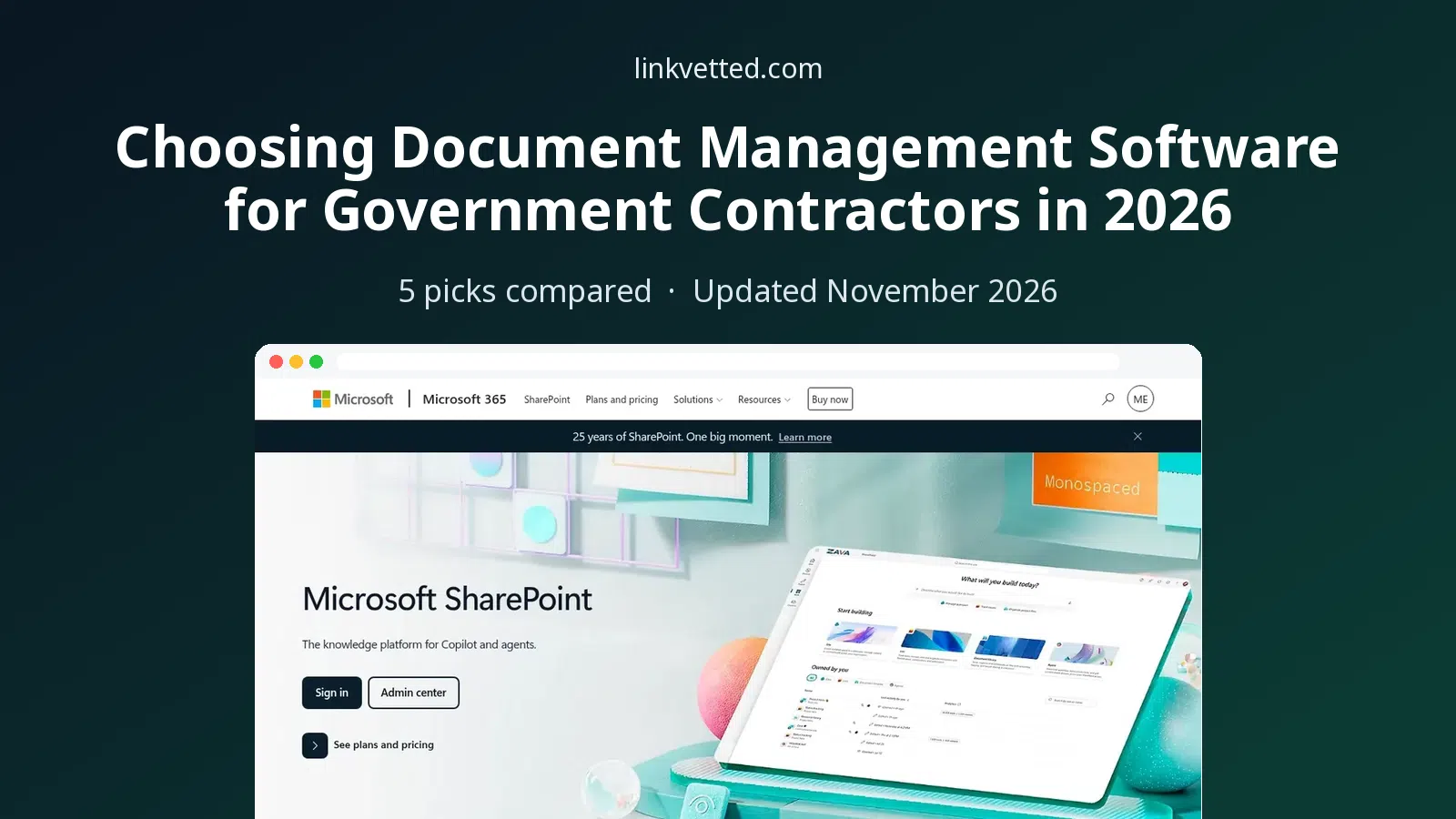
Microsoft SharePoint
Best for: Microsoft 365-centric collaboration and governance
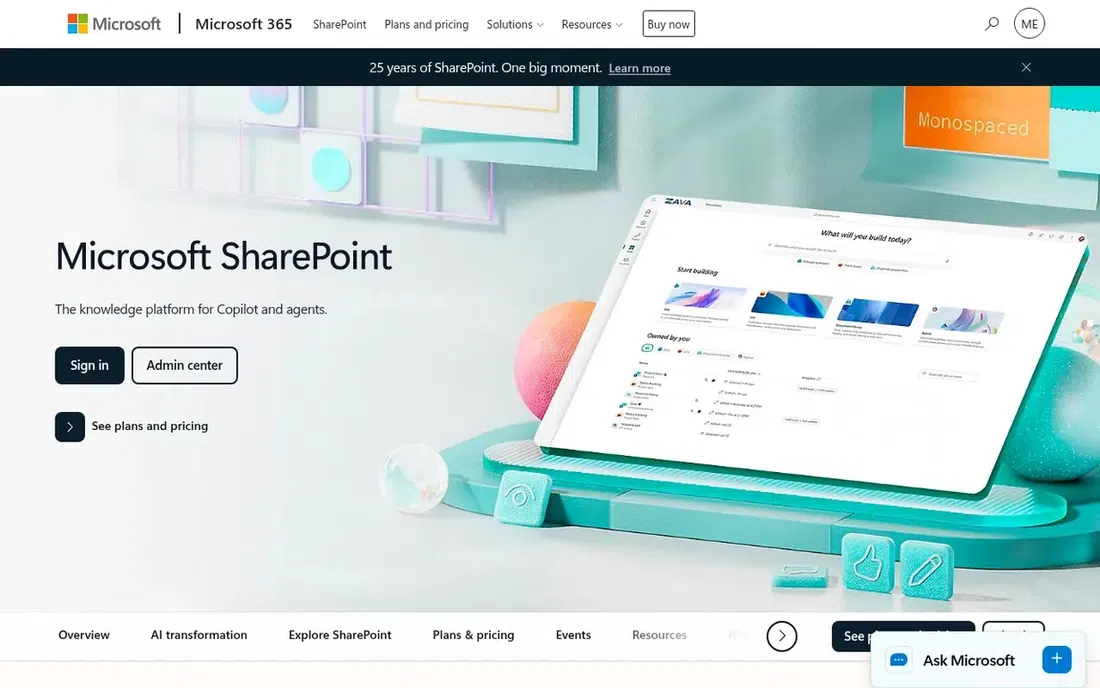
Microsoft SharePoint is designed for Microsoft 365-centric collaboration and governance. Microsoft SharePoint is a collaborative content management system that makes it possible for secure file sharing and governance. It powers collaboration, communication, automation, and AI experiences across Microsoft 365.
SharePoint can be complicated to set up and maintain, commonly requiring specialized IT skills. Its full features are tied to Microsoft 365 subscriptions. Microsoft SharePoint shows no starting price here, so confirm the cost on the vendor site. On free options: Not stated.
Downsides: Needs Microsoft 365 licensing.
- AI-powered experiences
- Capable security and compliance tools
- Can be complex to configure
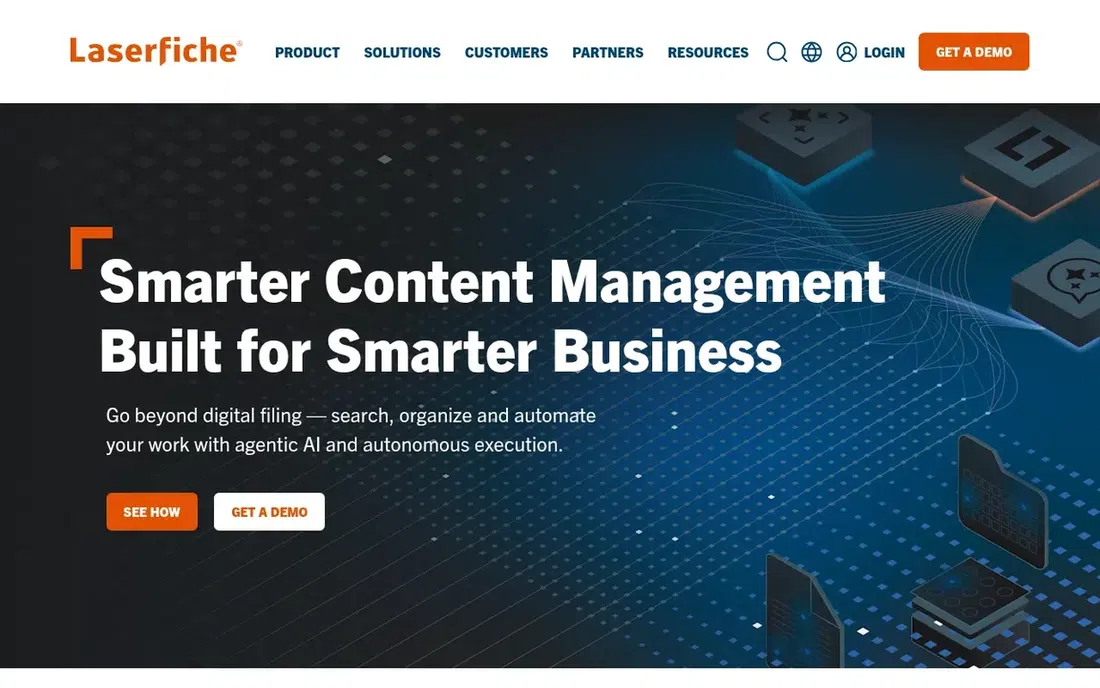
Laserfiche is aimed squarely at workflow automation and electronic forms. Laserfiche offers AI-powered document management and process automation, with capable workflows, electronic forms, and analytics to accelerate work.
What to check first: May need customization.
Laserfiche may need customization and training to completely use its automation features, and the cost can be higher for small teams. On cost, Laserfiche starts like this: $42 per user per month. Trial and free access: Not stated.
- Process automation and analytics
- Electronic forms
- Can be expensive for small teams
How we chose
Before you commit
- Ask Box, Hyland OnBase and Microsoft SharePoint for a written quote, since no starting price is shown.
- Before choosing Box, weigh its main limit: restricted advanced workflow automation.
- Make sure M-Files lets you export your data in a format another tool can read.
- Test how quickly Laserfiche answers a pre-sales question; it hints at how support will feel later.
- Check whether Microsoft SharePoint bills monthly or annually, and what cancelling early costs.
FAQ
Is Box suitable for handling sensitive government documents?
It is used by organizations handling sensitive information. For everyday use, contractors should confirm that Box meets their specific security and compliance standards, like FedRAMP.
Can I try these tools before paying?
Not by default. None of the tools, from Box to Laserfiche, lists a free plan or a free trial here, so ask each vendor for a demo before committing. Prices, free plan details and limits for all 5 tools in this document management software for government contractors roundup sit on the individual cards above.
How are the tools for document management software for government contractors ordered?
Box sits first and Laserfiche last because the order follows typical fit for document management software for government contractors, then price clarity and free access. It is a judgement call, so read each profile for fit and limits.
How does Microsoft SharePoint compare to OpenText for government contractors?
SharePoint is tightly integrated with Microsoft 365 and provides capable collaboration tools, making it well suited to organizations already using Microsoft products. The choice relies on your existing infrastructure and complexity needs.
Do these tools publish their prices?
Not all of them. Box, Hyland OnBase and Microsoft SharePoint publish no starting price, so expect a quote request for those. The rest, M-Files included, show a starting price, though seats and billing terms still change the final cost.
Can Laserfiche handle government compliance requirements?
Laserfiche supplies workflow automation, electronic forms, and analytics that can support compliance processes. It is widely used in regulated industries. That said, contractors should verify that specific compliance features align with their contract requirements.
Sources
- https://www.box.com
- https://www.hyland.com/en/solutions/products/onbase
- https://www.m-files.com
- https://www.microsoft.com/en-us/microsoft-365/sharepoint/collaboration
- https://www.laserfiche.com
Related guides
- Best Access Management Software for Government Contractors for 2026: Our 5 Vetted Picks
- 5 Construction Document Management Software Worth Shortlisting in 2026
- Best Analytics Software for Government Contractors in 2026: 5 Tools Compared
- The 6 Best Applicant Tracking System for Government Contractors in 2026, Ranked