Best Document Automation Tool in 2026: 8 Tools Compared
Find the best document automation tool for your team. We compare 8 document automation software options on templates, signing, pricing, and fit in detail.

- Editor's choice
 PandaDoc
Sales teams that need proposals, quotes, and signing in one place
Starts at$19 per user per monthVisit pandadoc.comFull review - Great alternative
 DocuSign
Teams that need trusted signing and agreement workflows
Starts atSee websiteVisit docusign.comFull review - Also consider
 Conga Document Automation
Salesforce teams generating high volumes of documents
Starts atSee websiteVisit conga.comFull review
TL;DR:
- PandaDoc is our pick for most sales teams because it joins proposals, signing, and payments in one flow.
- DocuSign leads when trusted signing and a clear audit trail matter most.
- Conga is the strongest choice for high-volume generation from Salesforce data.
- Start with one repeat document type, because a tool that fits that workflow will usually fit the next ones too.
Quick comparison
| Tool | Best for | Starts at | Free plan? | |
|---|---|---|---|---|
| PandaDoc | Sales teams that need proposals, quotes, and signing in one place | $19 per user per month | Free trial | Visit |
| DocuSign | Teams that need trusted signing and agreement workflows | See website | Free trial | Visit |
| Conga Document Automation | Salesforce teams generating high volumes of documents | See website | No | Visit |
 Formstack Documents | Operations teams merging form and CRM data into documents | See website | Free trial | Visit |
 Adobe Acrobat Sign | Teams already using Adobe and Microsoft tools | See website | Free trial | Visit |
 airSlate | Teams automating document workflows with bots and forms | See website | Free trial | Visit |
 Mitratech HotDocs | Legal and finance teams with complex, logic-heavy documents | See website | No | Visit |
 Proposify | Small sales teams that want polished proposals fast | See website | Free trial | Visit |
The best document automation tools
We compared tools on template building, data merging, signing, approvals, and integrations, and we kept only tools that truly automate documents rather than just store them. PandaDoc is our pick for most sales teams, while Conga leads for Salesforce-heavy firms.
PandaDoc
Best for: Sales teams that need proposals, quotes, and signing in one place
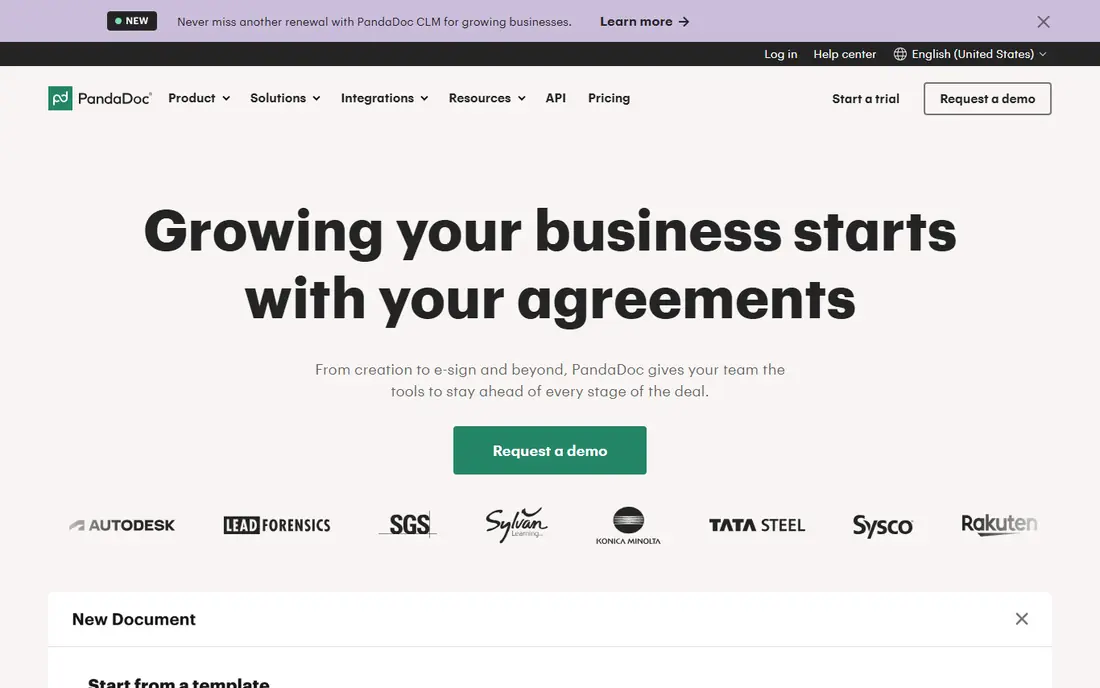
For many teams, PandaDoc is the first name that comes up in this category, and there is a good reason for that. Its strength is turning a proposal into a signed, paid deal without moving between several tools.
Sales teams can build a quote, send it for signing, and collect payment from the same document. Tracking shows when a client opens and signs, which helps follow-up.
The catch is tiering. The lowest paid plan covers the basics, while approvals and deeper automation sit higher, so map your workflow to the plan before buying.
- Drag-and-drop document builder
- Built-in signing and payments
- CRM links
- Advanced features sit on higher tiers
- Template setup takes time at first
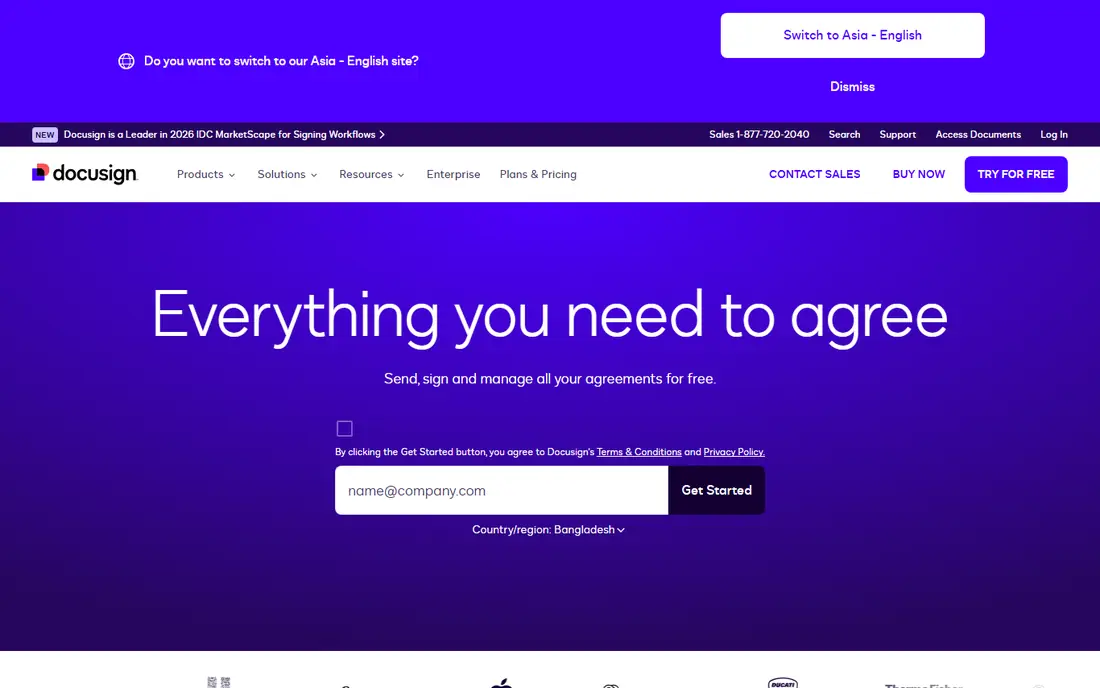
If your shortlist is getting long, DocuSign is worth a closer look before you decide. Its strength is signing that clients and partners already know and trust.
Agreements can be routed, signed, and stored with a clear trail of who signed and when. That record matters for legal and finance teams.
The catch is scope. If you also need heavy document generation, you may need a related DocuSign product, so confirm the full bundle.
- Wide recognition for signing
- Strong audit trails
- Many integrations
- Full document generation needs add-ons
- Pricing varies by plan
Conga Document Automation
Best for: Salesforce teams generating high volumes of documents
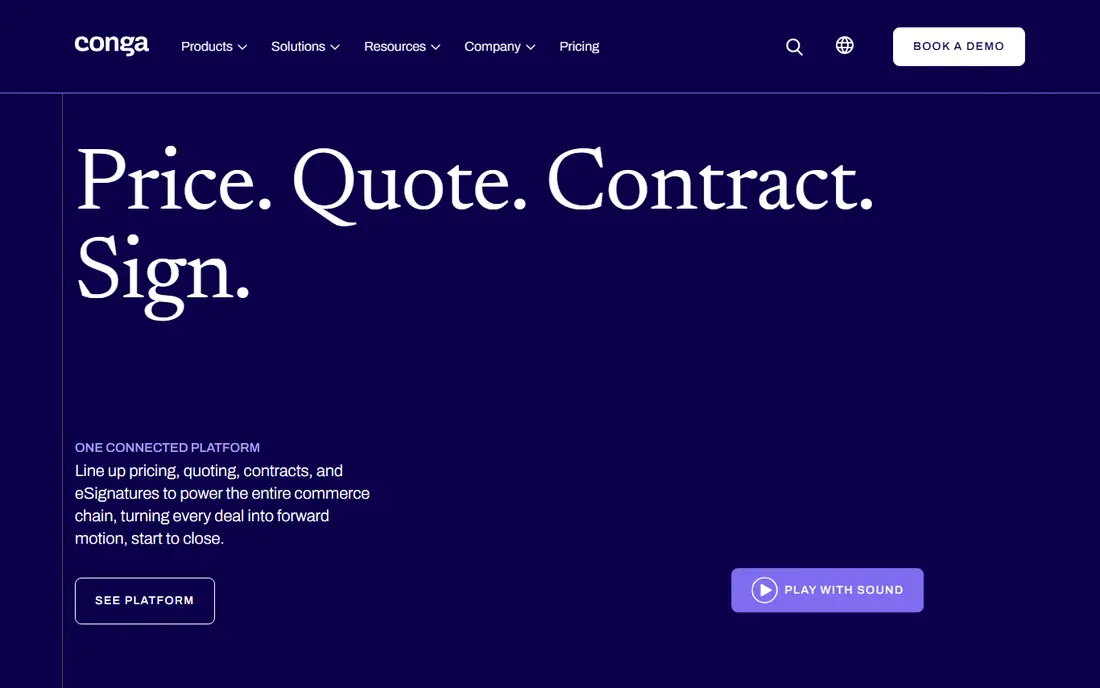
Some buyers choose Conga Document Automation for its breadth, while others choose it for one feature done well. Its strength is generating accurate documents from Salesforce data at scale.
Quotes, contracts, and proposals pull live account data, which cuts copy errors. Conditional logic lets one template serve many deal types.
The catch is fit. Teams outside Salesforce get less value, and setup often needs skilled admin help, so budget time for template work.
- Deep Salesforce data merging
- Complex templates and logic
- Batch generation
- Best value inside Salesforce
- Setup can be complex for small teams
Formstack Documents
Best for: Operations teams merging form and CRM data into documents
We put Formstack Documents on this list because it solves a clear problem for a clear kind of buyer. Its strength is simple data-to-document work without code.
A form submission or CRM record can fill a template and produce a finished file. That helps HR, operations, and sales teams that repeat the same documents.
The catch is signing. If signing is central, pair it with a signing tool or choose a platform that includes signing in the same flow.
- No-code merge templates
- Many data sources
- Common output formats
- Signing is secondary to generation
- Pricing rises with volume
Look past the marketing for Adobe Acrobat Sign and you find a practical tool with a specific job to do. Its strength is pairing signing with real PDF work in one place.
Teams can edit, send, sign, and track PDFs without switching apps. Microsoft links help firms that already live in that set of tools.
The catch is depth. Some compliance and workflow features need higher plans, so check the tier that matches your audit needs.
- PDF editing alongside signing
- Enterprise controls
- Microsoft links
- Full enterprise compliance sits on higher tiers
- Interface has many options
Among the options here, airSlate stands out for the way it fits into daily work. Its strength is workflow logic that moves a document from draft to approval to signing with less manual chasing.
Bots can route, remind, and update records as steps finish. That helps teams with repeat approvals across departments.
The catch is design time. A complex workflow needs careful setup and testing, so start with one process and expand from there.
- Workflow bots for routing and approvals
- Form and document links
- Integrations
- Learning curve for complex workflows
- Pricing is quote-based for larger use
Mitratech HotDocs
Best for: Legal and finance teams with complex, logic-heavy documents
A buyer who values simplicity may pass over Mitratech HotDocs at first, which would be a mistake for some teams. Its strength is handling documents where answers change clauses, sections, and wording.
Legal and finance teams can build interviews that produce a correct document from structured answers. That reduces drafting errors in repeat work.
The catch is effort. Building a logic-heavy template takes skill and time, so it fits teams with steady, high-value document volume.
- Logic-based templates for complex documents
- Strong for regulated work
- Word output
- Setup needs template expertise
- Less suited to simple sales proposals
The case for Proposify is not that it does everything, but that it does its core job with care. Its strength is speed for a small sales team that needs a clean proposal today.
Templates, pricing tables, and signing sit in one editor, and tracking shows client activity. That helps a lean team follow up at the right moment.
The catch is scale. Teams with complex contracts or deep lifecycle needs may outgrow it, so check approval and renewal features early.
- Polished proposal templates
- Tracking and signing
- Easy editor
- Less deep contract lifecycle support
- CRM depth varies by plan
How we picked these
We compared official feature and pricing pages, template options, signing, and integration lists for each vendor. We favoured tools that reduce manual copying, keep a clear approval trail, and connect to the CRM or forms a team already uses. We did not claim hands-on testing, and where pricing is quote-based we say so rather than guessing a figure.
We also checked pricing transparency and noted where a vendor requires a quote, because a hidden price makes comparison harder for a small buyer. Where a price changed recently or differed between sources, we used the safer wording rather than publishing a figure we could not confirm. That approach keeps the comparison useful without overstating what we verified, and it lets readers check the current price on the vendor site before they buy.
How to choose the right document automation tool
Define the document before the tool
List the documents you repeat most, the data each one needs, and who must approve it. A sales proposal, a legal agreement, and an HR letter need different logic, and that list will narrow the shortlist fast.
Check data sources and signing in one flow
Confirm that your CRM, form, or spreadsheet can feed the template, and that signing happens without exporting the file. Breaks in that chain are where errors and delays appear.
Pilot with a real template
Build one live template during a trial and send it to a real client or colleague. That test reveals template effort, signing friction, and approval gaps far better than a feature list.
What a good trial should prove
A trial should answer one question for each part of your workflow, not just show a demo. Pick a real task, such as onboarding one person, sending one proposal, running one campaign, or opening one ticket, and run it end to end with your own data. Note where you needed help, where the steps felt slow, and where the result differed from what you expected. If a trial only lets you click through sample data, ask for a longer pilot or a guided session with your own use case, because sample data hides the friction that matters in daily work.
Costs beyond the headline price
The headline price rarely tells the full story, because seats, add-ons, volume limits, and support tiers can change the total. Ask what happens when you add users, exceed a limit, or need a higher support level, and get that answer in writing before you sign. Also check contract length, renewal terms, and any setup or migration fees, since those items can matter more than a small monthly difference. A tool that looks cheap at five users can become costly at fifty, so model the price at your next stage of growth.
Support, security, and exit options
Support quality, security controls, and exit options deserve the same attention as features. Check how you reach support, what hours it covers, and whether help is included or paid, because a tool you rely on daily needs a clear route when something breaks. Review security basics such as access controls, two-factor sign-in, and data handling, and ask how you export your data if you leave. A clean export path protects your work and gives you freedom to change tools later without losing history.
FAQ
What is the best document automation software for sales teams?
PandaDoc and Proposify are strong for sales proposals, with PandaDoc leading for teams that also want payments in the document. Check template needs, CRM links, and signing before you pick a plan.
What is the best tool for document automation in Salesforce?
Conga Document Automation is built for Salesforce data and high-volume generation. Teams outside Salesforce should look at PandaDoc or Formstack Documents instead, since Conga gives less value there.
Do these tools include e-signing?
Many do, including PandaDoc, DocuSign, and Adobe Acrobat Sign, but depth varies. Formstack Documents focuses more on generation, so confirm signing coverage if that step is central to your workflow.
What are the top document automation software options for legal teams?
Mitratech HotDocs fits legal teams with logic-heavy documents, while DocuSign fits signing and agreement tracking. Legal buyers should also check version control, audit trails, and retention rules.
How much does document automation software cost?
PandaDoc paid plans start at $19 per user per month, while several enterprise tools are quote-based. Total cost depends on seats, volume, and add-ons, so ask for a quote for your exact document count.