Best Dispatch Software in 2026: 9 Tools Compared
Compare the best dispatch software in 2026 for delivery, courier, and field service teams, with routing, live tracking, pricing, and proof of delivery.
- Editor's choice
 Onfleet
High-volume last-mile dispatch
Starts atSee websiteVisit onfleet.comFull review - Great alternative
 Circuit
Small courier and delivery teams
Starts atSee websiteVisit getcircuit.comFull review - Also consider
 OptimoRoute
Route planning per driver
Starts atSee websiteVisit optimoroute.comFull review
TL;DR:
- Onfleet is our pick for high-volume last-mile dispatch, with auto-dispatch, live tracking, and proof of delivery in one dashboard.
- Small courier teams get good value from Circuit and OptimoRoute, which keep routing simple and priced per driver or per plan.
- Field service teams should look first at Jobber, Housecall Pro, and ServiceTitan, since dispatch sits alongside quoting, invoicing, and scheduling.
- Task-based pricing can rise fast with volume, so forecast monthly jobs before you pick a plan.
Quick comparison
| Tool | Best for | Starts at | Free plan? | |
|---|---|---|---|---|
| Onfleet | High-volume last-mile dispatch | See website | Free trial | Visit |
| Circuit | Small courier and delivery teams | See website | Free trial | Visit |
| OptimoRoute | Route planning per driver | See website | Free trial | Visit |
 WorkWave | Field service and last-mile routing | See website | Free trial | Visit |
 Housecall Pro | Home service dispatch | See website | Free trial | Visit |
 ServiceTitan | Large home service operations | See website | Free trial | Visit |
 Jobber | Small field service teams | See website | Free trial | Visit |
 DispatchTrack | Enterprise delivery visibility | See website | Free trial | Visit |
 Samsara | Fleet dispatch plus telematics | See website | Free trial | Visit |
The best dispatch software
Dispatch software has two main jobs: getting the right job to the right driver or technician, and keeping customers informed while the work happens. The tools below split into delivery dispatch and field service dispatch, so pick the group that matches your daily work.
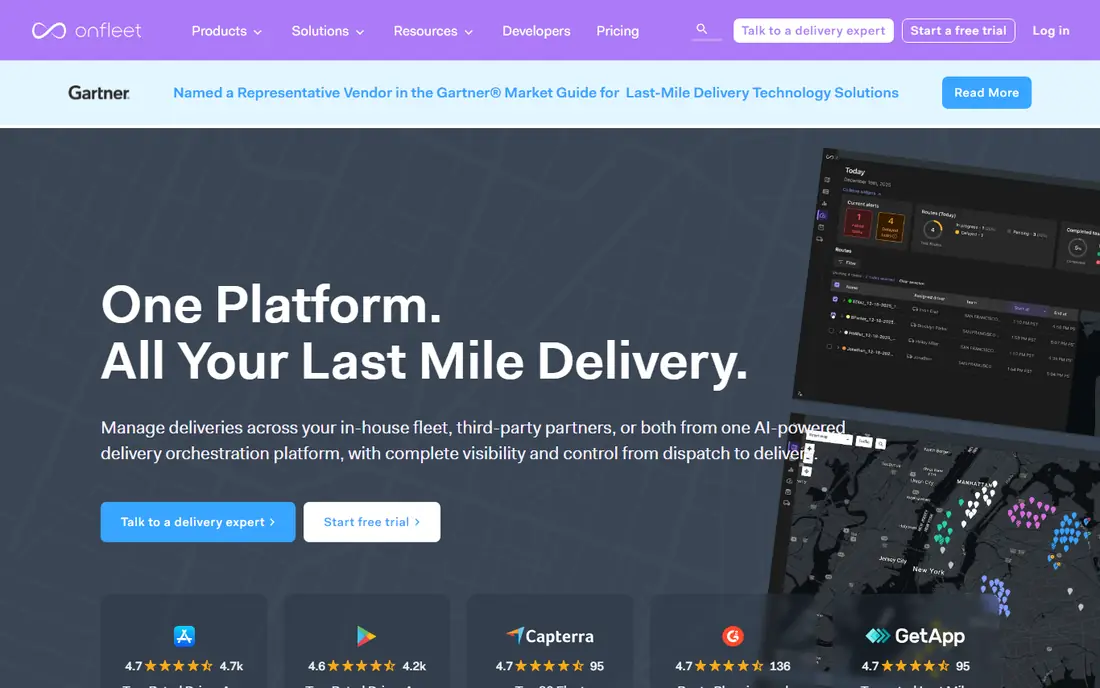
Onfleet is built for delivery teams that handle a steady stream of orders. Dispatchers can assign tasks by proximity and capacity, drivers get clear routes in a mobile app, and customers get tracking links and arrival updates. That combination cuts phone calls and keeps a busy day moving.
The main catch is price structure. Plans are task-based, so the bill grows with delivery volume, and add-ons such as a client portal can add to the monthly cost. Check the current plan on the vendor site and forecast your monthly tasks before you sign, especially if volume swings by season.
- Auto-dispatch and route optimization
- Live driver tracking and customer notifications
- Photo and signature proof of delivery
- Entry price is high for small teams
- SMS and some courier features cost extra
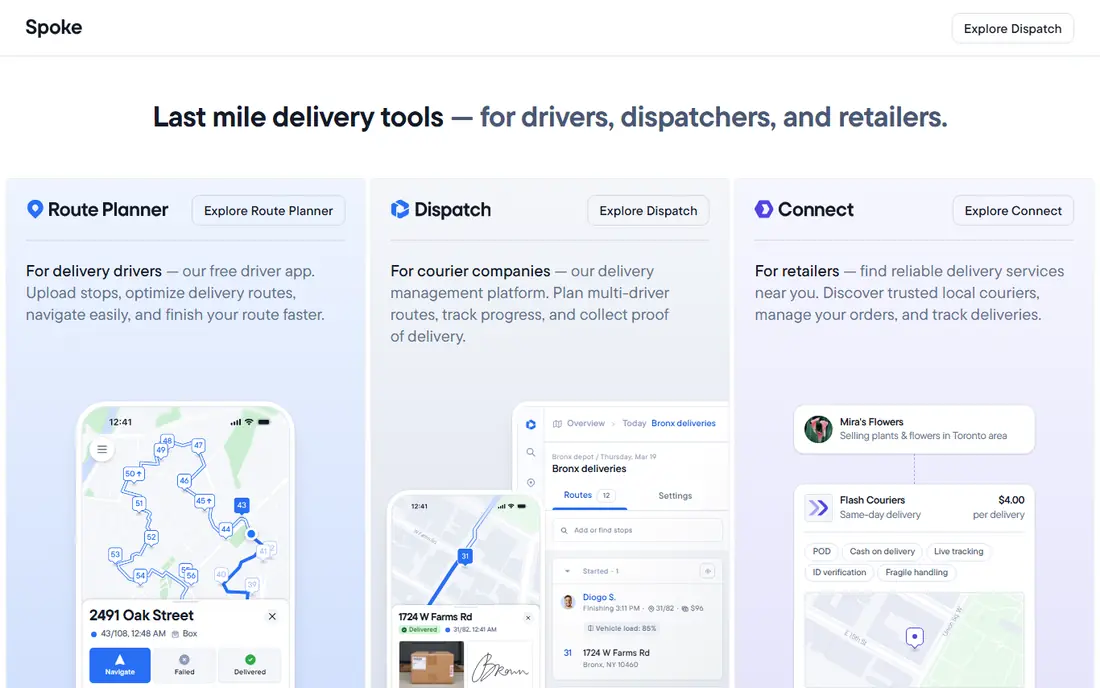
Circuit suits a small team that needs routes out the door fast. You can import stops, optimize a route, send it to a driver, and share ETAs with customers. The learning curve is short, which helps when drivers change often or when a dispatcher also handles other jobs.
It is not a full field service platform, so do not expect quoting, invoicing, or deep job costing. For pure delivery dispatch, that focus is a strength. For a mixed service business, pair it with a separate job management tool or pick a field service option below.
- Simple multi-stop routing
- Driver app with live ETAs
- Easy setup for small teams
- Less depth for complex field service work
- Advanced analytics are limited
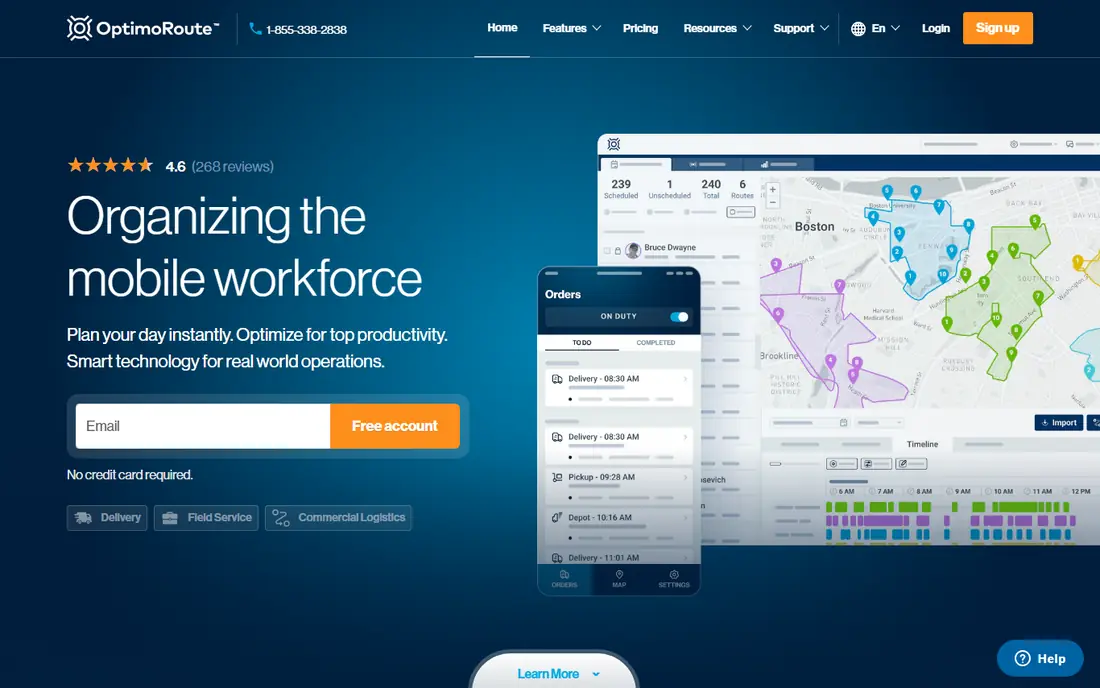
OptimoRoute prices by driver, which makes costs easy to predict for a team with a stable headcount. It plans routes with time windows, vehicle capacity, and driver schedules, then tracks progress live and collects proof of delivery. That structure suits delivery and field teams that plan routes a day or a week ahead.
Lower plans cap monthly orders, so a growing team should check the cap against real volume. Complex rules, such as skill matching or strict time windows, need careful setup. Once set, the daily planning work drops sharply.
- Per-driver pricing that scales with team size
- Live tracking and proof of delivery
- Strong planning for multi-day routes
- Order caps on lower plans
- Setup takes care for complex rules
WorkWave covers both field service and last-mile delivery, which helps businesses that do a bit of both. Dispatchers get route planning, drivers get a mobile app with navigation and job details, and customers get alerts as work progresses. Integrations help connect dispatch to ordering or back-office systems.
The product range is broad, so take time in a demo to confirm which WorkWave product fits your work. Pricing is not always published in full, so ask for a quote tied to your vehicle count and monthly job volume. That quote is more useful than a generic starting price.
- Route planning plus driver app
- Customer alerts and proof of delivery
- API for integrations
- Pricing is quote-based in places
- Product range can be confusing at first
Housecall Pro is a strong pick for plumbers, cleaners, HVAC teams, and other home service businesses. Dispatch is part of a wider job flow: a customer books, you dispatch a technician, the technician updates the job on site, and you invoice from the same system. That saves double entry and missed messages.
Pure delivery teams will find some features unnecessary, and the tool is less focused on multi-stop route optimization than a delivery-only platform. For a home service team, that trade is worth it, since dispatch, billing, and customer history live in one place.
- Dispatch plus scheduling, quoting, and invoicing
- Customer notifications
- Mobile app for technicians
- Best for home services, less suited to pure courier work
- Higher tiers needed for advanced features
ServiceTitan suits larger home service companies that run many technicians across several trades. The dispatch board shows jobs, tech locations, and capacity at a glance, while scheduling, customer records, estimates, and invoices stay connected. Reporting helps managers spot bottlenecks and busy periods.
Small teams may find the price and setup heavy. Implementation takes time, and training matters. If you run a handful of technicians, Jobber or Housecall Pro will feel lighter. If you run a large operation, ServiceTitan gives you room to grow without switching systems soon.
- Full dispatch board for large teams
- Scheduling, CRM, and invoicing in one system
- Strong reporting
- Higher cost and longer setup
- More than a small team needs
Jobber is a friendly starting point for a small field service business. You can schedule jobs, dispatch team members, send quotes, and invoice customers without juggling several apps. Client reminders and online booking cut admin time, which matters when the owner also works in the field.
Route planning is functional but basic. If your day is a long chain of delivery stops, a delivery-first tool will plan tighter routes. If your day is a set of service visits with quotes and invoices, Jobber covers the full job better than a routing-only app.
- Easy dispatch and scheduling
- Quoting and invoicing built in
- Client reminders and online booking
- Route optimization is basic compared with delivery tools
- Advanced features need higher plans
DispatchTrack is aimed at larger delivery operations that need clear visibility from dispatch to doorstep. It plans routes, tracks drivers, sends customer updates, and captures proof of delivery. That visibility helps when customers, retailers, and carriers all need the same status.
Pricing is quote-based, and enterprise setup needs planning. Smaller teams may prefer a simpler tool with published plans. For a business with many vehicles and strict delivery windows, the control and reporting are worth the longer sales process.
- Strong delivery tracking and customer communication
- Route planning for larger fleets
- Proof of delivery tools
- Quote-based pricing
- Implementation can take time for large fleets
Samsara goes beyond dispatch to cover fleet telematics, safety cameras, and equipment tracking. Dispatchers see vehicle location and job status together, which helps when a vehicle issue or a safety event changes the plan. That breadth suits fleets that already need telematics for compliance or safety.
The trade is scope and price. If you only need to assign jobs and send ETAs, Samsara may be more than you need. If fleet safety, maintenance, and compliance are already on your list, combining them with dispatch in one system can save tool sprawl.
- Dispatch plus GPS tracking, safety, and vehicle data
- Strong for mixed fleets
- Useful reporting
- Quote-based pricing
- Broader than dispatch alone, so cost reflects that scope
How we picked these
We compared official feature pages, pricing pages, and public reviews for dispatch tools available in October 2026. We favored tools with live tracking, proof of delivery, and a clear dispatch workflow, and we split the list between delivery and field service use. Where pricing is quote-based, we say so and note the need to confirm a quote for your volume.
How to choose dispatch software for your team
Start with your job type. Delivery dispatch centers on stops, routes, ETAs, and proof of delivery. Field service dispatch centers on skills, job duration, parts, quotes, and invoicing. A tool that excels at one may be weak at the other, so match the core workflow first and treat extra features as a bonus.
Next, model the real cost. Some tools price per driver, some per task, and some per vehicle. Run your last three months of job counts through each model, including busy weeks. A low monthly fee with a tight cap can cost more than a higher fee with room to grow.
Finally, test the driver and customer experience. Drivers should get a clear job, a route, and a simple way to mark completion and capture proof. Customers should get an accurate ETA without calling your office. Run a trial on a real route with real drivers before you commit the whole team.
Questions to ask in a demo
Ask how auto-dispatch handles skill, location, and time windows, and what happens when a driver calls in sick. Ask how proof of delivery is stored and shared, and how customer notifications work when a delivery is late. Ask about integrations with your ordering, CRM, or accounting system, since manual re-entry erases much of the gain.
Rollout tips that save trouble
Start with one team or one route, train dispatchers first, then drivers. Set clear rules for reassignment, late jobs, and customer messages before go-live. Review the first two weeks of data for missed ETAs and proof gaps, and fix the workflow before you expand to the full fleet.
FAQ
What is the best dispatch software?
Onfleet is our pick for high-volume delivery dispatch, while Jobber and Housecall Pro lead for small field service teams. The best dispatch software depends on job type, team size, and pricing model. Delivery teams need routing and ETAs, while service teams need scheduling plus quoting and invoicing.
What is the best dispatch app for small businesses?
Circuit and Jobber are strong small business picks, depending on the work. Circuit suits small delivery teams that need simple routing. Jobber suits small service teams that need dispatch plus quotes and invoices in one system.
How much does dispatch software cost?
Costs vary widely, from per-driver plans to task-based and quote-based enterprise pricing. Some entry plans are modest, while high-volume delivery plans can run into hundreds or thousands per month. Always model the price against your actual monthly job count.
Does dispatch software include GPS tracking?
Most tools here include live driver or vehicle tracking, plus customer ETAs. The depth varies, from simple location sharing to full fleet telematics with safety data. Confirm tracking, proof of delivery, and notification features in a trial.
What is the difference between dispatch and routing software?
Routing software plans the best order of stops, while dispatch software assigns jobs, tracks progress, and manages customer communication. Many tools do both, but delivery tools lean toward routing and field service tools lean toward job management. Pick based on which job you do more often.
Can I try dispatch software before buying?
Most vendors here offer a free trial or a demo, and some offer a free tier for basic use. Use the trial on a real route with real drivers and customers. A demo alone will not show how the tool handles late jobs, reassignments, and proof gaps.