Best Dispatch Software for Construction Projects in 2026: 8 Tools Compared
Compare the best dispatch software for construction projects, with scheduling, crew dispatch, job tracking, mobile updates and invoicing for contractors.

- Editor's choice
 ServiceTitan
Large trades and construction operations
Starts atSee websiteVisit servicetitan.comFull review - Great alternative
 BuildOps
Commercial construction and service contractors
Starts atSee websiteVisit buildops.comFull review - Also consider
 Jobber
Small crews starting with dispatch
Starts at$29 per monthVisit jobber.comFull review
TL;DR:
- ServiceTitan and BuildOps suit larger construction and trades operations with complex dispatch, pricebooks and reporting needs.
- Jobber, Housecall Pro and Workiz are easier starting points for small crews that need scheduling, dispatch and invoicing without a long setup.
- FieldEdge and Service Fusion sit in the middle, with per-technician or flat pricing that can suit mid-size crews better than per-user models.
- Mobile access for field crews matters more than office dashboards, because dispatch only works if crews actually update jobs from site.
Quick comparison
| Tool | Best for | Starts at | Free plan? | |
|---|---|---|---|---|
| ServiceTitan | Large trades and construction operations | See website | No | Visit |
| BuildOps | Commercial construction and service contractors | See website | No | Visit |
| Jobber | Small crews starting with dispatch | $29 per month | Free trial | Visit |
 Housecall Pro | Small to mid-size service teams | $59 per month | Free trial | Visit |
 FieldEdge | Mid-size trades crews | See website | No | Visit |
 Service Fusion | Flat pricing for growing crews | $208 per month | Free trial | Visit |
 Workiz | Scheduling and dispatch simplicity | See website | Free trial | Visit |
 FieldPulse | Small field service teams | See website | Free trial | Visit |
The best dispatch software for construction projects
Construction dispatch is not just a calendar. A dispatcher must assign the right crew, with the right skills and equipment, to the right site, at the right time, and then track progress, changes and invoices. The tools below cover scheduling, dispatch boards, mobile job updates and billing, with different fits for residential trades, commercial contractors and mixed construction service teams.

ServiceTitan is the heavyweight option for larger trades businesses that run many technicians across many jobs. Its dispatch board supports capacity planning, zones and multi-dispatcher work, while the pricebook, estimates, invoicing and customer communications sit in the same system. That depth helps a dispatcher see not just who is free, but who is profitable on a job and what the customer history looks like.
Cost and setup are the real barriers. Pricing is quote based, with buyer-reported ranges around $245 to $500 per technician per month, plus implementation fees, so small crews should not start here. ServiceTitan fits operations with dedicated dispatch and office staff, typically 12 or more technicians, where the reporting and marketing depth can repay the investment.
- Advanced dispatch board and capacity planning
- Strong pricebook, invoicing and marketing tools
- Deep reporting
- Pricing is quote based and high per technician
- Implementation can take weeks or months
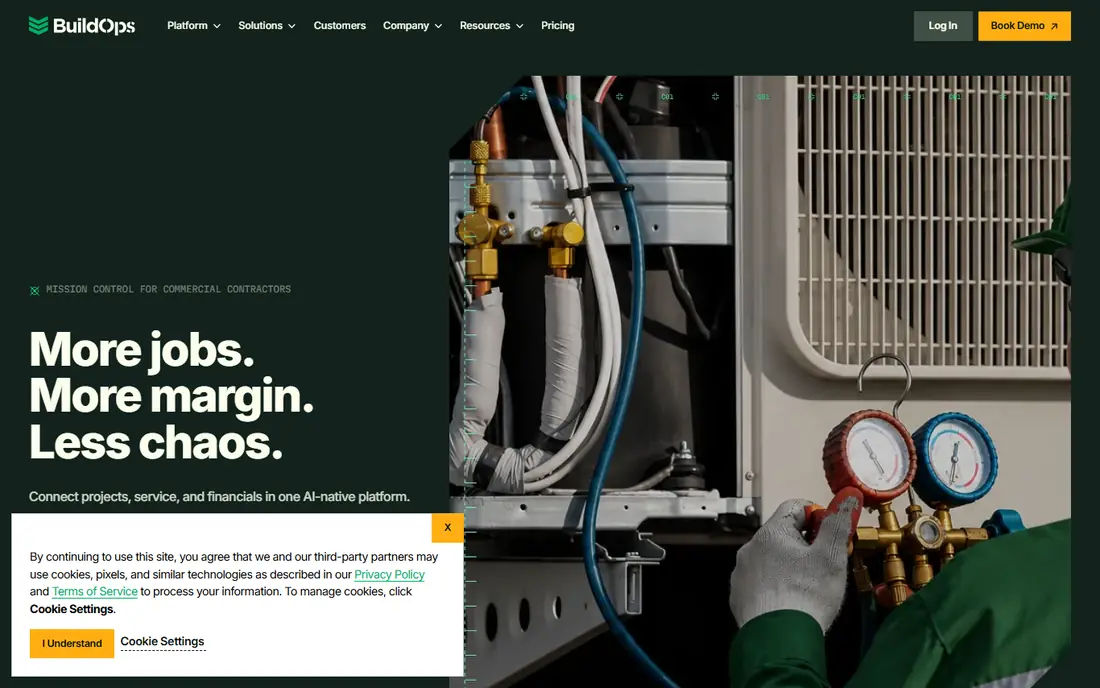
BuildOps is designed for commercial construction and service contractors rather than single-truck residential work. Dispatch, scheduling, project management, invoicing and job costing sit together, which helps when a construction project involves multiple visits, change orders and subcontractors. Office staff can track a project from estimate through completion, while field crews update work from mobile devices.
Smaller residential teams may find BuildOps more system than they need, and pricing requires a sales conversation. For commercial contractors that struggle to connect dispatch with project costs, BuildOps is a strong candidate. Ask for a demo using a real multi-visit project, including change orders, to see whether the job costing matches your accounting.
- Built for commercial contractors
- Project, dispatch and invoicing in one system
- Strong job costing
- Pricing is quote based
- Less suited to very small residential crews
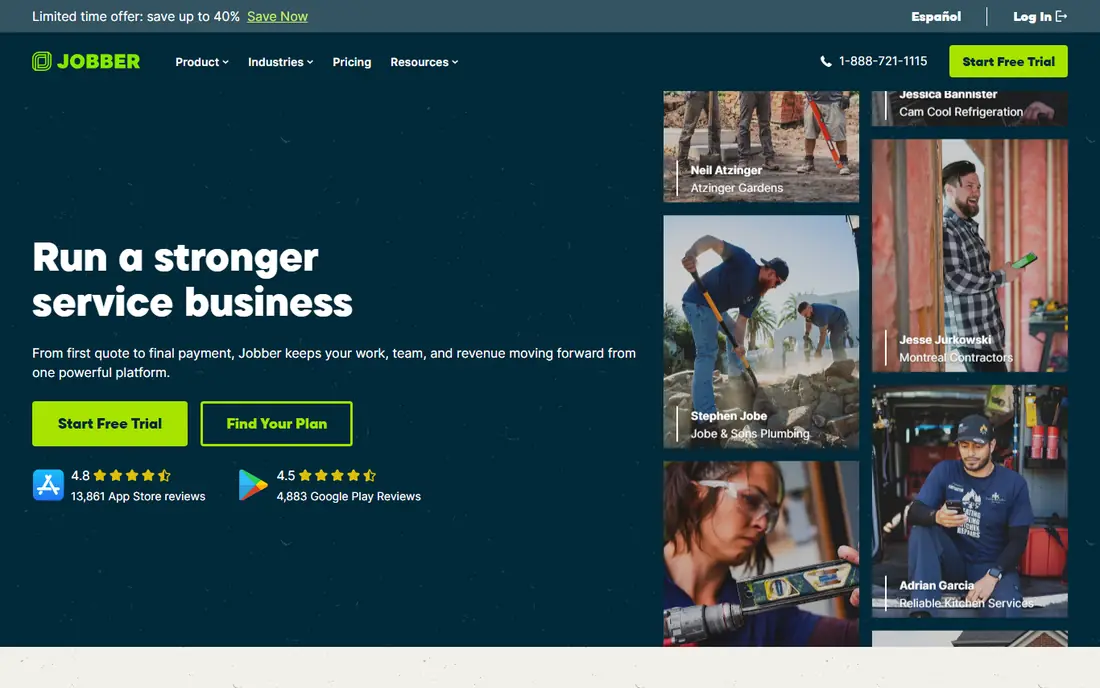
Jobber is a practical starting point for a small construction or trades crew that needs dispatch without a long implementation. Scheduling is drag-and-drop, jobs can be assigned to crew members, and quotes, invoices and payments flow from the same job record. The $29 per month starting price, for one user on annual billing in published vendor pricing, makes it easy to trial.
Larger operations will hit limits. Jobber is built for crews of roughly one to 15 users, and multi-dispatcher capacity planning is not its strength. For a small team that needs to stop juggling paper schedules and text messages, Jobber gives a fast win. Grow into a heavier tool only when dispatch complexity, not just headcount, demands it.
- Low starting price
- Simple drag-and-drop scheduling
- Quoting, invoicing and payments included
- Dispatch depth is limited for large multi-dispatcher teams
- Advanced features sit in higher tiers
Housecall Pro suits small to mid-size service businesses that want a clean dispatch board and strong customer communication. Dispatchers can drag jobs onto a calendar, crews get job details on mobile, and customers get text and email updates, estimates and invoices. Published plans run from $59 to $299 per month on annual billing, with extra user fees beyond plan caps.
The sweet spot is roughly three to eight users, where plan pricing lines up well with team size. Larger crews should model total cost with extra users before comparing it with flat-rate tools. For residential construction service work, such as repairs, installs and maintenance visits, Housecall Pro balances simplicity and capability well.
- Clear visual dispatch board
- Good customer messaging and review tools
- Published tier pricing
- Extra user fees add up past plan caps
- Dispatch depth is below ServiceTitan
FieldEdge is built for trades crews that need dispatch, scheduling, quoting and invoicing with a focus on field work. Dispatchers can assign jobs, track technician status and manage customer records, while office staff handle estimates and payments. QuickBooks integration helps keep job and accounting data aligned, which matters when job costing feeds into payroll and reporting.
Pricing is quote based and often described as per technician, so get a written quote for your crew size and modules. Implementation takes longer than a self-serve tool, typically weeks for a mid-size team. FieldEdge fits crews that have outgrown Jobber or Housecall Pro but do not need, or cannot justify, ServiceTitan pricing.
- Per-technician dispatch for trades
- Strong scheduling and invoicing
- QuickBooks integration
- Pricing is quote based
- Implementation takes weeks for larger teams
Service Fusion stands out on pricing structure. Published plans run from $208 to $533 per month on annual billing, with unlimited users at every tier, so adding crew members does not automatically raise the bill. That model helps a growing construction service team where per-user pricing on other tools would climb fast as dispatchers, office staff and technicians are added.
The starting price is higher than Jobber, so a solo operator will not save money here. For a team of 15 or more users, the math often flips in Service Fusion's favor. Check dispatch features against your workflow, especially recurring jobs, multi-day projects and technician tracking, before choosing it on price alone.
- Flat pricing with unlimited users at every tier
- Dispatch, scheduling and invoicing
- Good for larger crews
- Higher starting price than Jobber
- Interface can feel busy for very small teams
Workiz focuses on getting jobs scheduled, dispatched and paid with less setup friction. Dispatchers can assign work, crews can update job status from the field, and customers can book online and pay through the system. That simplicity helps construction service teams that need dispatch for repairs, installs and site visits, rather than full project management for a large build.
Project depth is the limit. If you need detailed project budgets, subcontractor management and change order tracking for a major construction project, BuildOps or a dedicated project tool may fit better. For service-led construction work, Workiz is a clean option to trial, especially if online booking matters to your customers.
- Simple scheduling and dispatch
- Online booking and payments
- Mobile app for field crews
- Pricing varies by plan and add-ons
- Less project management depth than BuildOps
FieldPulse gives small field service and construction teams a combined CRM, scheduling, dispatch, estimating and invoicing system. That breadth helps a small office avoid stitching together separate tools for customers, jobs and bills. Crews can view job details, capture signatures and update status from mobile, while office staff track estimates through to payment.
As a smaller vendor, FieldPulse does not have the same ecosystem or marketplace depth as the largest tools. Test advanced dispatch needs, such as multi-day jobs, recurring work and capacity planning, during a trial. For a small team that wants one system for customers and dispatch, FieldPulse is a credible, lower-complexity choice.
- Job scheduling, dispatch and invoicing in one tool
- CRM and estimates included
- Mobile friendly
- Smaller vendor footprint than ServiceTitan or Jobber
- Check advanced dispatch features before buying
How we picked these
We compared official pricing pages, product documentation and current field service pricing comparisons, focusing on dispatch boards, crew assignment, mobile job updates and invoicing. Tools that only handle project scheduling without field dispatch, or only handle accounting, were left out. Prices shown are published starting points where vendors publish them, and quote-based tools are marked as See website.
What to check before you buy
Map your dispatch day before you demo anything. How many dispatchers work at once, how many crews are in the field, how are emergency jobs inserted, and what happens when a job overruns? A tool that looks good for a single dispatcher may struggle when two dispatchers, ten crews and a same-day emergency all compete for the same board.
Test the mobile app on site, not just in the office. Crews need job details, site notes, photos, signatures and time tracking with poor signal, and updates should sync when connectivity returns. Also check accounting integration, because dispatch data that cannot flow cleanly into invoices and payroll will create double entry for office staff.
Scheduling, skills and equipment
Ask whether dispatch can filter by skill, certification, location and equipment, not just availability. Construction work often needs a specific trade, a licensed worker or a particular vehicle, and assigning the wrong crew wastes a site visit. Recurring maintenance, multi-day jobs and subcontractor assignments are also worth testing with real examples.
Invoicing, change orders and reporting
Confirm how change orders, extra work and materials are captured in the field and billed, because that is where revenue leaks on construction projects. Reporting should show utilization, job profitability and overdue work at a glance, without exporting to a spreadsheet for every question. If a tool cannot answer those questions, dispatch alone will not fix margin problems.
FAQ
What is dispatch software for construction projects?
Dispatch software assigns crews, vehicles and equipment to construction jobs, tracks job status from the field, and connects that work to estimates, invoices and customer records. It replaces paper schedules, group texts and whiteboards with a shared dispatch board that office and field staff can both see.
How much does construction dispatch software cost?
Small crew tools start at $29 per month for Jobber and $59 per month for Housecall Pro on published annual pricing, while Service Fusion starts at $208 per month with unlimited users. ServiceTitan, BuildOps and FieldEdge price by quote, so get a total for your crew size, modules and implementation.
Do crews need a mobile app?
Yes, in practice. Dispatch only works if field crews can see job details, update status, add photos and capture signatures from site. Test the mobile app with poor signal and with your least tech-comfortable crew member before you roll it out to everyone.
Can dispatch software handle multi-day construction projects?
Some tools handle multi-day and recurring jobs well, while others are built for single-visit service work. BuildOps and ServiceTitan handle complex, multi-visit work better than simple schedulers, so test a real multi-day project, including change orders, during a trial.
Should dispatch software replace project management software?
Not always. Dispatch tools excel at assigning and tracking field work, while project management tools handle budgets, drawings, submittals and subcontractors for a large build. Many contractors use both, with dispatch for service and site visits and project software for the build itself.