Best Digital Signage Software for Offices in 2026: 8 Tools Compared
Compare the best digital signage software for offices in 2026, with per-screen pricing, free plans, scheduling features and workplace integrations compared.
- Editor's choice
 Yodeck
Small offices
Starts atFreeVisit yodeck.comFull review - Great alternative
 OptiSigns
Easy setup
Starts atFreeVisit optisigns.comFull review - Also consider
 ScreenCloud
Multi-site offices
Starts at$20 per screen per monthVisit screencloud.comFull review
TL;DR:
- Yodeck is our pick for small offices that want a free single screen and simple remote management.
- ScreenCloud suits larger offices that need app integrations, permissions, and consistent content across sites.
- OptiSigns balances ease of use with broad device support, and its free tier covers up to three screens.
- Rise Vision is strong for offices that also need emergency alerts and screen sharing.
- Always budget for displays and players as well as software, since per-screen fees are only part of the total cost.
Quick comparison
| Tool | Best for | Starts at | Free plan? | |
|---|---|---|---|---|
| Yodeck | Small offices | Free | Yes | Visit |
| OptiSigns | Easy setup | Free | Yes | Visit |
| ScreenCloud | Multi-site offices | $20 per screen per month | Free trial (14 days) | Visit |
 Rise Vision | Alerts and sharing | $11 per display per month | Free trial | Visit |
 TelemetryTV | Data dashboards | $8 per device per month | Free trial | Visit |
 Appspace | Workplace suites | See website | Free trial | Visit |
 Xibo | Self-hosted IT teams | Free | Yes | Visit |
 NoviSign | Touch and kiosk displays | $14 per screen per month | Free trial (30 days) | Visit |
The best digital signage software for offices
Office signage does more than show a logo in reception. It shares meeting room schedules, company news, safety messages, and live data, all updated from one dashboard. The tools below cover small offices with one screen through to multi-site workplaces with strict permissions.
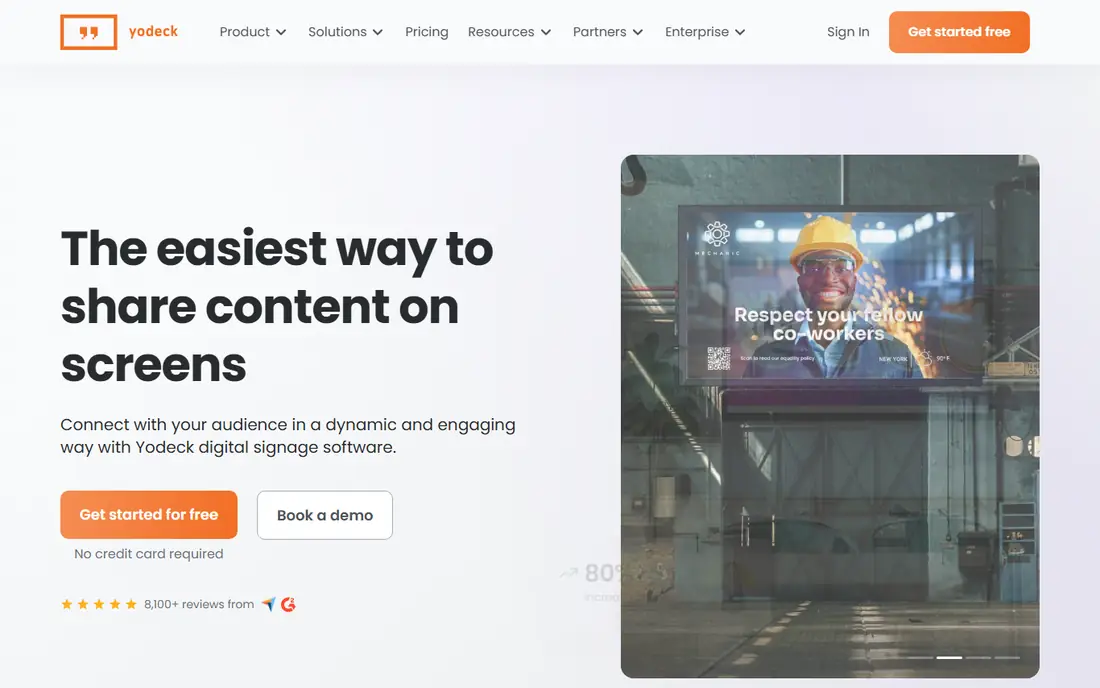
Yodeck is the easiest low-cost start for an office that wants one or two screens. The free tier covers a single screen, and paid plans add scheduling, playlists, and more screens at a clear per-screen price. Content can be updated remotely, so a reception screen stays current without someone walking over with a USB stick.
The limits appear as screen counts grow. Larger offices that need deep permissions, proof-of-play reports, or many integrations may prefer ScreenCloud or Appspace. For a small office, though, Yodeck delivers the core job with minimal setup and minimal cost.
- Free for one screen
- Simple dashboard
- Raspberry Pi players
- Advanced features need higher tiers
- Player options are narrower

OptiSigns suits offices that want to design screens quickly without a designer. Its editor uses drag-and-drop zones, templates, and apps for calendars, weather, news, and social feeds, and it runs on many players, sticks, and smart TVs. The free tier for up to three screens is generous for a small office.
Free screens carry vendor branding, which may not suit a client-facing reception area. Paid plans remove that branding and add scheduling, permissions, and more apps. For internal screens in break rooms or hallways, the free tier is often enough to start.
- Free for up to three screens
- Drag-and-drop editor
- Broad device support
- Free tier includes branding
- Advanced analytics need higher plans
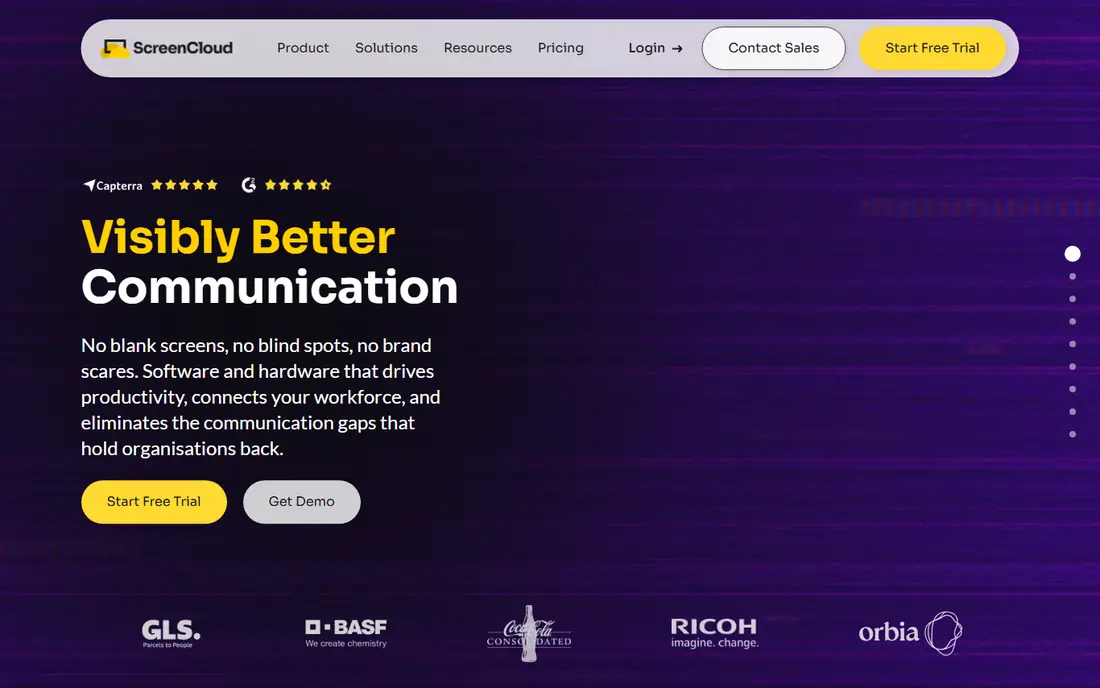
ScreenCloud is built for offices that need consistency across locations. Screens can be grouped by office, floor, or department, and permissions control who can publish to each group. Integrations with calendars, dashboards, and workplace tools keep content fresh without manual updates.
The price is higher than budget rivals, at $20 per screen per month on annual billing for the Core plan. That cost is easier to justify when governance, branding, and multi-site control matter. Small offices with one screen will likely find Yodeck or OptiSigns better value.
- Many app integrations
- Screen groups and permissions
- Strong scheduling
- Higher per-screen price
- No permanent free tier
Rise Vision pairs signage with screen sharing and emergency alerts, which suits offices that also need to push urgent messages fast. Templates cover announcements, schedules, and safety notices, and content can be scheduled by time of day or location. That mix is useful in offices, clinics, and shared workspaces.
Pricing for business use should be confirmed with the vendor, since education pricing is published more clearly. Offices that only need simple signage may find Yodeck cheaper, but Rise Vision earns its place when alerts and sharing are part of the same system.
- Emergency alerts
- Wireless screen sharing
- Template library
- Business pricing can be quote-based
- ChromeOS focus for some setups
TelemetryTV shines when office screens need to show live numbers, not just announcements. Sales dashboards, operations metrics, calendars, and social feeds can update in real time, which makes it a strong pick for operations rooms and open-plan offices. Scheduling and playlists handle the rest of the content mix.
Design flexibility is good but not the deepest on this list, so teams that want highly polished branded layouts may prefer ScreenCloud. For data-first offices, TelemetryTV offers strong value at $8 per device per month.
- Live data and dashboard apps
- Good scheduling
- Broad device support
- Design tools are simpler than some rivals
- Enterprise features need higher plans
Appspace treats signage as part of a wider workplace platform, alongside employee communications, desk booking, and room reservations. That breadth suits larger companies that already plan a workplace suite and want screens, intranet, and space tools under one system. Security and admin controls are stronger than budget tools.
Small offices will likely find Appspace heavy and expensive, since pricing is quote-based and setup takes more planning. Choose it when signage must connect to room displays, visitor management, or a company intranet, not when a single reception screen is the whole project.
- Signage plus intranet and room booking
- Strong enterprise controls
- Integrations
- Quote-based pricing
- More complex setup for small offices
Xibo is the pick for IT-led offices that prefer to host software themselves. The open-source content management system is free to run on your own server, with layouts, scheduling, and media management included. That control appeals to teams with strict data rules or existing server capacity.
The trade-off is effort. Self-hosting means updates, backups, and support fall to your team, and non-technical staff may find setup harder than cloud rivals. Xibo Cloud offers a hosted path from a low per-display price, which suits teams that want Xibo features without server work.
- Open-source and self-hosted
- No per-screen cap when self-hosted
- Flexible layouts
- Needs IT time to host and maintain
- Cloud pricing is separate
NoviSign suits offices that want interactive screens, not just passive displays. Touch layouts, kiosk modes, and drag-and-drop design make it useful for reception check-in, wayfinding, and interactive directories. Templates speed up common layouts, and scheduling handles time-based content.
At $14 per screen per month on annual billing, it costs more than Yodeck or OptiSigns for basic signage. That premium is worth it when touch interaction is a real requirement, but offices that only need announcements should start with a cheaper tool.
- Drag-and-drop editor
- Touch and kiosk support
- Good templates
- Higher entry price than budget rivals
- Some features need higher tiers
How we picked these
We compared official pricing pages, free tiers, device support, and feature pages in October 2026, plus public reviews. We kept only tools that still serve offices with cloud or self-hosted signage, and we favoured tools with clear per-screen pricing, remote management, and scheduling. Where pricing was quote-based, we wrote See website rather than guessing.
What to check before you buy
Start with the screen plan, not the software. Count screens by location, note which are public-facing and which are internal, and list the content each screen must show. A reception screen needs branding and polish, while a break room screen can use simpler templates. That list decides whether a free tier is enough or a paid plan is needed.
Next, test hardware and offline behaviour. Confirm the player works with your TVs, check how long content caches when the internet drops, and test who can publish and approve content. Run a trial on one real screen for two weeks, with real announcements, before rolling out to a whole office.
Hardware and total cost tips
Budget for the display, mount, player, and cabling, plus software per screen. A cheap software plan can still be costly if each screen needs a $200 player. Check whether a smart TV app or a low-cost stick is supported, and whether players are included on annual plans, as Yodeck does on some tiers.
Before you roll out to every floor, run a two-week pilot on one reception screen and one internal screen. Ask staff what they actually notice, what they ignore, and whether meeting information stays accurate. That feedback often changes the content plan more than any software feature, since screens that show stale or irrelevant content quickly become background noise. A short pilot also reveals Wi-Fi, power, and mounting issues before they affect a whole office.
FAQ
What is the best free digital signage software for offices?
Yodeck is free for one screen, and OptiSigns is free for up to three screens with branding. Xibo is free when self-hosted. For a single reception screen, Yodeck is our pick, while OptiSigns suits offices with two or three internal screens.
How much does digital signage software cost per screen?
Published cloud rates in 2026 often run from $8 to $20 per screen per month for common office tools, with enterprise tools priced by quote. Add display and player costs to get the true total, and check whether billing is monthly or annual.
Do I need special hardware for office signage?
Not always. Many platforms run on a smart TV app, a streaming stick, or a small player. For reliability at scale, vendors recommend dedicated players, especially for screens that must stay on all day. Test your chosen player on a real screen before buying in bulk.
Can office signage show meeting room schedules?
Yes, most tools on this list integrate with calendars or offer room schedule apps. ScreenCloud, Appspace, and TelemetryTV are strong here, with calendar and dashboard integrations. Confirm your calendar system is supported during the trial.
Is digital signage secure for offices?
Reputable vendors offer user permissions, approval workflows, and encrypted connections, with some holding SOC 2 or ISO certifications. Check the vendor security page, limit publishing rights to trusted staff, and use separate accounts rather than shared logins.