Best Digital Marketing Reporting Tools in 2026: 8 Tools Compared
Compare the best digital marketing reporting tools for agencies and small teams in 2026, with pricing, integrations, white label options and free plans.
- Editor's choice
 Databox
Agencies tracking goals across clients
Starts at$79 per monthVisit databox.comFull review - Great alternative
 AgencyAnalytics
Small agencies with many clients
Starts at$20 per client per monthVisit agencyanalytics.comFull review - Also consider
 DashThis
Fast, simple client reports
Starts at$44 per monthVisit dashthis.comFull review
TL;DR:
- Databox and AgencyAnalytics suit agencies best, because both combine many integrations with client-ready dashboards and scheduled reports.
- DashThis is the fastest route to a clean monthly report, while Supermetrics fits teams that prefer to build reports in Looker Studio or Sheets.
- Pricing models differ sharply, so check whether you pay per client, per dashboard, or per data source before you commit.
- Looker Studio remains the strongest free starting point for Google-centered reporting, though non-Google connectors usually cost extra.
Quick comparison
| Tool | Best for | Starts at | Free plan? | |
|---|---|---|---|---|
| Databox | Agencies tracking goals across clients | $79 per month | Yes | Visit |
| AgencyAnalytics | Small agencies with many clients | $20 per client per month | Free trial | Visit |
| DashThis | Fast, simple client reports | $44 per month | Free trial | Visit |
 Whatagraph | Polished visual reports | See website | Free trial | Visit |
 Supermetrics | Moving data into Sheets or Looker Studio | $39 per month | Free trial | Visit |
 Looker Studio | Free Google-centered dashboards | Free | Yes | Visit |
 Swydo | PPC-focused agency reporting | $62 per month | Free trial | Visit |
 Klipfolio | Custom dashboards with formulas | $120 per month | Free trial | Visit |
The best digital marketing reporting tools
We compared official pricing pages, integration lists, and reporting features to find tools that save real time each month. These eight cover agencies, freelancers, and in-house teams.
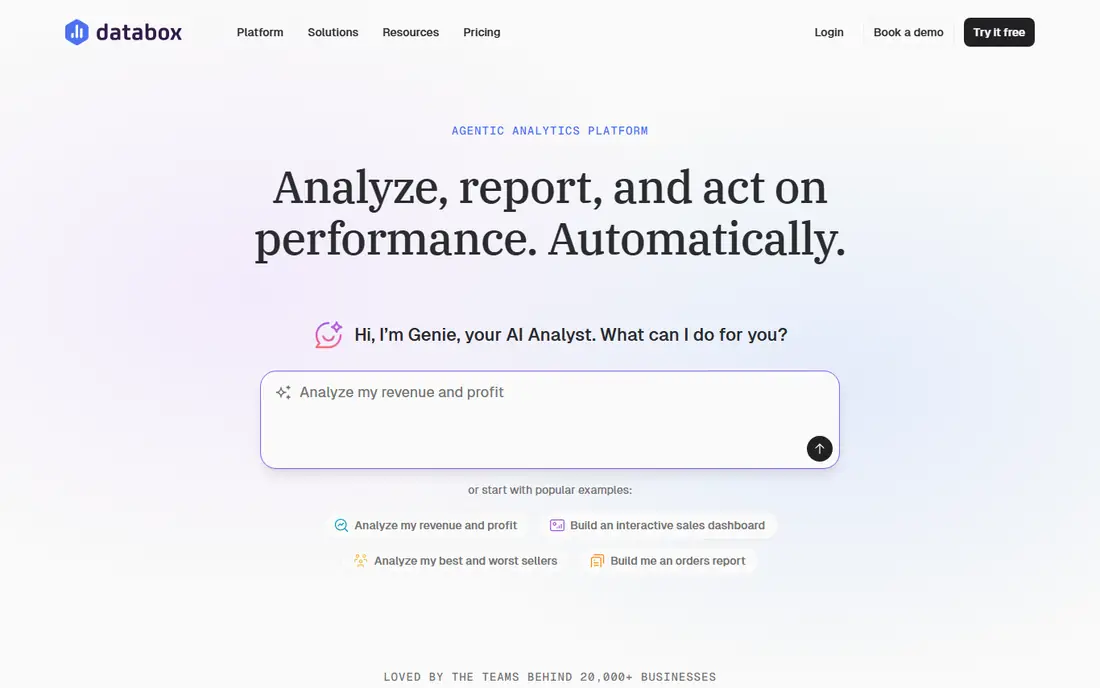
Databox works well when clients want to see progress between monthly reports, not just a PDF at month end. You can build live dashboards, set goals for sessions, leads, or revenue, and get alerts when a metric moves off track. That live view helps small agencies answer client questions without rebuilding a spreadsheet each time.
The trade-off is cost structure. The agency plan starts at $79 per month for four clients on annual billing, with extra client packs at $20 per month each. White label branding is a paid add-on, so factor that in if reports must carry only your brand. For teams with a handful of clients and a need for goal tracking, it is a strong pick.
- More than 130 integrations
- Goal tracking and alerts
- AI summaries on paid plans
- White label costs extra
- Pricing rises as you add client packs
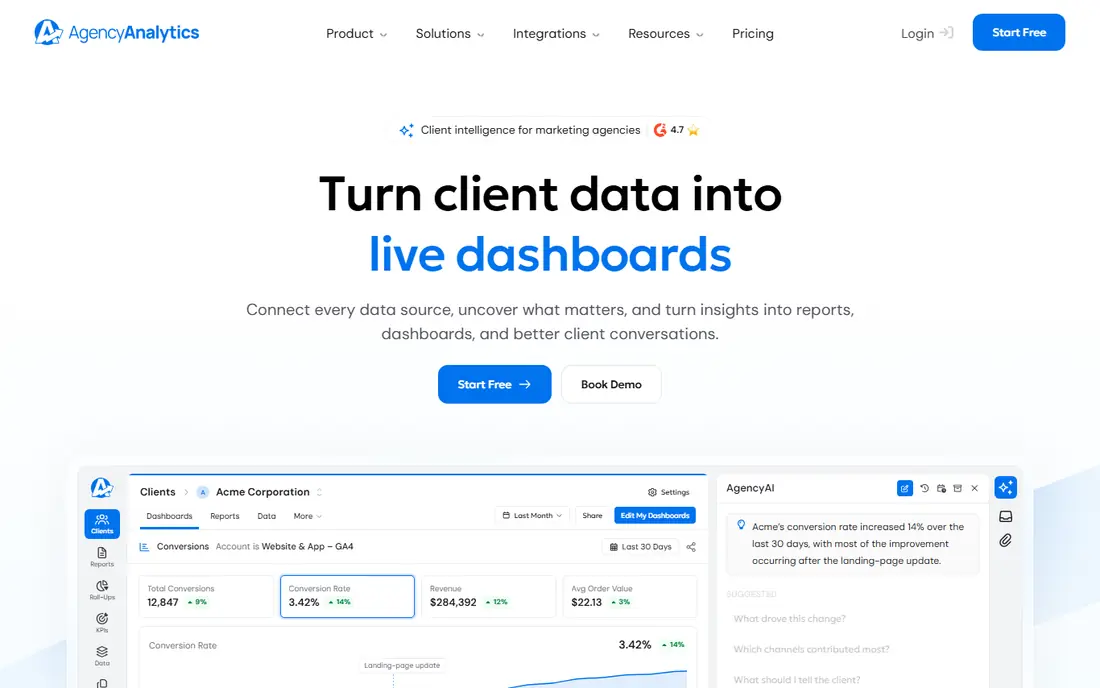
AgencyAnalytics is built around a simple idea: one dashboard per client, with SEO, PPC, social, and analytics data in the same place. Unlimited staff and client users are included, which helps when clients want to check their own numbers. White label branding, including a custom domain, is part of the per-client price rather than a separate add-on.
The catch is scale. At $20 per client per month on annual billing, a 30-client roster costs about $600 per month before add-ons such as rank tracking. That is still predictable, and for agencies under 20 clients it is often easier to budget than dashboard-based pricing. If your clients are mostly SEO and PPC, this is our pick for most small agencies.
- Per-client pricing with no base fee
- White label included
- More than 85 integrations
- Costs add up with many clients
- Advanced SEO tools cost extra
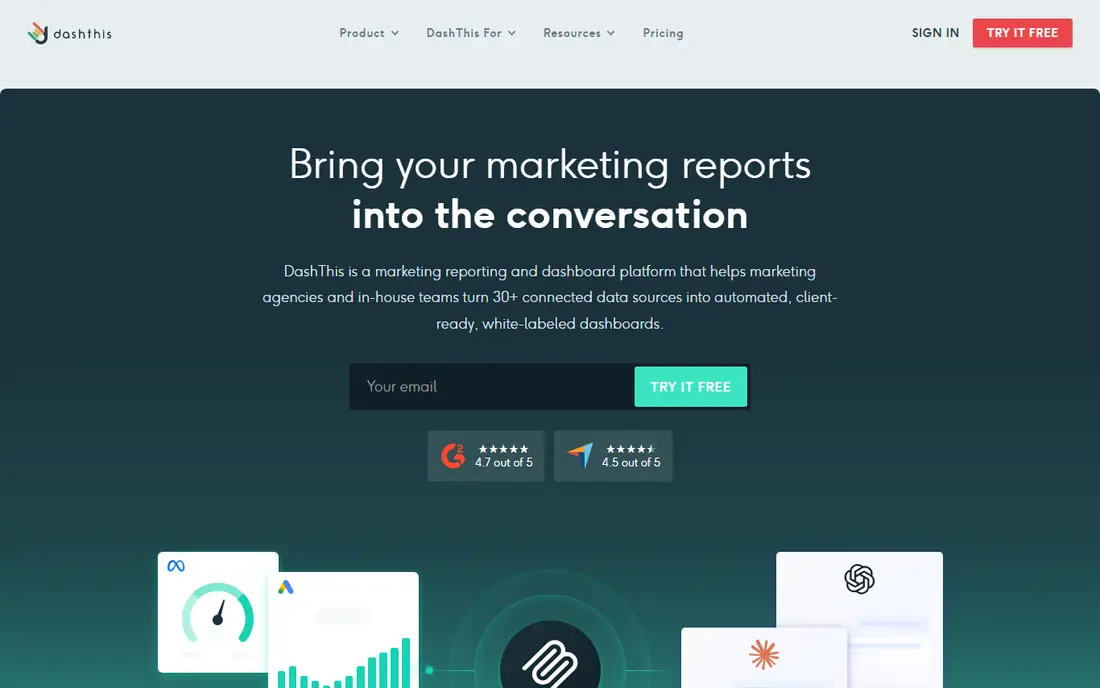
DashThis appeals to freelancers and small teams that need a report out the door today. Templates cover common channels, and you can connect data sources without hitting an integration paywall on the entry plan. Scheduled PDF reports and client dashboards are straightforward, which keeps monthly reporting from turning into a project of its own.
The entry plan includes three dashboards, so larger rosters will need to move up. The design is simpler than Klipfolio or Supermetrics, which is a plus for speed but a limit for analysts who want formula-level control. If your priority is a clean report with little setup, start here.
- Quick setup with templates
- All integrations on every plan
- AI insights included
- Limited dashboard count on the entry plan
- Deeper custom work needs higher plans
Whatagraph stands out on presentation. Reports look designed rather than assembled, and the tool can blend data from several sources into one metric, which helps when a client runs ads, search, and social at once. Multi-location and franchise teams also benefit from grouping locations into one view.
Price is the main barrier. Published pricing has moved up in recent years, and white label branding sits on higher tiers. That makes Whatagraph a better fit for mid-size agencies that sell reporting as part of a premium service than for a solo freelancer. Trial it with one real client before you move a full roster over.
- Strong visual design and blending of sources
- AI narrative features
- Good for multi-location teams
- Higher price than most rivals
- White label needs a higher plan
Supermetrics is not a dashboard tool in the usual sense. It moves marketing data from ad platforms and analytics into Sheets, Looker Studio, Excel, or a warehouse, where you build the report yourself. That suits analysts and data-heavy teams that already have a reporting format they like and just need reliable data feeds.
The downside is effort. You get data, not a finished client report, so someone on your team must build and maintain templates. If you enjoy that control, or you need data in a warehouse for wider analysis, Supermetrics is hard to beat. If you want a report ready in an afternoon, pick DashThis or AgencyAnalytics instead.
- More than 100 connectors
- Works with Sheets, Looker Studio, and warehouses
- Flexible destinations
- No built-in client dashboards
- You still need a reporting tool on top
Looker Studio, formerly Google Data Studio, is the best free reporting tool for teams centered on Google products. Google Analytics, Google Ads, Search Console, and Sheets connect without extra cost, and reports are easy to share with clients by link. For a small business tracking its own marketing, it may be all you need.
The limits appear when you add Meta, LinkedIn, TikTok, or other platforms. Those usually need a paid third-party connector such as Supermetrics, which changes the total cost. There is also no true white label client portal. Still, as a starting point, or as the display layer for Supermetrics data, it is excellent value.
- Free core product
- Strong Google Analytics and Ads connectors
- Easy sharing
- Non-Google connectors often cost extra
- No built-in agency client portal
Swydo is designed for paid media agencies first. Report templates, monitoring, and budget views reflect how PPC accounts actually run, and white label branding is included on the base plan. Unlimited users and clients mean you do not pay per seat as your team or roster grows.
Pricing is per data source, starting at $62 per month on annual billing for 10 sources, with extra sources charged per source. That can stay cheap for a small PPC roster and grow steadily as you add accounts. If your work is mostly PPC, Swydo is a focused and affordable choice. Full-service agencies may prefer the wider catalog of AgencyAnalytics.
- White label included
- Unlimited users and clients
- Templates built for paid media
- Smaller integration catalog than rivals
- Costs rise with each data source
Klipfolio suits teams with an analyst who wants to define metrics once and reuse them across clients. Its formula editor and metric catalog give more control than template-driven tools, and dashboards can combine many sources into one view. That control is valuable when clients define success in different ways.
The trade-off is setup time. Klipfolio takes longer to learn, and white label branding is a paid add-on below the Pro plan. For agencies that want a standard report fast, DashThis is simpler. For teams that need custom calculations and consistent metric definitions, Klipfolio earns its price.
- Formula-level control over metrics
- More than 130 integrations
- Metric catalog for reuse
- Steeper learning curve
- White label costs extra on lower plans
How we picked these
We compared official pricing pages, integration counts, white label terms, and free plan or trial terms for tools that market themselves as digital marketing reporting tools. We kept only tools that connect to live ad and analytics platforms, support scheduled or shared reports, and are available to US buyers in October 2026. We favored tools with published pricing and a clear agency or small team use case, and we noted where a price depends on clients, dashboards, or data sources.
What to check before you buy
Start by counting what you will actually be charged for. A per-client tool looks cheap with five clients and expensive with fifty, while a per-dashboard tool can surprise you when each client wants two views. List your clients, channels, and data sources first, then run the same roster through two or three pricing pages.
Match the tool to your reporting style
If you send a monthly PDF, a template tool such as DashThis or Swydo will save the most time. If clients check live dashboards, Databox or AgencyAnalytics fit better. If your team builds its own analysis, Supermetrics plus Looker Studio gives more control for less money.
Test with one real client
Use a trial to rebuild one existing client report end to end, including branding, scheduled delivery, and any custom metric the client asks about. Check how long data refresh takes, whether numbers match the ad platform, and how the report looks on a phone. A tool that passes that test with one client will usually scale without surprises.
FAQ
What are the best reporting tools for digital marketing agencies?
For most small agencies, AgencyAnalytics and Databox are the safest starting points because they combine broad integrations with client dashboards. DashThis is better for speed, and Supermetrics is better for teams that build their own reports in Sheets or Looker Studio.
What is the best free digital marketing reporting tool?
Looker Studio is the best free option for Google-centered reporting, and Databox offers a free plan with limits. Free plans usually restrict data sources, dashboards, or history, so check those limits before you rely on one for client work.
How much do digital marketing reporting tools cost?
Entry prices in this guide range from free to about $120 per month, but the real bill depends on clients, dashboards, or data sources. A small agency should budget $44 to $200 per month to start, then model costs at twice its current client count.
Do these tools support white label reporting?
AgencyAnalytics and Swydo include white label branding on their base plans. Databox and Klipfolio charge extra for white label, and Whatagraph includes it only on higher plans. Looker Studio has no true white label portal.
Can I report on SEO, PPC, and social in one place?
Yes, with AgencyAnalytics, Databox, Whatagraph, and DashThis all covering SEO, PPC, social, and analytics sources. Supermetrics can also pull those channels into one destination, but you must build the combined report yourself.