Best Dermatology Practice Management Software in 2026: 8 Tools Compared
Compare the best dermatology practice management software, with EHR charting, scheduling, billing, photo charting, body maps, and patient tools explained.
- Editor's choice
 ModMed EMA
Dermatology-specific EHR
Starts atSee websiteVisit modmed.comFull review - Great alternative
 Nextech
Specialty templates and PM
Starts atSee websiteVisit nextech.comFull review - Also consider
 DrChrono
Photo charting and billing
Starts atSee websiteVisit drchrono.comFull review
TL;DR:
- ModMed EMA and Nextech lead for dermatology-specific charting, with templates and workflows built for skin conditions and procedures.
- DrChrono and AdvancedMD suit practices that want strong billing, scheduling, and patient tools alongside dermatology charting.
- Photo charting, body maps, and procedure tracking matter more in dermatology than in general practice software.
- Pricing is mostly quote-based or per-provider monthly, so get a written quote for your provider count and modules.
Quick comparison
| Tool | Best for | Starts at | Free plan? | |
|---|---|---|---|---|
| ModMed EMA | Dermatology-specific EHR | See website | No | Visit |
| Nextech | Specialty templates and PM | See website | No | Visit |
| DrChrono | Photo charting and billing | See website | Free trial | Visit |
 AdvancedMD | Billing and practice management | $429 per provider per month | Free trial | Visit |
 athenaOne | Revenue cycle and engagement | See website | No | Visit |
 EZDERM | Body maps and charting | See website | No | Visit |
 eClinicalWorks | Large multi-specialty practices | See website | Free trial | Visit |
 Derm Cloud | Small dermatology practices | See website | No | Visit |
The best dermatology practice management software
Dermatology practices need more than general scheduling and billing. They need skin-specific charting, photo documentation, body maps, lesion tracking, procedure notes, and pathology workflows, plus patient scheduling, insurance checks, and billing that fit cosmetic and medical visits. The tools below cover that mix, from dermatology-built systems to general platforms with strong dermatology support. This article is for practice operations only and is not medical advice.
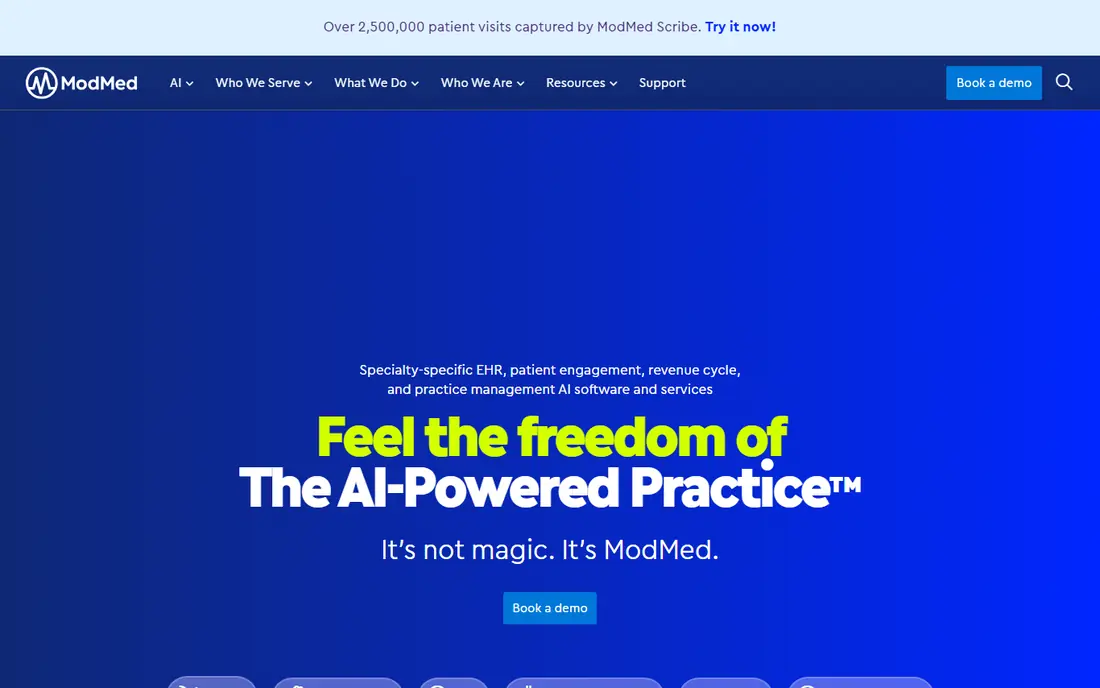
ModMed EMA, from Modernizing Medicine, is built around dermatology charting, with templates, diagnosis support, and workflows designed for skin exams, procedures, and follow-up. It combines electronic health records with practice management, revenue cycle tools, and analytics, so clinical and billing work stay connected. Dermatologists who want charting that matches how they actually examine and document skin will find EMA more natural than a general EHR.
Pricing is quote-based, and implementation needs training for providers and staff. Larger practices benefit most from its depth, while very small practices should compare total cost against simpler tools. Ask for a demo using dermatology visit types you actually run, including medical, surgical, and cosmetic visits, before judging fit.
- Built for dermatology workflows
- Specialty templates and ICD-10 support
- Practice management and analytics
- Quote-based pricing
- Implementation and training take time

Nextech serves dermatology, ophthalmology, orthopedics, plastic surgery, and med spa practices with specialty templates and a full practice management suite. Its tools cover scheduling, charting, billing, analytics, and patient retention, with integrations for patient engagement and scheduling partners. Published comparisons put Nextech pricing roughly from $300 to $399 per month per user for basic setup, with implementation costs varying by practice size, so confirm a written quote.
The strength is specialty fit without building templates from scratch. The cost is implementation time and upfront fees, which can reach several thousand dollars for small to mid-size clinics. Nextech suits growing dermatology practices that want one system for clinical, scheduling, and billing work, and that can invest in proper onboarding.
- Specialty templates for dermatology and related fields
- Scheduling and billing
- Patient engagement tools
- Quote-based pricing
- Upfront implementation costs can be high
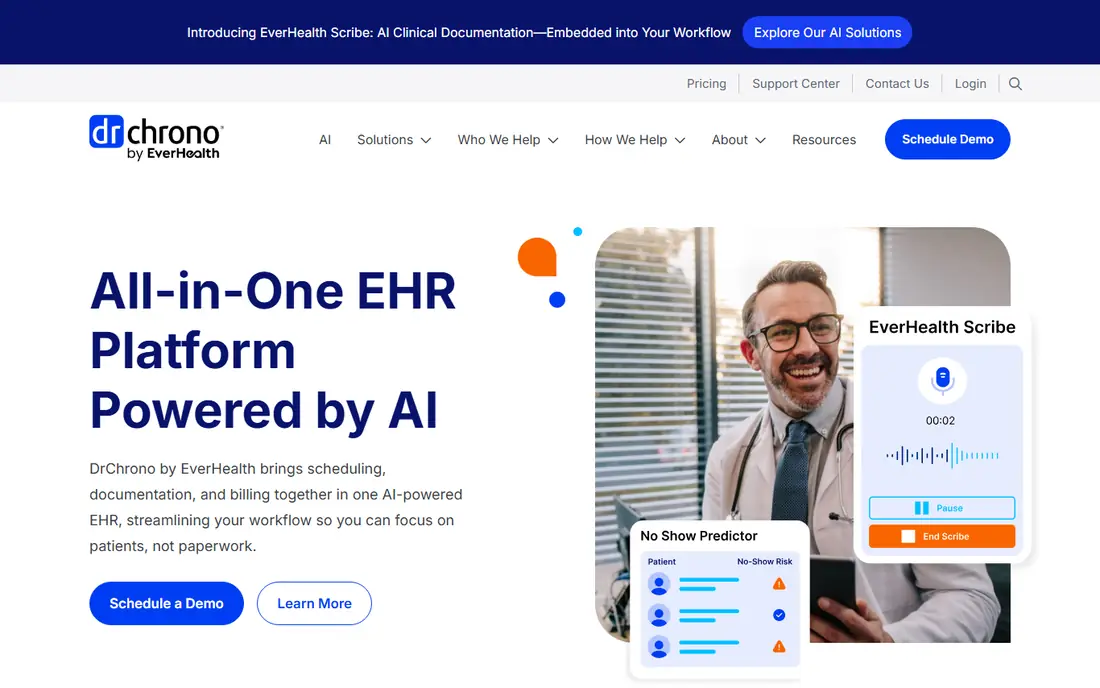
DrChrono appeals to dermatology practices that rely on photo documentation. Its dynamic photo charting lets providers annotate images, track lesions over time, and attach photos to the patient record, which matters for skin monitoring and procedure follow-up. It also covers scheduling, billing, revenue cycle management, telehealth, and lab integrations in one platform.
Published comparisons put DrChrono pricing around $199 per provider per month in some listings, but actual pricing varies by plan, so confirm current terms. The platform is more general than ModMed or Nextech, so dermatology templates may need more customization. For practices that value mobile charting and photo workflows, DrChrono is a strong candidate.
- Dynamic photo charting
- Mobile-friendly charting
- Revenue cycle and telehealth tools
- Pricing varies by plan and provider count
- Some features need higher tiers
AdvancedMD offers practice management, EHR, billing, and patient engagement in modular bundles. Practice management and billing pricing starts from $429 per provider per month in published comparisons, with EHR plus practice management from $729 and a full bundle from $999. That modular model lets practices buy only the pieces they need, but it also means the final monthly cost depends heavily on module choices.
AdvancedMD suits practices that prioritize billing accuracy, scheduling, and revenue operations alongside clinical charting. Smaller dermatology practices should weigh the per-provider cost and implementation fees against dermatology-specific tools. Test billing workflows, claim scrubbing, and denial handling in a demo, because those features drive much of the value here.
- Strong scheduling, billing, and EHR bundle
- Patient engagement options
- Broad integrations
- Higher cost for small practices
- Add-ons and implementation fees add up
athenaOne, from athenahealth, combines EHR, practice management, and revenue cycle services, with patient engagement tools for scheduling, messaging, and payments. Its network model updates billing rules and payer changes across practices, which can reduce claim denials and manual billing work. Published comparisons put athenaOne pricing around $140 per month per provider in some listings, though many contracts price as a share of collections, so confirm your model.
The trade-off is specialty depth. athenaOne is a strong general platform, but dermatology charting may need more template work than ModMed or Nextech. Practices that struggle most with billing and collections, rather than charting, may still prefer athenaOne, especially if they want a managed revenue cycle service rather than software alone.
- Strong revenue cycle management
- Patient engagement tools
- Network-based updates
- Pricing is a share of collections in many cases
- Less dermatology-specific than ModMed
EZDERM is built specifically for dermatology, with a library of skin-related conditions, 3D body maps, and charting tools that match dermatology exams. Its activity dashboard and scheduling tools help practices track visits, procedures, and follow-ups in one view. Published comparisons put EZDERM pricing around $250 per provider per month, though you should confirm current pricing directly.
As a smaller, specialty vendor, EZDERM may have fewer integrations than large EHR platforms, so check lab, billing, and patient portal connections before buying. For dermatology-only practices that want body maps and skin-specific charting without a large enterprise system, EZDERM is a focused and often more affordable option.
- Dermatology-built charting
- 3D body maps
- Scheduling and activity dashboard
- Smaller vendor than large EHR firms
- Pricing is quote-based
eClinicalWorks is a broad EHR and practice management platform used by many specialties, including dermatology practices inside larger groups. It covers scheduling, charting, billing, telehealth, and patient portal tools, with mobile image capture that helps dermatology documentation. Published comparisons put pricing around $449 per provider per month, though actual pricing varies by module and practice size.
The breadth is both a strength and a weakness. Large multi-specialty groups benefit from one system across departments, but a standalone dermatology practice may find setup heavier than a specialty tool. eClinicalWorks suits dermatology practices inside larger organizations, or practices that plan to add other specialties over time.
- Broad EHR and practice management
- Mobile image capture
- Population health tools
- Large system with a learning curve
- Pricing varies by provider and module
Derm Cloud is a dermatology-specific platform aimed at smaller practices, with templates, appointments, quick charting, and medication management. Published comparisons put pricing around $100 per provider per month, which makes it one of the lower-cost specialty options in this list. That price point suits solo dermatologists and small groups that want dermatology charting without enterprise cost.
Enterprise features, reporting depth, and integrations are more limited than in ModMed, Nextech, or AdvancedMD, so larger practices may outgrow it. Small practices should test charting speed, photo handling, and billing handoff in a trial. If those core workflows fit, Derm Cloud offers strong value for a dermatology-only practice.
- Dermatology-specific templates
- Simple appointments and charting
- Lower entry cost
- Fewer enterprise features than larger platforms
- Check integration depth
How we picked these
We compared vendor pages and published dermatology EHR comparisons for tools still sold in 2026, focusing on dermatology-specific charting, photo and body map support, scheduling, billing, and patient tools. We favored specialty-built systems plus strong general platforms with dermatology use, and we excluded general tools without a credible dermatology workflow. Prices are shown where published comparisons list them, and marked as See website where pricing is quote-based or varies by provider count. This article covers software choice only and is not medical advice.
How to choose dermatology practice software
Demo with real visit types
Run medical, surgical, cosmetic, and follow-up visits through any demo, including photo capture, body maps, procedure notes, and pathology orders. A tool that looks good for a simple visit may slow down on a full skin exam or a multi-lesion procedure. Time the charting, because minutes saved per visit add up across a full clinic day.
Check billing for medical and cosmetic mixes
Dermatology practices often mix insured medical visits with cash cosmetic services. Confirm how the system separates those billing paths, handles estimates, collects payments, and tracks denials. A clean billing workflow matters as much as charting, because revenue leaks often come from coding and claim handling, not from clinical tools.
Plan migration and training honestly
Ask vendors for migration cost, timeline, training hours, and support after go-live. Specialty systems need provider training to use templates well, and general systems need template building time. A realistic migration plan, with a pilot provider group first, reduces disruption for patients and staff.
FAQ
What is the best dermatology practice management software for most practices?
ModMed EMA and Nextech lead for dermatology-specific charting and practice management, because their templates match skin exams and procedures. DrChrono suits photo-heavy practices, while AdvancedMD suits billing-focused practices. The best practice management software for dermatology for you depends on practice size, visit mix, and billing needs.
What is the top dermatology practice management software for small practices?
Derm Cloud and EZDERM are strong for small dermatology practices, with specialty charting at lower entry cost than large enterprise systems. DrChrono also works for small practices that value mobile and photo charting. Compare per-provider cost, implementation fees, and integration needs before choosing.
Does dermatology software include photo charting and body maps?
Specialty tools such as ModMed EMA, EZDERM, and DrChrono include photo charting, and EZDERM offers 3D body maps. General platforms may offer image capture but need template work for lesion tracking. Confirm photo storage, annotation, and comparison over time in a demo, because those details vary widely.
How much does dermatology practice management software cost?
Pricing varies from about $100 per provider per month for smaller specialty tools to $429 or more for larger bundles, with many vendors using quote-based pricing. Implementation, training, and add-ons add to the first-year cost. Get a written quote for your provider count, modules, and migration needs.
Can dermatology software handle both medical and cosmetic visits?
Yes, most tools here handle both, but the billing paths differ. Medical visits use insurance coding and claims, while cosmetic visits use cash estimates and payments. Test both workflows in a demo, and confirm that reporting separates medical and cosmetic revenue clearly for practice management.