Best Dental Software in 2026: 8 Systems Compared
We compared the best dental software for scheduling, charting, billing, imaging, and patient messages, checking cloud use and pricing for US practices.
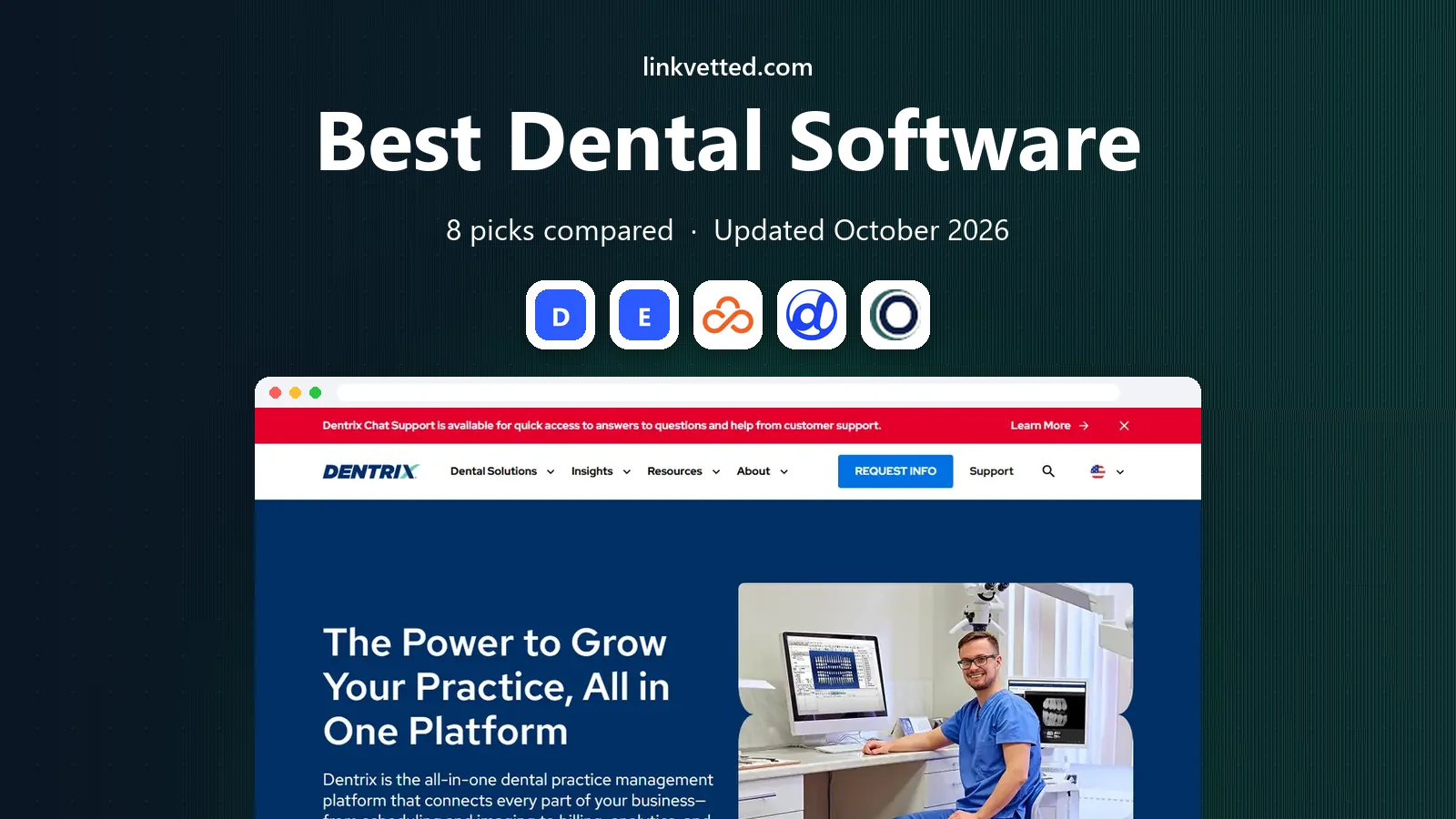
- Editor's choice
 Dentrix
Established practices wanting deep management
Starts atSee websiteVisit dentrix.comFull review - Great alternative
 Eaglesoft
Practices wanting Patterson linked tools
Starts atSee websiteVisit eaglesoft.netFull review - Also consider
 Curve Dental
Cloud first single and multi site practices
Starts atSee websiteVisit curvedental.comFull review
TL;DR:
- Dentrix and Eaglesoft suit established practices that want deep, desktop based practice management.
- Curve Dental, Dentally, and CareStack suit practices that want cloud access from any location.
- Open Dental suits budget conscious practices that want control and a lower licence cost.
- Test charting, imaging, and billing with your real procedures before you move patient records.
Quick comparison
| Tool | Best for | Starts at | Free plan? | |
|---|---|---|---|---|
| Dentrix | Established practices wanting deep management | See website | No | Visit |
| Eaglesoft | Practices wanting Patterson linked tools | See website | No | Visit |
| Curve Dental | Cloud first single and multi site practices | See website | No | Visit |
 Dentally | UK and cloud focused dental teams | See website | No | Visit |
 Open Dental | Budget practices wanting control | See website | No | Visit |
 CareStack | Growing groups wanting cloud management | See website | No | Visit |
 tab32 | Multi site groups wanting cloud imaging | See website | No | Visit |
 Planet DDS Denticon | Groups wanting a proven cloud platform | See website | No | Visit |
The best dental software
Dental software runs the front desk and the chairside workflow. The systems below differ in cloud versus desktop design, imaging links, billing depth, and how well they suit a single practice versus a multi site group.
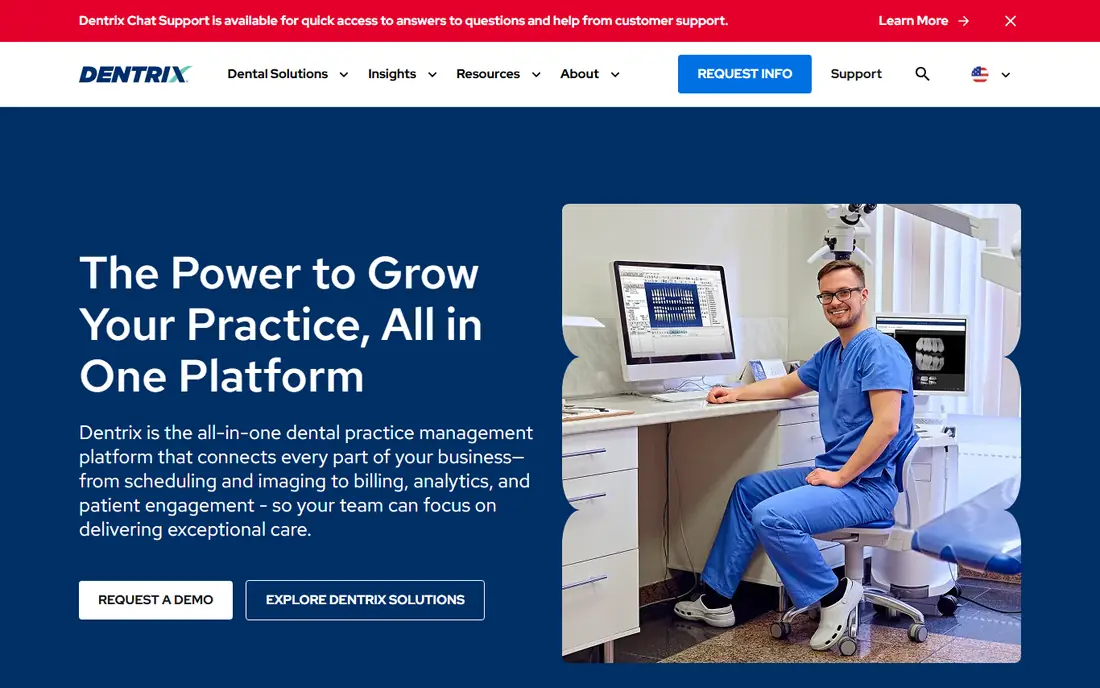
Dentrix is a long standing practice management system with deep scheduling, charting, and billing tools. Its large user base means training and support resources are easy to find. It leans desktop based, so cloud access needs a clear plan.
For established practices wanting deep management, the value shows in daily use. For dental software, the practical test is a full patient visit, from booking to charting to billing. If any step needs a workaround, that workaround will repeat dozens of times each week. Check the official feature page for the exact scope, because plans and limits change, and confirm that the version you buy covers the cases you use most.
The catch is worth stating plainly. desktop focus; pricing is by quote still matters, so weigh that limit against the strengths above. If that limit hits your main use case, pick another option from this list, even if this one looks cheaper at first glance.
- Deep practice management
- Wide training base
- Many integrations
- Desktop focus
- Pricing is by quote
Eaglesoft, from Patterson Dental, suits practices that want clinical and practice tools linked to Patterson services and imaging. Charting and treatment planning are central to the design. Desktop roots mean remote access needs planning.
We also weighed the trade offs in the field lines above. For dental software, the practical test is a full patient visit, from booking to charting to billing. A tool can look strong on a feature list and still slow a team down if setup, support, or billing adds friction. Ask for a trial or demo with your own data before you commit.
That weakness does not cancel the strengths, but it should shape your pilot. Test the exact case where desktop focus; upgrade path needs planning could hurt you, and ask support how it handles that case. A good answer, with a clear workaround, is a positive sign.
- Strong clinical tools
- Patterson ecosystem
- Imaging links
- Desktop focus
- Upgrade path needs planning
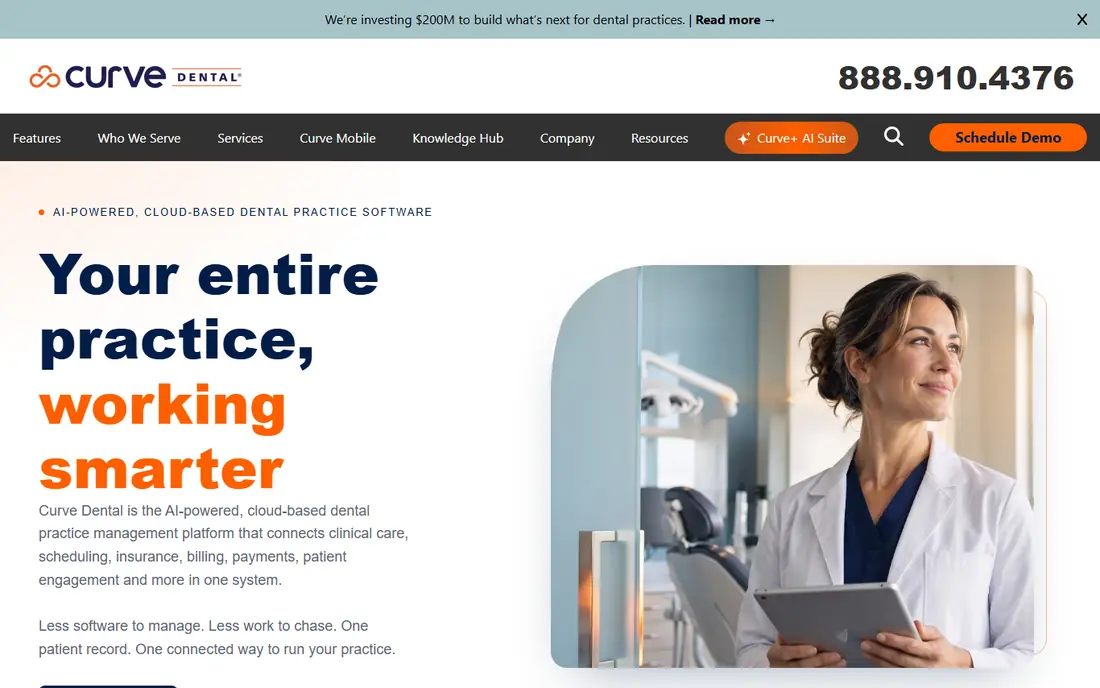
Curve Dental is a cloud system for practices that want access from any location and clean multi site management. Scheduling, charting, and billing sit in one browser based system. Confirm imaging and reporting depth for your specialty before signing.
In practice, cloud first single and multi site practices is where this option earns its place. For dental software, the practical test is a full patient visit, from booking to charting to billing. The best test is a small pilot with real users, real files, or real accounts, depending on the product. That pilot will reveal support quality faster than any sales deck.
Before you buy, price the full setup at your real scale. pricing is by quote; some advanced features vary can add cost or work over time, so compare total cost, not just the starting price. A short pilot with real volume will show whether that cost stays acceptable.
- Cloud access
- Multi location support
- Modern interface
- Pricing is by quote
- Some advanced features vary
Dentally is a cloud practice system with scheduling, charting, billing, and patient tools. It suits teams that want browser access and a modern patient portal. US practices should check payer, compliance, and support coverage for their region.
For buyers focused on uK and cloud focused dental teams, the details matter more than the headline. For dental software, the practical test is a full patient visit, from booking to charting to billing. Confirm limits, support hours, and renewal terms in writing. A clear contract now prevents a painful switch later, especially for teams with many users or locations.
We would still shortlist this option for uK and cloud focused dental teams, with one condition. Confirm how uS coverage is thinner; feature fit varies by region is handled in the current plan, because vendors change tiers often. Get that confirmation in writing if it affects a core workflow.
- Cloud design
- Patient portal
- Appointment tools
- US coverage is thinner
- Feature fit varies by region
Open Dental offers broad practice management at a lower licence cost, which suits budget conscious practices. Flexibility and control are strengths, and the feature set covers most daily needs. Support and setup need more hands on effort than a fully managed cloud system.
For budget practices wanting control, the value shows in daily use. For dental software, the practical test is a full patient visit, from booking to charting to billing. If any step needs a workaround, that workaround will repeat dozens of times each week. Check the official feature page for the exact scope, because plans and limits change, and confirm that the version you buy covers the cases you use most.
The catch is worth stating plainly. support is paid separately; setup needs technical care still matters, so weigh that limit against the strengths above. If that limit hits your main use case, pick another option from this list, even if this one looks cheaper at first glance.
- Lower licence cost
- Flexible setup
- Broad features
- Support is paid separately
- Setup needs technical care
CareStack is a cloud platform for growing dental groups, with practice management, billing, and analytics across locations. Central reporting helps owners compare sites. Onboarding for a group takes planning, so allow time for data migration and training.
We also weighed the trade offs in the field lines above. For dental software, the practical test is a full patient visit, from booking to charting to billing. A tool can look strong on a feature list and still slow a team down if setup, support, or billing adds friction. Ask for a trial or demo with your own data before you commit.
That weakness does not cancel the strengths, but it should shape your pilot. Test the exact case where pricing is by quote; onboarding takes time could hurt you, and ask support how it handles that case. A good answer, with a clear workaround, is a positive sign.
- Cloud multi location tools
- Billing depth
- Analytics
- Pricing is by quote
- Onboarding takes time
tab32 links cloud practice management with imaging and analytics for multi site groups. That combination helps groups standardise charting and imaging across sites. Smaller single practices should check whether the full platform fits their budget and workflow.
In practice, multi site groups wanting cloud imaging is where this option earns its place. For dental software, the practical test is a full patient visit, from booking to charting to billing. The best test is a small pilot with real users, real files, or real accounts, depending on the product. That pilot will reveal support quality faster than any sales deck.
Before you buy, price the full setup at your real scale. pricing is by quote; smaller practice fit varies can add cost or work over time, so compare total cost, not just the starting price. A short pilot with real volume will show whether that cost stays acceptable.
- Cloud imaging
- Multi location management
- Analytics
- Pricing is by quote
- Smaller practice fit varies
Planet DDS Denticon is a cloud practice system used by groups that need central management, imaging links, and group reporting. Its scale suits multi site operations. Data migration and staff training still need a careful plan for any switch.
For buyers focused on groups wanting a proven cloud platform, the details matter more than the headline. For dental software, the practical test is a full patient visit, from booking to charting to billing. Confirm limits, support hours, and renewal terms in writing. A clear contract now prevents a painful switch later, especially for teams with many users or locations.
We would still shortlist this option for groups wanting a proven cloud platform, with one condition. Confirm how pricing is by quote; migration needs planning is handled in the current plan, because vendors change tiers often. Get that confirmation in writing if it affects a core workflow.
- Cloud practice management
- Imaging links
- Group reporting
- Pricing is by quote
- Migration needs planning
How we picked these
We compared official product and pricing pages for dental practice systems covering scheduling, charting, billing, and imaging. We favoured systems that describe cloud or desktop design clearly, state imaging and billing support, and publish pricing or a clear quote process.
How to choose dental software
Start with daily workflow, not feature lists. Walk through booking, check-in, charting, treatment planning, billing, and recall, using your most common procedures. If charting or imaging slows the dentist down, the system will frustrate staff no matter how good the reports look.
Then check data, billing, and support. Confirm how patient records migrate, how insurance claims and patient billing work, and how fast support answers during clinic hours. Ask for the full cost, including imaging links, patient messaging, and multi location access, before you sign.
FAQ
Which dental software is best?
Dentrix is a strong general pick for established practices, while Curve Dental and Dentally suit cloud first teams. Open Dental is a strong budget pick for practices that want control and lower licence costs.
What is the best dental practice management software?
The best system depends on practice size and workflow. Single practices often do well with Dentrix or Eaglesoft, while multi site groups benefit from cloud systems such as CareStack, tab32, or Denticon.
Is cloud dental software safe for patient data?
Reputable cloud vendors use encryption, access controls, and backups, and they should explain compliance steps clearly. Ask for security documentation, backup terms, and data export options before you move records to any cloud system.
How much does dental software cost?
Pricing varies by model. Desktop systems often charge licence and support fees, while cloud systems often charge per user or per location per month. Add imaging, messaging, and billing services to get the true monthly cost.
Can dental software handle insurance billing?
Most full systems handle insurance claims, eligibility checks, and patient billing, but depth varies. Test your top payers, common procedure codes, and claim denial workflow before you switch, because billing errors cost time and revenue.